Vlog Music Generator
Generate background music in about 1 minute for travel vlogs, routines, talking videos, day-in-the-life edits, food clips, and creator content. Describe the energy you want and get 2 tracks that sit well under voice and pacing.
Sample Works









How to Use Vlog Music Generator
Describe the edit, compare two music directions, and keep the one that fits the cut.
Describe Your Vlog Theme
Tell Vlog Music Generator what you need: 'Upbeat travel vlog music' or 'Chill morning routine background.' Vlog Music Generator understands vlog styles — just describe your video's mood and energy.
Get 2 Vlog Tracks in 1 Minute
Vlog Music Generator creates 2 unique background tracks in about 1 minute. Perfectly balanced for vlogs — won't overpower your voice. Professional quality at 44.1kHz.
Download & Use Anywhere
Download in MP3 or WAV. Use in YouTube vlogs, Instagram reels, and TikTok videos within the applicable terms. Commercial use is available on eligible plans.
Workflow fit
Where Vlog Music Generator fits
Vlog Music Generator turns a focused idea into a guided MusicMake workflow, so you can start from a clear direction instead of a blank prompt. Generate background music in about 1 minute for travel vlogs, routines, talking videos, day-in-the-life edits, food clips, and creator content. Describe the energy you want and get 2 tracks that sit well under voice and pacing.
Best for
Creators with a song idea, lyric direction, mood, story, or use case they want to turn into music quickly.
You get
A fast music direction for videos, memes, motion cues, seasonal content, or social posts.
Use another tool when
Use the full generator when the project needs fine control over lyrics, sections, vocals, and brand-specific details.
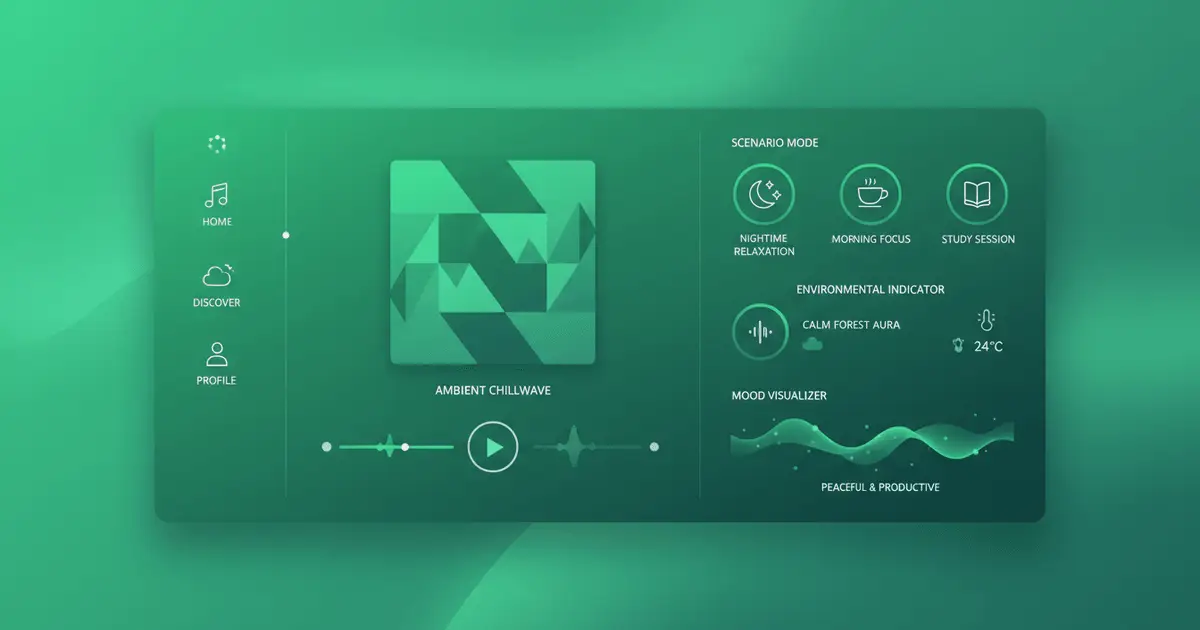
What isVlog Music Generator?
Vlog Music Generator helps creators make background music that actually fits the cut. Instead of pulling a generic upbeat track and forcing it into every edit, you can create music around the pace, tone, and feel of the video you are making.
How It Works:Built Around the Edit
Describe the type of vlog you are cutting, such as relaxed morning routine, bright travel montage, food diary, or city walk with voiceover. The generator turns that prompt into 2 tracks designed to support the video without overwhelming the spoken part.
Match the Musicto the Format
You can steer the result by energy, instruments, pacing, and creator style. That makes it useful for travel videos, lifestyle content, talking-head segments, product reviews, reels, and other edits where the music needs to help the story rather than fight it.
Ready for YouTube,Reels, and Creator Workflows
Tracks are generated at 44.1kHz and are suitable for YouTube videos, social clips, short-form edits, and other creator workflows. The output is polished enough to publish and balanced enough to sit under voice, narration, and cut-heavy edits.
Next steps
Keep moving from Vlog Music Generator into the next useful workflow without bouncing back to a generic tool list.
Vlog Music Generator FAQ
Common questions about creating background music for vlog and creator edits.
How does Vlog Music Generator work?
What vlog styles can Vlog Music Generator create music for?
How long does Vlog Music Generator take?
Can I use Vlog Music Generator music in my YouTube vlogs?
Is Vlog Music Generator free?
What quality does Vlog Music Generator produce?
What types of vlog videos work best with Vlog Music Generator?
Can I edit Vlog Music Generator tracks?
Still have questions?
Start Vlog Music Free
Start with free credits and generate background music for travel videos, routines, talking edits, and creator content.
