• Logo
    Music Make AI
  • Home
Tools
  • Generate
  • Extend
  • Cover
  • Add Track
  • Vocal Remover
  • Audio Converter
  • Qwen3 TTS
EmailDiscord
  • AI Lyrics Generator
  • AI Style Generator
  • Pricing

Professional AI Vocal Remover

Separate any song into clean vocal and instrumental tracks using advanced AI technology. Extract stems, create karaoke versions, or isolate instruments for remixing and production.

Royalty-free
Commercial use
MP3 / WAV export
Fast results
GenerateExtendAI CoverAdd TracksVocal Remover
AI Vocal Remover Settings

Only supports music generated by the platform (Suno)

AI Vocal Remover History
No AI Vocal Remover records yet

How to Use AI Vocal Remover

3 steps. Separate vocals and instruments with AI.

1

Upload Audio

Upload your audio file to start the separation process.

2

AI Processing

Our AI separates vocals and instrumentals automatically.

3

Download Results

Download your separated tracks in high quality.

Feature image

What is AI Vocal Remover?
AI Vocal Remover Technology

AI Vocal Remover

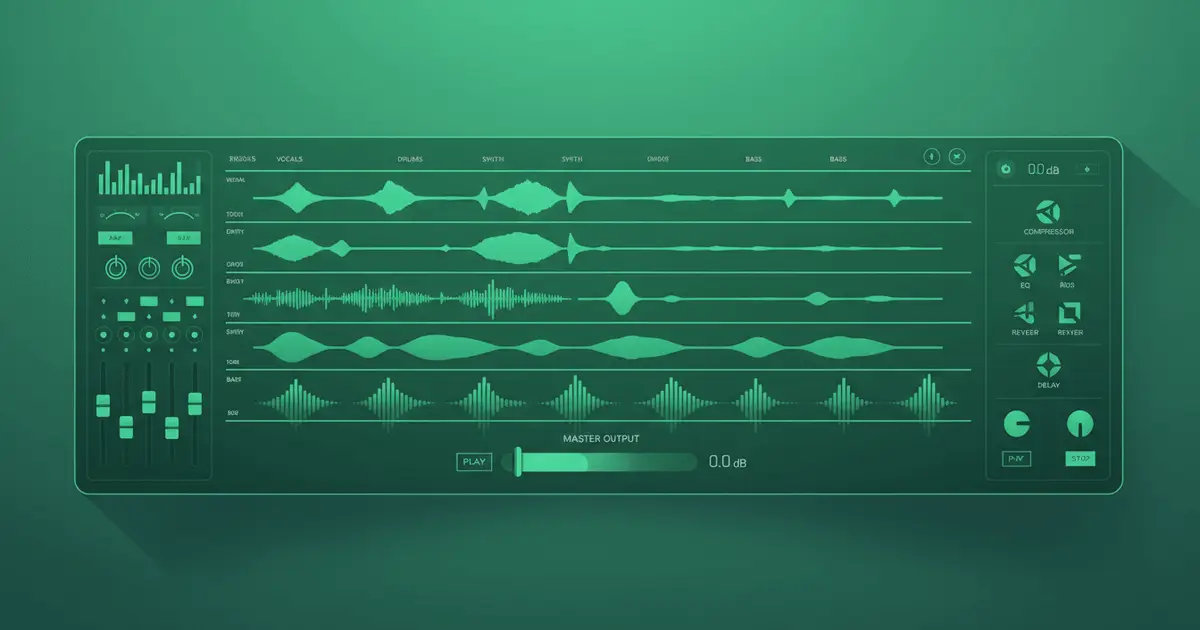
AI Vocal Remover is an advanced AI-powered audio separation tool that intelligently isolates vocals and instruments from any song. Our AI Vocal Remover technology analyzes audio waveforms and uses machine learning trained on millions of tracks to deliver professional-grade separation. AI Vocal Remover is perfect for creating karaoke tracks, remixing, sampling, or extracting individual elements for production work. Try our free AI Vocal Remover today.

Feature image

AI Vocal Remover
Remove Vocals from Any Song

AI Vocal Remover Free

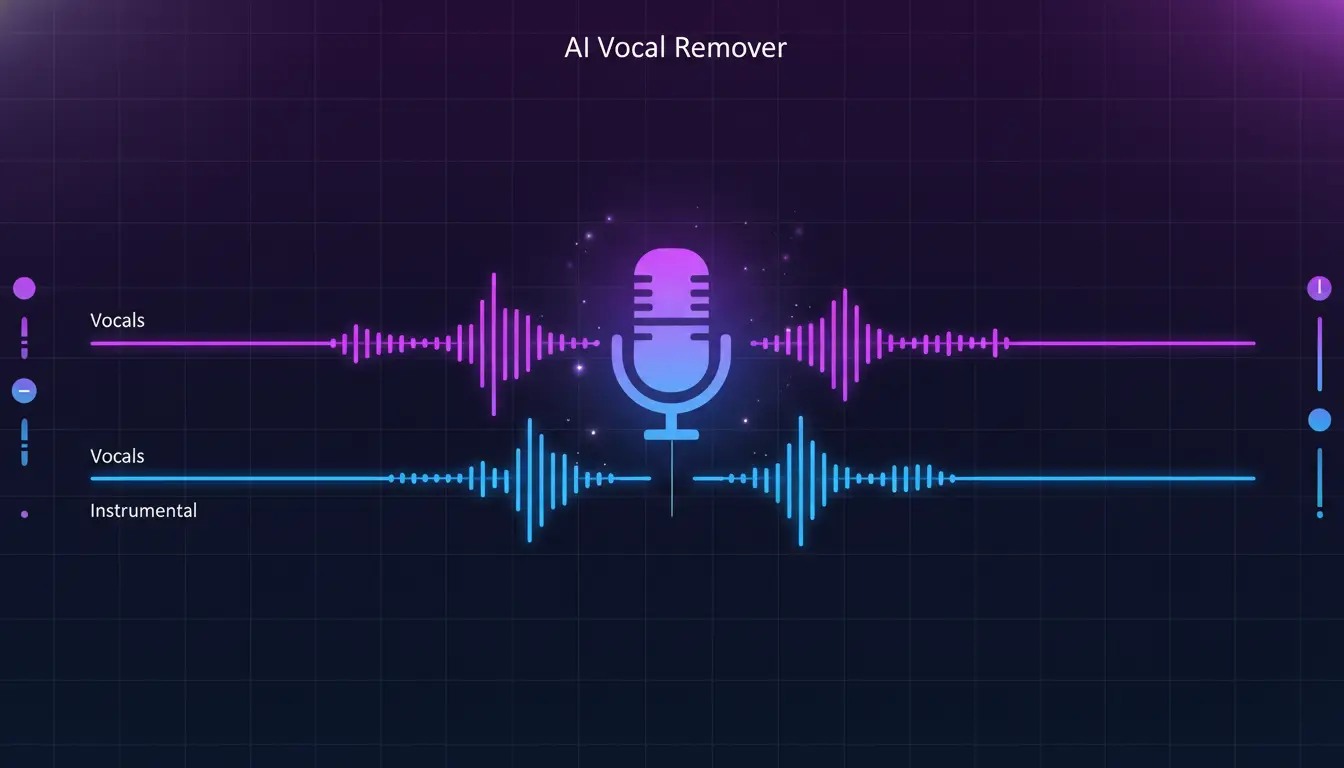
Our AI Vocal Remover separates any song into clean vocal and instrumental tracks with exceptional clarity. Use AI Vocal Remover to create professional karaoke versions, extract acapella performances for remixing, or isolate instrumentals for covers and practice sessions. AI Vocal Remover maintains the full frequency range and dynamic quality of both separated elements. AI Vocal Remover free online.

Try AI Vocal Remover Free
Feature image

AI Stem Splitter
Isolate Individual Instruments

AI Vocal Remover Pro

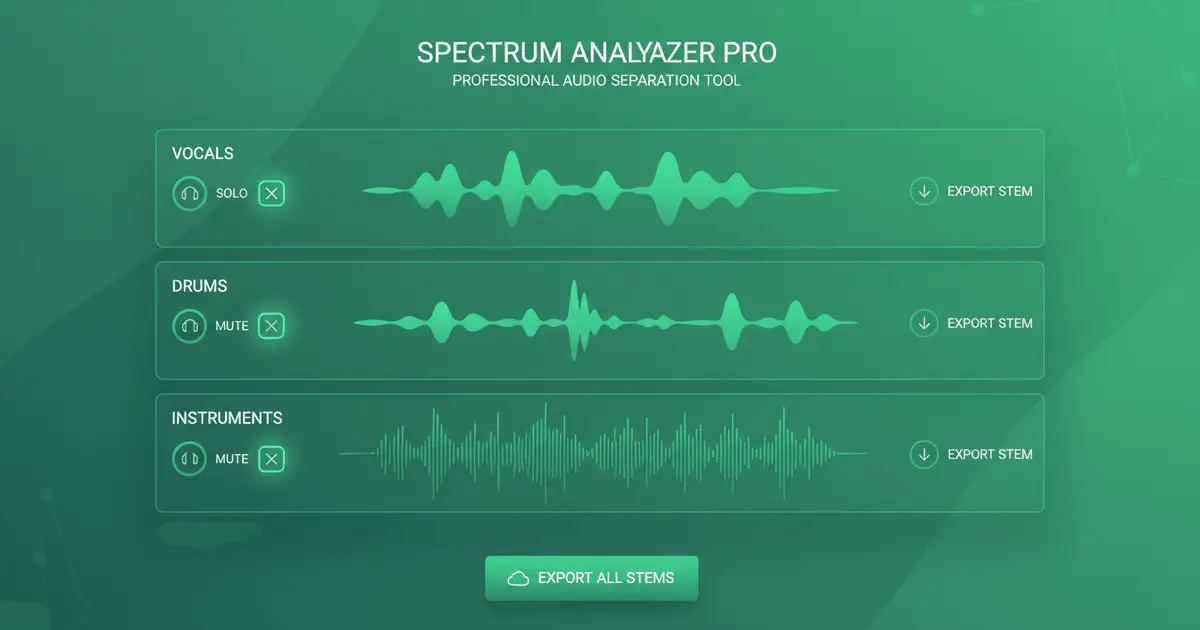
Go beyond simple vocal removal with AI Vocal Remover multi-track stem separation. AI Vocal Remover extracts individual instrument tracks including drums, bass, guitar, keyboards, strings, and more. AI Vocal Remover is perfect for music producers, DJs, and remix artists who need complete control over every element of a track. Each stem from AI Vocal Remover is delivered in pristine quality, ready for professional use.

Try AI Vocal Remover Stem Splitter
Feature image

AI Vocal Remover Quality
Studio-Grade Vocal Removal

AI Vocal Remover HD

AI Vocal Remover uses state-of-the-art machine learning models trained on diverse musical genres and recording styles. AI Vocal Remover understands complex audio relationships and preserves the natural sound characteristics of each element. AI Vocal Remover results maintain the original audio fidelity while delivering clean, artifact-free separated tracks suitable for professional production.

Start AI Vocal Remover
More Tools

Everything You Need to Create

Text to music is just the start. Explore our full AI music generator toolkit.

Turn text into music

Describe your idea, get a full song.

Turn lyrics into music

Paste lyrics, choose a style, done.

Create AI covers

Clone any voice onto any song.

Extend any track

Make songs longer with AI continuation.

Remove vocals

Isolate instrumentals or vocals instantly.

Clone your voice

Train a voice model, use it anywhere.

AI Vocal Remover FAQ

Everything you need to know about AI Vocal Remover and stem separation

1

How accurate is AI Vocal Remover?

AI Vocal Remover delivers exceptional accuracy - typically 90-95% for vocal removal and 85-92% for individual stem separation. AI Vocal Remover quality depends on the original mix complexity and recording quality. AI Vocal Remover works best with well-produced studio tracks, while live recordings or heavily compressed audio may have slightly lower AI Vocal Remover separation quality.
2

What's the difference between AI Vocal Remover modes?

AI Vocal Remover basic mode creates two tracks: isolated vocals and a clean instrumental backing. AI Vocal Remover full mode goes further by separating music into multiple individual instrument tracks such as drums, bass, guitar, keyboards, strings, and vocals. AI Vocal Remover full mode is ideal when you need complete control over individual elements for remixing or production.
3

What audio formats does AI Vocal Remover support?

AI Vocal Remover supports all major audio formats including MP3, WAV, FLAC, M4A, OGG, AAC, and AIFF. You can upload files at various quality levels (up to 320kbps MP3 or lossless formats) to AI Vocal Remover. AI Vocal Remover separated tracks can be exported in professional formats like WAV or high-quality MP3.
4

Can I use AI Vocal Remover output commercially?

Yes! You own the audio files separated by AI Vocal Remover and can use them commercially. However, ensure you have the necessary rights to the original song before commercial use. AI Vocal Remover separates audio technically but does not grant copyright permissions for the underlying musical composition or master recording.
5

How long does AI Vocal Remover take?

AI Vocal Remover processing time varies by separation type and song length. AI Vocal Remover basic mode typically completes in 1-3 minutes. AI Vocal Remover full stem splitting (isolating multiple instruments) takes 3-6 minutes for a standard 3-5 minute song. You can continue working while AI Vocal Remover processes in the background.
6

What quality can I expect from AI Vocal Remover?

AI Vocal Remover maintains high audio fidelity throughout separation. AI Vocal Remover output quality depends on the source recording quality and mix complexity. AI Vocal Remover works best with studio recordings that have clear instrument separation. Heavily compressed or lo-fi recordings may show some artifacts, but AI Vocal Remover results will still be highly usable.
7

Can AI Vocal Remover separate live recordings?

Yes, AI Vocal Remover works with live recordings, vintage tracks, and poorly mixed songs, though results vary. AI Vocal Remover separates well-recorded live performances quite well. AI Vocal Remover may have reduced separation quality with older recordings from the analog era or heavily compressed sources, but AI Vocal Remover adapts to extract the best possible results.
8

How many tracks can AI Vocal Remover create?

AI Vocal Remover advanced stem splitter can separate music into up to 12 different tracks depending on the complexity of the original mix: AI Vocal Remover extracts vocals, backing vocals, drums, bass, guitar, piano/keyboards, strings, brass, percussion, synths, effects, and other instruments. Not all tracks will be present in every song processed by AI Vocal Remover.

Still have questions?

Try AI Vocal Remover Free Today

Join thousands of musicians, producers, and creators using AI Vocal Remover to create professional separated tracks for remixing, sampling, and production. AI Vocal Remover is the best free online vocal remover and stem splitter.

Start AI Vocal Remover FreeView AI Vocal Remover Plans
Logo
Music Make AI

AI Music Generator · Royalty-free · Commercial license available

TwitterX (Twitter)DiscordEmail
Product
  • AI Music Generator
  • Pricing
  • FAQ
  • Commercial License
AI Tools
  • AI Music Generator
  • AI Song Generator
  • AI Music Maker
  • AI Song Maker
  • Text To Song
  • Lyrics To Song
  • AI Song Cover Generator
  • Extend Song
  • AI Vocal Remover
  • Voice Cloning
  • Qwen3 TTS
More Tools
  • AI Ringtone Generator
  • Calming Classroom Music Generator
  • Anxiety To Song Generator
  • Vlog Music Generator
  • Music to Sleep by Generator
  • Poems to Music Generator
  • Weather To Music Generator
  • Brainrot To Christmas Music Generator
  • Motion To Music Generator
  • Relaxing Music Generator
  • Box To Music Generator
  • Abracadabra Song Generator
  • Trot Music Generator
  • Quotes to Music Generator
Resources
  • Blog
  • Feedback
  • Changelog
Company
  • About
  • Contact
Legal
  • Privacy Policy
  • Terms of Service
  • Refund Policy
Friends
  • Seedance AI
  • Seedream AI
  • Kling AI
  • Song Unique
© 2026 Music Make AI All Rights Reserved. DREAMEGA INFORMATION TECHNOLOGY LLC
[email protected]
Music Make - Create Electronic Beats with Music Make AI | Product Hunt