0:41
Music AgentTell it what you want to create or change
AI Music Generator Create Songs in Minutes
Describe what you want. Get 2 tracks in about a minute. Use them on YouTube, TikTok, and Instagram with commercial-use options on eligible paid plans.
Try:
Music Agent demo
Explore
Find an idea you like
Listen to real songs from the community, then start your own version from a direction that already feels close.
3 Steps. That's It.
Music Make AI handles everything. No music degree. No expensive software.
1
Tell Us What You Want
No music theory. No jargon. Just describe it like you're texting a friend.
2
AI Does the Work
Grab a coffee. Come back to 2 finished tracks. Pick your favorite.
3
It's Yours
Download your track and use it according to your plan and license terms.
Finish Music for Real Projects
Start from the task in front of you, then shape the track until it fits.
🎬
Video Music
🎬CreationStart with the mood of your video, create a first track, then adjust the intro, length, or energy until it fits the edit. Commercial-use options are available with eligible plans.
Examples

Daydream Drift
MusicMake AI
2:21
funklo-fi
📢
Brand Jingles
📢MarketingTurn a campaign idea into several music directions, keep the one that works, and refine the hook, voice, or arrangement for the final cut.

Examples

Shine Time
MusicMake AI
2:24
popUpbeat commercial pop with glossy keys
🧘
Podcast & Wellness Intros
🧘WellnessCreate calm intros, loops, and background beds, then extend or soften the track so it matches the pace of your episode, app, or session.

Examples

Gentle Breath
MusicMake AI
3:08
Soft indie-acoustic bed with felted keys and a single close-mic guitar. Female vocalsbreathy and intimate
🎮
Game Music
🎮EntertainmentBuild a battle theme, menu loop, or exploration cue from a scene prompt, then make new versions or extract useful material for the rest of the project.

Examples

Center Stage, Wide Open
MusicMake AI
2:37
Bright pop-rock band with clean electric guitarssteady driving drums
What You Get
Make music you can publish, gift, share, refine, and keep using beyond the first generation.
Music Agent
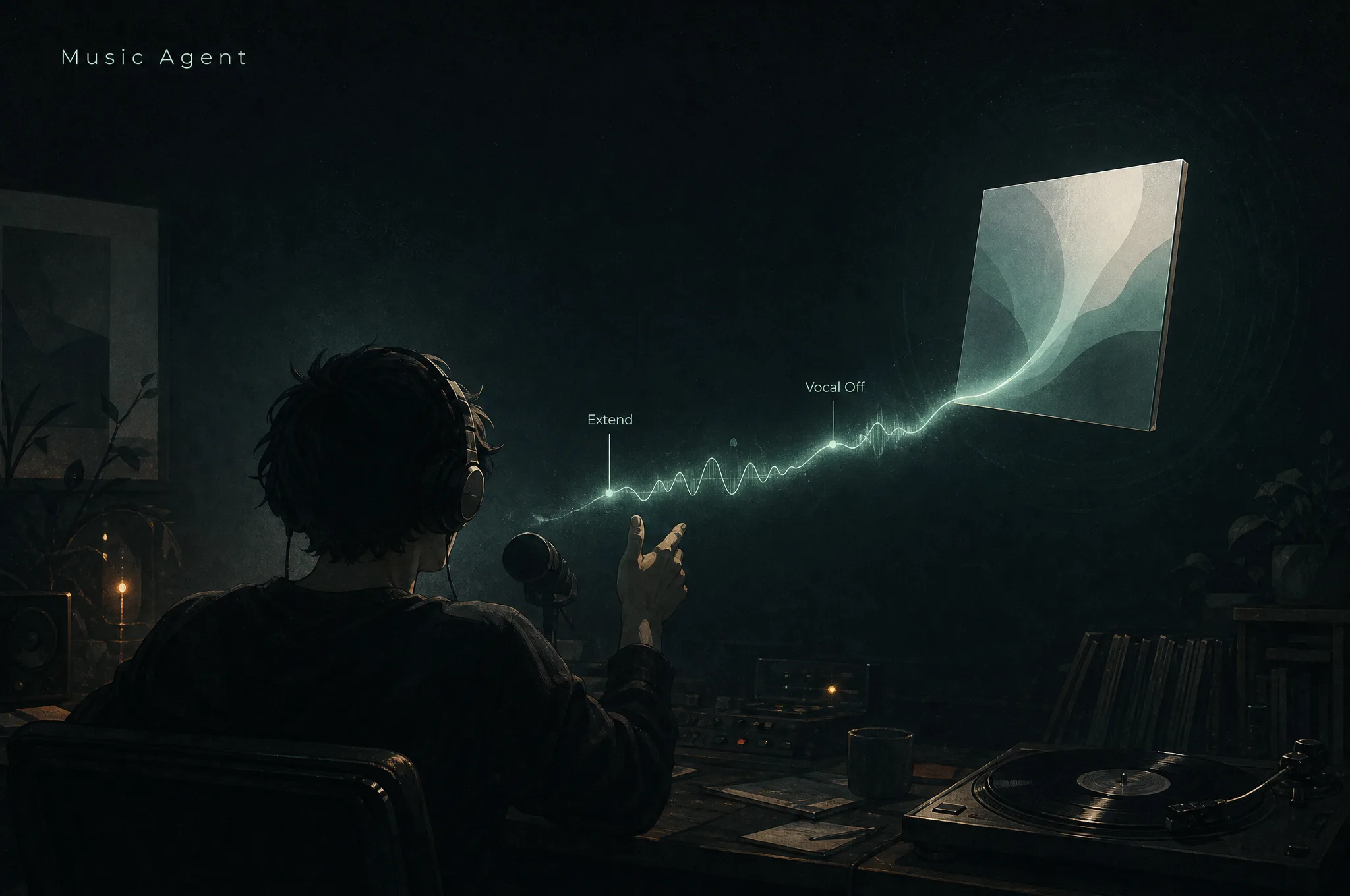
Say the result. AI Music Agent picks the tool.
Tell Music Agent what kind of song you want. It can choose generation, extension, cover, added tracks, or vocal separation before you pick a tool yourself.
Say the outcome
Start with the result you want.
Describe the target song. Music Agent turns that request into the right generation, edit, extension, cover, or audio task.
- No tool picking
- No prompt rebuilding
- No form hopping

Keep the context
Continue from the song in front of you.
Mention @My Music in the chat to reuse a saved track, upload audio, or keep shaping the latest result without describing the whole song again.
My Music
Upload audio
Current result
User stays in control
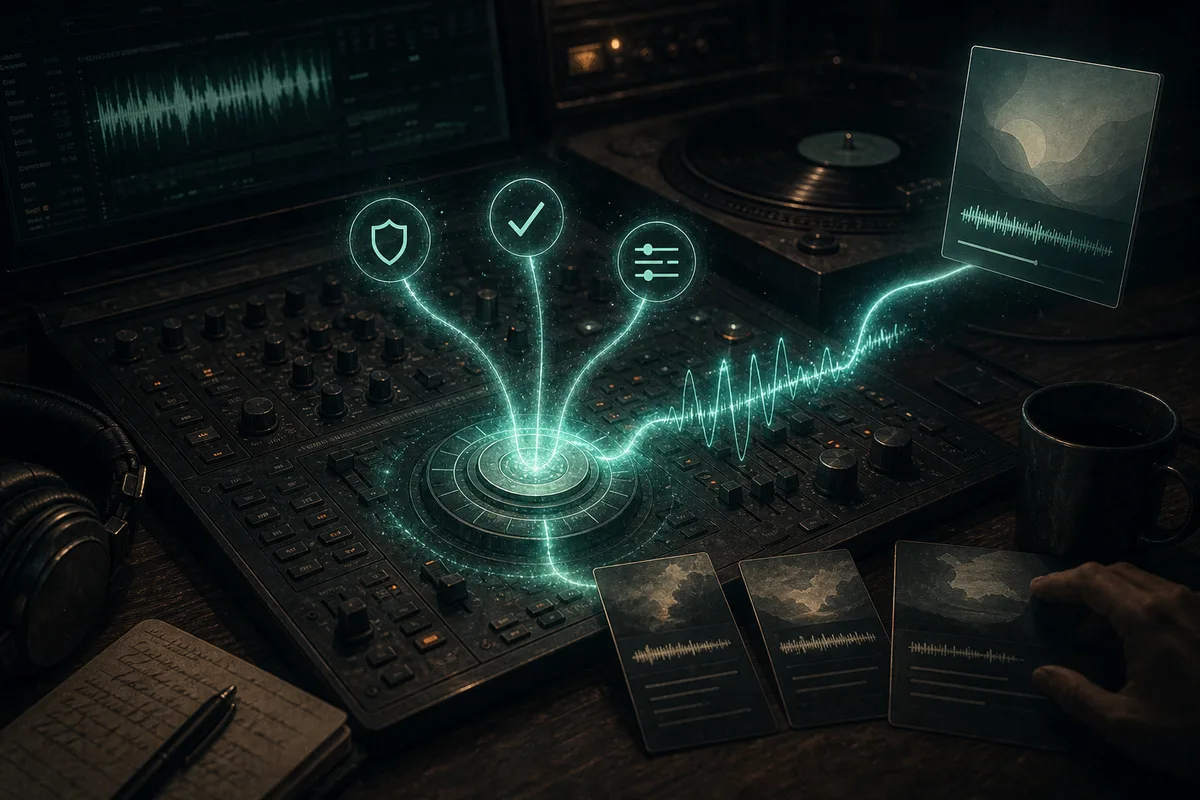
Auto-repair failures
If a task fails, it tries a fix first.
Copyright flag? Rewrite as an original style. Review block? Soften the wording. Missing params? Fill them and retry.
- Copyright flag -> original prompt
- Review block -> safer wording
- Bad params -> fixed retry
Fine-control tools
Need more control? The AI music tools are here.
When you already know what to change, jump straight into the right tool: song generation, cover, extension, section replacement, audio extraction, or song management.
01
Create
Create the first version
Start from an idea, lyrics, a scene, or a style.
02
Transform
Make a new version
Turn a song into a cover, a vocal version, or a fresh mix.
03
Fix
Fix or extend a song
Keep the good parts, fix one section, or continue the track.
04
Extract
Extract useful material
Separate vocals, prepare stems, convert files, or turn audio into MIDI.
Start Free. Upgrade When You're Ready.
Start free with Music Make AI. No card. Upgrade when you want more.
41% OFF
Basic
$9.99/mo
$119.88/year
Complete toolkit for everyday creators
- 900 credits/month (75 standard generations / ~150 tracks)
- Text & Lyrics to Music
- AI Lyrics Generator
- Lyrics auto-scroll playback
- Latest model access
- Extend generated songs
- Replace Section for your generated songs
- AI Mashup Generator
- Vocal Remover
- Basic Stem Splitter
- Ringtone, sound effect, and audio tools
- Public & private generations + sharing
- Shared generation queue
- Permanent history storage
- Download MP3
- Commercial-use rights
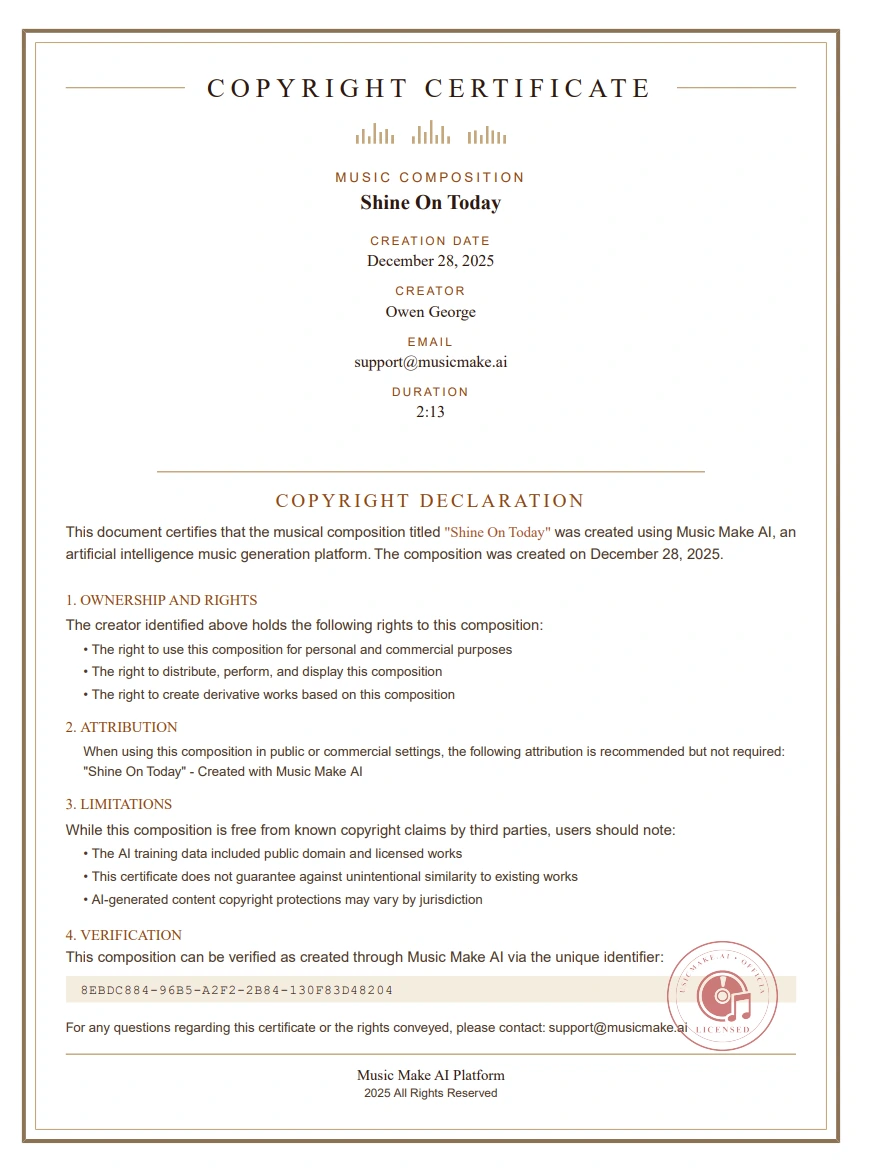
- Generation certificate
- WAV and lossless export
- Concurrent generations
- Priority email support
- AI Cover Song
- Add Music Tracks
- Agent Pro workflow
- Custom Voice / Voice Clone
- Audio upload
- Upload Music to Extend
Popular
50% OFF
Pro
$19.99/mo
$239.94/year
Advanced workflow for creators using their own audio
Custom Volume
$14.99$34.99
1,900
Credits
316
Tracks
- 1900 credits/month (158 standard generations / ~316 tracks)
- Latest model access
- Text & Lyrics to Music
- AI Lyrics Generator
- Lyrics auto-scroll playback
- Extend generated songs
- AI Cover Song
- Upload Music to Extend
- Add Music Tracks
- Agent Pro music workflow
- Custom Voice / Voice Clone
- Advanced Replace Section workflow
- AI Mashup Generator
- Pro audio upload workflow
- Vocal Remover
- Advanced stem tools and exports
- Advanced image models and batch creation
- Public & private generations + sharing
- Shared generation queue
- Permanent history storage
- Download MP3 & WAV
- Commercial License
- Generation certificate
- Priority email support
- More creation capacity
Best Value
53% OFF
Max
$69.99/mo
$839.88/year
For high-volume creators and teams
- Massive monthly credit pool for high-volume creation
- Latest model access
- Text & Lyrics to Music
- AI Lyrics Generator
- Lyrics auto-scroll playback
- Extend generated songs
- AI Cover Song
- Upload Music to Extend
- Add Music Tracks
- Agent Pro music workflow
- Custom Voice / Voice Clone
- Advanced Replace Section workflow
- AI Mashup Generator
- Highest audio upload allowance
- Vocal Remover
- Advanced stem tools and exports
- Advanced image models and batch creation
- Public & private generations + sharing
- Permanent history storage
- Download MP3 & WAV
- Expanded Commercial-use License
- VIP account support
- Highest available processing tier
- Most concurrent workflow capacity
- Fastest available creation workflow
- Lossless WAV delivery
- Early Access to New Models
- Commercial-use license record
Have feedback on our plans? Submit feedback or email us at support@musicmake.ai
Frequently Asked Questions
Quick answers to help you decide
1
Can I use the music commercially?
Eligible paid plans include commercial-use rights for generated tracks. You can use them for YouTube, client work, ads, games, and podcasts according to your plan and MusicMake.ai's license terms.
2
What usage rights do I get?
Your plan defines the usage rights, export options, and license documentation available for generated tracks. Copyright treatment for AI-generated music may vary by jurisdiction and by the material you provide.
3
How long does generation take?
About 1 minute. You get 2 tracks each time — pick your favorite.
4
What audio formats can I download?
MP3 and WAV. High quality, ready to use.
5
Is there a free trial?
Yes. New users get free trial credits. No card needed. Try it now, decide later.
6
What's the difference between Free and Pro?
Pro gives you more credits, longer tracks, advanced tools, priority queue access, and commercial-use options. Free gives you trial credits to test. Visit our pricing page to compare.
7
Can I cancel anytime?
Yes. One click from your dashboard. No questions asked.
8
Will I get the same result twice?
Each generation can produce a different result, even from the same prompt. If a version is close, you can keep shaping it with edits, covers, extensions, and other tools.
9
What genres are supported?
Pop, rock, electronic, hip-hop, jazz, classical, ambient, cinematic, lo-fi — and more. You can blend genres or describe custom styles.
10
How do credits work?
12 credits = 1 standard generation = 2 tracks. Basic includes 900 credits/month (75 generations / about 150 tracks). Pro includes a larger monthly quota that depends on the selected tier. Credits refresh monthly.
11
Does MusicMake.ai have an app? Can I use it like an app?
We do not have a standalone app yet, but you can add MusicMake.ai to your home screen for an app-like experience. On iPhone or iPad, open the website in Safari, tap Share, then choose "Add to Home Screen". On Android in Chrome, open the menu and choose "Add to Home screen" or "Install app". On desktop in Chrome or Edge, use the install icon in the address bar when it appears.
Still have questions?
Start Creating
Free to Start. No Card Needed.
Sign up, get trial credits, make your first songs with Music Make AI. Like it? Keep creating. Don't? Zero cost.
