• Logo
    Music Make AI
  • Home
Tools
  • Generate
  • Extend
  • Cover
  • Add Track
  • Vocal Remover
  • Audio Converter
  • Qwen3 TTS
EmailDiscord
  • AI Lyrics Generator
  • AI Style Generator
  • Pricing

Professional Audio Converter

Convert audio files between MP3, WAV, FLAC, M4A, and more with our professional audio converter. Batch convert multiple files, control quality settings, and ensure perfect compatibility across all platforms and devices.

Royalty-free
Commercial use
MP3 / WAV export
Fast results

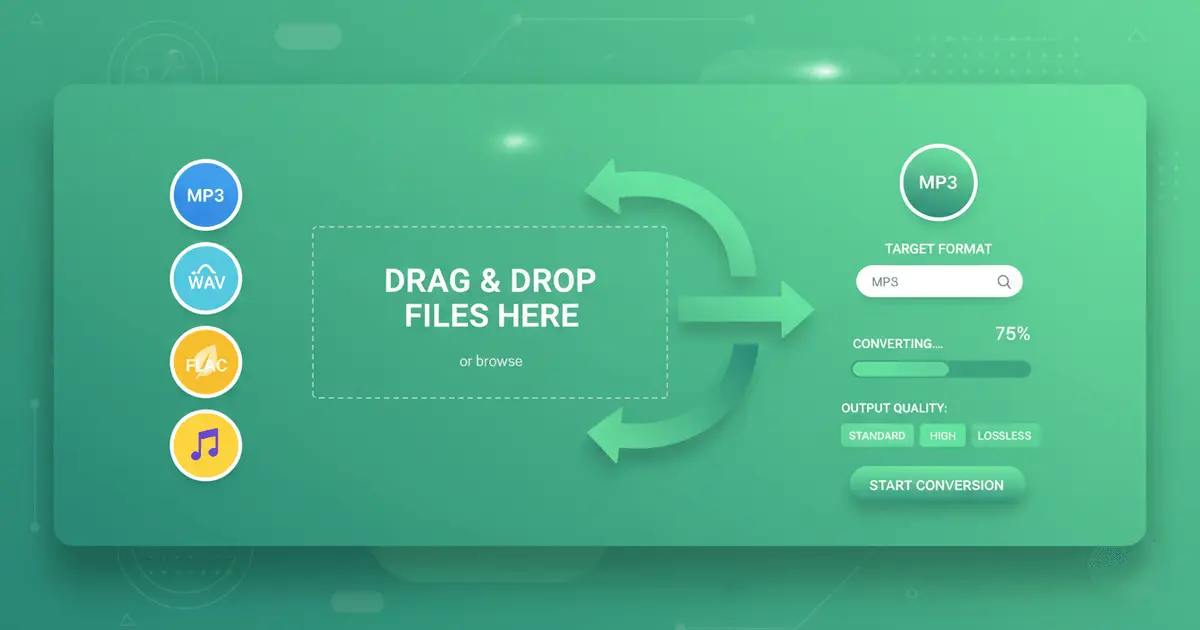
Upload Audio Files to Audio Converter

Audio Converter supports MP3, WAV, OGG, AAC, FLAC, M4A formats, max 100MB per file

How to Use Audio Converter

3 steps. 30 seconds. Professional quality conversion.

1

Upload Audio Files

Upload up to 10 audio files (MP3, WAV, FLAC, M4A, OGG, AAC). Each file up to 100MB. Audio Converter supports batch processing — convert multiple files at once.

2

Choose Output Format

Select target format (MP3, WAV, FLAC, M4A, OGG, AAC). Adjust quality settings: bitrate (64-320 kbps), sample rate (22-96 kHz), mono/stereo. Audio Converter converts in 30 seconds.

3

Download Converted Files

Download individual files or all as ZIP. Audio Converter maintains original quality. All converted files are royalty-free with commercial rights.

Feature image

Why Audio Converter Matters
Universal Audio Converter Compatibility

Audio Converter

Different platforms, devices, and applications require specific audio formats. Audio Converter transforms your audio files seamlessly between formats to ensure compatibility with any system - from professional DAWs to mobile devices, streaming platforms to gaming engines. Audio Converter maintains audio integrity while adapting to your technical requirements, eliminating compatibility headaches and workflow bottlenecks. Audio Converter is the best free online audio converter.

Feature image

Audio Converter Universal Format Support
Audio Converter Supports All Major Formats

Audio Converter Pro

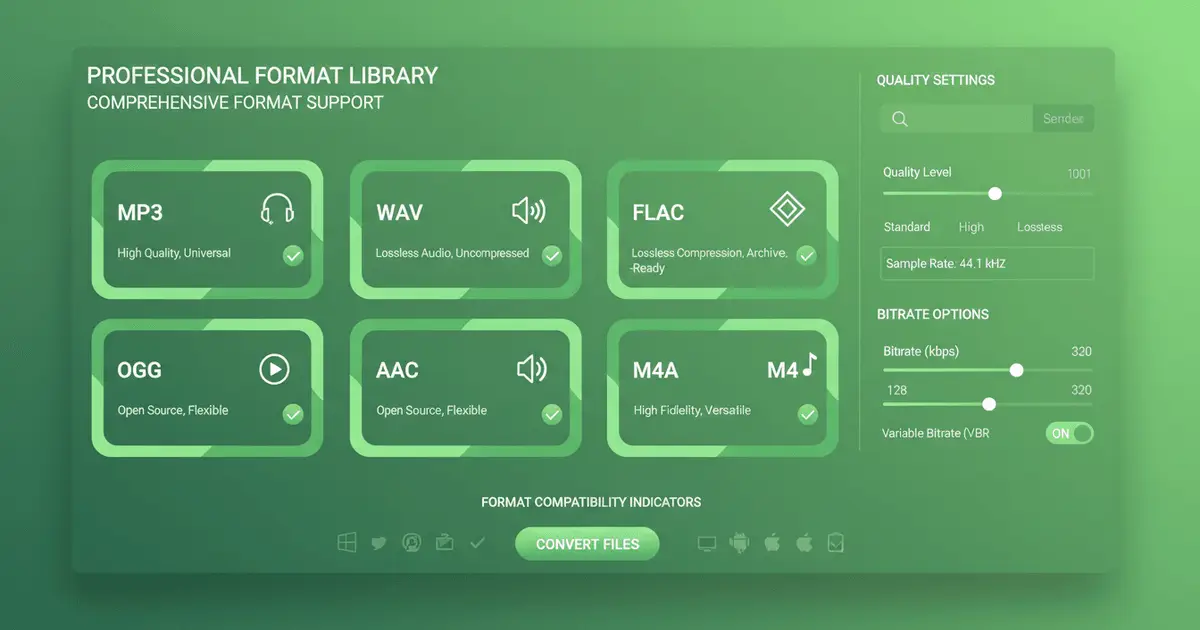
Audio Converter transforms audio between MP3, WAV, FLAC, M4A, OGG, AAC, AIFF, and more. Audio Converter understands each format: MP3 for portable devices and streaming, WAV for professional editing, FLAC for lossless archiving, M4A for Apple ecosystems. Audio Converter performs optimal conversions that preserve audio characteristics while meeting format-specific requirements. Audio Converter is the best choice for format conversion.

Try Audio Converter Now
Feature image

Audio Converter Precision Quality Control
Audio Converter Optimizes for Your Needs

Audio Converter HD

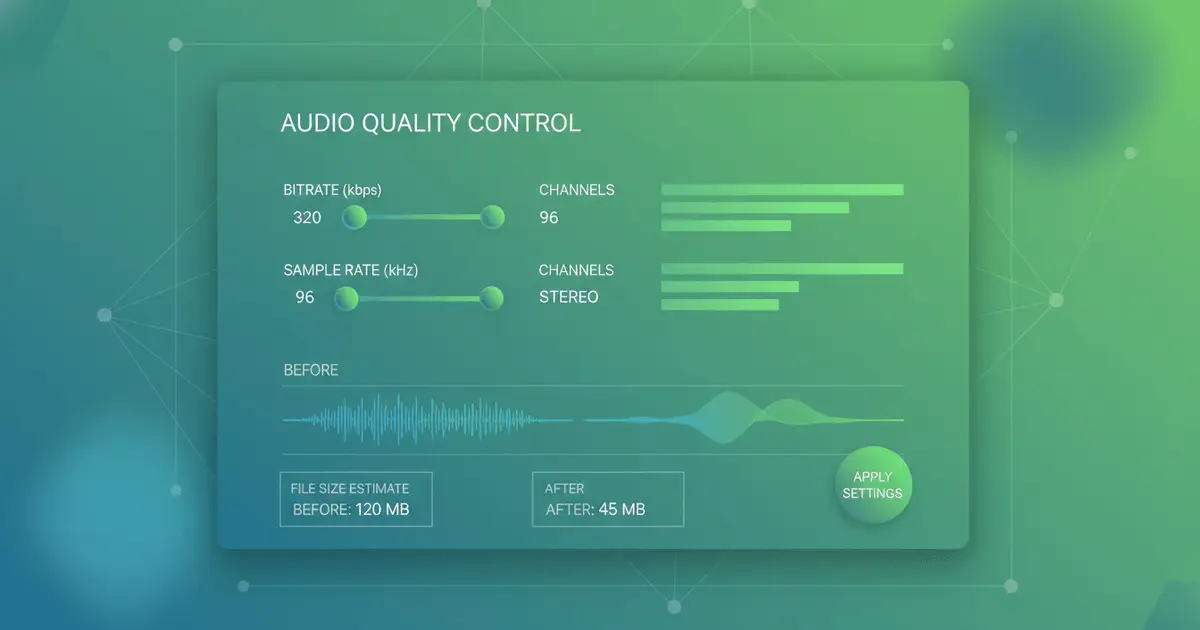
Audio Converter provides granular control over bitrate (64-320 kbps), sample rate (22.05-96 kHz), and encoding settings. Audio Converter balances file size against audio fidelity based on your specific needs. Audio Converter offers high bitrates (256-320 kbps) for critical listening, medium rates (128-192 kbps) for general use, or compressed settings (64-96 kbps) for podcasts and voice content. Audio Converter adapts to your requirements.

Explore Audio Converter Quality Options
Feature image

Audio Converter Batch Processing
Audio Converter Converts Multiple Files

Audio Converter Batch

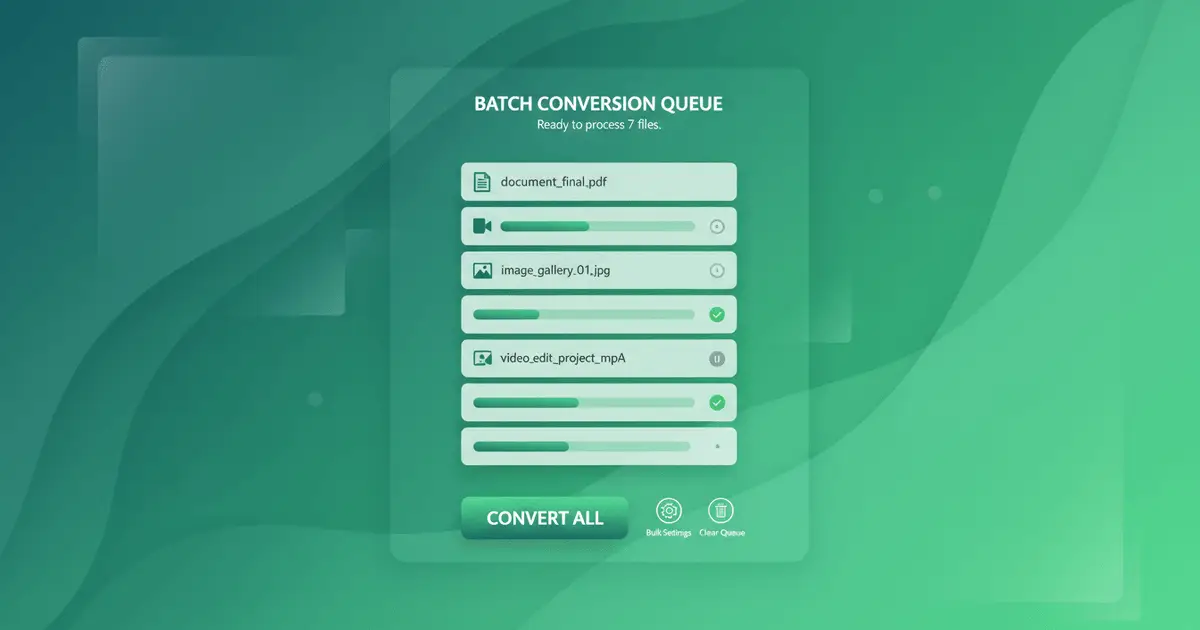
Audio Converter uploads and converts multiple audio files in one operation, saving hours on repetitive conversions. Audio Converter batch processor applies consistent settings across all files while handling each conversion intelligently. Audio Converter is perfect for music libraries, podcast episodes, sound effect collections, or any scenario requiring format standardization. Audio Converter processes dozens of files with the same effort as converting one.

Try Audio Converter Batch Conversion
More Tools

Everything You Need to Create

Text to music is just the start. Explore our full AI music generator toolkit.

Turn text into music

Describe your idea, get a full song.

Turn lyrics into music

Paste lyrics, choose a style, done.

Create AI covers

Clone any voice onto any song.

Extend any track

Make songs longer with AI continuation.

Remove vocals

Isolate instrumentals or vocals instantly.

Clone your voice

Train a voice model, use it anywhere.

Audio Converter FAQ

Everything you need to know about Audio Converter

1

What audio formats does Audio Converter support?

Audio Converter supports all major audio formats including MP3 (MPEG-1/2 Layer 3), WAV (Waveform Audio), FLAC (Free Lossless Audio Codec), M4A (MPEG-4 Audio), OGG (Ogg Vorbis), AAC (Advanced Audio Coding), AIFF (Audio Interchange File Format), WMA (Windows Media Audio), and more. Audio Converter supports both input and output in these formats, allowing any-to-any conversion with Audio Converter.
2

Will Audio Converter reduce audio quality?

Audio Converter quality depends on the conversion type. Audio Converter lossless-to-lossless (WAV to FLAC) preserves 100% quality. Audio Converter lossless-to-lossy (WAV to MP3) reduces quality based on chosen bitrate - Audio Converter 320 kbps MP3 is nearly indistinguishable from the original, while Audio Converter 128 kbps shows noticeable compression. Audio Converter recommends keeping source files in lossless formats when possible.
3

How fast is Audio Converter?

Audio Converter speed depends on file size, format complexity, and output settings. Audio Converter typically completes conversions in 10-30 seconds for standard 3-5 minute songs. Audio Converter simple conversions (like WAV to MP3) are faster than complex encoding (like to FLAC). Audio Converter batch conversions process files simultaneously, making multiple conversions nearly as fast as single ones. Audio Converter shows real-time progress indicators.
4

Is there an Audio Converter file size limit?

Audio Converter individual files can be up to 200MB (approximately 1-2 hours of high-quality audio). For most music tracks, podcasts, and audio content, Audio Converter limits are more than sufficient. If you have larger files, Audio Converter recommends splitting them into individual tracks or sections before conversion for optimal Audio Converter processing.
5

How does Audio Converter batch conversion work?

Upload multiple files to Audio Converter simultaneously, choose your desired Audio Converter output format and quality settings, and click convert. Audio Converter processes all files in parallel using the same settings. Audio Converter lets you download files individually as they complete or wait for all Audio Converter conversions to finish and download as a ZIP archive. Audio Converter maintains original filenames with the new format extension.
6

Can I adjust Audio Converter technical parameters?

Yes! Audio Converter advanced settings allow precise control over bitrate (64-320 kbps for MP3/AAC, up to 1411 kbps for lossless), sample rate (22.05, 44.1, 48, 88.2, 96 kHz), channels (mono/stereo), and codec-specific options. Audio Converter also provides preset profiles (High Quality, Standard, Compressed) for users who prefer simplified Audio Converter options.
7

Can I use Audio Converter output commercially?

Yes, you own the Audio Converter converted audio files and can use them commercially. However, Audio Converter conversion does not grant copyright to the underlying content. If you use Audio Converter on copyrighted music, you still need appropriate licenses. Audio Converter only handles technical format conversion - content rights remain with their original owners.
8

Are my Audio Converter files secure?

Absolutely. Audio Converter files are transmitted via encrypted connections (HTTPS/TLS), processed in isolated environments, and automatically deleted after Audio Converter conversion. Audio Converter never stores, accesses, or shares your audio content. Audio Converter can also process files locally in your browser for certain conversions, ensuring your audio never leaves your device.

Still have questions?

Try Audio Converter Free Today

Join thousands of creators, podcasters, and musicians who trust Audio Converter for fast, reliable format conversion. Audio Converter provides perfect compatibility, preserved quality, and lightning-fast processing - all in one tool. Audio Converter is the best free online audio converter.

Start Audio Converter FreeView Audio Converter Plans
Logo
Music Make AI

AI Music Generator · Royalty-free · Commercial license available

TwitterX (Twitter)DiscordEmail
Product
  • AI Music Generator
  • Pricing
  • FAQ
  • Commercial License
AI Tools
  • AI Music Generator
  • AI Song Generator
  • AI Music Maker
  • AI Song Maker
  • Text To Song
  • Lyrics To Song
  • AI Song Cover Generator
  • Extend Song
  • AI Vocal Remover
  • Voice Cloning
  • Qwen3 TTS
More Tools
  • AI Ringtone Generator
  • Calming Classroom Music Generator
  • Anxiety To Song Generator
  • Vlog Music Generator
  • Music to Sleep by Generator
  • Poems to Music Generator
  • Weather To Music Generator
  • Brainrot To Christmas Music Generator
  • Motion To Music Generator
  • Relaxing Music Generator
  • Box To Music Generator
  • Abracadabra Song Generator
  • Trot Music Generator
  • Quotes to Music Generator
Resources
  • Blog
  • Feedback
  • Changelog
Company
  • About
  • Contact
Legal
  • Privacy Policy
  • Terms of Service
  • Refund Policy
Friends
  • Seedance AI
  • Seedream AI
  • Kling AI
  • Song Unique
© 2026 Music Make AI All Rights Reserved. DREAMEGA INFORMATION TECHNOLOGY LLC
[email protected]
Music Make - Create Electronic Beats with Music Make AI | Product Hunt