

• AI Lyrics Generator
  • AI Style Generator
  • Pricing
  • Partner
ExploreCreateAgentToolsMe
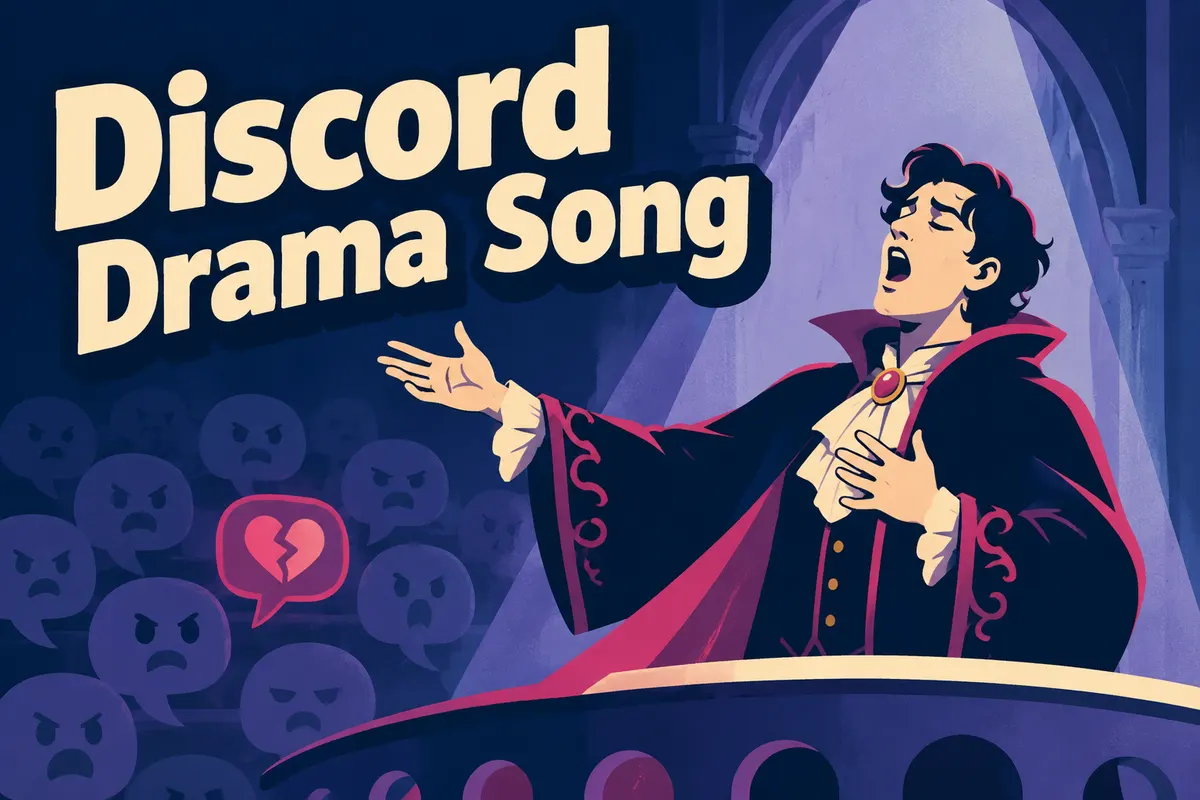
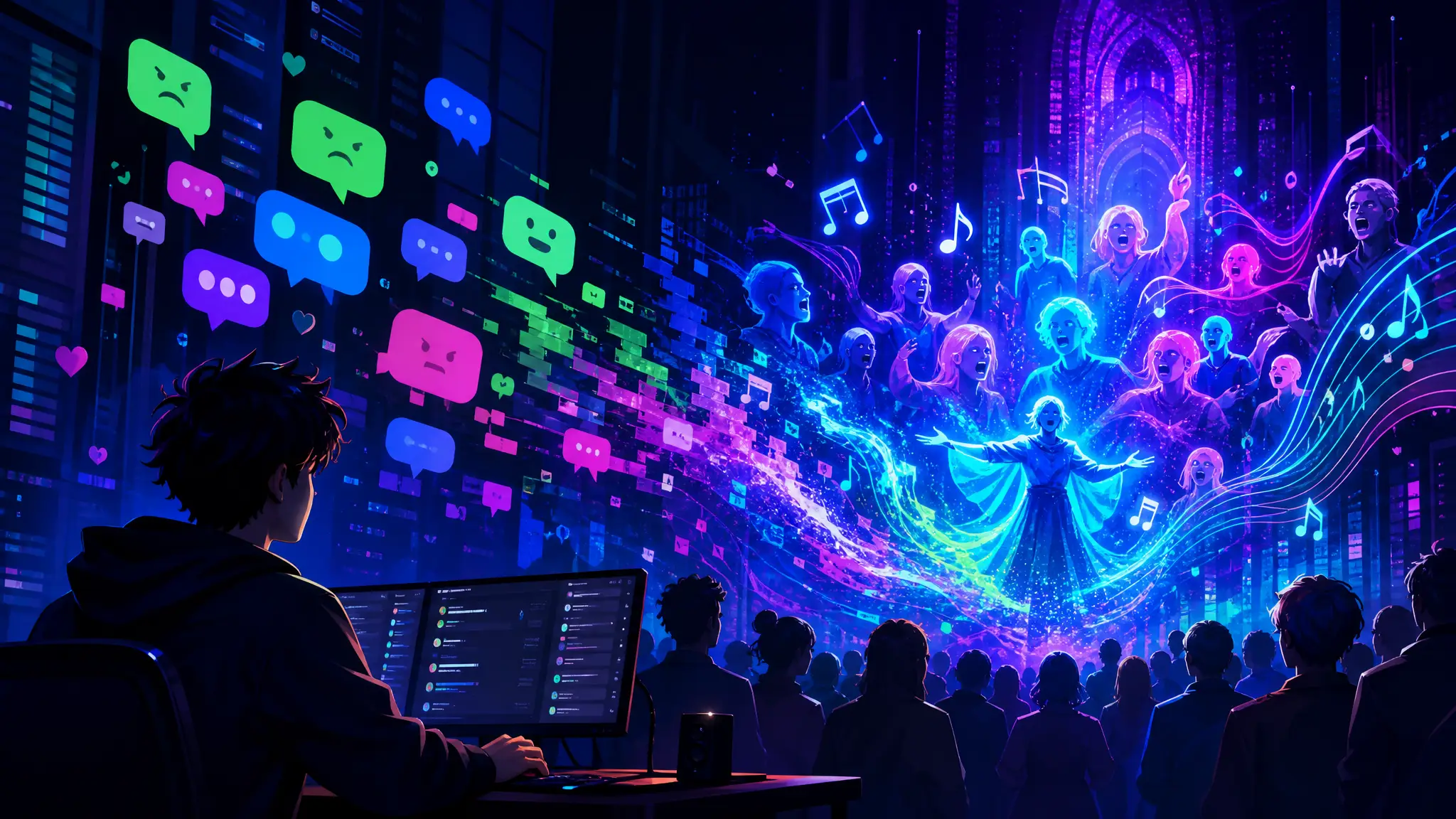
Atmospheric poster for the Turn Discord Drama into a Song templateAtmospheric poster for the Turn Discord Drama into a Song template
Texts to Song
ChatLyricsStyleShorts
Texts to Song

Turn Discord Drama into a Song

Paste a text thread, choose a mood, and turn the conversation into a song for TikTok, Shorts, or a private share.

play zone

Turn messages into music

Chat to song

step one

Paste the Discord drama

required

step two

Server drama scale

Use display names in the lyrics

Sample Works

Done In A Click

Done In A Click

0:41
Rise To What's Next

Rise To What's Next

2:48
Faster By Design

Faster By Design

2:54
Chasing Horizons

Chasing Horizons

3:37
Open Doors, On Air

Open Doors, On Air

2:34
Welcome Back, You’re In

Welcome Back, You’re In

2:50
Rise To The Reveal

Rise To The Reveal

3:11
Forest of Turning Pages

Forest of Turning Pages

3:09
Starbound Heart

Starbound Heart

3:15
Starlight Run

Starlight Run

3:16
Supernova on the Floor

Supernova on the Floor

2:33
Zero-Gravity Heart

Zero-Gravity Heart

3:24

See how server drama gets sung

Turn Discord confusion, receipts, and iconic lines into a dramatic electronic moment.

Server drama preview

Input

Server argument

Nova

Who deleted the meme channel?

Kai

Not me. I just logged in.

Mod-A

Logs say someone changed permissions.

Output

Digital drama

Who deleted the channel

Logs glowing like a trial

Permissions turned at midnight

The memes are in exile

Keeps server momentsStyle: electronic or dark popMade for community recaps

chat to song

Make server chaos sound like digital opera

Turn channel fights, permission confusion, and announcement chaos into an electronic drama song.

DiscordPermissionsDigital operaDrama
Feature artwork for Turn Discord Drama into a Song 1
Text-to-song brief

Turn Discord Drama into a Song -turn real words into the hook

Start with the messages, comments, or chat lines that already carry the emotion. Paste the message, comment, caption, or chat context first so the song grows from the original words instead of a vague prompt.

Start creating
Feature artwork for Turn Discord Drama into a Song 2
Message inputs

Keep the original material -then shape the emotion

Pick the feeling or style, then add details only when they make the song stronger. Add who said it, what happened, what should stay quoted, and whether the result should feel funny, sincere, dramatic, or savage.

Paste the text material

Related templates

View category

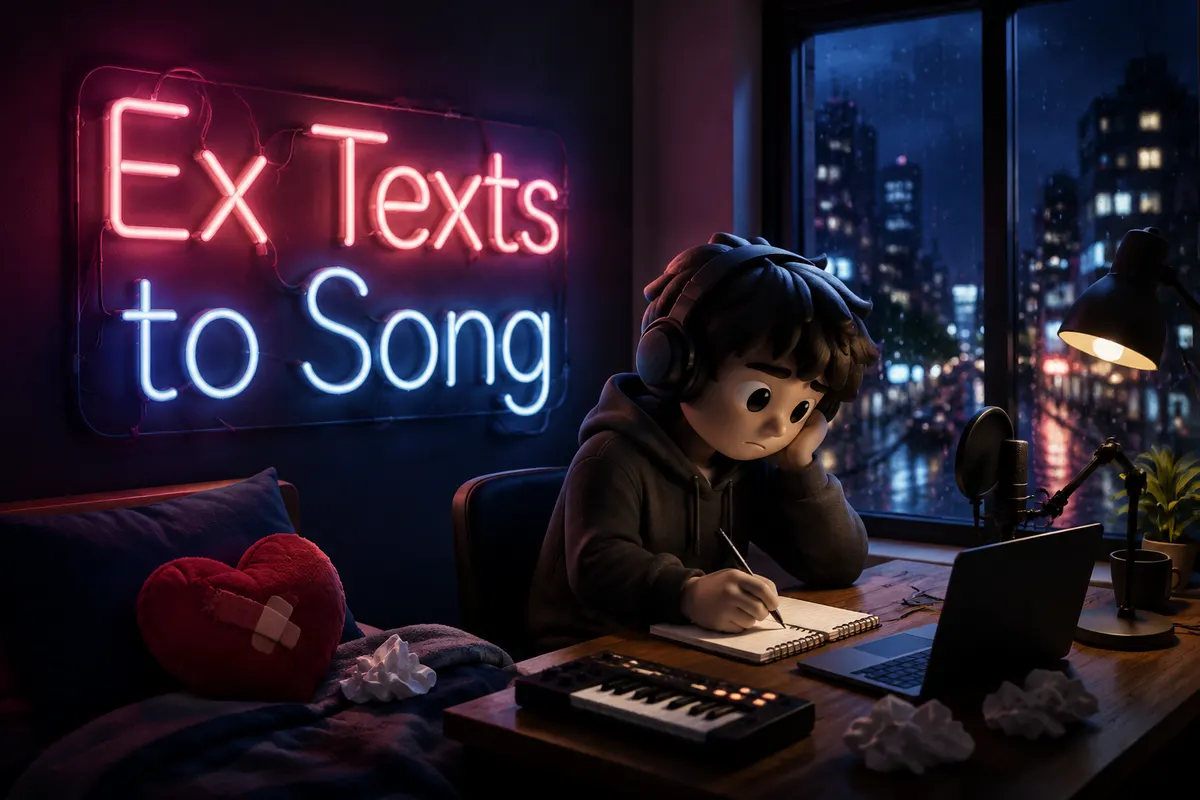
Turn Your Ex's Texts into a Song
Paste messages from your ex and turn the conversation into a song.

4.5k tried

Turn Toxic Texts into a Song

Make the manipulative message sound as toxic as it feels.

2.7k tried

Turn a Chat into a Rap Song

Make the conversation hit like a rap verse.

1.8k tried

Turn a Group Chat into a Song

Turn chaotic group chat energy into a meltdown anthem.

2.1k tried

Situationship Song

Make confusing almost-love sound dangerously catchy.

2.4k tried

Turn the Last Chat into a Song

Turn the final conversation into a goodbye song.

1.6k tried

Explore another angle

Turn the same idea into a different kind of song: a gift, a roast, a character theme, a hidden message, or a short social moment.

Brainrot Song

Repetitive, absurd, and dangerously shareable.

4.7k tried

Roast Your Friend

Roast a friend just hard enough to make them send it around.

4.2k tried

Birthday Song

Make a birthday wish feel personal enough to keep.

2.9k tried

Jingle Generator

Turn a brand name and offer into a memorable jingle hook.

2.5k tried

FAQs

Questions you may have before and after making a Turn Discord Drama into a Song.
1

Can I turn Discord drama into a song?

Yes. Paste the messages, choose a mood, and MusicMake.ai can turn server drama into a song draft.
2

What Discord messages work best?

Server arguments, deleted channel chaos, announcement threads, mod replies, and inside jokes usually make strong song material.
3

Is it free to try?

Yes. You can open the page and start with free credits. More generations, longer iteration, or advanced usage may require additional credits or a paid plan.
4

Can I keep speaker roles in the song?

Yes. Keep names or simple labels in the pasted text if the back-and-forth matters.
5

Can I choose the sound?

Yes. Choose electronic opera, meme pop, villain theme, cyberpunk, rap, or write your own style.
6

Can I edit the messages before generating?

Yes. Paste only the lines you want to use, rewrite anything that needs context, and add notes for the mood, hook, or point of view before generating.
7

Can I keep the result private?

Yes. After generation, you can keep the song private, send it to one person, use it in a short video, or publish it more broadly.
8

Do I need music experience to use this template?

No. The template starts from scene material and guided fields, so you can create a song idea without writing music theory terms or a full production brief.
Logo
Music Make AI

AI Music Generator · Royalty-free · Commercial license available

TwitterX (Twitter)DiscordEmail
Product
  • AI Music Generator
  • Pricing
  • FAQ
  • Commercial License
AI Tools
  • AI Music Generator
  • AI Song Cover Generator
  • Extend Song
  • Replace Section
  • Add Tracks
  • AI Mashup Generator
  • AI Vocal Remover
  • AI Lyrics Generator
  • AI Style Generator
  • AI Ringtone Generator
  • Audio Converter
Resources
  • Blog
  • AI Music Use Cases
  • Music Styles
  • Music Elements
  • Feedback
  • Changelog
Company
  • About
  • Creative Partner Program
  • Contact
Legal
  • Cookie Policy
  • Privacy Policy
  • Terms of Service
  • Refund Policy
English日本語हिन्दी한국어NederlandsРусскийTürkçeBahasa IndonesiaไทยTiếng ViệtPolski简体中文繁體中文EspañolPortuguêsFrançaisالعربيةDeutsch

© 2026 Music Make AI All Rights Reserved. DREAMEGA INFORMATION TECHNOLOGY LLC

support@musicmake.ai
    • Logo
      Music Make AI
    • Home
    • Explore
    • Listen
    Tools
    • Music Agent
    • Generate
    • Extend
    • Cover
    • Add Track
    • Mashup
    • Vocal Remover
    • Music to Prompt
    Other
    • Change Log
    EmailDiscord