








• AI Lyrics Generator
  • AI Style Generator
  • Pricing
  • Partner
ExploreCreateAgentToolsMe
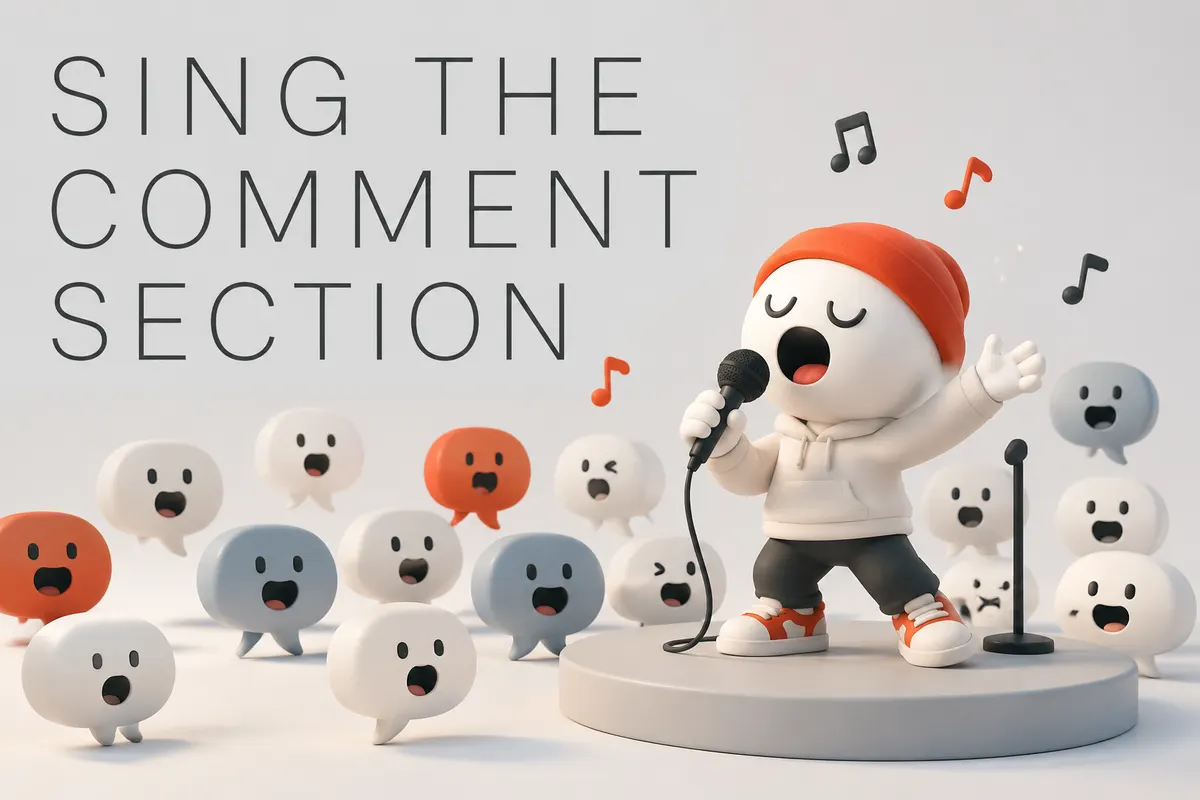
Atmospheric poster for the Turn the Comment Section into a Song templateAtmospheric poster for the Turn the Comment Section into a Song template
Meme Song
BitLeadChaosLoop
Meme Song

Turn the Comment Section into a Song

Keep the absurd idea short and turn it into a loopable hook for TikTok, Shorts, or the group chat.

play zone

Turn the bit into a sticky song

Shape this meme song

Start from the joke format.

Give the meme, catchphrase, platform, and absurdity level before choosing the sound.

step 1

Paste the comments

required

step 2

Hook style

required
Publish to community feed after generationYou can decide after generation whether and how much to publish.

Sample Works

Done In A Click

Done In A Click

0:41
Rise To What's Next

Rise To What's Next

2:48
Faster By Design

Faster By Design

2:54
Chasing Horizons

Chasing Horizons

3:37
Open Doors, On Air

Open Doors, On Air

2:34
Welcome Back, You’re In

Welcome Back, You’re In

2:50
Rise To The Reveal

Rise To The Reveal

3:11
Forest of Turning Pages

Forest of Turning Pages

3:09
Starbound Heart

Starbound Heart

3:15
Starlight Run

Starlight Run

3:16
Supernova on the Floor

Supernova on the Floor

2:33
Zero-Gravity Heart

Zero-Gravity Heart

3:24

See how a bit becomes a sticky song

A meme song does not need explanation. It needs one bit that becomes easy to repeat.

Meme song preview

Input

Absurd subject

Monday came to catch me

Nine alarms failed

My soul is still on the weekend

Output

Loopable hook

Monday came to catch me, catch me

Nine alarms went quiet on me

Body clocked in at the desk

Soul still hiding from the week

Short repeatLoop friendlyInstantly clear

meme song

Absurd is good. Memorable is better.

Keep the weird idea short and specific. The song finds the repeatable bit for TikTok, Shorts, Discord clips, or a friend-group inside joke.

BrainrotNPC loopDiscord clipShort video
Feature artwork for Turn the Comment Section into a Song 1
Meme setup

Turn the Comment Section into a Song -start from the joke format

Use the actual person, message, scene, or detail that makes this song specific. Begin with the meme, catchphrase, platform, and absurdity level so the song has a recognizable joke engine.

Start creating
Feature artwork for Turn the Comment Section into a Song 2
Meme inputs

Feed the meme machine -catchphrase, loop, escalation

Add style notes only when they help the song land closer to the moment. Add the repeated line, context, punchline, and how chaotic it should get before choosing brainrot, NPC, opera, or trap energy.

Fill the meme material

Related templates

View category

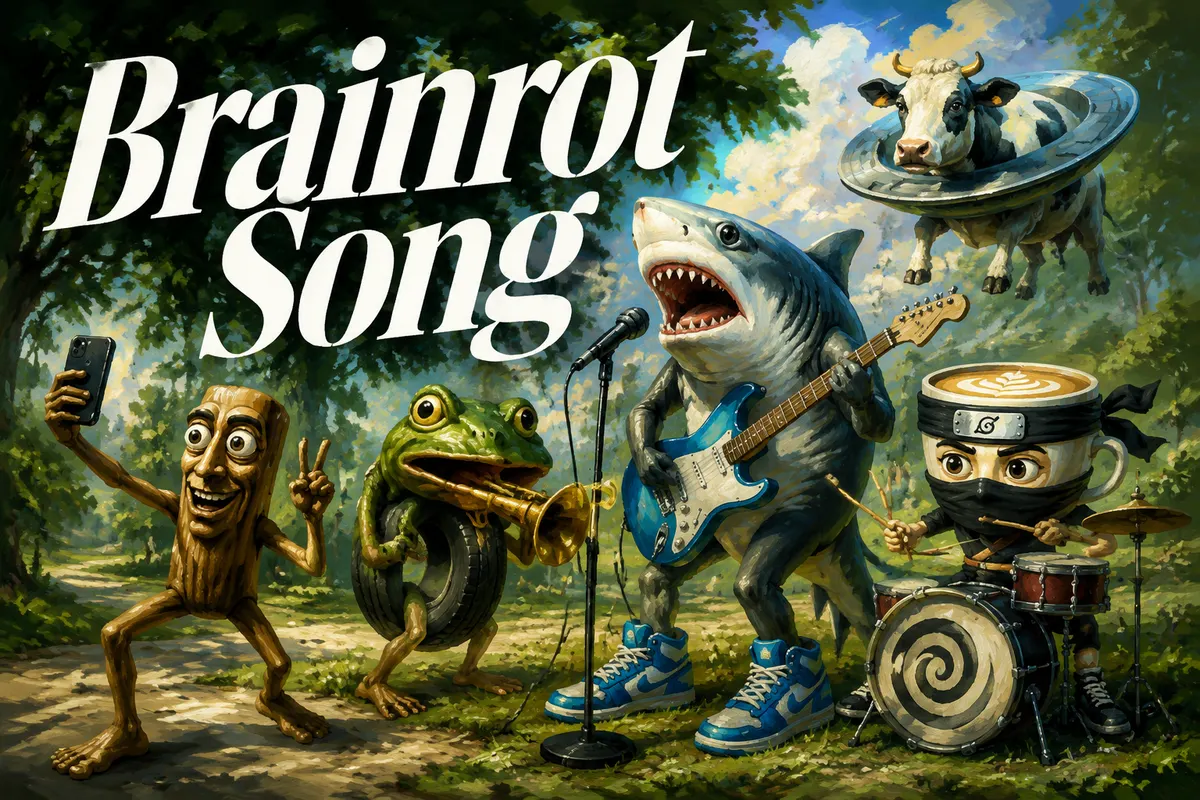
Brainrot Song

Repetitive, absurd, and dangerously shareable.

4.7k tried

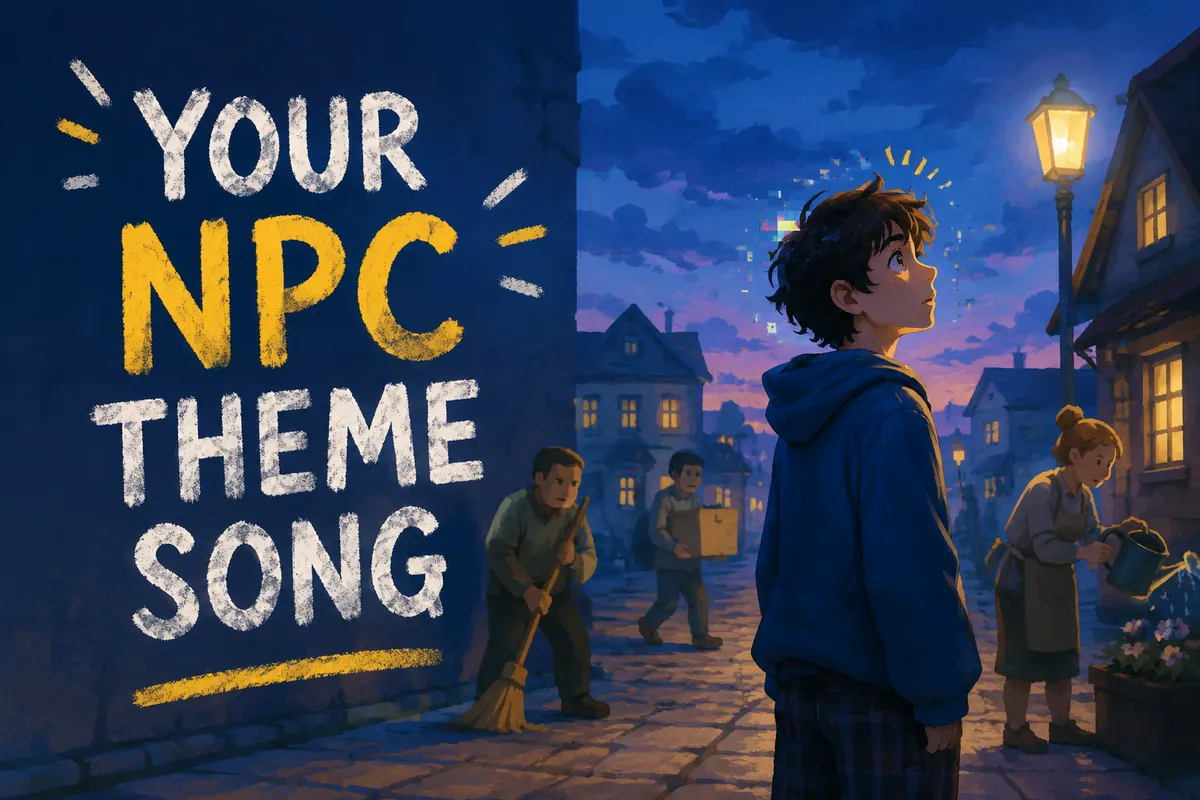
Your NPC Theme Song

Turn your repeat habits into an NPC loop.

2.1k tried

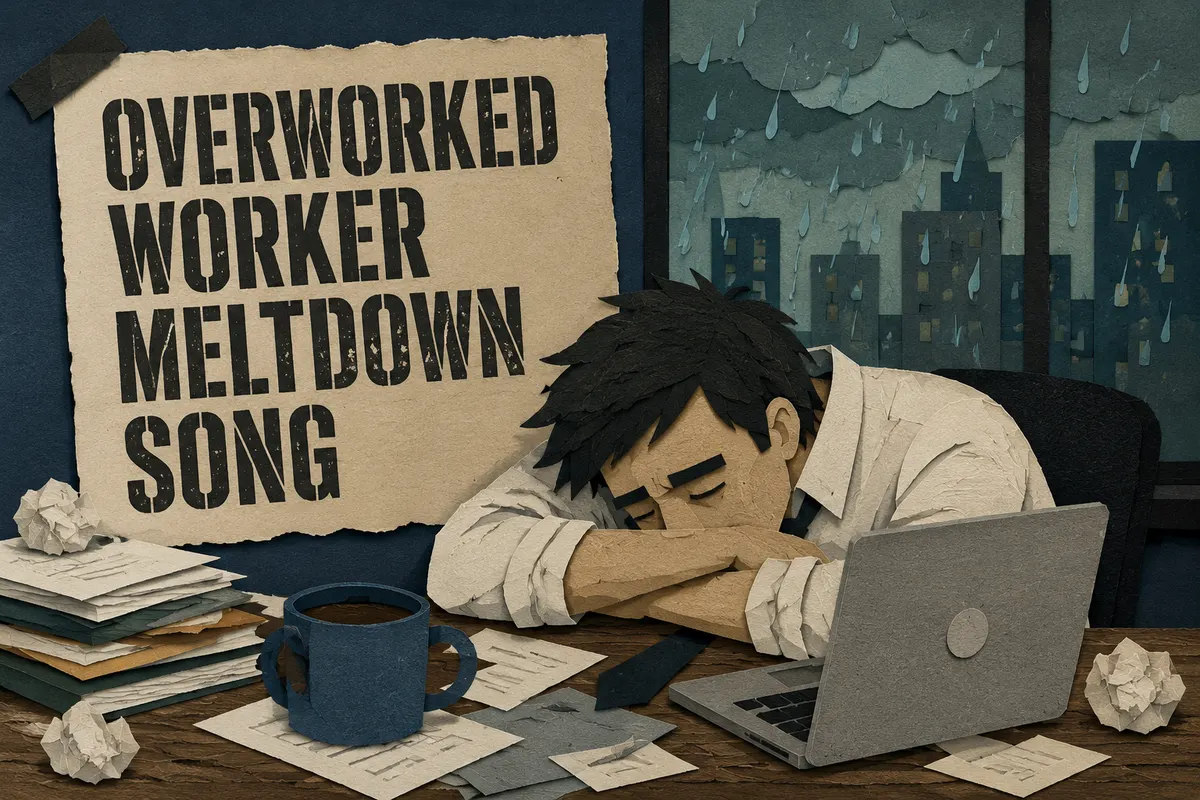
Overworked Worker Meltdown Song

Make work stress sound funny enough to survive.

3.0k tried

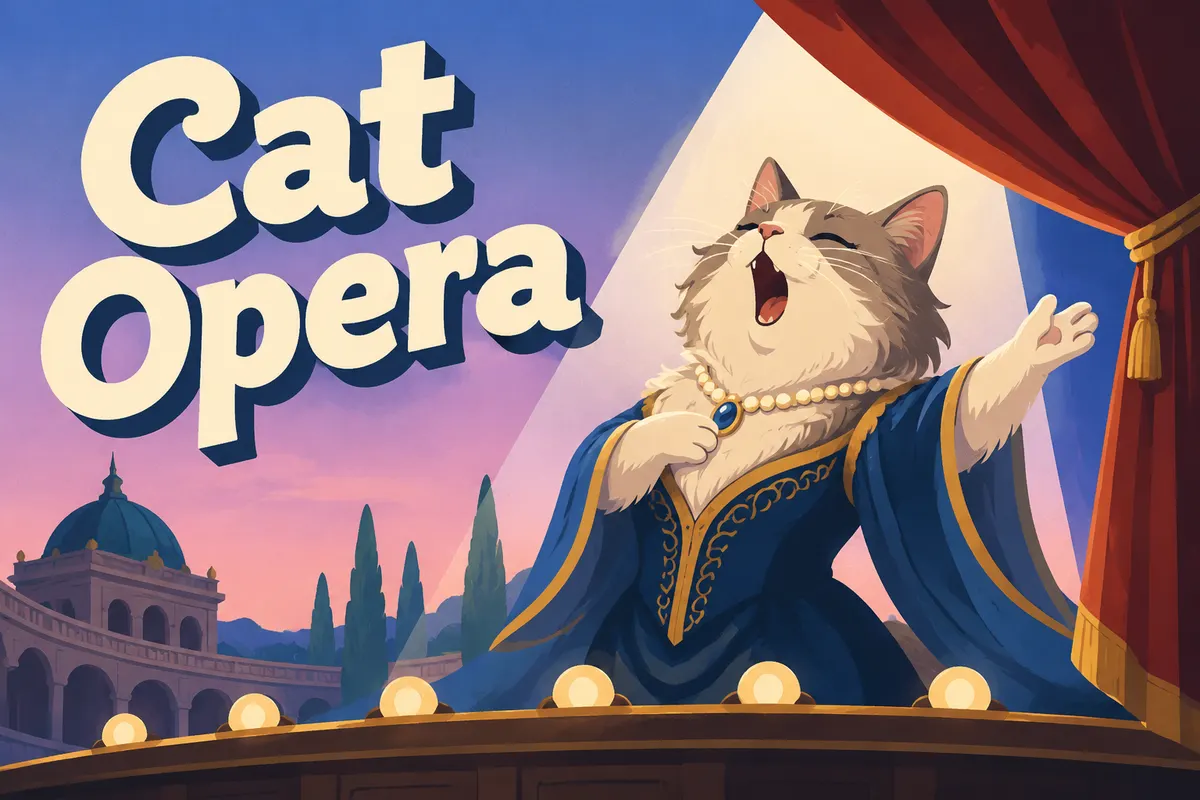
Cat Opera

Make cat drama sound like grand opera.

2.4k tried

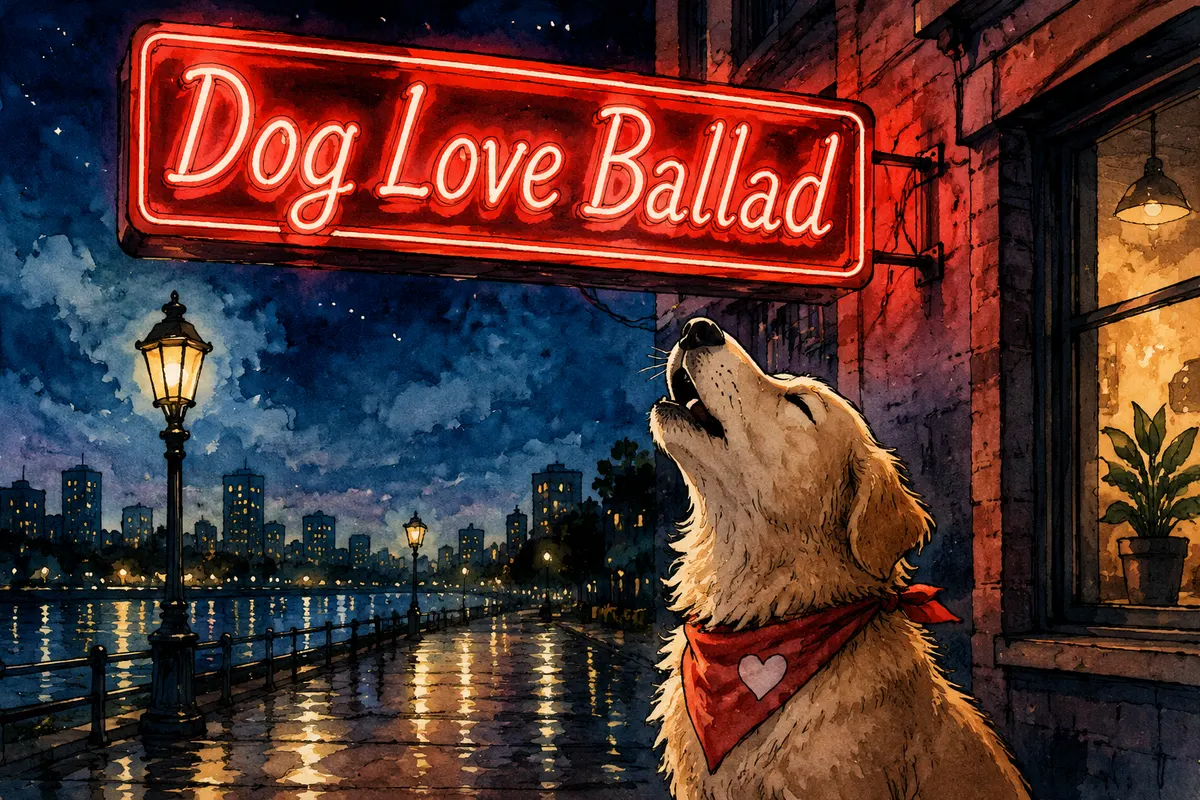
Dog Love Ballad

A dramatic love ballad from a dog perspective.

1.7k tried

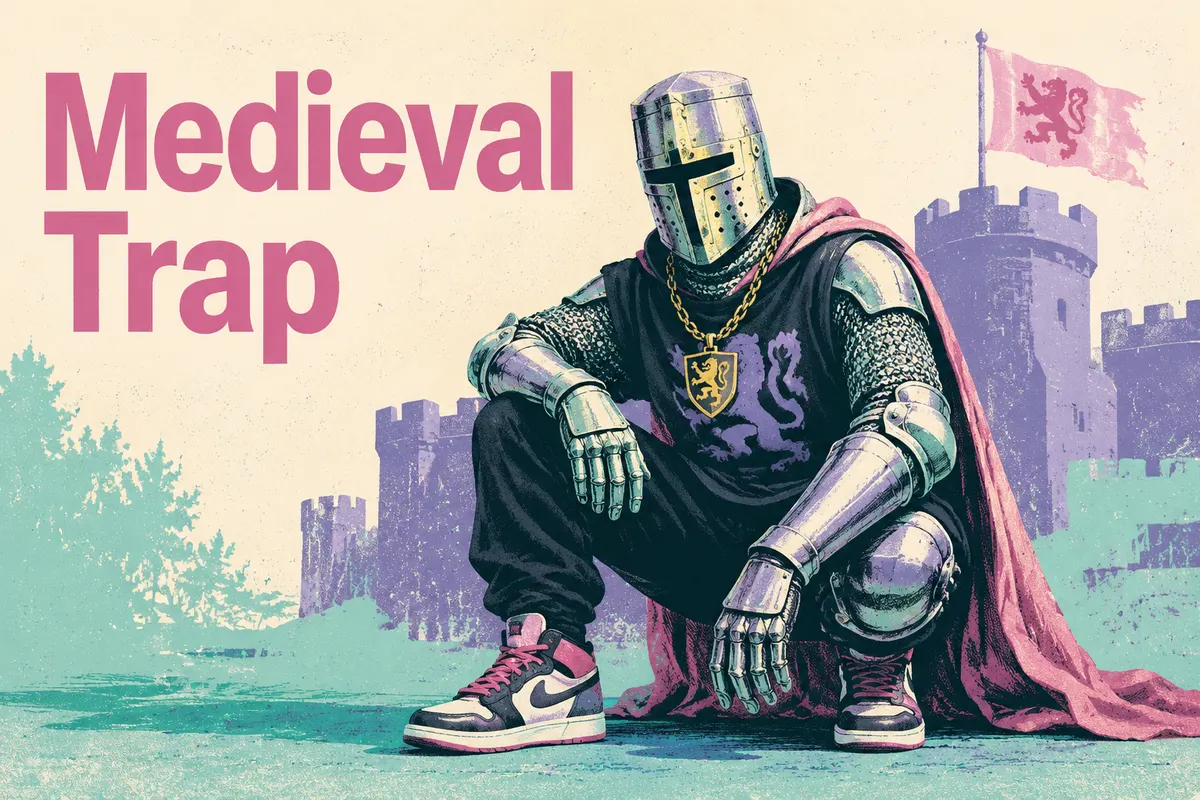
Medieval Trap

Knights, castles, and 808s should not work, but they do.

1.9k tried

Explore another angle

Turn the same idea into a different kind of song: a gift, a roast, a character theme, a hidden message, or a short social moment.

Turn Your Ex's Texts into a Song

Paste messages from your ex and turn the conversation into a song.

4.5k tried

Roast Your Friend

Roast a friend just hard enough to make them send it around.

4.2k tried

Birthday Song

Make a birthday wish feel personal enough to keep.

2.9k tried

Jingle Generator

Turn a brand name and offer into a memorable jingle hook.

2.5k tried

FAQs

Questions you may have before and after making a Turn the Comment Section into a Song.
1

Can I turn the Comment Section into a Song with AI?

Yes. Add meme reference, catchphrase, platform, and absurdity level, and MusicMake.ai can turn it into a guided AI song draft with lyrics and music direction.
2

Is it free to try?

Yes. You can open the page and start with free credits. More generations, longer iteration, or advanced usage may require additional credits or a paid plan.
3

What should I write first?

Start with the concrete material: meme reference, catchphrase, platform, and absurdity level. Specific details usually create a stronger result than a generic prompt.
4

Can I choose the music style?

Yes. Use the extra details box to add genre, mood, vocal tone, pacing, or any lyric direction you already have in mind.
5

What can I use this for?

It works well for TikTok hooks, brainrot loops, NPC songs, comment jokes, or absurd short videos. You can adapt the first draft for a short video, private share, post, or remix.
6

Can I edit the result after generation?

Yes. Treat the first version as a draft, then remix it to sharpen the hook, change the style, or adjust the lyrics.
7

Do I need music experience?

No. The page uses guided fields so you can start with the idea, scene, or message instead of technical music settings.
8

Do I need music experience to use this template?

No. The template starts from scene material and guided fields, so you can create a song idea without writing music theory terms or a full production brief.
Logo
Music Make AI

AI Music Generator · Royalty-free · Commercial license available

TwitterX (Twitter)DiscordEmail
Product
  • AI Music Generator
  • Pricing
  • FAQ
  • Commercial License
AI Tools
  • AI Music Generator
  • AI Song Cover Generator
  • Extend Song
  • Replace Section
  • Add Tracks
  • AI Mashup Generator
  • AI Vocal Remover
  • AI Lyrics Generator
  • AI Style Generator
  • AI Ringtone Generator
  • Audio Converter
Resources
  • Blog
  • AI Music Use Cases
  • Music Styles
  • Music Elements
  • Feedback
  • Changelog
Company
  • About
  • Creative Partner Program
  • Contact
Legal
  • Cookie Policy
  • Privacy Policy
  • Terms of Service
  • Refund Policy
English日本語हिन्दी한국어NederlandsРусскийTürkçeBahasa IndonesiaไทยTiếng ViệtPolski简体中文繁體中文EspañolPortuguêsFrançaisالعربيةDeutsch

© 2026 Music Make AI All Rights Reserved. DREAMEGA INFORMATION TECHNOLOGY LLC

support@musicmake.ai
    • Logo
      Music Make AI
    • Home
    • Explore
    • Listen
    Tools
    • Music Agent
    • Generate
    • Extend
    • Cover
    • Add Track
    • Mashup
    • Vocal Remover
    • Music to Prompt
    Other
    • Change Log
    EmailDiscord