AI Music Maker
Describe a style, scene, mood, or creator use case and get 2 music directions in about 1 minute. This page is for people who want to make something usable quickly, not learn the whole production stack first.
Sample Works










How to Use AI Music Maker
Describe the track, compare two versions, and keep moving with the one that fits.
Describe Your Music
Tell AI Music Maker what you need: 'Upbeat pop for a travel vlog' or 'Calm piano for meditation.' Genre, mood, tempo — just describe it in plain words.
AI Creates 2 Tracks
AI Music Maker generates 2 unique versions in about 1 minute. Complete with vocals, instruments, and professional production.
Download & Use Anywhere
Download in MP3 or WAV. Use on YouTube, TikTok, podcasts, games — anywhere. Royalty-free forever. Commercial use OK.
Workflow fit
Where AI Music Maker fits
AI Music Maker turns a focused idea into a guided MusicMake workflow, so you can start from a clear direction instead of a blank prompt. Describe a style, scene, mood, or creator use case and get 2 music directions in about 1 minute. This page is for people who want to make something usable quickly, not learn the whole production stack first.
Best for
Creators with a song idea, lyric direction, mood, story, or use case they want to turn into music quickly.
You get
A prompt-ready generation path that can lead to a song draft, lyric direction, or the right MusicMake creation flow.
Use another tool when
Use a dedicated editor for detailed mixing, arrangement repair, audio cleanup, or advanced post-production.
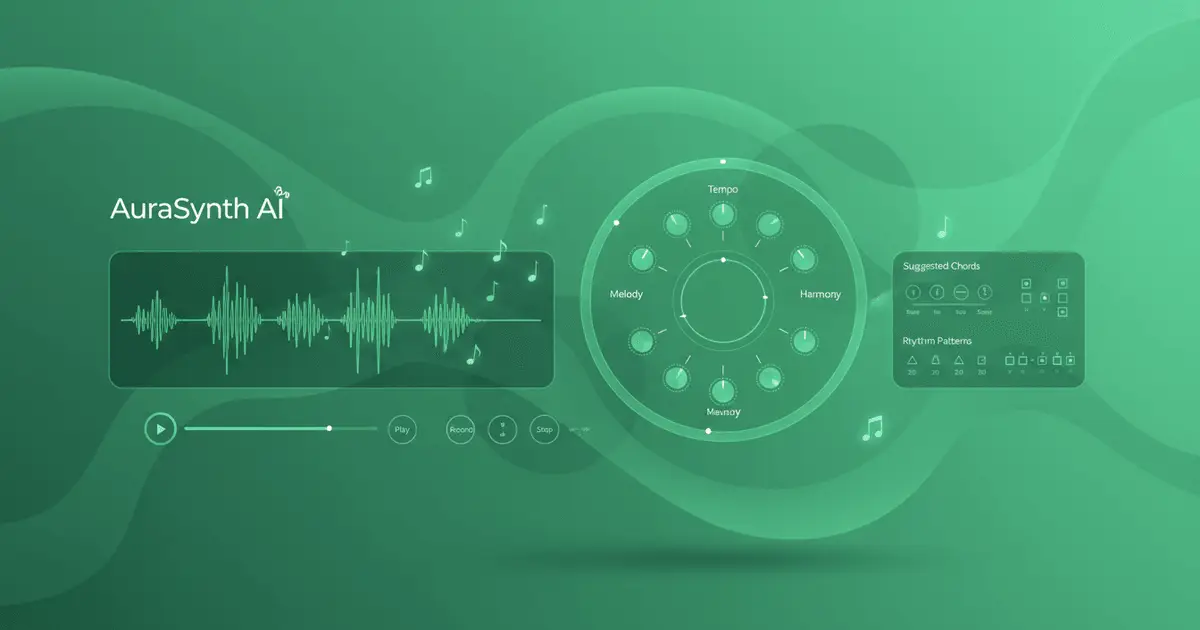
What isAI Music Maker?
AI Music Maker is for people who want music that feels more directed than stock audio but far faster than a traditional music workflow. You describe what the track needs to do, and the tool helps you get to something worth keeping.
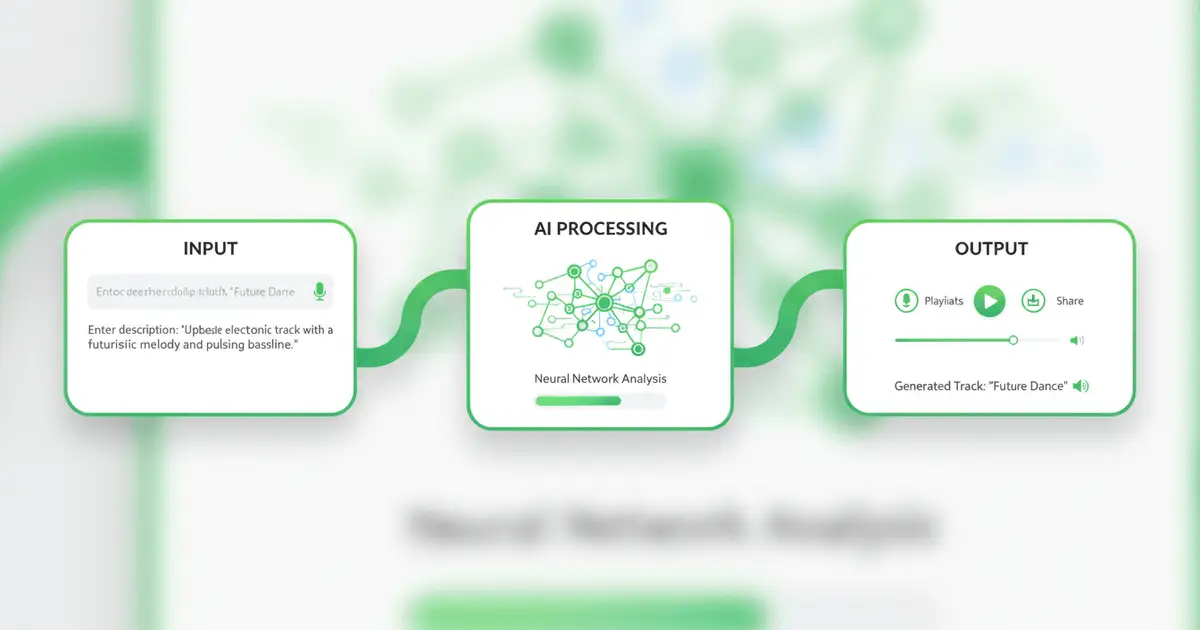
How It Works:Start from the need, not the software
Describe the track in plain language, generate 2 versions, then keep the one that lands closer. The page is built to help you move from rough idea to usable audio without wasting time on setup.
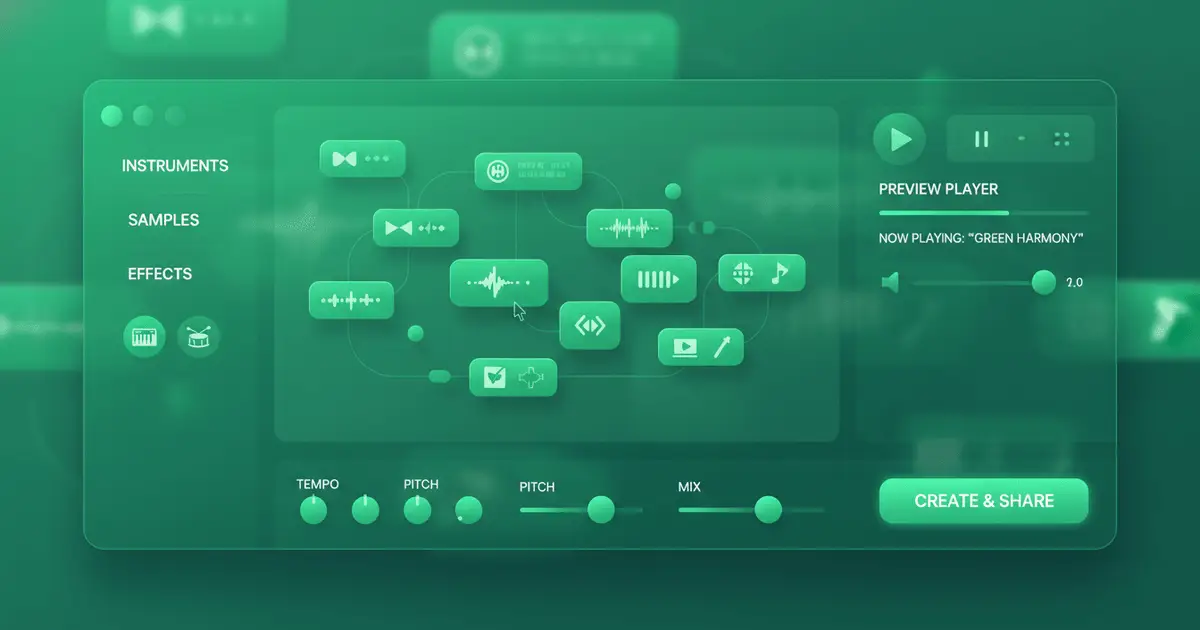
Useful even ifyou are not a producer
You do not need music theory, instruments, or DAW experience to get started. If you can explain the mood, function, or energy of the track, you can usually get to a workable first draft quickly.
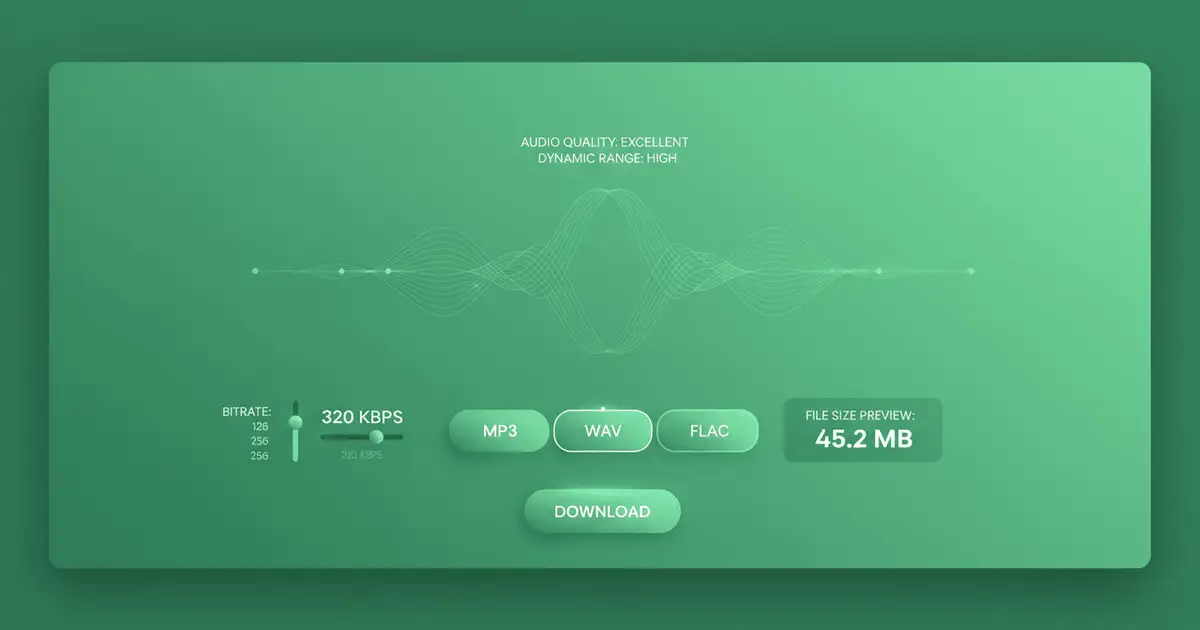
Built for drafts,content, and repeatable use
Output is generated at 44.1kHz and is suitable for creator work, demos, podcasts, games, and many other workflows where you need music that is good enough to keep moving with.
Next steps
Keep moving from AI Music Maker into the next useful workflow without bouncing back to a generic tool list.
AI Music Maker FAQ
Common questions about making music fast without a complicated workflow.
What is AI Music Maker?
How does AI Music Maker work?
Do I need musical experience?
Is AI Music Maker free?
Can I use the music commercially?
How long does it take?
What genres does AI Music Maker support?
What formats can I download?
Still have questions?
Start Your First Track Free
Use free credits to turn a rough music idea into tracks you can keep building from, publishing with, or refining later.
