• AI歌詞ジェネレーター
  • AIスタイルジェネレーター
  • 料金
  • パートナー
探索する創作AgentツールMe
Free AI text-to-speech with Qwen3TTS世界中の5万人以上のクリエイター

Professional AI Text to Speech

Paste text, choose a voice, and generate speech in seconds. This page is built for creators, demos, narration, prototypes, and workflows where you want fast voice output that still sounds clean and usable.

ロイヤリティフリー
商用利用
MP3 / WAVエクスポート
迅速な結果
Qwen3 TTS Advanced Generator

0 / 1000

Feature image
Overview

What makes Qwen3 TTSuseful in real workflows?

Qwen3 TTS is useful when you need speech output that is fast enough for iteration and polished enough to keep. Instead of stitching together placeholder voice clips, you can go from script to playable audio in one step.
Feature image
Real-time

Real-time generationwithout the batch-job feel

Generation starts quickly, which matters when you are testing multiple lines, fixing timing, or trying different versions of the same script. It is a better fit for real workflows than tools that make every voice pass feel like a batch job.
Feature image
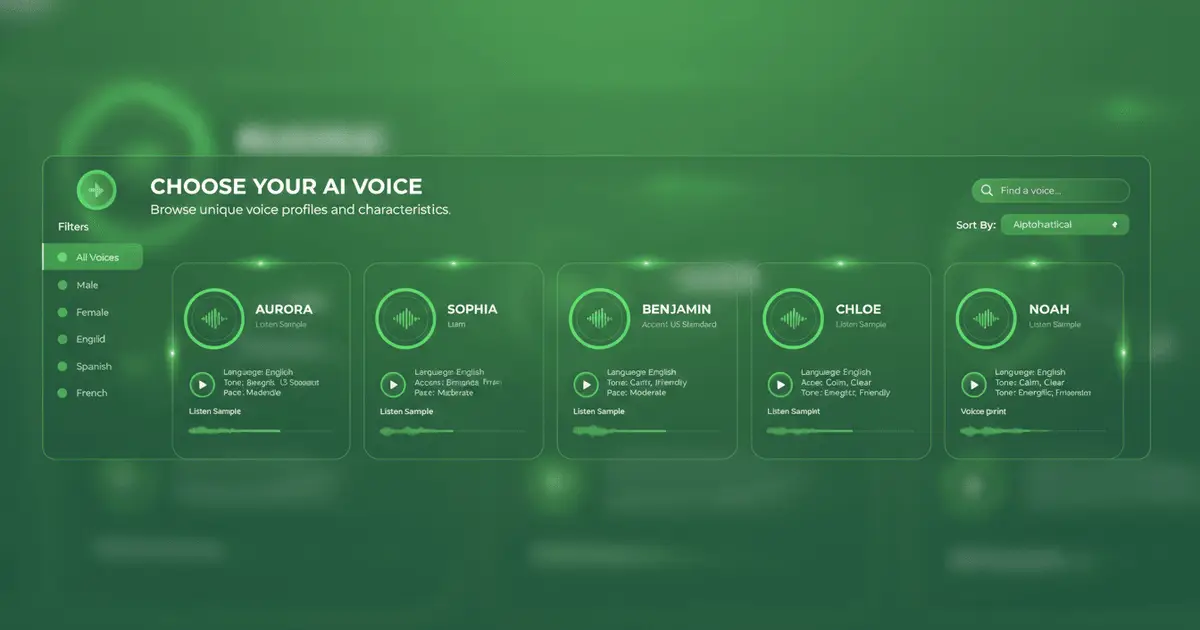
Voice Library

Multiple voicesfor different jobs

You can switch between voices, languages, and speaking styles depending on the job. That makes the page useful for product demos, narration drafts, character voice tests, internal prototypes, and multilingual creator work.
Feature image
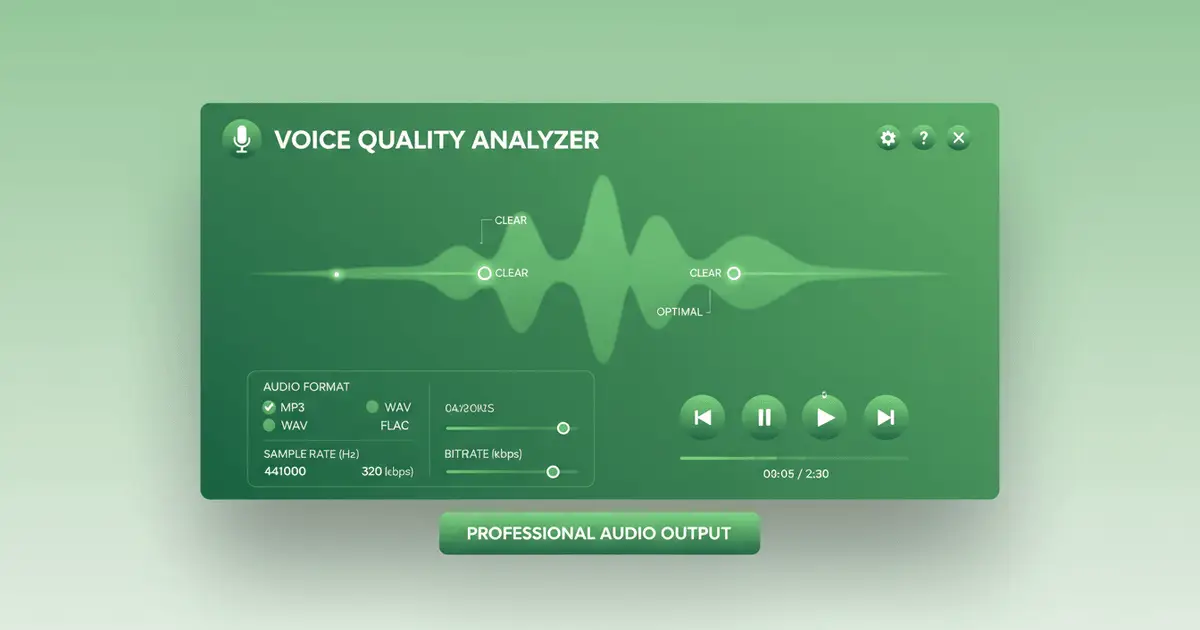
High Quality

Studio-quality outputyou can keep refining

Output is available in practical formats like PCM, MP3, and Opus, with adjustable rate, pitch, and volume. If the first pass is close but not right, you can keep refining without leaving the page or rebuilding the workflow.

Qwen3TTS FAQ

Common questions about Qwen3TTS

1

What is Qwen3 TTS?

It is a text-to-speech system that turns written text into playable voice output quickly enough for real iteration. The point is not just voice synthesis, but usable speech you can test, review, and keep moving with.
2

How does Qwen3 TTS work?

You paste text, pick a voice, adjust settings if needed, and generate audio. Because it is fast, it fits well when you need to try different phrasings or timing without waiting through a heavy export cycle.
3

What languages does Qwen3 TTS support?

It supports multiple languages, including Chinese and English, and works best when you use the voice and language combination that matches the script you are testing.
4

Is Qwen3 TTS free to use?

You can start with free credits to try the workflow. Depending on your setup and usage level, additional usage may require more credits or external configuration.
5

What voice modes are available?

You can work with different voices and also tune rate, pitch, and volume so the output fits the job rather than forcing the script to fit the default voice.
6

How fast is Qwen3 TTS?

It is fast enough that you can use it interactively. That matters for demos, narration drafts, prototypes, and any workflow where you want to hear changes immediately.

まだ質問がありますか?

Start Creating

Generate Speech Free

Use free credits to turn scripts, captions, demos, and short-form ideas into natural voice output in seconds.

Start FreeSee Pricing
Logo
Music Make AI

AI音楽生成 · ロイヤリティフリー · 商用ライセンス対応

TwitterX (Twitter)DiscordEmail
プロダクト
  • AI音楽生成
  • 料金
  • よくある質問
  • 商用ライセンス
AIツール
  • AI音楽生成
  • AIカバー生成
  • 曲を延長
  • セクション置換
  • トラック追加
  • AIマッシュアップ生成
  • AIボーカル除去
  • AI歌詞生成
  • AIスタイル生成
  • AI着信音ジェネレーター
  • オーディオコンバーター
リソース
  • ブログ
  • AI Music Use Cases
  • Music Styles
  • Music Elements
  • フィードバック
  • 更新履歴
会社
  • 私たちについて
  • クリエイターパートナー
  • お問い合わせ
法務
  • Cookieポリシー
  • プライバシーポリシー
  • 利用規約
  • 返金ポリシー
English日本語हिन्दी한국어NederlandsРусскийTürkçeBahasa IndonesiaไทยTiếng ViệtPolski简体中文繁體中文EspañolPortuguêsFrançaisالعربيةDeutsch

© 2026 Music Make AI All Rights Reserved. DREAMEGA INFORMATION TECHNOLOGY LLC

support@musicmake.ai
    • Logo
      Music Make AI
    • ホーム
    • 探索する
    • Listen
    ツール
    • Music Agent
    • 生成
    • 拡張
    • カバー
    • トラック追加
    • マッシュアップ
    • ボーカル除去
    • 音楽をPromptへ
    Other
    • 変更ログ
    EmailDiscord