• AI Lyrics Generator
  • AI Style Generator
  • Pricing
  • Partner
  1. Home
  2. Blog
  3. Soundraw vs MusicMake.ai
Soundraw vs MusicMake.ai
2026/06/16

Soundraw vs MusicMake.ai

Soundraw vs MusicMake.ai for creators who want to move beyond background tracks and keep shaping a song with generation, editing, library, and Agent workflows.

Quick Answer

If you searched for Soundraw vs MusicMake.ai, the important question is probably not just price.

It is this.

Do you want to pick a background track, or do you want to keep making the song?

Soundraw can help when the job is close to creator music, background tracks, beats, downloads, stems, and plan rules for where a track can be used.

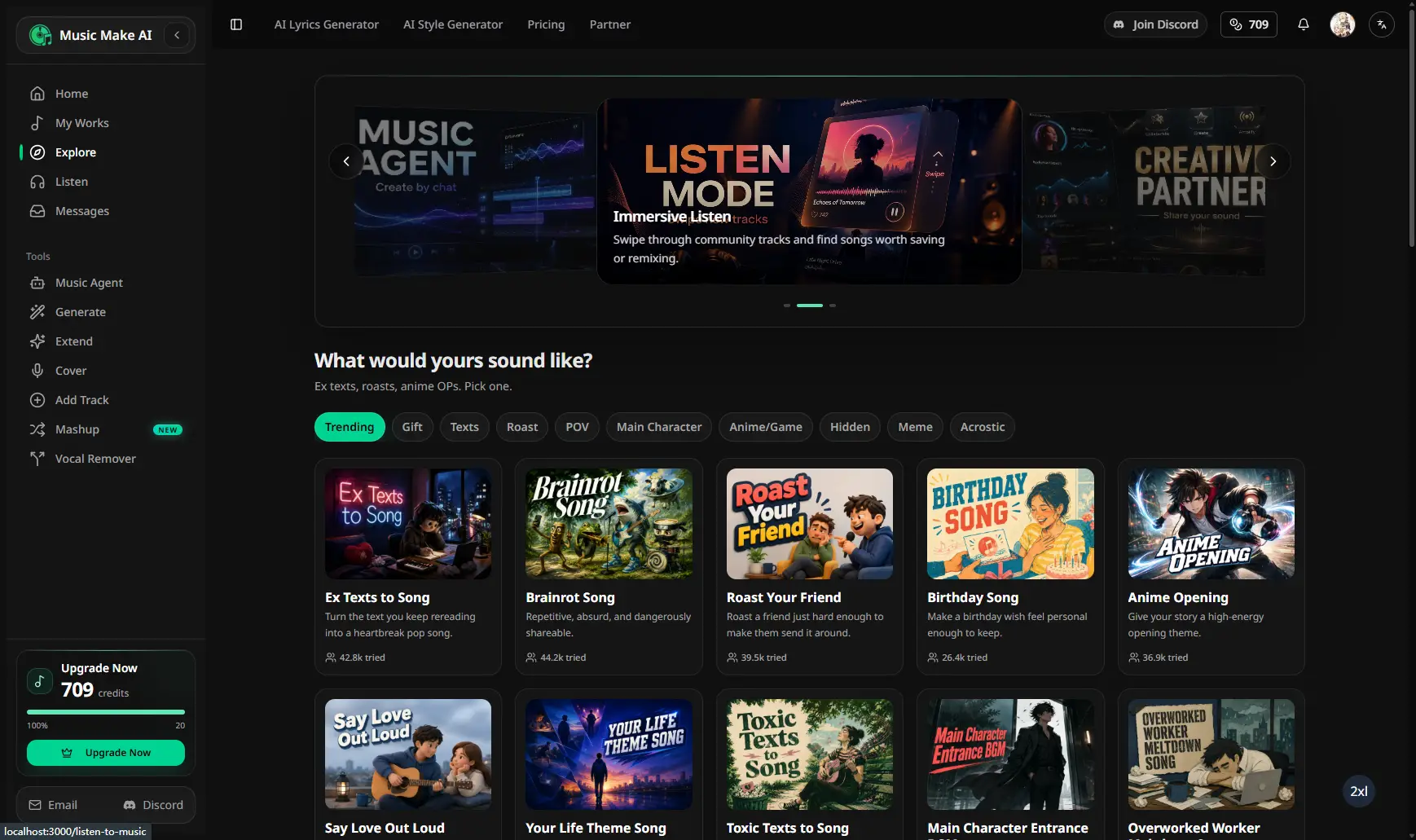
MusicMake.ai is the better fit when the track is still unfinished. You can start with Generate or Music Studio, then keep moving through lyrics, style direction, section replacement, extension, covers, added tracks, vocal removal, saved works, listening pages, and optional Music Agent help.

That difference matters a lot.

Because most music projects do not fail because you cannot find one more track.

They fail because the first version is close, but not right.

The Moment Soundraw Stops Being Enough

Soundraw makes sense when the brief is simple.

You need background music for a video. You need a beat. You need a download format. You need to understand whether the Creator or Artist plan covers the use.

Fair enough.

But a lot of creators hit a different problem after the first draft.

The intro is too long.

The chorus has the right mood, but the drums are fighting the vocal.

The ending dies too early.

The melody is good, but the arrangement feels empty.

You do not want to browse another batch of tracks. You want to fix the one that is almost working.

That is where MusicMake.ai becomes the more useful product.

What MusicMake.ai Gives You After The First Draft

MusicMake.ai is built around continuing the work.

You can generate a song, then do the next thing without mentally starting over.

  • write or reshape lyrics with AI Lyrics Generator
  • turn a vague idea into a clearer prompt with AI Music Style Generator
  • make the track longer with Extend
  • try a new version from source material with Cover, when you have the rights
  • add another layer with Add Tracks
  • fix the part that is bothering you with Replace Section
  • separate vocals with Vocal Remover
  • keep drafts and finished versions in My Works
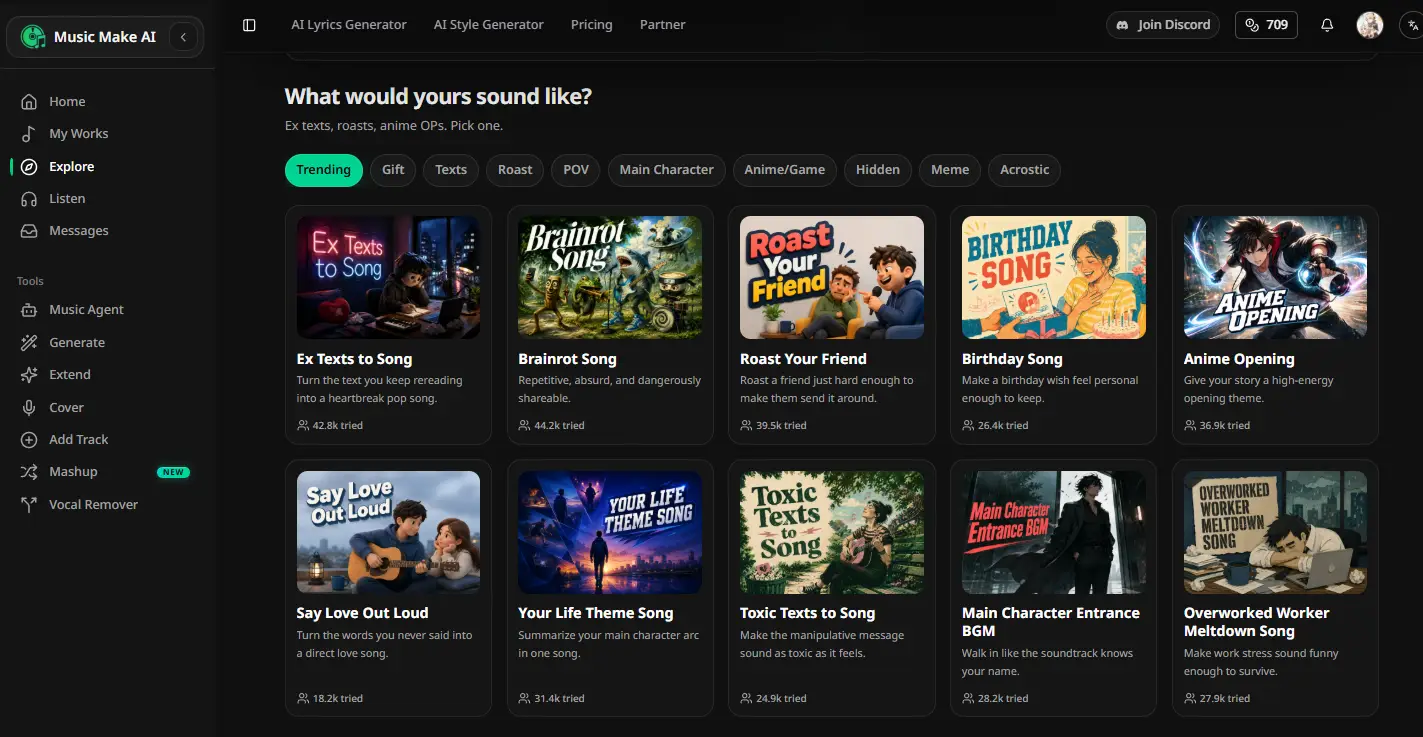
  • listen, explore, save, and revisit music through Explore, Listen, playlists, and profiles

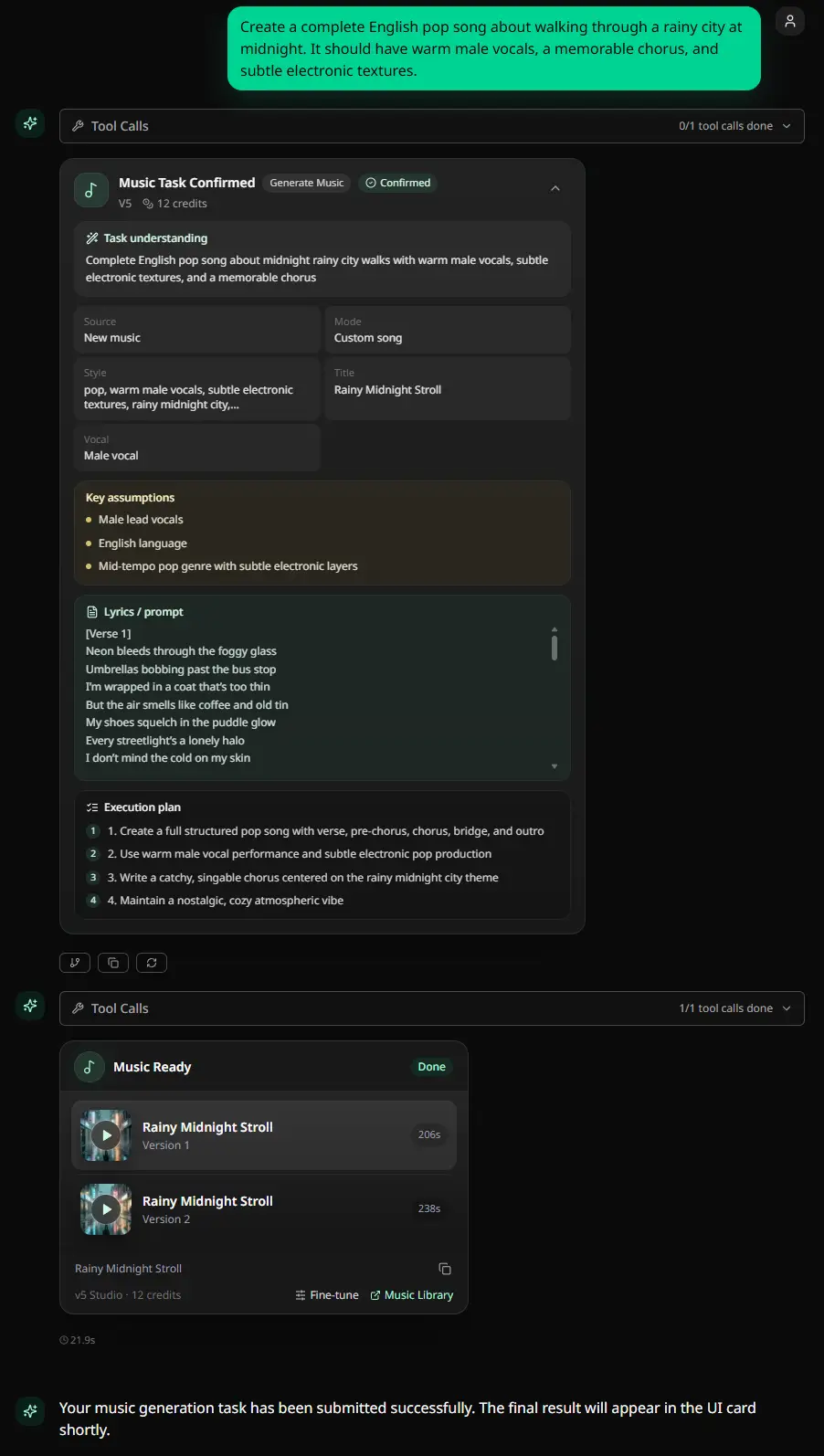
And when you know what feels wrong but cannot name the next move, Music Agent helps turn that feedback into a usable prompt or tool direction.

That is the practical advantage.

Not a feature list for the sake of a feature list.

A place to keep working.

Where Soundraw Has A Narrow Role

Soundraw is still a reasonable choice when the output is mainly going under something else.

A YouTube video.

A podcast.

An ad.

A client edit.

A beat that will be modified before release.

Its Creator and Artist plan split is useful because those are not the same job. Background use, modified song distribution, stems, WAV downloads, and Content ID rules all need different levels of care.

That is the lane where Soundraw is relevant.

But if your goal is to make your own song better, that is a different workflow.

The License Detail People Miss

Soundraw's public license pages are useful, but they also show why the plan decision matters.

In the June 17, 2026 check, Soundraw separated Creator-style background use from Artist-style modified song release. DSP distribution was tied to making clear changes to the beat, such as adding vocals, melodies, remixing, or adding instruments. Content ID registration could be restricted. Download formats and stems depended on plan.

None of that is a dealbreaker.

It just means Soundraw is not a magic shortcut around music rights. You still have to choose the correct plan for the job.

MusicMake.ai has the same common-sense boundary for source-based workflows. If you upload or reference vocals, stems, samples, lyrics, melodies, or other audio, make sure you have the rights to use them.

Price Should Not Decide This Alone

Soundraw can look attractive at the entry tier, especially when a regional sale view is active.

MusicMake.ai is a credit-based creation product. Its value is not just the first generation. It is the ability to generate, edit, extend, organize, listen, and keep going from the same workspace.

So the better buying question is not, which plan card is lower today?

The better question is, what happens after the first track?

If the answer is download and place it under a video, Soundraw may be enough.

If the answer is revise, reshape, extend, store, compare, and continue, MusicMake.ai is the stronger choice.

Which One Should You Try First?

Try MusicMake.ai first if you are making a song and expect to revise it.

That includes creators who write lyrics, test styles, generate drafts, fix sections, extend ideas, make alternate versions, or want a library where the work does not disappear into a downloads folder.

Soundraw is worth checking only when you already know you need background music or a beat under Soundraw's current plan rules.

That is the simplest split.

MusicMake.ai is for creation that keeps moving.

Soundraw is for creator music that needs the right license path.

FAQ

Is MusicMake.ai a Soundraw alternative?

Yes, if you are looking for a broader AI music creation workflow. MusicMake.ai is stronger when you want generation, Studio, lyrics/style prep, editing tools, My Works, listening surfaces, and optional Music Agent guidance.

If you only need licensed background music or beat downloads, Soundraw may be closer to that exact job.

Is Soundraw cheaper than MusicMake.ai?

It can look cheaper in some entry-tier or sale views. That is not the best way to compare them. Soundraw is more plan-and-download oriented. MusicMake.ai is built around creating and improving music over multiple steps.

Can I use Soundraw commercially?

Yes, when the current Soundraw plan and license cover the use. Read the Creator and Artist rules carefully before using a track in paid media, client work, or DSP distribution.

Can I use both Soundraw and MusicMake.ai?

Yes. Soundraw can handle licensed background music or beat use cases. MusicMake.ai is where you generate, revise, organize, and continue your own music.

Bottom Line

Soundraw is useful when you need creator music with a plan boundary.

MusicMake.ai is better when you are still making the song.

Start with Generate, open Music Studio, or ask Music Agent what to do with a draft that is close but not finished.


Last updated: June 17, 2026 | Soundraw public pricing, license, and terms notes were previously checked from official Soundraw pages on this date.

All Posts

Author

avatar for AI Music Expert
AI Music Expert

Categories

  • AI Music
  • Reviews
Quick AnswerThe Moment Soundraw Stops Being EnoughWhat MusicMake.ai Gives You After The First DraftWhere Soundraw Has A Narrow RoleThe License Detail People MissPrice Should Not Decide This AloneWhich One Should You Try First?FAQIs MusicMake.ai a Soundraw alternative?Is Soundraw cheaper than MusicMake.ai?Can I use Soundraw commercially?Can I use both Soundraw and MusicMake.ai?Bottom Line

More Posts

AIMusicGen.ai vs MusicMake.ai
AI MusicReviews

AIMusicGen.ai vs MusicMake.ai

Compare AIMusicGen.ai and MusicMake.ai by free credits, annual pricing, one-time packs, commercial-license scope, tool breadth, and workflow.

avatar for AI Music Expert
AI Music Expert
2026/06/17
AnyMusic.ai vs MusicMake.ai
AI MusicReviews

AnyMusic.ai vs MusicMake.ai

Compare AnyMusic.ai and MusicMake.ai by model transparency, pricing, credits, packs, free plan, commercial rights, refund policy, and workflow.

avatar for AI Music Expert
AI Music Expert
2026/06/17
ExtendMusic.AI vs MusicMake.ai
AI MusicReviews

ExtendMusic.AI vs MusicMake.ai

Compare ExtendMusic.AI and MusicMake.ai by music extension, source-audio upload, pricing visibility, legal transparency, editing tools, and creator workflow.

avatar for AI Music Expert
AI Music Expert
2026/06/17
Logo
Music Make AI

AI Music Generator · Royalty-free · Commercial license available

TwitterX (Twitter)DiscordEmail
Product
  • AI Music Generator
  • Pricing
  • FAQ
  • Commercial License
AI Tools
  • AI Music Generator
  • Best AI Music Generator
  • Riffusion AI Alternative
  • AI Song Generator
  • AI Music Maker
  • Music to Prompt
  • AI Song Maker
  • Text To Song
  • Lyrics To Song
  • AI Song Cover Generator
  • Extend Song
  • AI Mashup Generator
  • AI Vocal Remover
  • Audio Converter
  • Voice Cloning
  • Qwen3 TTS
More Tools
  • AI Ringtone Generator
  • Calming Classroom Music Generator
  • Anxiety To Song Generator
  • Vlog Music Generator
  • Music to Sleep by Generator
  • Poems to Music Generator
  • Weather To Music Generator
  • Brainrot To Christmas Music Generator
  • Motion To Music Generator
  • Relaxing Music Generator
  • Box To Music Generator
  • Story To Song
  • Mood To Music
  • Abracadabra Song Generator
  • Trot Music Generator
  • Quotes to Music Generator
Resources
  • Blog
  • AI Music Use Cases
  • Feedback
  • Changelog
Company
  • About
  • Creative Partner Program
  • Contact
Legal
  • Cookie Policy
  • Privacy Policy
  • Terms of Service
  • Refund Policy

© 2026 Music Make AI All Rights Reserved. DREAMEGA INFORMATION TECHNOLOGY LLC

support@musicmake.ai
    • Logo
      Music Make AI
    • Home
    • Explore
    • Listen
    Tools
    • Music Agent
    • Generate
    • Music to PromptNew
    • Extend
    • Cover
    • Add Track
    • Mashup
    • Vocal Remover
    Other
    • Change Log
    EmailDiscord