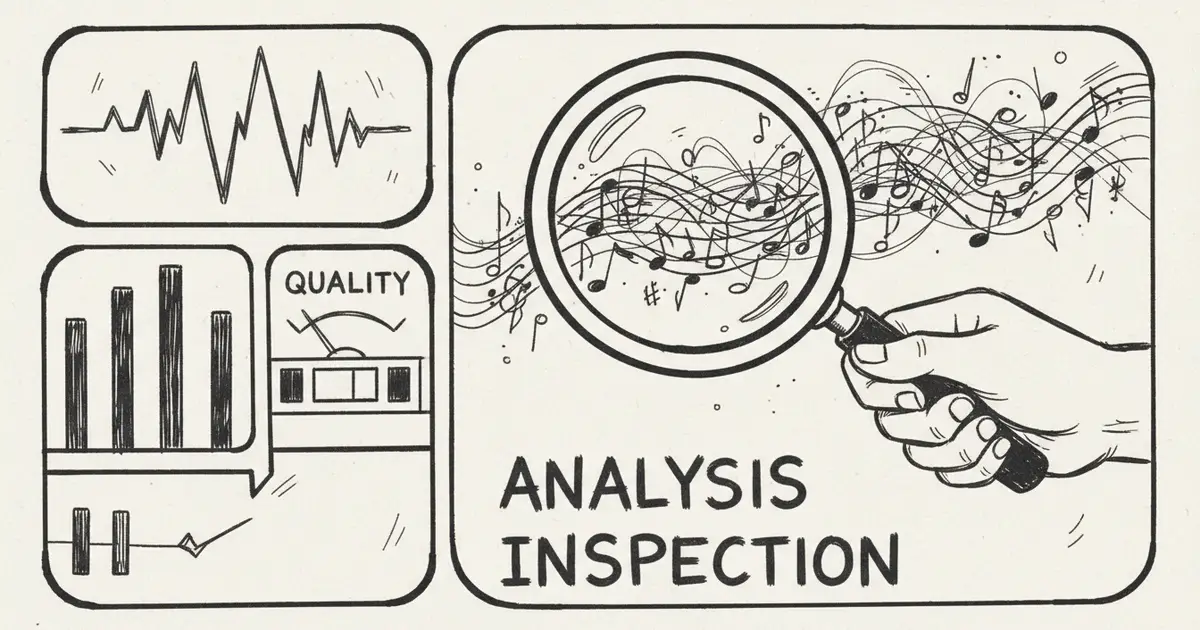
AI Music Quality Analysis 2026: How To Judge AI-Generated Music
Use a practical AI music quality checklist for fidelity, song structure, vocals, arrangement, revision options, licensing records, and iteration.
The Better Question
"How good is AI-generated music?" is the wrong question if it leads to a permanent ranking.
The better question is:
Is this specific track good enough for this specific use case, and can I fix it when the first version is not right?
AI music quality changes by model, prompt, language, genre, source material, export format, editing workflow, and current product version. A static score becomes stale quickly. This guide gives you a repeatable evaluation method instead.
Quality Is No Longer Just The First Render
A technically clean first output is useful, but most creator work happens after the first draft. You may need to rewrite a weak lyric, remove drums, keep only guitar, extend the ending, replace a section, make a cover, add accompaniment, or separate vocals.
MusicMake.ai is designed around that broader workflow. It combines Generate, AI Lyrics, AI Style Generator, Cover, Extend, Add Tracks, Mashup, Replace Section, Vocal Remover, and Music Agent.
That means quality should be judged in two layers:
- How good is the first result?
- How quickly can the workflow move from "not right" to "usable"?
The second layer is why people search for Music Agent, Song Agent, Music GPT, or Music Chat. The value is not a chat box. The value is turning plain feedback into the next correct music action.
Use the changelog to verify which Music Agent and workflow features are currently shipped.
The 8 Dimensions Of AI Music Quality
1. Audio Fidelity
Listen for the technical surface:
- Clean export without obvious clipping, clicks, pops, or distortion
- Enough detail in vocals, drums, bass, and high frequencies
- No harsh artifacts when played on headphones
- Stable loudness across the whole track
- Export format suitable for the target platform
For casual social content, a good compressed export may be enough. For client work, podcast themes, games, or distribution, you may need WAV, stems, or a cleaner final master.
2. Musical Coherence
Good AI music should hold together over time:
- Key and tempo remain stable unless intentionally changed
- Intro, verse, chorus, bridge, and outro feel connected
- Transitions do not sound random
- Repetition supports the song instead of exposing the model
- The ending feels intentional
Many weak outputs sound impressive for 15 seconds and then drift. Always listen to the full track.
3. Vocal Quality
For vocal music, judge:
- Pronunciation
- Breath and phrase length
- Emotional fit
- Pitch stability
- Sibilance and harshness
- Whether lyrics are understandable
- Whether the voice sounds intentionally styled or accidentally synthetic
For Chinese, Spanish, Japanese, or other non-English lyrics, language fit matters as much as audio polish. A song can sound hi-fi and still fail because the words land unnaturally.
4. Arrangement
Arrangement quality means the instruments support the idea:
- Drums are present only when needed
- Bass supports harmony without muddying the mix
- Lead instruments do not fight the vocal
- The chorus has enough lift
- Sparse prompts stay sparse
- Additional layers do not appear against the prompt
This is where many prompt failures happen. A user may ask for "soft fingerpicked acoustic guitar only, no beat," but the output still adds rhythmic drive. A Music Agent workflow should help rewrite that instruction into stricter constraints.
5. Mix And Mastering
Check whether the track works in context:
- Voiceover can sit above it
- Bass does not overload small speakers
- Cymbals are not painful
- The stereo field is not messy
- Loud sections do not collapse
- Quiet sections are not unusably low
Use meters if the project matters, but also test on phone speakers, earbuds, laptop speakers, and the actual video or game scene.
6. Prompt Alignment
Quality is not only "does it sound good?" It is also "did it follow the request?"
Prompt alignment questions:
- Did it include the requested instruments?
- Did it avoid forbidden instruments?
- Did it respect "no vocals," "no drums," or "only guitar"?
- Did it match the mood and tempo?
- Did it follow the lyric structure?
- Did it create the requested version length?
A beautiful wrong answer is still wrong.
7. Editability
A track is more valuable when you can continue:
- Extend the ending
- Replace a weak section
- Make a shorter version
- Create a cover
- Add accompaniment
- Remove or isolate vocals
- Save versions and return later
This is a major difference between a simple AI music generator and an AI music workflow.
8. Rights And Documentation
Professional quality also includes operational trust:
- Plan and license are current
- Source audio is owned or licensed
- Generation record is saved
- Prompt and lyrics are saved
- Exports are archived
- Client use is documented
If you cannot explain where the music came from, it may not be ready for a client, distributor, or brand project.
A 5-Minute Listening Test
Use this process for every serious AI music output.
Minute 1: First Impression
Ask:
- Does it match the intended use?
- Does the mood fit?
- Is anything obviously broken?
Minute 2: Structure
Ask:
- Does the song develop?
- Are transitions natural?
- Does the ending work?
Minute 3: Vocal Or Lead Element
Ask:
- Can I understand the lyric or melody?
- Is the performance emotionally believable?
- Does the lead element fight the arrangement?
Minute 4: Mix Context
Play it under the real use case: video, podcast intro, ad, game scene, or social post.
Ask:
- Does it support the content?
- Is it too busy?
- Does it leave space for speech?
Minute 5: Revision Decision
Choose one:
- Keep and export
- Revise prompt
- Use Music Agent for next action
- Replace a section
- Extend
- Make alternate version
- Reject and start over
The key is not to keep generating randomly. Identify the failure and choose the right next step.
How To Improve AI Music Quality
Write Constraints Like A Producer
Weak prompt:
Calm guitar music, no beat.Stronger prompt:
Instrumental acoustic folk music, slow tempo, soft fingerpicked acoustic guitar as the only instrument.
Calm, intimate, sparse, and quiet.
No drums, no percussion, no beat, no bass, no vocals, no extra instruments.
The music should feel free-flowing without rhythmic drive.
The stronger prompt separates the positive target from strict exclusions. A Music Agent can help users create that structure without learning prompt engineering first.
Use Reference Feedback, Not Vague Ratings
Instead of:
Make it better.Say:
The rhythm is too strong. Remove percussion, reduce bass, keep only soft guitar, and make the timing feel looser.Test More Than One Version
Generate a few versions, but do not keep trying the same unchanged prompt. After each failure, change one thing:
- instrumentation
- tempo
- section structure
- vocal style
- density
- excluded elements
- version length
Edit Instead Of Restarting
If only one part is wrong, use a tool that edits that part. MusicMake.ai supports workflows such as Extend, Replace Section, Add Tracks, Cover, and Vocal Remover, depending on the source material and your current plan.
Platform Comparison Without Scores
| Workflow Need | What To Test | Useful Direction |
|---|---|---|
| Fast vocal song draft | Same lyric prompt across tools | Compare Suno, Udio, MusicMake.ai, and other current generators |
| Prompt repair and revision | A failed output with clear feedback | Test MusicMake.ai Music Agent |
| Background music | Voiceover-heavy video scene | Test whether the track leaves space |
| Chinese or multilingual lyrics | Same lyric in target language | Listen for pronunciation and phrasing |
| Client work | Export, records, license notes | Check current plan terms and documentation |
| Source-audio workflows | Cover, stems, extension, replacement | Verify source rights before generation |
This is more useful than declaring a universal winner. The best tool depends on the job.
AI Music Vs Human Music
AI music can be good enough for many creator, prototype, background, and draft workflows. Human music still matters for:
- distinctive taste
- personal performance
- deep cultural context
- intentional lyrics and narrative
- live collaboration
- legal and brand accountability
- final artistic judgment
The strongest workflow is often hybrid: AI for speed and exploration, humans for direction, selection, editing, rights review, and final taste.
FAQ
Is AI music good enough for commercial use?
Often yes, if the track quality, license, source rights, and destination policy fit the project. Always judge the specific track and use case.
Which AI music platform has the best quality?
There is no permanent answer. Quality changes by genre, language, prompt, model version, and workflow. Use the same test brief across tools and compare results.
Why does my prompt say "no beat" but the result still has rhythm?
Models may interpret mood words, genre labels, or "folk" cues as rhythmic. Use stricter positive and negative constraints, or use Music Agent to rewrite the prompt.
Does higher audio fidelity mean better music?
No. A clean export can still have bad phrasing, weak arrangement, wrong instruments, or poor fit for the project.
How do I avoid low-quality AI music?
Do not publish every output. Listen in context, revise with specific feedback, keep rights records, and use editing tools when only part of the song is wrong.
Conclusion
AI music quality in 2026 is best judged by workflow, not hype. A useful track should sound clean, follow the prompt, fit the project, be editable, and have clear records.
MusicMake.ai's direction is to help creators move beyond one-shot generation. With Music Agent and focused music tools, the goal is to reduce wasted attempts and help users reach the version they actually meant.
著者

カテゴリー
もっと見る

MusicMake.ai Mobile Update: Create Music From Your Phone Like an App
MusicMake.ai now gives creators a complete mobile flow for listening, generating, refining with Music Agent, opening tools, and managing songs from a phone.

AI Songwriting Guide: How to Write Songs with AI in 2026
Learn how to use AI songwriting tools to write better songs faster. Step-by-step guide covering lyrics, melody, arrangement, and production with AI assistance.

how to become a music producer with ai tools - MusicMake.ai Guide
Learn about how to become a music producer with ai tools with this comprehensive guide from MusicMake.ai.
