Why One-Shot AI Music Generators Are Not Enough
One-shot AI music generators are useful for first drafts, but serious music workflows need revision, prompt repair, tool routing, source-rights checks, versions, approvals, and project records.
Quick Answer
One-shot AI music generators are useful for first drafts. They are not enough when the project needs revision, versions, source-based editing, commercial records, or help deciding the next action.
The problem is not the existence of generators. Suno, Udio, Mureka, Meloflow, MusicMake.ai, and other AI music tools can all be useful for first drafts. The issue is that real music work rarely ends after the first output.
Use a one-shot generator when you need quick ideas.
Use a workflow with Music Agent when the first result is close but not finished.
The First Draft Is Not the Finish Line
A first generation can sound impressive and still fail the actual job.
Common problems:
- The intro is too long.
- The vocal is too busy.
- The song has drums when you asked for no beat.
- The chorus works, but the bridge does not.
- The track is too dense for a voiceover.
- The user needs a 15-second version, a loop, or an instrumental.
- The source audio needs rights checks before it can be transformed.
These are workflow problems, not only model-quality problems.
What One-Shot Generators Do Well
One-shot generators are still valuable.
They are good for:
- testing a song idea
- hearing a lyric concept quickly
- exploring genre and mood
- making rough vocal demos
- creating first-pass background music
- comparing different musical directions
The best use is exploration. The mistake is treating the first render as the whole production process.
Where One-Shot Workflows Break
1. The user repeats the same prompt
When the first result is wrong, many creators make tiny changes and submit again.
No beat.
No drums.
No beat, please.
Only guitar, no beat.That can burn credits without solving the underlying prompt problem.
A better workflow identifies the real issue, rewrites the instruction, and decides whether to regenerate, extend, replace a section, or use another tool.
2. The user does not know which tool comes next
A prompt box is simple when the task is simple.
But after the first output, the user may need:
- Extend
- Cover
- Add Tracks
- Mashup
- Replace Section
- Vocal Remover
- AI Lyrics Generator
- AI Music Style Generator
The user should not have to guess the tool every time.
3. The project needs versions
Music for real use often needs variants:
- full version
- 30-second version
- loopable version
- intro
- outro
- instrumental
- vocal version
- quieter mix for speech
A one-shot generator can create a draft, but a workflow helps organize the versions.
4. Source audio changes the risk
AI music editing often involves uploaded audio, vocals, stems, samples, lyrics, or references.
The product can process the file, but source rights still depend on what you own or have permission to use.
For source-based tools, keep proof that the source audio is yours or properly licensed.
5. Commercial work needs records
For monetized YouTube, client ads, games, podcasts, streaming releases, or marketplace assets, keep:
- prompt and lyrics
- source-audio permissions
- generation date
- plan or receipt
- export files
- revision notes
- client approval or usage notes
The final audio file is not enough.
What a Music Agent Workflow Adds
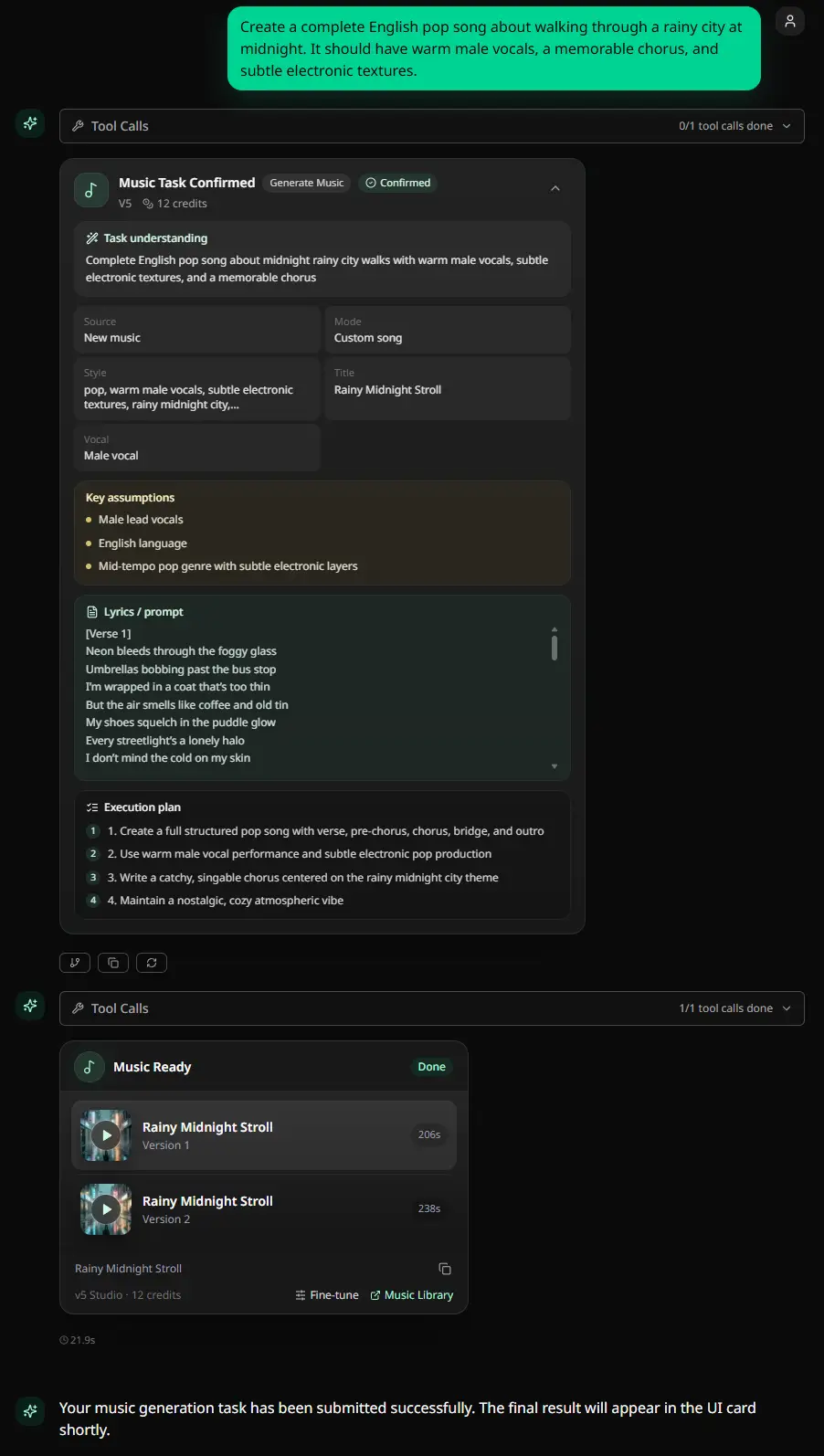
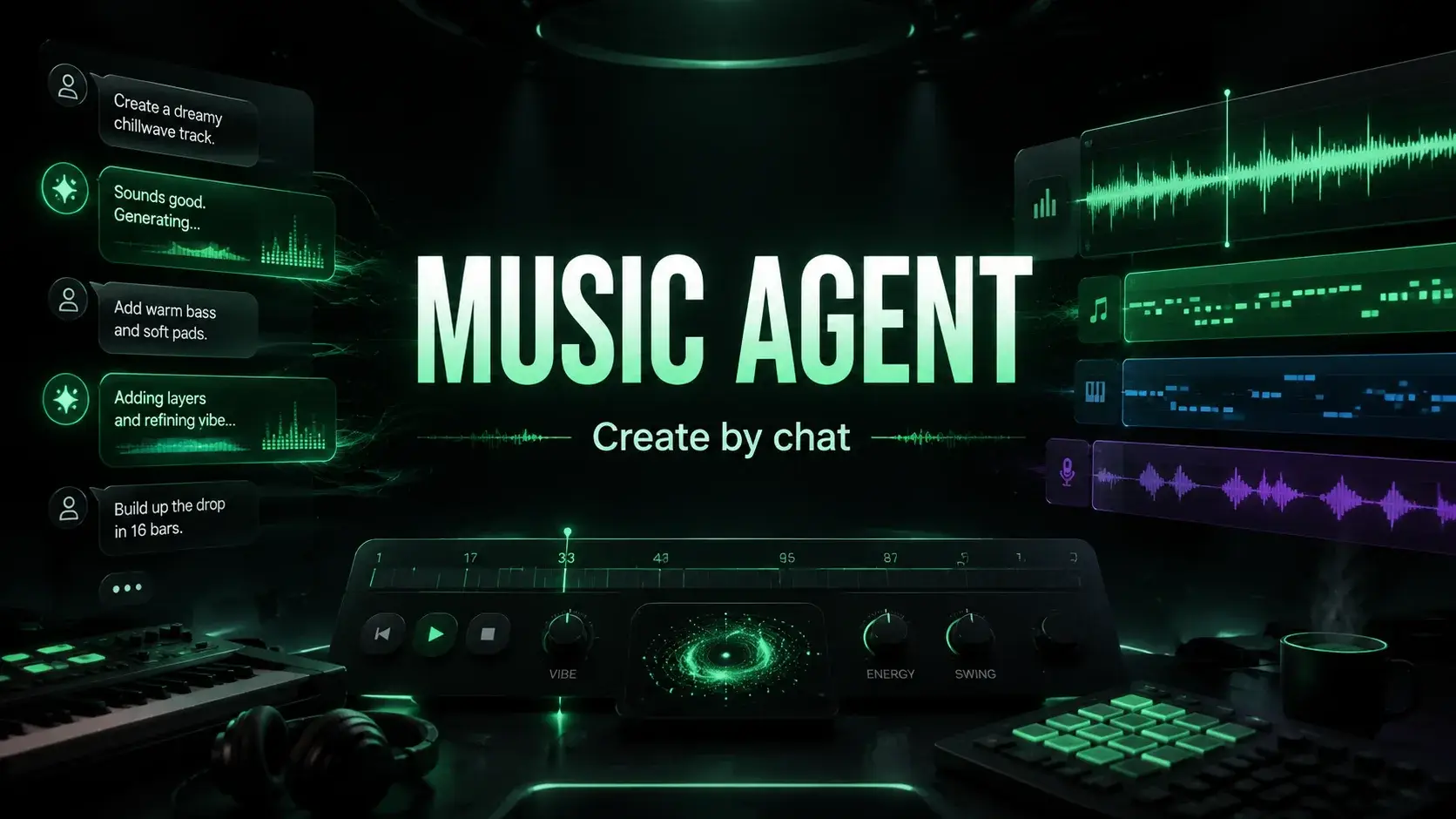
Music Agent is useful because it connects natural feedback to real music actions.
It can help with:
- prompt repair
- tool routing
- credit-spending approval
- editable approval cards
- result tracking
- recoverable failure repair
- Smart Next Actions
- Agent Pro for more complex creative requests
For shipped product evidence, use the MusicMake.ai changelog. Recent updates include Music Agent 2.5 final-result tracking, recoverable failure handling, Smart Next Actions, editable approval cards, and Agent Pro.
Example: From One Prompt to a Workflow
The user wants:
Quiet acoustic guitar music for a calm morning video. No vocals. No drums.The first result is close, but it has rhythmic percussion and is too busy.
A one-shot loop may look like:
No drums.
No percussion.
No beat.
No drums at all.A workflow response is more useful:
Make this a sparse solo acoustic guitar instrumental.
Keep only soft fingerpicked guitar.
Remove drums, percussion, bass, rhythm section, vocals, and extra layers.
Use slow tempo and free-flowing timing so it sits under speech.From there, the next action might be a new generation, a style rewrite, an extension, or a section replacement. The point is to choose a path instead of rolling the same prompt.
Competitors Can Still Fit
This is not an argument that every competitor is limited to one-shot generation.
Suno has its own editing features and a strong vocal-song creation experience.
Meloflow publicly presents a real tool stack with Generate, Extend, Cover, Add Tracks, Vocal Remover, Stem Splitter, plan-based exports, and commercial-license gating.
Udio and Mureka can still be useful for users who prefer their current generation style.
The point is narrower: when the user's real bottleneck is revision, tool choice, records, and source-based follow-up, evaluate the whole workflow rather than only the first generation.
How to Choose the Right Workflow
| Question | If yes, you need more than one-shot generation |
|---|---|
| Will the track need versions? | Use a workflow with revision tools. |
| Is the first result close but not finished? | Use Music Agent or a targeted edit tool. |
| Are you using uploaded audio? | Check source rights before editing. |
| Is this for a client or monetized project? | Keep plan, prompt, export, and rights records. |
| Do you not know the next tool? | Start with Music Agent. |
| Do you already know the exact task? | Use the direct tool. |
Use Direct Tools When the Task Is Clear
MusicMake.ai still has direct forms because they are efficient:
- Generate when you know the prompt
- AI Lyrics Generator when lyrics are the bottleneck
- AI Music Style Generator when style language is unclear
- Extend when a song needs continuation
- Cover when the source is cleared
- Add Tracks when the song needs extra layers
- Mashup when combining ideas
- Replace Section when one part needs a targeted change
- Vocal Remover when supported separation is needed
Use Music Agent when you do not know which one to choose.
FAQ
Are one-shot AI music generators useful?
No. They are useful for first drafts and fast ideation. They become limiting when the project needs revision, versions, source-based editing, records, or tool choice.
Is Music Agent better than a generator?
Music Agent is better when the user needs a workflow after the first draft. A direct generator is better when the user already has a clear prompt and only needs a fast output.
Can I use Suno, Udio, Mureka, Meloflow, and MusicMake.ai together?
Yes. Many creators should test multiple tools for first drafts, then choose the workflow that helps them finish the track.
Why do AI music generators waste credits?
The waste usually comes from repeating unclear prompts. A better workflow rewrites the instruction, chooses a more precise tool, and reviews the next action before credits are spent.
What should I do if my AI song is close but not right?
Describe the problem in plain language. If you know the exact fix, use a direct tool. If you do not know the next step, open Music Agent.
Conclusion
One-shot AI music generators are good at starting songs.
They are not always enough to finish songs.
The deeper workflow is revision: better prompts, tool choice, source-rights checks, approval before spending credits, versions, and records.
If your first result is close but not finished, start with Music Agent or choose the exact direct tool you need.
Last updated: June 14, 2026 | Product references were checked against the current MusicMake.ai changelog and published Music Agent articles.
Autor
Mais posts

AI Music Agent vs AI Music Generator: What Is the Difference?
Learn the practical difference between an AI music agent and an AI music generator: first drafts, prompt rewriting, tool routing, approval cards, revisions, source-based workflows, and commercial records.

Beatoven.ai vs MusicMake.ai: Pricing, Background Music, and Workflow
A practical Beatoven.ai vs MusicMake.ai comparison by background music, pricing visibility, SFX/API, downloads, Spotify/DSP limits, direct generation, editing tools, and Music Agent guidance.

The Best Suno Alternative If You Need an AI Music Agent
Looking for a Suno alternative? MusicMake.ai is a better fit when you need Music Agent guidance, multi-step song editing, source-based tools, and clearer revision workflows after the first draft.