Soundraw 2026 Free Trial & Watermark Guide: Plans, Usage Rights & Safe Alternatives
This practical 2026 guide covers Soundraw watermarks, Creator & Artist plans, license quota limits, Content ID control rules, and when MusicMake.ai is a better workflow choice.
Quick Answer
If Soundraw generated tracks come with watermarks, preview tags, or trial restrictions, the safest approach is simple: don't try to remove the watermark. That file is only for evaluation; if you want to keep the track, upgrade your account based on Soundraw's current plan rules, or generate properly licensed tracks on another platform.
Verified in browser on June 16, 2026: Soundraw's public website positions the product as an AI music generation tool for creators and artists, offering Creator, Artist Starter, Artist Pro, Artist Unlimited, and Enterprise paid plans. The page shows a limited-time annual discount ending July 31; prices in this session are localized to HKD: Creator HK$45.83/month, Artist Starter HK$82.50/month, Artist Pro HK$99.17/month, Artist Unlimited HK$137.50/month. When viewing the same price table on June 15, 2026 via Chrome, prices were shown in USD: Creator $11.04/month, Artist Starter $19.49/month, Artist Pro $23.39/month, Artist Unlimited $32.50/month. Prices may show different currencies by region; please refer to the currency displayed on the page at the time of purchase.
Before publishing, be sure to check Soundraw's current pricing page, license agreement page, and Terms of Service, and keep a copy of the plan and license agreement that apply when you download music.
This guide focuses on what creators care about most: whether the generated tracks can be legally used in your videos, client projects, livestreams, podcasts, or officially released singles.
What the Watermark Actually Means
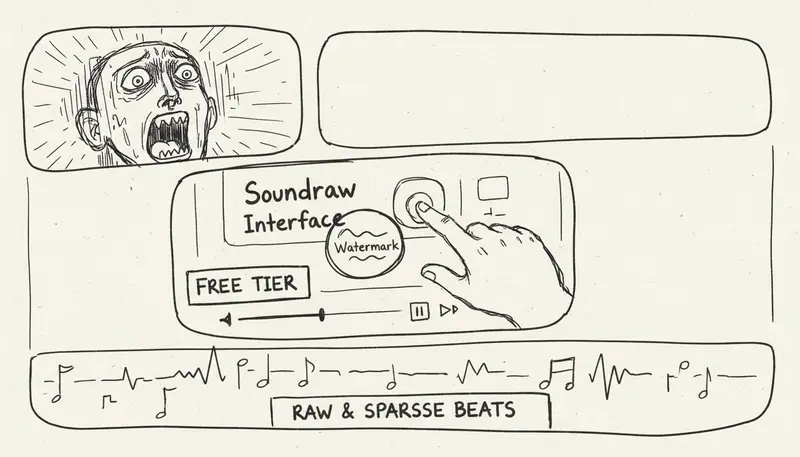
A watermark isn't just an audio issue—it's usually a license status signal.
If a generated track has a watermark, is preview-only, trial-limited, or export-restricted, treat it as a demo version unless the platform says otherwise. That means you can use it to evaluate whether the style, tempo, genre, and arrangement fit your needs, but never use it as final background music for commercial use.
Key questions include:
- Does your current plan allow downloading watermark-free tracks?
- Does your use case fit within the plan's scope—like YouTube videos, client project videos, ads, games, podcasts, or streaming distribution?
- Are there different restrictions for background music use vs. releasing a single on Spotify or Apple Music?
- Do you need to modify the track before distribution?
- How does the license work after your subscription ends?
The answers to these questions must come from the platform's current Terms of Service, not outdated comparison tables. On Soundraw's current license page, the Creator plan covers background music for creative projects, while Artist plans let you create modified singles based on Soundraw beats and distribute them on digital service providers (DSPs) like Spotify.
Soundraw Plan Options: Creator, Artist Starter, Artist Pro, or Artist Unlimited?
Here's a practical plan breakdown verified on June 16, 2026 via browser:
| Use Case | Soundraw Plan Fit | Notes |
|---|---|---|
| You need background music for videos, podcasts, apps, games, social posts, client media, or similar projects | Creator plan | Best for using Soundraw tracks directly as background music. The verified page shows this plan includes unlimited monthly downloads and MP3 format. |
| You want to produce and release singles based on Soundraw beats | Artist Starter and above | Choose this plan path when you need to clearly modify beats (e.g., add vocals, melodies, instruments, or remix) and distribute the finished single. |
| You need WAV files or stems | Artist Pro, Artist Unlimited, or Enterprise | The verified price table shows MP3/WAV and stems are only available in higher-tier Artist plans and Enterprise, not included in Creator or Artist Starter. |
| You need a high monthly download volume of beats | Artist Unlimited or Enterprise | Artist Starter and Artist Pro have monthly download limits, while Artist Unlimited and Enterprise are the high-volume options on the verified price table. |
The key difference between plans isn't "free vs. paid"—it's background music use vs. single release. If a track is only background music for platforms like YouTube, the Creator plan is likely enough. If the track becomes a single on Spotify, follow the Artist plan license rules.
Can You Remove Soundraw's Watermark?
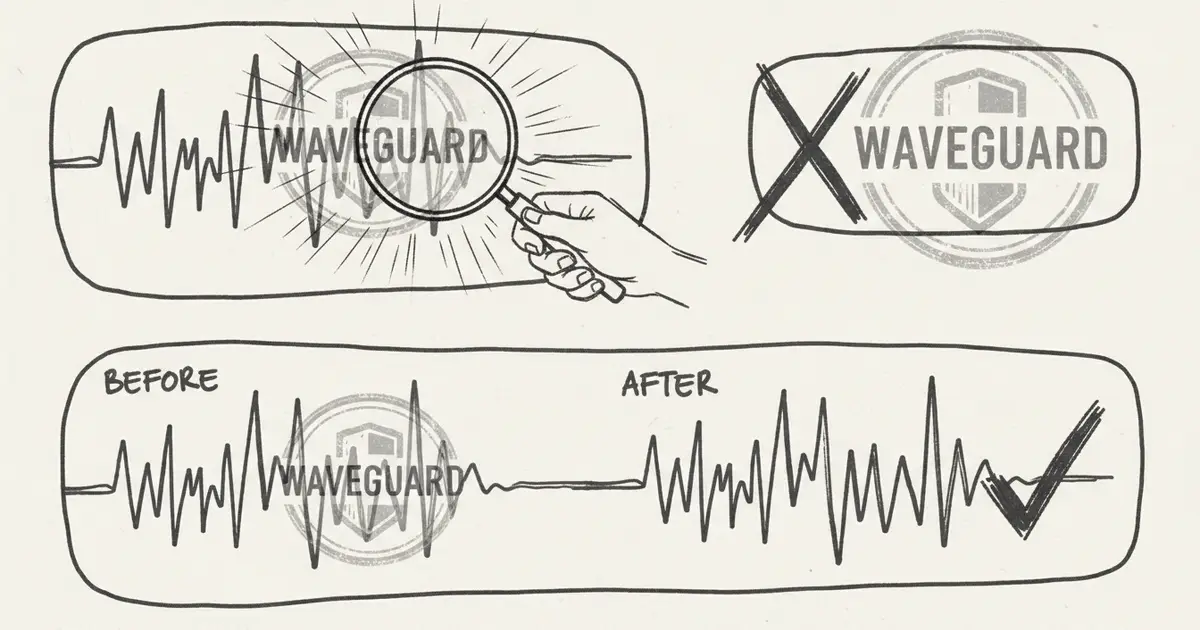
You should not manually remove the watermark.
Audio editing software, stem tools, noise reducers, or AI restoration tools might weaken a vocal tag or visible mark, but that won't give you legal rights. Plus, it may damage the mix and create new compliance issues if the platform bans watermark removal.
Follow this rule:
If you cannot publish the original watermarked file as-is, you also cannot publish an edited version.
Ways to Legally Obtain Compliant Music for Your Projects
1. Upgrade or Subscribe Based on Soundraw's Current Terms
If you like Soundraw's style and editing flexibility, this is the most direct route. Check the latest plan page before purchasing, as plan names, monthly fees, download limits, export formats, and discounts may change.
Also, read the licensing page carefully. Soundraw categorizes licenses for different use cases:
- Creator edition: Suitable for background music in videos, podcasts, apps, games, client projects, social media content, hold music, radio, TV, and similar projects.
- Artist edition: Use Soundraw beats to create adapted songs for streaming platforms, radio, live performances, and more.
The licensing page states that you can only distribute works through Digital Service Providers (DSPs) after you have first adapted the beat (e.g., remixing, adding vocals, or including instrumental parts you performed). Additionally, registering Content ID or distributing music without modification is not allowed; if you use a downloaded Soundraw track directly, you can only keep it published while your Soundraw subscription is active.
The current terms add three important operational rules: Soundraw grants non-exclusive licenses based on the plan selected; paid plans auto-renew unless you cancel; generated music cannot be registered for Content ID on YouTube, Instagram, TikTok, or similar platforms. This makes purchasing decisions clearer: choose the plan based on your distribution type, then keep records of plans, tracks, and licenses.
2. Create New Generate Tracks with MusicMake.ai
If your real issue isn't watermarks but the generated results themselves, use MusicMake.ai Music Agent.
Most users hit a wall not because they can't write detailed prompt prompts, but because they know what's wrong with the output but don't know how to turn that feedback into better prompt or choose the right next tool.
When using Music Agent, you can phrase your needs like this:
It still has a beat. Make it simpler and only keep soft acoustic guitar.This assistant can turn your feedback into stricter constraints, guiding you to use Generate, Extend Track, Create Cover, Add Tracks, Mashup, Replace Section, or Vocal Remover, and will ask for your confirmation before spending credits on the next step.
To learn about the product update history behind this workflow, check the MusicMake.ai Changelog, especially version 2.5, smart next steps, editable confirmation cards, and Agent Pro updates.
3. Use Traditional Stock Libraries When You Need Standard Licensing
If your project is client advertising, broadcast placement, or brand campaign, traditional stock libraries may still be the safest choice. Their advantage isn't creativity, but predictable licensing processes and legal documents.
AI-generated music excels when you need many custom variations; traditional libraries are better when you need a familiar licensing process.
Soundraw vs MusicMake.ai: Which Is Better for You?
| Use Case | Better Fit |
|---|---|
| You already like a specific Soundraw track and need licensed background music | Soundraw |
| You want to release adapted beat works, and Soundraw's Artist edition rules fit your project | Soundraw |
| You need WAV files or stem files from Soundraw's beat making process | Soundraw Artist Pro, Artist Unlimited, or Enterprise plan |
| Need a conversational workflow to refine prompt based on feedback | MusicMake.ai Music Agent |
| Need to turn a song into subsequent actions like cover, extend, mashup, add tracks, or replace section | MusicMake.ai |
| Need to generate songs directly via AI, plus studio, library, community, playlist, and project management | MusicMake.ai |
| Need to set clear constraints before the next generation to avoid wasting credits | MusicMake.ai |
| Need for client projects or public release | Either works, but must follow current plan terms and keep records |
Choosing the right tool depends on your core pain point. If your pain point is "I need a compliant license for this specific Soundraw track," choose the right Soundraw plan. If your pain point is "I need a complete creative workspace, more follow-up tools, and support to turn feedback into next steps," then use MusicMake.ai.
For a head-to-head comparison, read Soundraw vs MusicMake.ai: Pricing, Beats & Song Creation Workflow.
A Safer Release Checklist
Before publicly using any AI-generated music, make sure you have saved the following materials:
- Platform and account information used
- The subscription plan active at the time of generation or download
- Track ID or generation record
- prompt or creative brief description
- All source audio files you provided, along with proof that you own the copyright or have obtained a license for that material
- The license page or terms version available at the time of download
- Intended use case: YouTube videos, podcasts, client-commissioned videos, ads, games, live streams, or distribution on digital music platforms
This is far more important than a simple 'royalty-free' statement. Royalty-free doesn't mean there are no usage rules. Generally speaking, as long as you comply with the license terms, you don't have to pay royalties per use of that track.
When a free trial is sufficient
A free trial or limited-access mode is suitable for the following scenarios:
- Testing genre and mood styles
- Experiencing whether the interface fits your workflow
- Comparing arrangement quality
- Creating preliminary concept demos for clients
- Determining if a paid plan is worth purchasing
However, the following scenarios are generally not suitable for a free trial:
- Monetized YouTube videos
- Final deliverables for clients
- Public brand marketing campaigns
- Commercial games or apps
- Releases on streaming music platforms
- Resale of audio assets
Always refer to the current terms of use that are in effect.
When a track doesn't meet expectations, how to better Prompt
If the generated track doesn't meet your expectations and you want to switch to MusicMake.ai mode, don't just repeat the previous prompt prompt. Instead, turn your dissatisfaction into clear constraints.
Example of ineffective feedback:
Make it better.Example of effective feedback:
Remove drums and percussion. Keep only soft fingerpicked acoustic guitar. Slow tempo, intimate room feel, no bass, no rhythm section, no vocals.That's the value of Music Agent: you can describe the issue in natural language, and the AI assistant will help you rephrase the instructions for the next generation.
Frequently Asked Questions
Does Soundraw still offer a free plan?
Soundraw's terms of service include a free plan, but as of June 16, 2026, the official homepage we reviewed highlights paid plans and a "free trial" without displaying a straightforward free plan table for downloads. Please treat free usage as a trial experience unless your current checkout or account page explicitly grants you the download and publishing rights you need.
Can watermarked audio be safely uploaded to YouTube?
Unless the service provider's current terms explicitly permit your use case, treat watermarked or trial-limited audio as demo samples. If you plan to use it for monetized YouTube content, client projects, or public release, keep proof of your license.
Can I remove watermarks using AI audio tools?
It's not recommended. Removing or hiding watermarks does not grant you publishing rights and may violate the service provider's terms.
Is music generated by MusicMake.ai free from watermarks?
MusicMake.ai is designed around credits, generation history, and plan-based commercial usage rights, rather than distributing watermarked demo audio. Before commercial use, check the current pricing page.
Which one should I choose for background music?
If you already like a track from Soundraw and its creator program rules match your background music use case, then choose Soundraw. If you need a more comprehensive AI music workspace that supports music generation, prompt rewriting, post-generation tools, studio/library/community features, and optional Music Agent guidance, choose MusicMake.ai.
Can I upload music generated by Soundraw to Spotify?
Simply downloading the unmodified original file won't allow uploading. Soundraw's license page states that only if you modify the beat first, making the final product significantly different from the downloaded original track, can the Artist plan be used for distribution on digital service platforms.
Can I register tracks generated by Soundraw with Content ID?
No. The Soundraw license terms and service agreement we reviewed explicitly prohibit registering generated music with Content ID. This applies to YouTube, Instagram, TikTok, and similar platforms.
Conclusion
Don't view watermark removal as a technical workaround; it's a licensing decision.
If you're satisfied with Soundraw's generation results, follow Soundraw's current paid terms and keep proper records. If you're stuck because the music doesn't meet your expectations, use MusicMake.ai Music Agent to rewrite prompt's content, choose appropriate post-generation actions, and reduce wasted generations.
Our real goal isn't just "removing watermarks"—it's enabling you to use, attribute, license, and improve your music without doubts.
Music generated on MusicMake.ai is safe for commercial use, so you can confidently use it in various commercial projects. Check in daily to earn free credits and start creating easily.
Open Music Agent on MusicMake.ai
Auteur

Catégories
Plus d'articles

MusicMake.ai Mobile Update: Create Music From Your Phone Like an App
MusicMake.ai now gives creators a complete mobile flow for listening, generating, refining with Music Agent, opening tools, and managing songs from a phone.

AI Songwriting Guide: How to Write Songs with AI in 2026
Learn how to use AI songwriting tools to write better songs faster. Step-by-step guide covering lyrics, melody, arrangement, and production with AI assistance.

how to become a music producer with ai tools - MusicMake.ai Guide
Learn about how to become a music producer with ai tools with this comprehensive guide from MusicMake.ai.
