AI Music Analyzer
Upload audio, detect BPM and note material locally, then turn the metrics into a MusicMake prompt, tags, and generation settings.
Upload an audio file to start.
Browser-side audio read
Decode and inspect the audio locally before any prompt is generated.
Prompt reverse layer
Turn structured metrics into a copy-ready MusicMake prompt.
MIDI-ready output
Use the detected note draft as supporting material, not the main output.
From uploaded audio to usable music insight
Keep measurable audio work in the browser, then use AI where it helps: drafting a prompt.
Start with a track
Upload a song, stem, demo, or voice memo directly in the tool page.
Extract measurable signals
Estimate rhythm, note material, pitch range, energy, and waveform shape.
Turn it into a prompt
Get a prompt, tags, negative prompt, and generation settings.
How it works
Analyze measurable audio signals first, then let AI turn them into a prompt.
Upload audio
Choose an MP3, WAV, FLAC, M4A, or another audio file your browser can decode.
Analyze locally
The page detects tempo, beats, waveform shape, and note material in the browser.
Reverse the prompt
Only the small structured analysis JSON is sent to the server so an LLM can draft a practical MusicMake prompt.
Built for grounded analysis
The prompt is constrained by detected facts instead of open-ended guessing.
Music analysis should lead to a usable prompt
A useful analyzer does more than print BPM. This page connects measurable audio signals with a copy-ready MusicMake prompt, style tags, negative prompt, and optional MIDI draft so creators can turn a reference track into a new generation direction.
Why prompt reversal uses structured audio data
The first version does not send the raw file to the LLM. The browser extracts a compact set of signals first, then the server-side model writes a prompt from those facts. This keeps the prompt grounded and helps avoid unsupported claims about key, chords, lyrics, or instruments.
Best for stems, melodies, hooks, and demos
Dense finished songs can still produce useful rhythm and energy reads, but isolated musical parts usually create cleaner note material. If you want a stronger reverse prompt or MIDI draft, upload a lead line, vocal hook, piano phrase, or separated stem.
Raw audio is decoded locally. The prompt route receives only a compact metrics JSON, not the original file.
Tudo Que Você Precisa para Criar Musica IA
Texto para música é só o começo. Explore nosso kit completo — criador de musica IA, extensor, removedor de vocais e mais.
Encontre o melhor gerador de música IA
Compare fluxos rápidos para criadores e gere instantaneamente.
Mais Ferramentas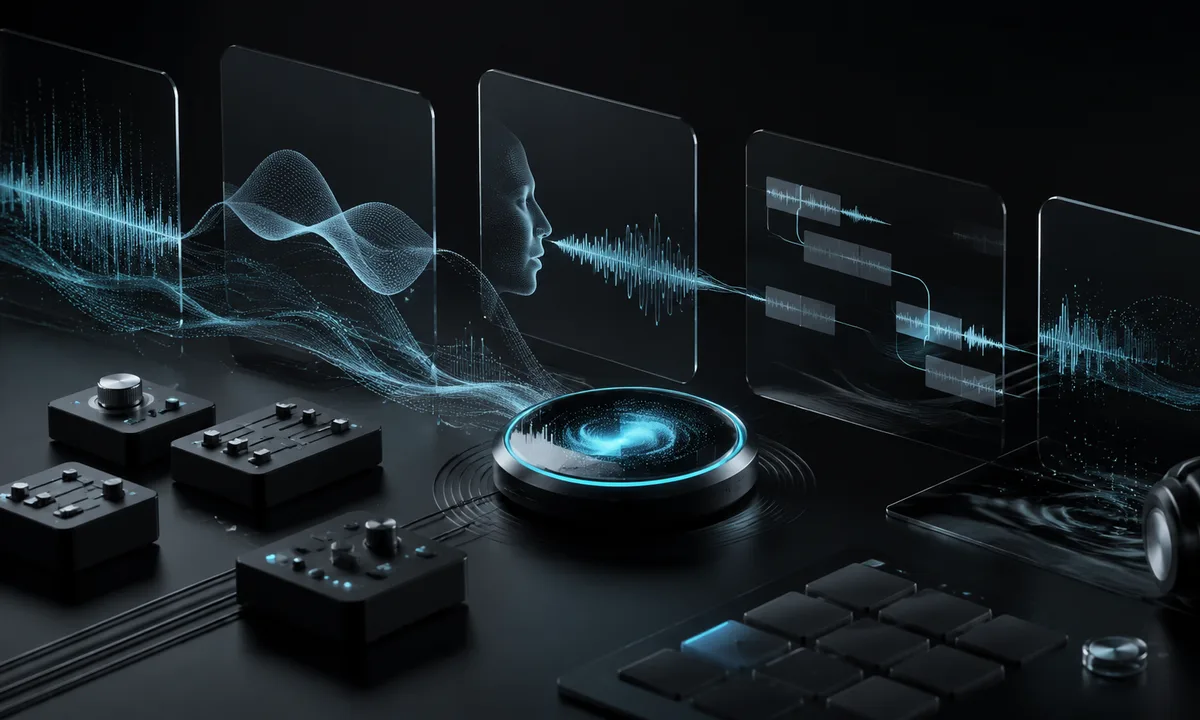
Try a Riffusion AI alternative
Create prompt-to-song music with a faster MusicMake workflow.
Criar musica IA com texto
Descreva sua ideia, IA que cria musica entrega uma faixa completa.
Criar musica com IA e letras
Cole letras, escolha um estilo, criador de musica IA faz o resto.
Crie covers IA
Clone qualquer voz em qualquer música criada com IA.
Estenda qualquer faixa
Deixe músicas mais longas com IA para criar musica.
Crie mashups de músicas
Misture duas faixas em um novo remix.
Remova vocais
Isole instrumentais ou vocais instantaneamente.
Clone sua voz
Treine um modelo de voz, use em qualquer lugar.
Transforme histórias em músicas
Descreva uma história ou cena e gere uma música rapidamente.
Transforme humor em música
Descreva um sentimento e receba música compatível.
AI Music Analyzer FAQ
Common questions about browser analysis and reverse-engineered prompts.
Does the AI music analyzer upload my audio file?
What can it reverse-engineer today?
Can it recover the exact original prompt?
What files work best?
Ainda tem dúvidas?
Turn the reference into your next prompt
Use the reverse-engineered prompt, detected tempo, and optional MIDI draft as a starting point for generating, remixing, or extending.