







• AI 작사 생성기
  • AI 스타일 생성기
  • 가격
  • 파트너
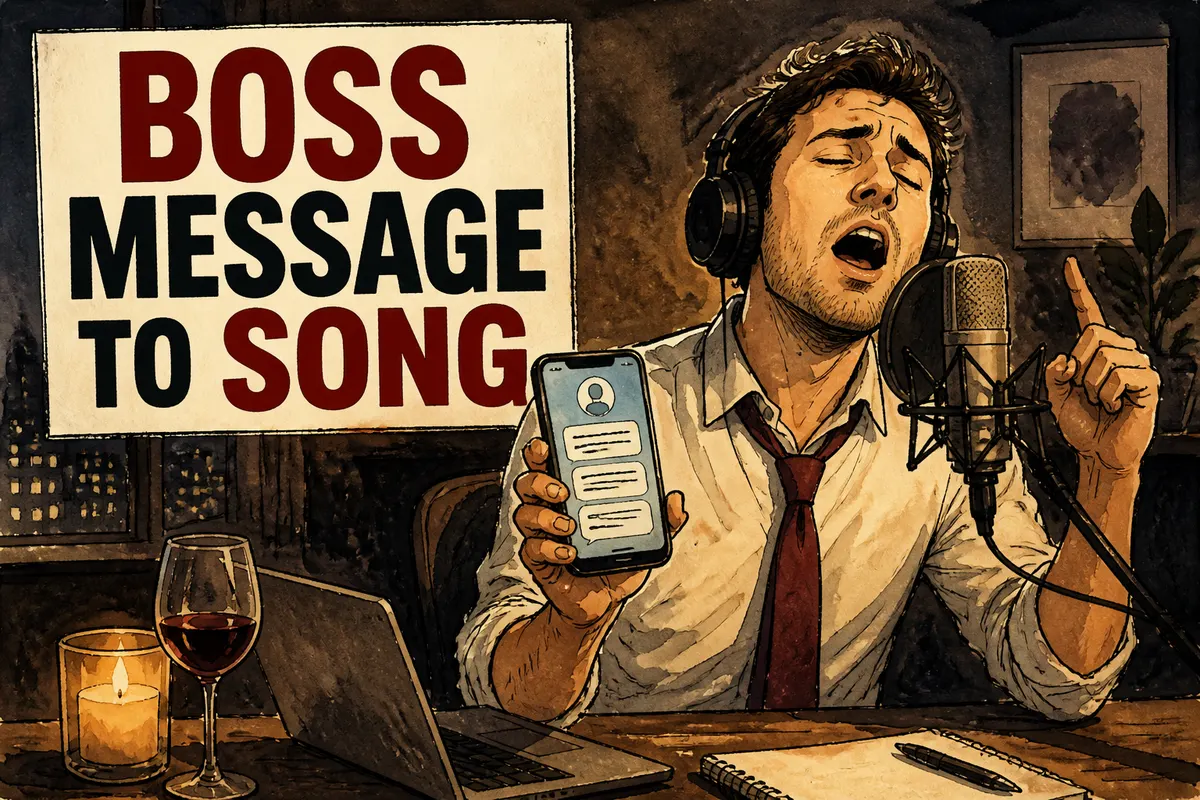
Turn Boss Messages into a Song 템플릿을 위한 분위기 있는 포스터Turn Boss Messages into a Song 템플릿을 위한 분위기 있는 포스터
Texts to Song
ChatLyricsStyleShorts
Texts to Song

Turn Boss Messages into a Song

Paste a text thread, choose a mood, and turn the conversation into a song for TikTok, Shorts, or a private share.

플레이 존

Turn messages into music

채팅을 노래로

1단계

Paste the boss message

필수

2단계

Workplace tone

Use display names in the lyrics

샘플 작품

Done In A Click

Done In A Click

0:41
Rise To What's Next

Rise To What's Next

2:48
Faster By Design

Faster By Design

2:54
Chasing Horizons

Chasing Horizons

3:37
Open Doors, On Air

Open Doors, On Air

2:34
Welcome Back, You’re In

Welcome Back, You’re In

2:50
Rise To The Reveal

Rise To The Reveal

3:11
Forest of Turning Pages

Forest of Turning Pages

3:09
Starbound Heart

Starbound Heart

3:15
Starlight Run

Starlight Run

3:16
Supernova on the Floor

Supernova on the Floor

2:33
Zero-Gravity Heart

Zero-Gravity Heart

3:24

See how boss messages become songs

Turn hard-to-answer work messages into a song with a little deadpan humor.

Work chat preview

Input

Boss message

Boss

Tiny request. Very simple.

Me

When do you need it?

Boss

Before tomorrow morning meeting. Thanks.

Output

Workplace hook

Tiny little request

Sounds so light and clean

Due before the meeting

There goes my sleep routine

Keeps work-chat wordingStyle: comedy rapMade for office rants

chat to song

Make the after-hours message sing

Turn late-night requests, vague deadlines, and office pressure into a funny workplace song.

Late requestWork rantComedy rapOffice song
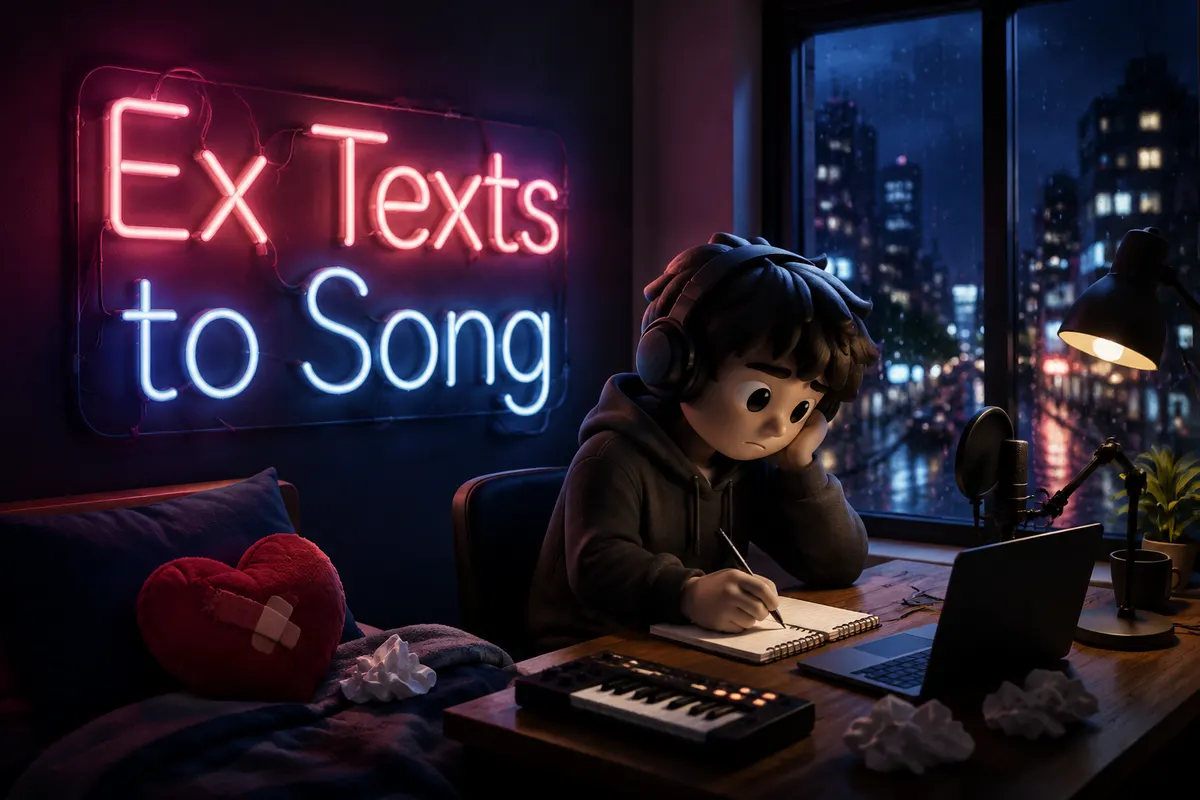
Turn Boss Messages into a Song의 피처 아트워크 1
텍스트-투-송 브리핑

Turn Boss Messages into a Song -실제 말을 훅으로 바꾸세요

Start with the messages, comments, or chat lines that already carry the emotion. 메시지, 댓글, 캡션 또는 채팅 컨텍스트를 먼저 붙여넣으세요. 그래야 노래가 모호한 prompt 대신 원래 단어에서 자라납니다.

Start creating
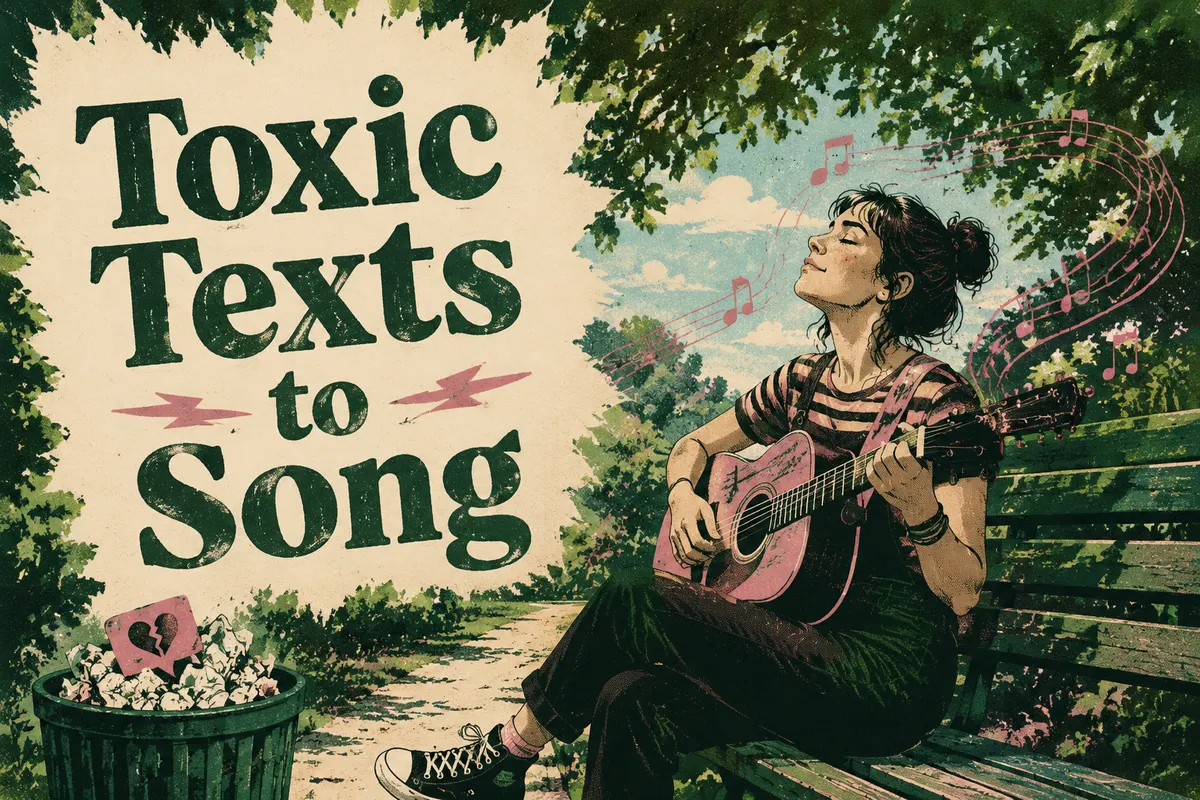
Turn Boss Messages into a Song의 피처 아트워크 2
메시지 입력

원본 자료 유지 -그런 다음 감정을 다듬으세요

Pick the feeling or style, then add details only when they make the song stronger. 누가 말했는지, 무슨 일이 있었는지, 인용할 내용은 무엇인지, 그리고 결과가 재미있게, 진지하게, 드라마틱하게, 또는 신랄하게 느껴져야 하는지 추가하세요.

텍스트 자료 붙여넣기

관련 템플릿

카테고리 보기

Turn Your Ex's Texts into a Song

Paste messages from your ex and turn the conversation into a song.

4.5k명이 시도함

Turn Toxic Texts into a Song

Make the manipulative message sound as toxic as it feels.

2.7k명이 시도함

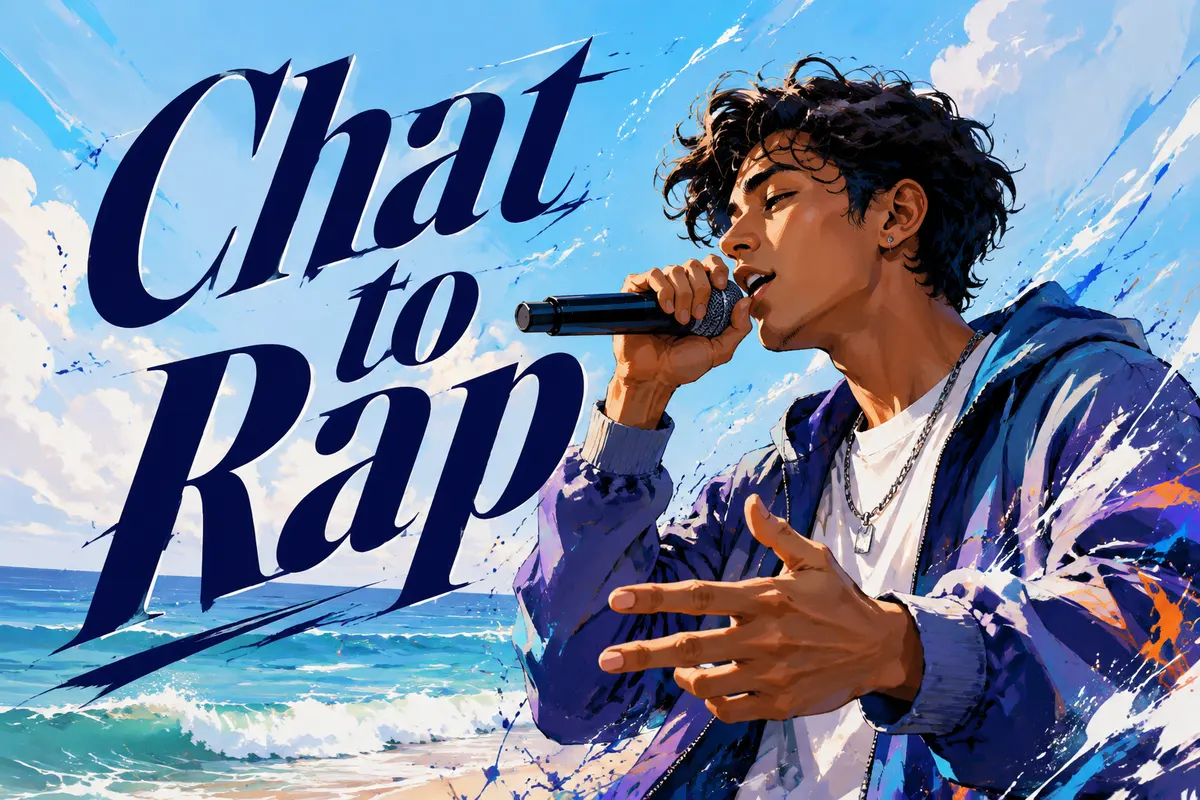
Turn a Chat into a Rap Song

Make the conversation hit like a rap verse.

1.8k명이 시도함

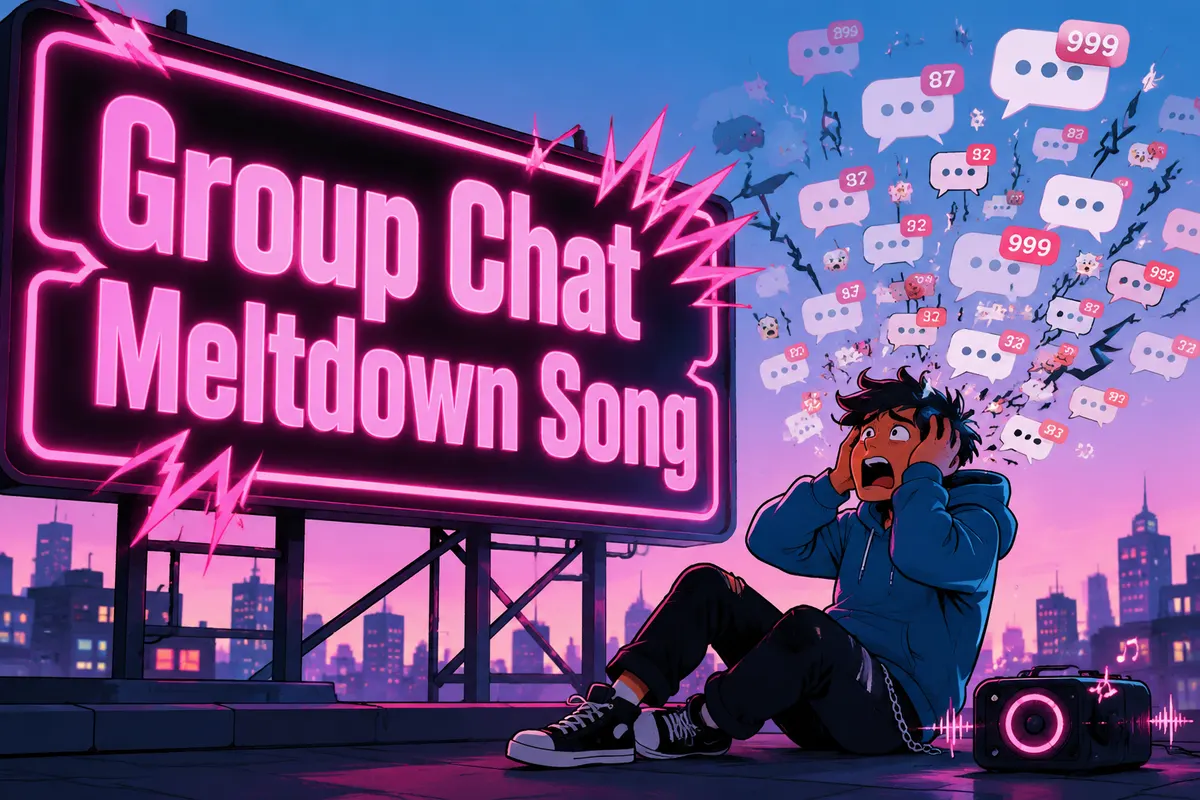
Turn a Group Chat into a Song

Turn chaotic group chat energy into a meltdown anthem.

2.1k명이 시도함

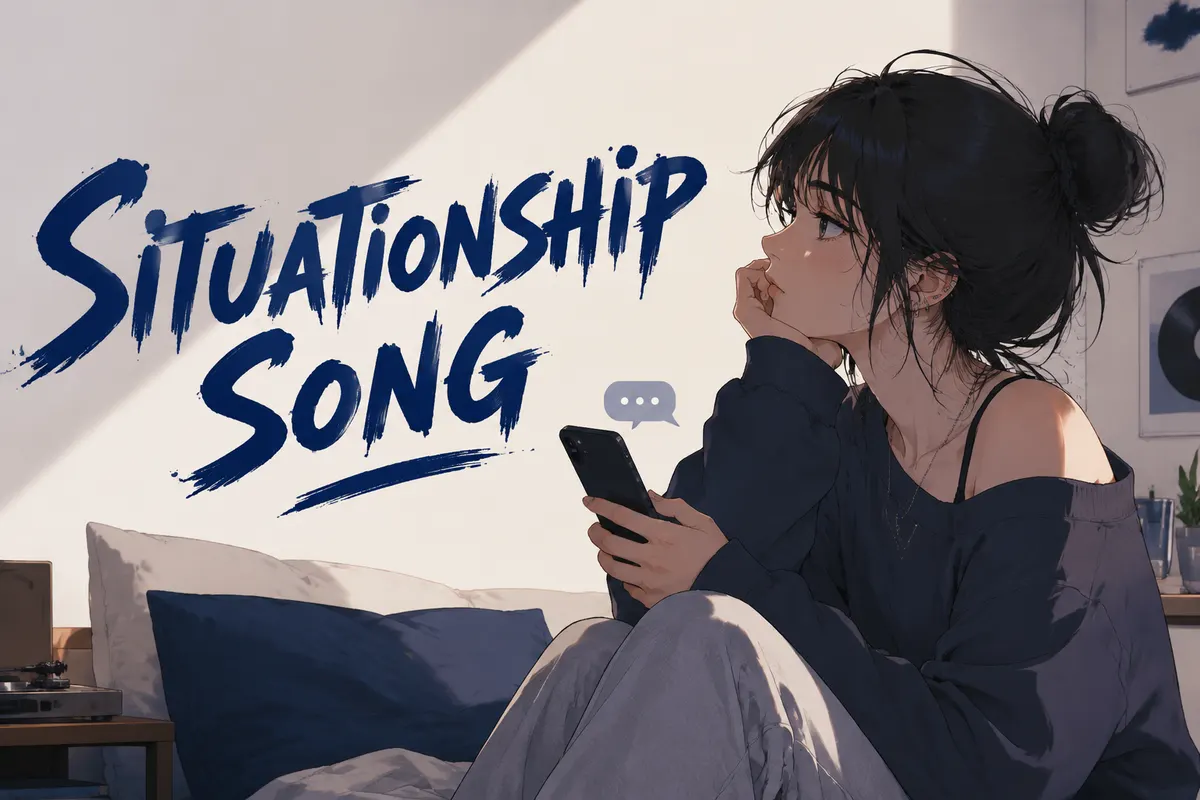
Situationship Song

Make confusing almost-love sound dangerously catchy.

2.4k명이 시도함

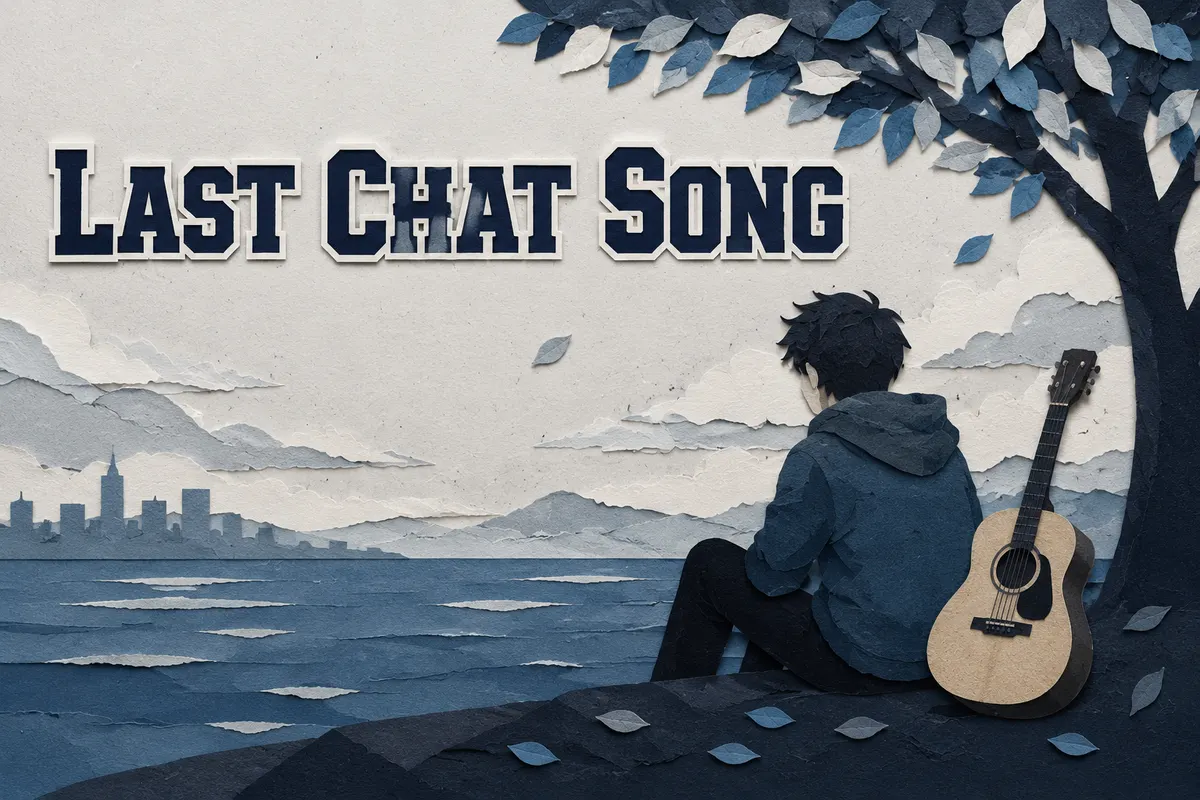
Turn the Last Chat into a Song

Turn the final conversation into a goodbye song.

1.6k명이 시도함

다른 각도 탐색

같은 아이디어를 다른 종류의 노래로 바꾸세요: 선물, 디스, 캐릭터 테마, 숨겨진 메시지 또는 짧은 소셜 순간.

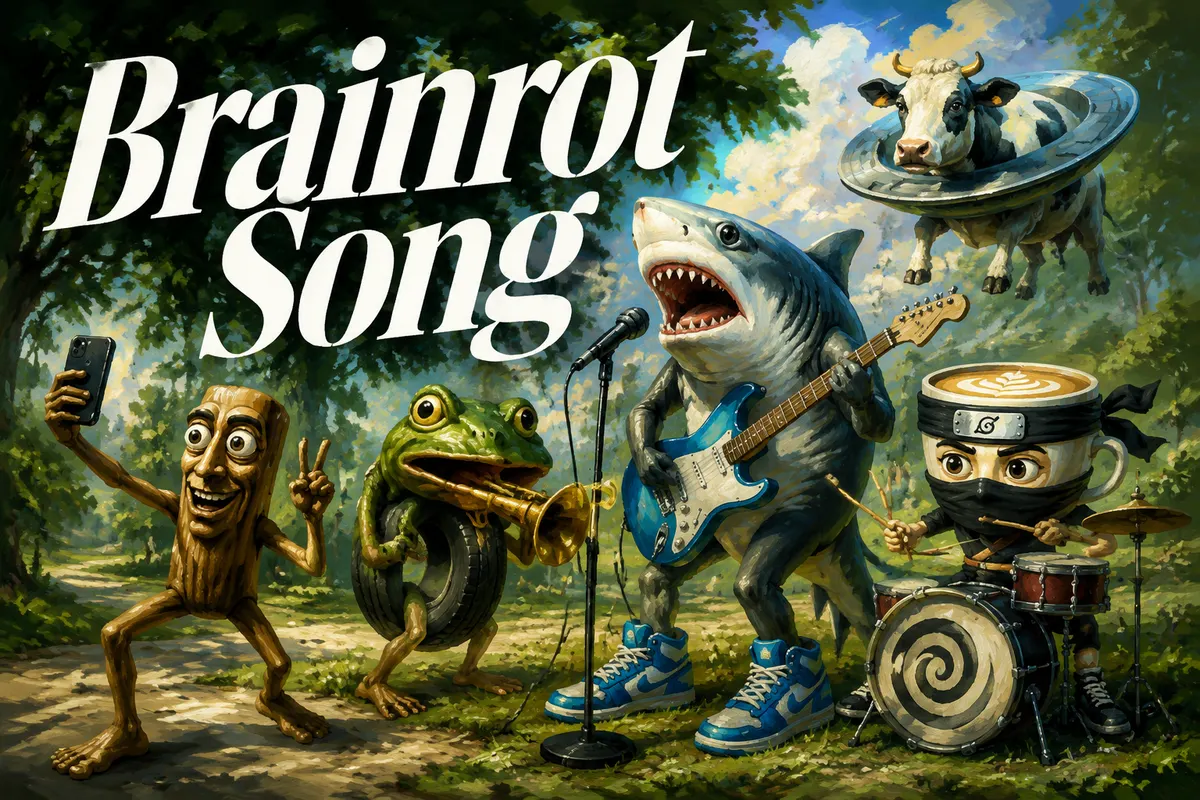
Brainrot Song

Repetitive, absurd, and dangerously shareable.

4.7k명이 시도함

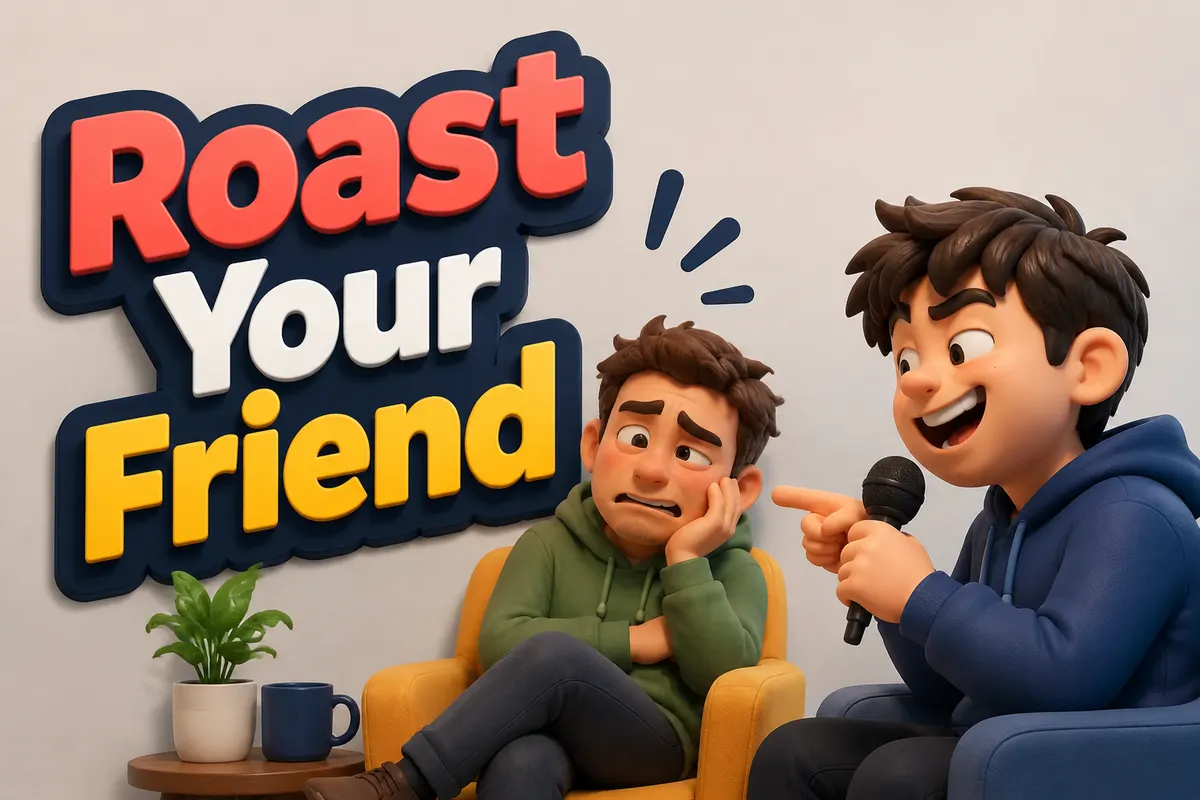
Roast Your Friend

Roast a friend just hard enough to make them send it around.

4.2k명이 시도함

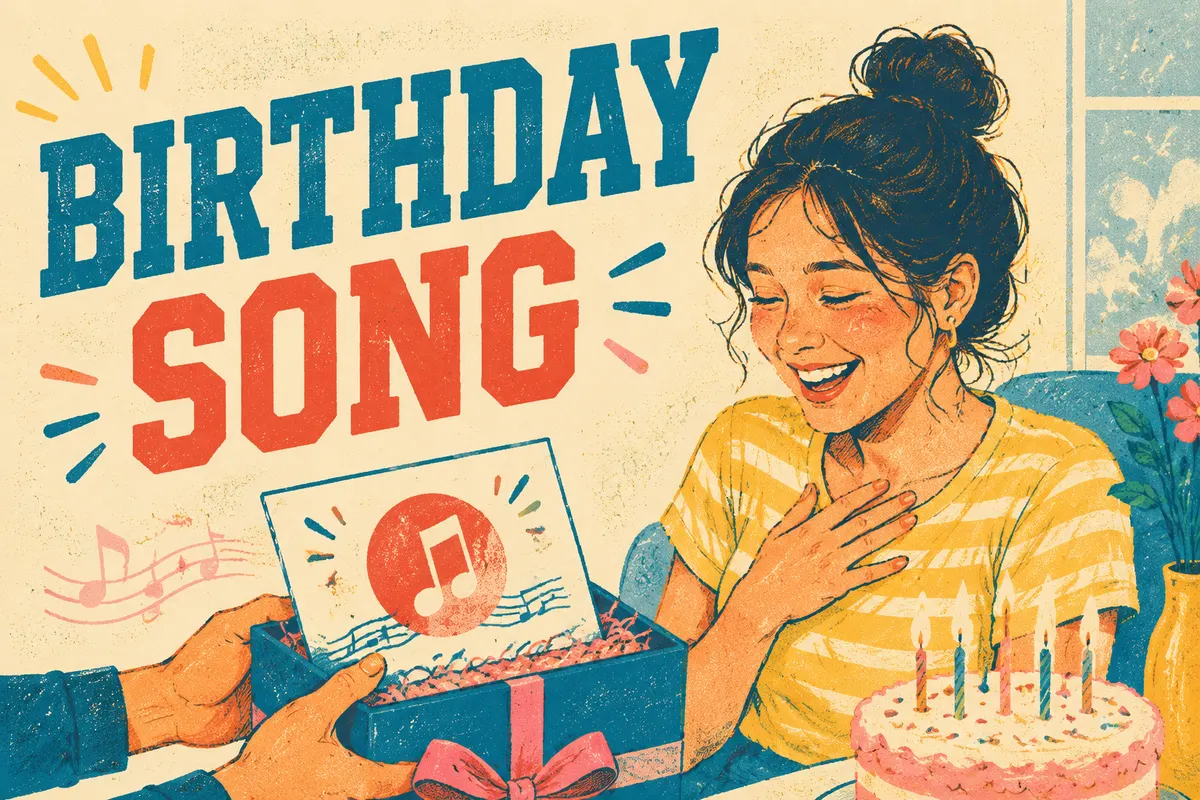
Birthday Song

Make a birthday wish feel personal enough to keep.

2.9k명이 시도함

Jingle Generator

Turn a brand name and offer into a memorable jingle hook.

2.5k명이 시도함

자주 묻는 질문

Turn Boss Messages into a Song를 만들기 전후에 가질 수 있는 질문들.
1

Can I turn boss messages into a song?

Yes. Paste the message, choose a workplace tone, and MusicMake.ai can turn it into a song draft.
2

What work messages are good for this?

Late-night requests, sudden deadlines, tiny tasks that are not tiny, motivational office lines, and awkward meeting follow-ups all work well.
3

Is it free to try?

Yes. You can open the page and start with free credits. More generations, longer iteration, or advanced usage may require additional credits or a paid plan.
4

Can it sound funny instead of angry?

Yes. Choose office comedy, sarcastic pop, corporate anthem, tired lo-fi, rap, or write your own tone.
5

Do I need to write lyrics first?

No. The pasted work message can become the lyric source.
6

Can I edit the message first?

Yes. Paste only the lines you want to use, rewrite anything that needs context, and add notes for the mood, hook, or point of view before generating.
7

Can I keep the result private?

Yes. After generation, you can keep the song private, send it to one person, use it in a short video, or publish it more broadly.
8

Do I need music experience to use this template?

No. The template starts from scene material and guided fields, so you can create a song idea without writing music theory terms or a full production brief.
Logo
Music Make AI

AI 음악 생성기 · 로열티 프리 · 상업용 라이선스 가능

TwitterX (Twitter)DiscordEmail
제품
  • AI 음악 생성기
  • 가격
  • FAQ
  • 상업용 라이선스
AI 도구
  • AI 음악 생성기
  • 최고의 AI 음악 생성기
  • Riffusion AI 대안
  • AI 노래 생성기
  • AI 음악 메이커
  • Music to Prompt
  • AI 노래 메이커
  • 텍스트를 노래로
  • 가사를 노래로
  • AI 노래 커버 생성기
  • 노래 연장
  • AI 매시업 생성기
  • AI 보컬 제거기
  • 오디오 변환기
  • 음성 복제
  • Qwen3 TTS
더 많은 도구
  • AI 벨소리 생성기
  • 진정 교실 음악 생성기
  • 불안을 노래로 바꾸는 생성기
  • 브이로그 음악 생성기
  • 수면 음악 생성기
  • 시를 음악으로 생성기
  • 날씨를 음악으로 생성기
  • Brainrot을 크리스마스 음악으로 생성기
  • 움직임을 음악으로 생성기
  • 힐링 음악 생성기
  • 박스를 음악으로 생성기
  • 이야기를 노래로
  • 기분을 음악으로
  • 아브라카다브라 노래 생성기
  • 트로트 음악 생성기
  • 인용구를 음악으로 생성기
리소스
  • 블로그
  • AI Music Use Cases
  • Music Styles
  • Music Elements
  • 피드백
  • 변경 내역
회사
  • 소개
  • 크리에이티브 파트너 프로그램
  • 문의
법적 고지
  • 쿠키 정책
  • 개인정보처리방침
  • 서비스 이용약관
  • 환불 정책
English日本語हिन्दी한국어NederlandsРусскийTürkçeBahasa IndonesiaไทยTiếng ViệtPolski中文EspañolPortuguêsFrançaisالعربيةDeutsch

© 2026 Music Make AI All Rights Reserved. DREAMEGA INFORMATION TECHNOLOGY LLC

support@musicmake.ai
    • Logo
      Music Make AI
    • 홈
    • 탐색
    • Listen
    도구
    • 뮤직 에이전트
    • 생성
    • 확장
    • 커버
    • 트랙 추가
    • 매시업
    • 보컬 리무버
    • 음악 → Prompt
    Other
    • 변경 로그
    EmailDiscord