Daily Check-in Rewards
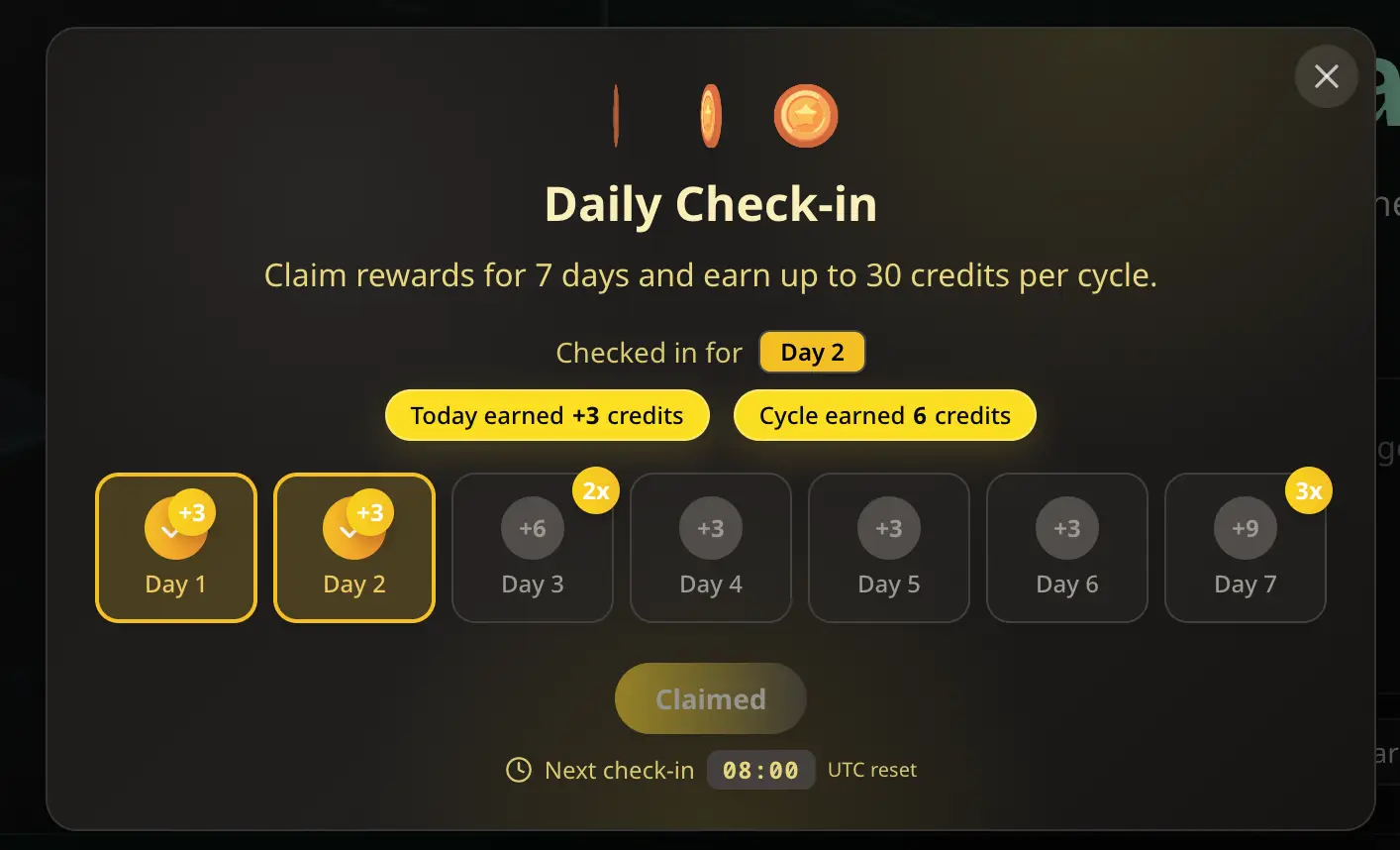
Open the gift button in the navigation bar to claim today’s credits and see your 7-day reward calendar. After you claim, we show the next UTC reset time so you know when to come back.

MusicMake.ai의 새로운 소식을 확인할 수 있는 공식 출처입니다.
Open the gift button in the navigation bar to claim today’s credits and see your 7-day reward calendar. After you claim, we show the next UTC reset time so you know when to come back.

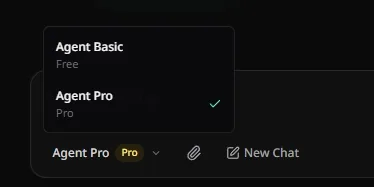
Music Agent now supports Agent Pro. Compared with Agent Basic, Agent Pro has broader knowledge space and deeper reasoning, making it better suited for complex creative requests that need more thoughtful understanding.

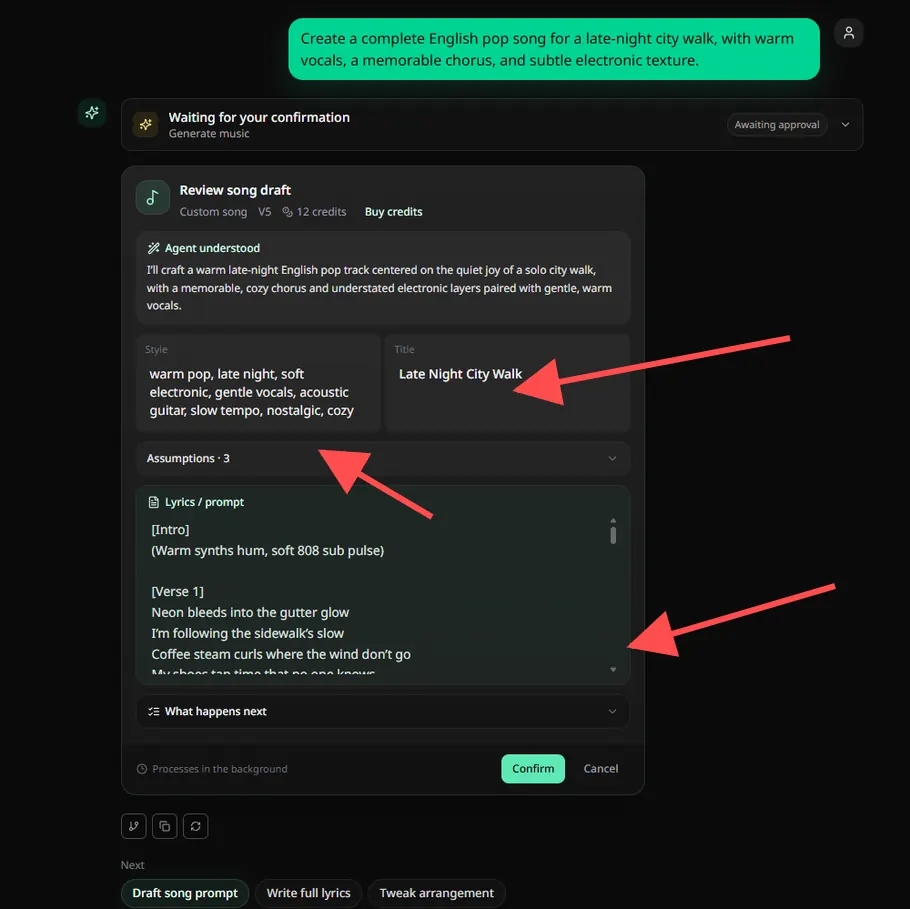
Before confirming a Music Agent task, you can now edit the approval card directly. Adjust the song draft in place instead of repeating instructions or starting over.

AI Style Generator can now start from reference audio. Upload a track, hook, stem, or demo, and it will analyze the style before generating two ready-to-use tag directions.
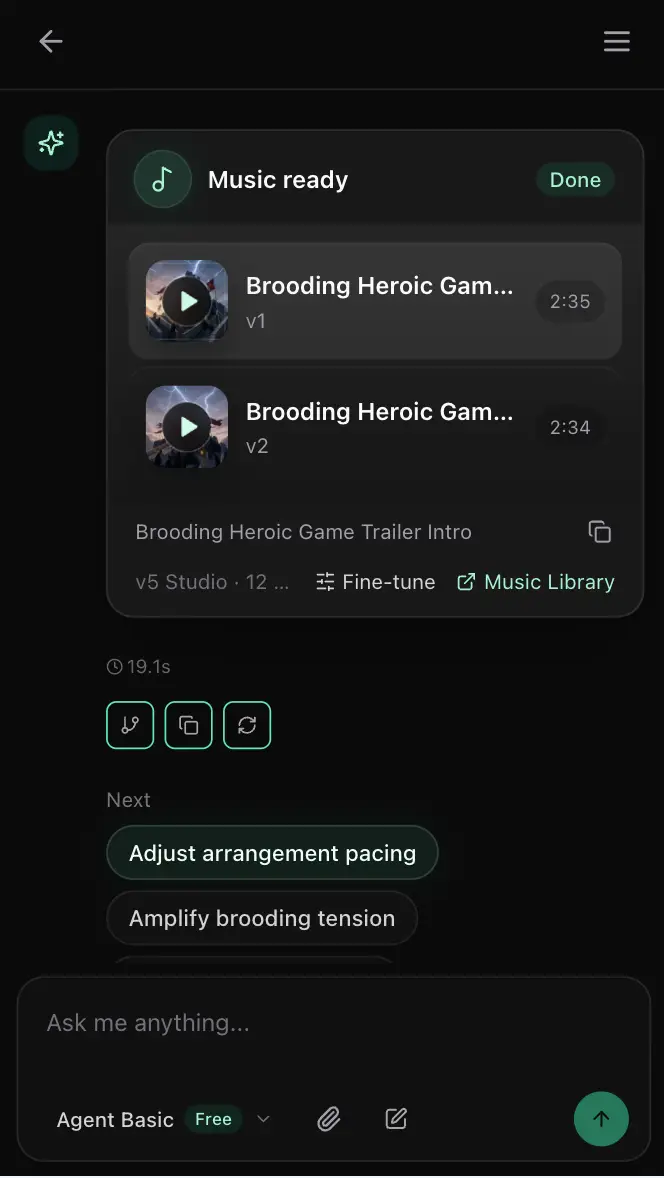
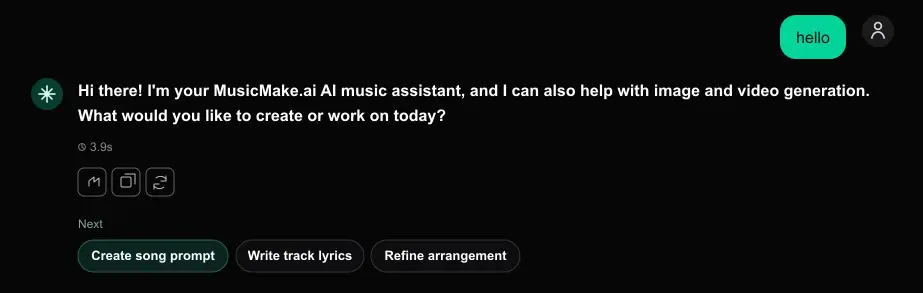
Music Agent now helps you keep moving after each reply. Based on the latest conversation, it suggests practical next actions such as refining lyrics, extending a track, adjusting style, or checking the generated result.

Music Agent now follows music tasks beyond submission. It watches the final job result, understands recoverable failures, and helps repair the task instead of leaving you to diagnose what went wrong.
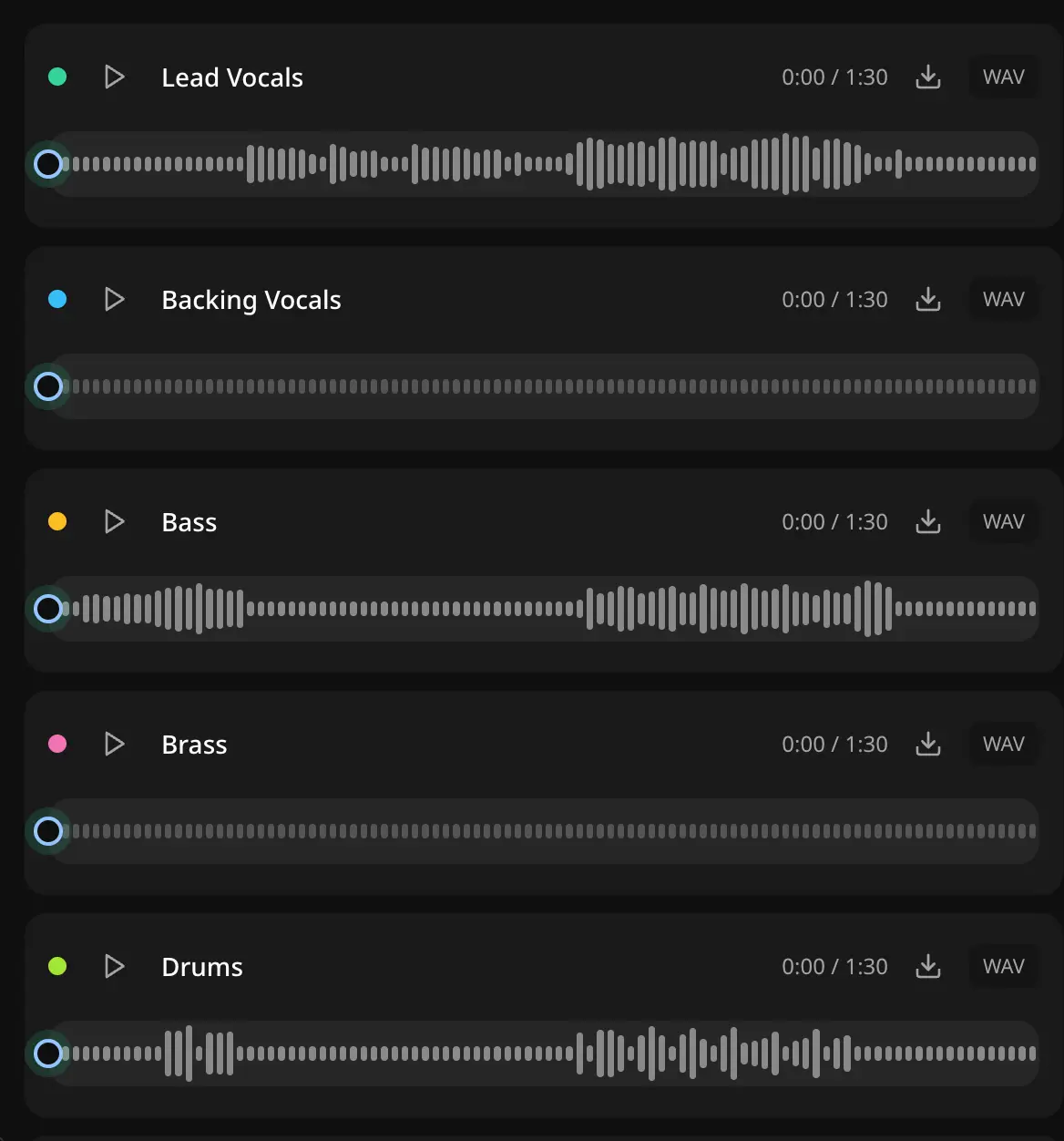
Your separated vocals and stems now have a clear home. After Vocal Remover finishes, you can return to My Works to review, preview, and download the tracks again.
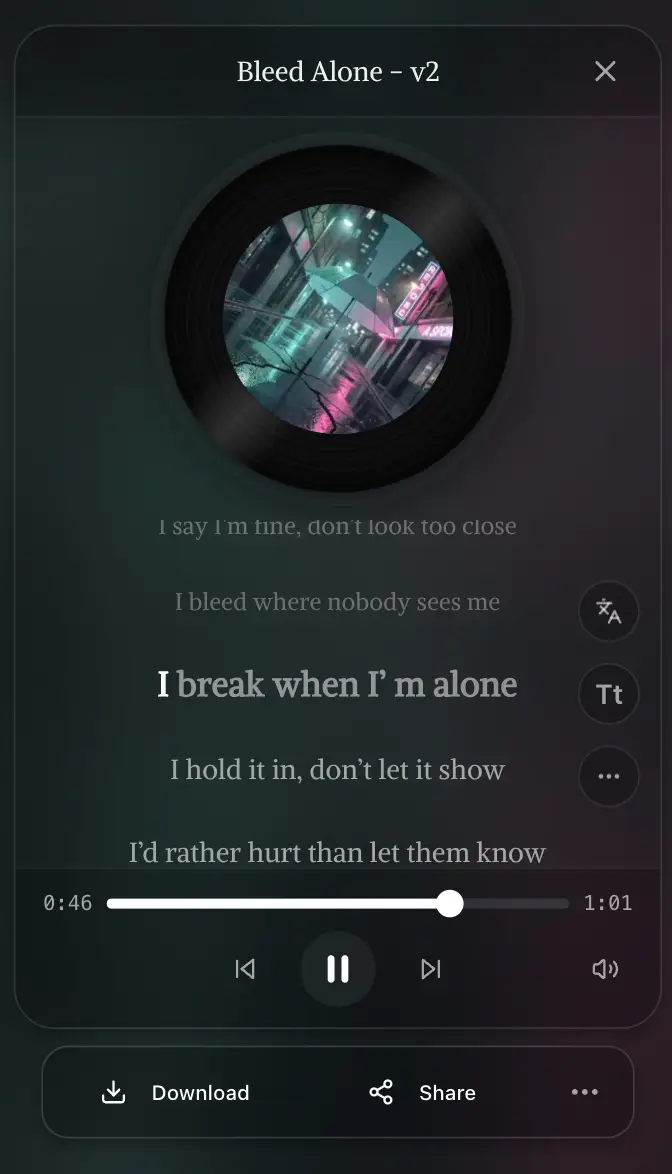
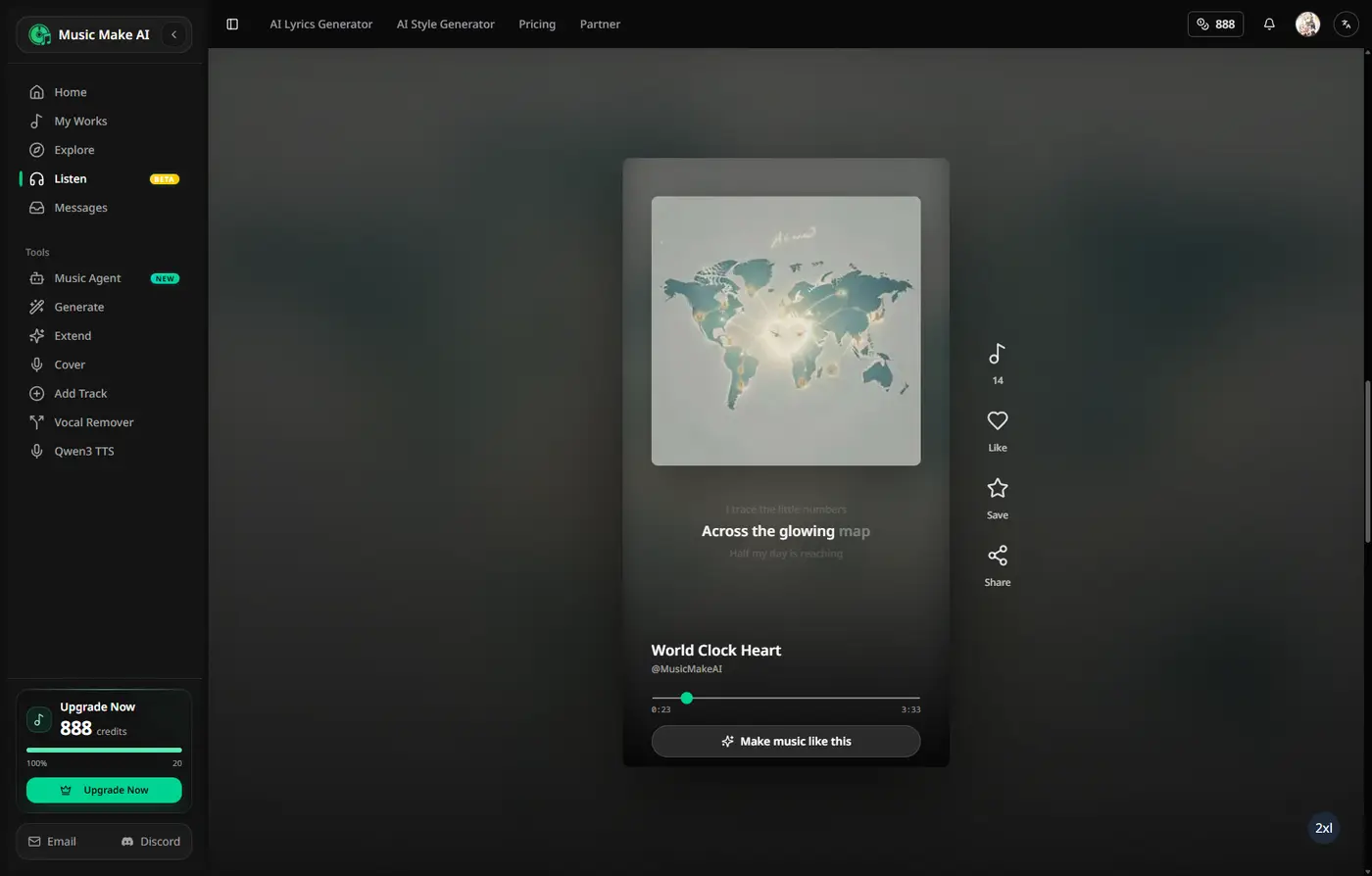
The Listen experience now gives you more control over what comes next. Choose all songs, songs with lyrics, or instrumentals without breaking the track you are already playing.
We improved Music Agent based on recent creator feedback: music tasks are easier to review, failed jobs are easier to understand, and interrupted chats are easier to recover.
For creators who want an original song with a similar mood to a reference track, we are researching music analysis that turns audio into safer generation prompts.
Creation pages now adapt to where you are in the journey. New visitors still get a clear product guide; signed-in creators land directly in a focused studio workspace.
Your music no longer stops at the first generation. Start with an idea, bring in an existing song, or upload audio, then keep shaping it with Music Agent in one conversation.
We refined several mobile surfaces so listening, managing, and discovering music feels less crowded and easier to control on smaller screens.
Replace Section is here. Pick a song, choose the part that needs work, rewrite the lyrics or direction, and generate a cleaner version without starting over from scratch.
Pick two songs from My Works or upload your own audio, then blend them into a fresh new mashup. Great for remix ideas, creator edits, and surprising style collisions.
Turn a completed song into a reusable Persona, then use it to keep future tracks closer to the same vocal, mood, arrangement, and production feel.
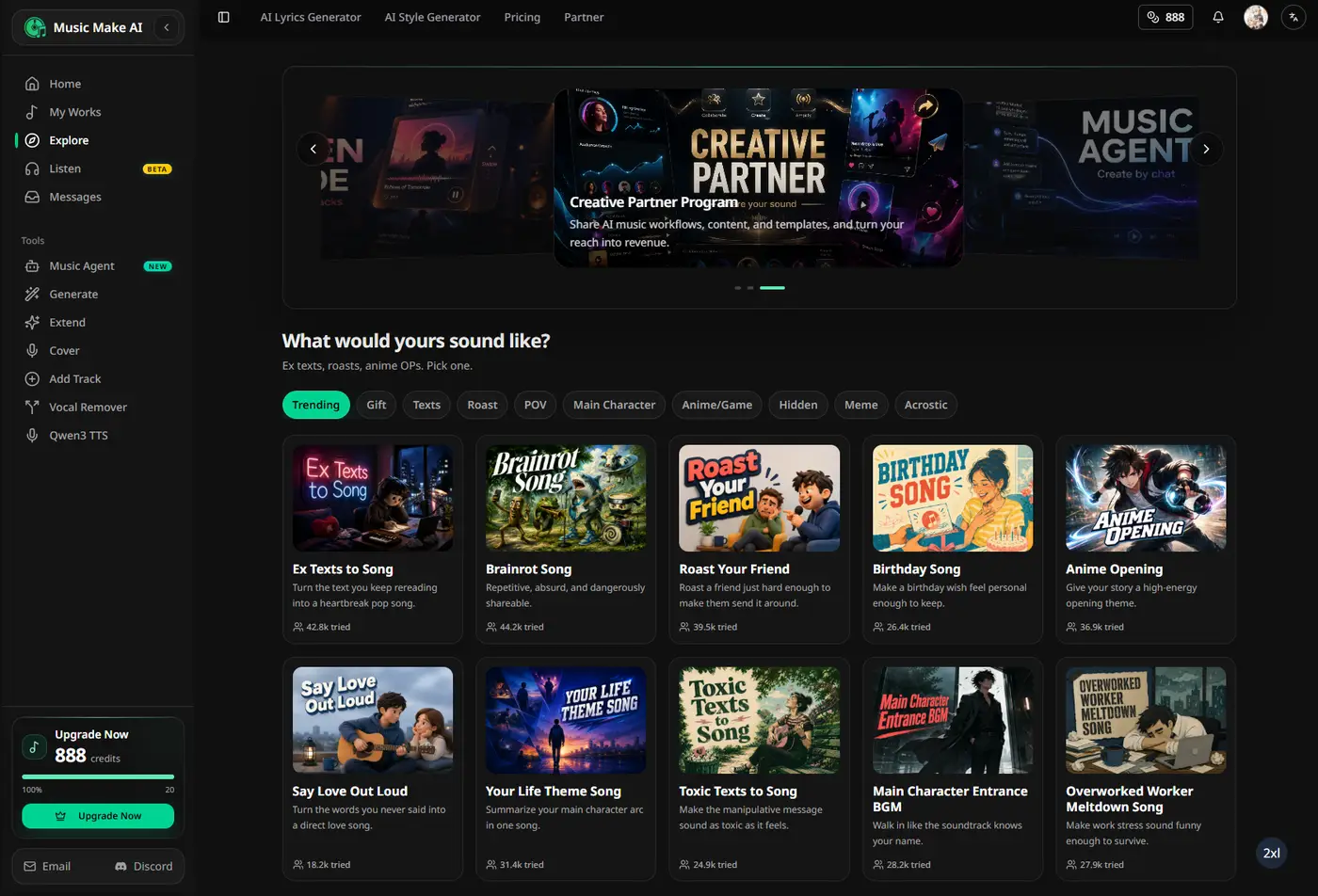
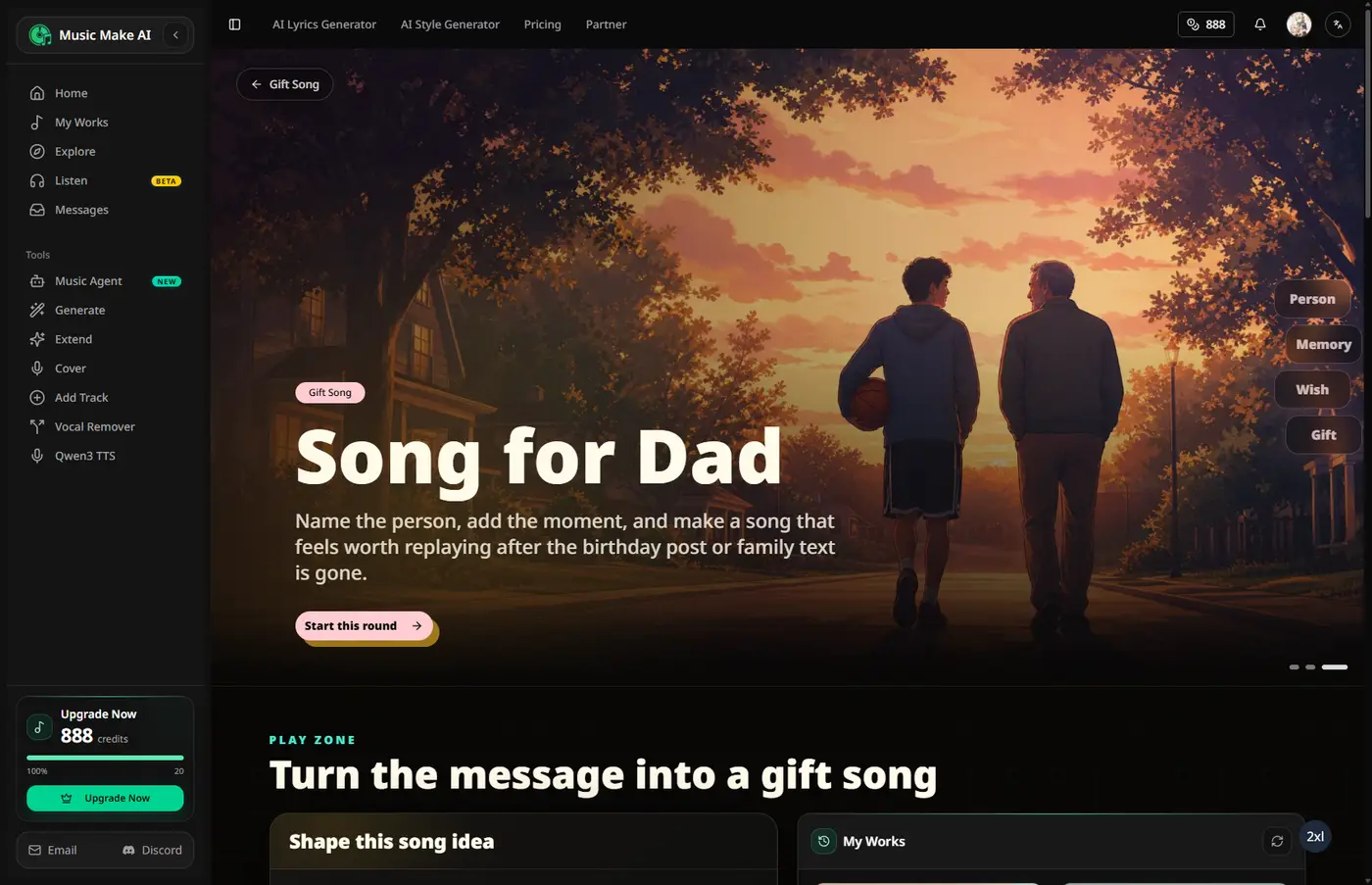
Start with a scene, a person, a joke, or a secret message, then turn it into a song in a few clicks.


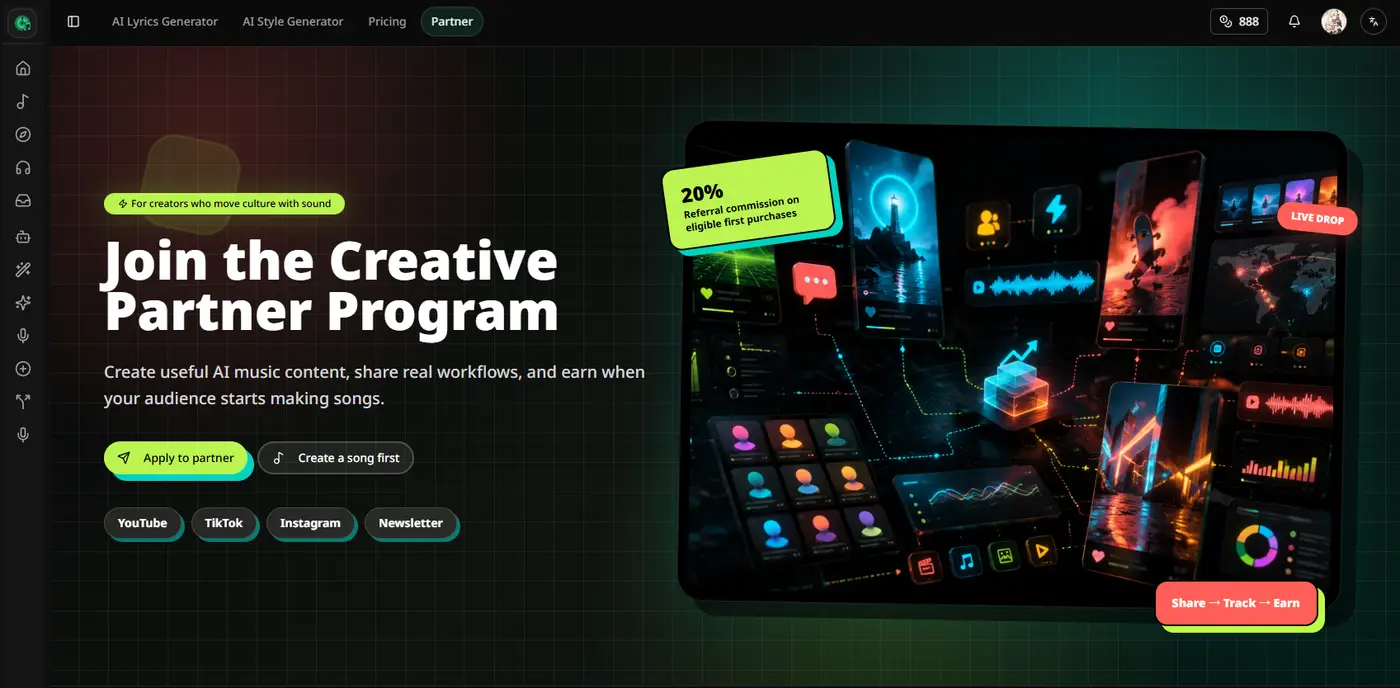
Share useful AI music workflows, templates, and content with your audience, then earn when they start creating with Music Make.

Music Make now opens faster and feels smoother when you move between pages or start creating.
Music Make has a cleaner, calmer visual style across creation, community, and library pages.
Listen to songs in a full-screen flow built for browsing, discovering, and staying in the mood.

Turn audio into editable MIDI, then refine the notes directly in the browser.
New tools make everyday audio tasks faster, from ringtones to file conversion.
Fixed an issue where Music Agent conversations could fail immediately and become unusable.
Create music through conversation, from a rough idea to a finished song.
Discover songs from the community, save favorites, and follow creators you like.