Music Pitch: Complete Guide to AI Music Creation
Master the core concepts of pitch and AI prompt techniques to create professional music with MusicMake.ai.
What is Music Pitch?
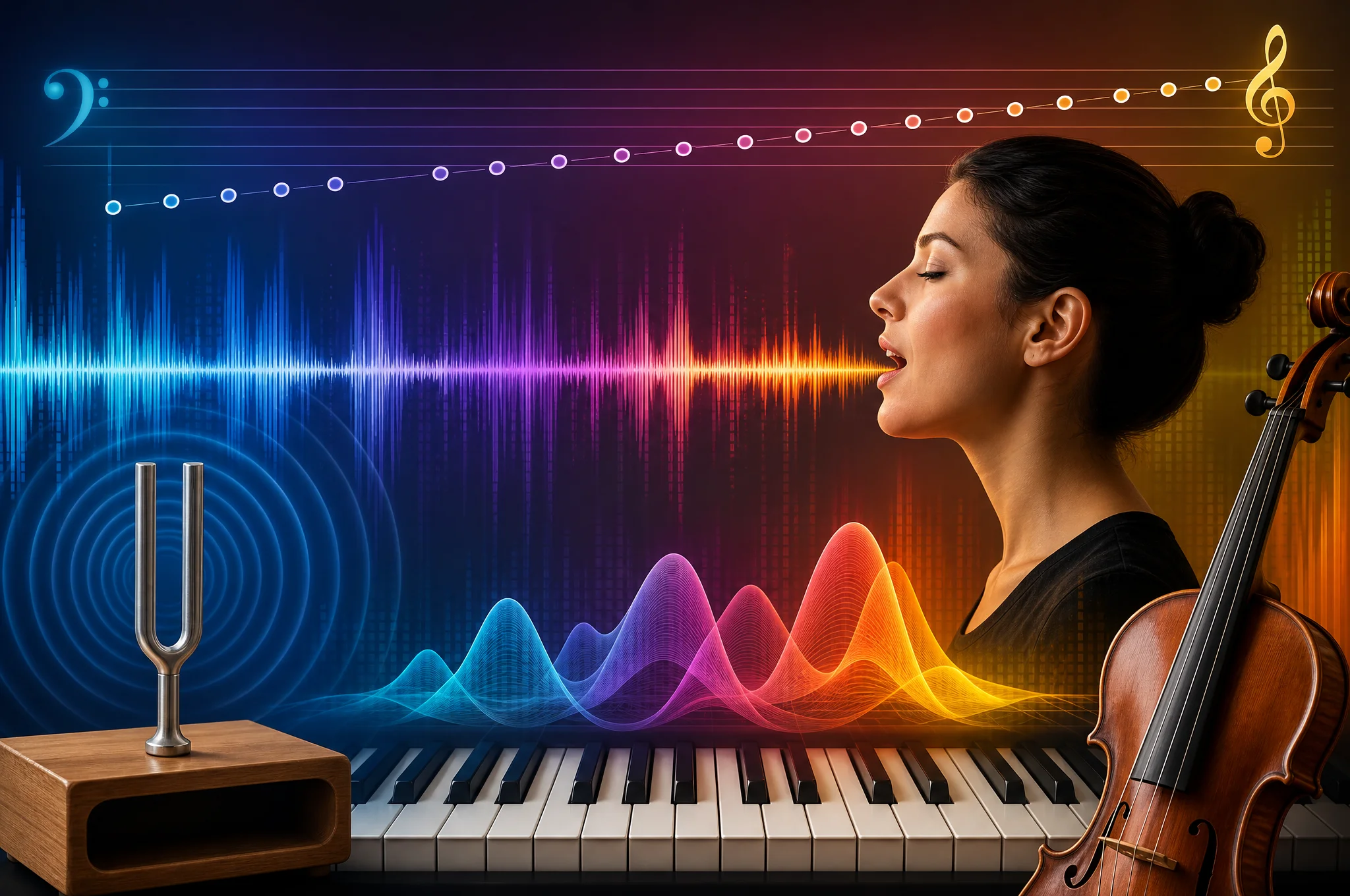
Pitch is the highness or lowness of a sound — it is determined by the vibration frequency of sound waves. Pitch is the most fundamental physical property of music, defining the direction of melody, the color of harmony, the character of instruments, and the range of the human voice.
In AI music creation, understanding pitch allows you to precisely describe the position of the sound you want — from deep bass to bright treble, from low vocals to elaborate coloratura.
Pitch is the "vertical axis" of the musical space — it determines where sound sits on the frequency spectrum. Lows provide foundation and power, mids provide warmth and presence, highs provide brightness and air. Mastering pitch distribution means mastering the three-dimensional sound field of music.
Core Components of Pitch
Note Name System
Western music uses a 12-note cycle:
C → C# → D → D# → E → F → F# → G → G# → A → A# → B
Each octave repeats once, doubling the frequency. The range of human hearing is approximately 20 Hz to 20,000 Hz.
Range
The ranges of different instruments and voices:
| Source | Range Description | Typical Range |
|---|---|---|
| Soprano | Soprano | C4-C6 |
| Mezzo-soprano | Mezzo-soprano | A3-A5 |
| Tenor | Tenor | C3-C5 |
| Baritone | Baritone | A2-A4 |
| Bass | Bass | E2-E4 |
| Piano | Piano | A0-C8 |
| Guitar | Guitar | E2-E6 |
| Bass guitar | Bass guitar | E1-G4 |
Scale
A scale is a sequence of pitches arranged according to a specific pattern:
- Major scale: Bright, happy (Do Re Mi Fa Sol La Si)
- Minor scale: Melancholy, deep
- Pentatonic scale: Chinese style, folk feel
- Blues scale: The soul of blues and rock
- Whole-tone scale: Dreamy, impressionistic
- Chromatic scale: Tense, modern
- Church modes: Dorian, Phrygian, and other medieval colors
Frequency Distribution of Pitch
Music frequencies can be divided into three main regions:
| Frequency Region | Range | Function | Typical Instruments |
|---|---|---|---|
| Low (Sub/Bass) | 20-250 Hz | Foundation, power | Kick drum, bass |
| Mid | 250-4000 Hz | Body, presence | Vocals, guitar, piano |
| High (Treble) | 4000-20000 Hz | Brightness, air | Cymbals, string harmonics |
AI Prompts: Complete Guide to Pitch Descriptions
| Description | English AI Prompt | Effect |
|---|---|---|
| Deep bass | deep bass, low pitch | Low-frequency vibration, heavy feel |
| Bright and high | bright, high-pitched | High-frequency shimmer, clarity |
| Warm mid-range | warm mid-range | Comfortable mid-frequency, approachable |
| Deep male voice | deep baritone voice | Rich texture of a baritone |
| High female voice | soprano vocals | Clear and bright soprano |
| Wide range | wide vocal range | Smooth transitions between high and low |
| Double bass | double bass, deep strings | Deep foundation of strings |
| Bright guitar | bright acoustic guitar | Crisp tone from high positions |
| Deep synth | deep synth pads | Low-frequency ambient foundation |
| High-pitched flute | high-pitched flute | Light and airy woodwind |
| Pitch slide | pitch bend, glissando | Smooth pitch transition |
| Fixed pitch | fixed pitch, steady tone | Stable, unchanging pitch |
Controlling Pitch in MusicMake.ai
Using the Generate Page
Describe pitch characteristics on the Generate page, such as "deep baritone with bright guitar" or "high-pitched female vocals over deep bass". The AI will arrange the pitch ranges of each part based on your description.
Using Music Agent
Tell Music Agent your pitch needs:
- "Make the vocals a bit lower"
- "Use soprano vocals"
- "Drop the bass down an octave"
- "Switch the guitar to a higher position"
- "Raise the overall pitch by a semitone"
Music Agent will understand your pitch intent and make adjustments.
Using AI Style Generator
AI Style Generator can convert timbre and range needs into precise prompts. For example, "want deep and powerful vocals" will automatically generate a complete description including range, timbre, and style.
Best Practices
- Range defines style: Low range suits deep, heavy styles; high range suits bright, light styles
- Layer vocals and instruments: Let vocals occupy the mid-high frequencies, bass occupy the lows, guitar and keyboard fill the middle to avoid frequency conflicts
- Use style to imply pitch: Saying "baritone vocals" automatically limits the baritone range, more efficient than describing specific notes
- Pitch changes create tension: Ascending melody creates tension, descending creates release — this is the most fundamental pitch narrative technique
- Watch translation of range: Chinese prompt descriptions of "low" and "high" should be paired with English style words
Pitch Characteristics of Common Styles
| Style | Pitch Characteristics | AI Prompt |
|---|---|---|
| Pop | Mid-range vocals, wide range | pop vocals, wide range |
| Hip Hop | Low-range vocals, 808 bass | deep 808 bass, low vocals |
| Classical | Full orchestral range | full orchestral range |
| Electronic | High-frequency synths, low-frequency bass | high synth leads, sub bass |
| Folk | Warm mid-range, acoustic instruments | warm mid-range, acoustic |
| Metal | Drop tuning, high screams | drop tuning, high screams |
FAQ
Can AI specify a specific key signature?
Yes. Use "in the key of C major" or "A minor" in your prompt to specify the key. However, it's more common to describe the emotional direction (bright/dark) and let the AI automatically choose an appropriate key.
Why does the generated music have a different range than what I described?
The AI model evaluates the range based on the overall style. If your pitch description conflicts with the style (e.g., "very low pitch" but with "bright pop"), the model may make a trade-off. It's recommended to keep pitch descriptions consistent with the overall style.
What's the relationship between pitch and timbre?
Pitch is the highness or lowness of sound, timbre is the quality of sound. The same pitch sounds completely different on a piano versus a guitar. In AI creation, pitch descriptions control "where," while timbre descriptions control "what kind of sound."
No commercial risk: Music generated with MusicMake.ai paid plans can be used for commercial purposes in accordance with the current plan terms. For details, please visit the Pricing page.
