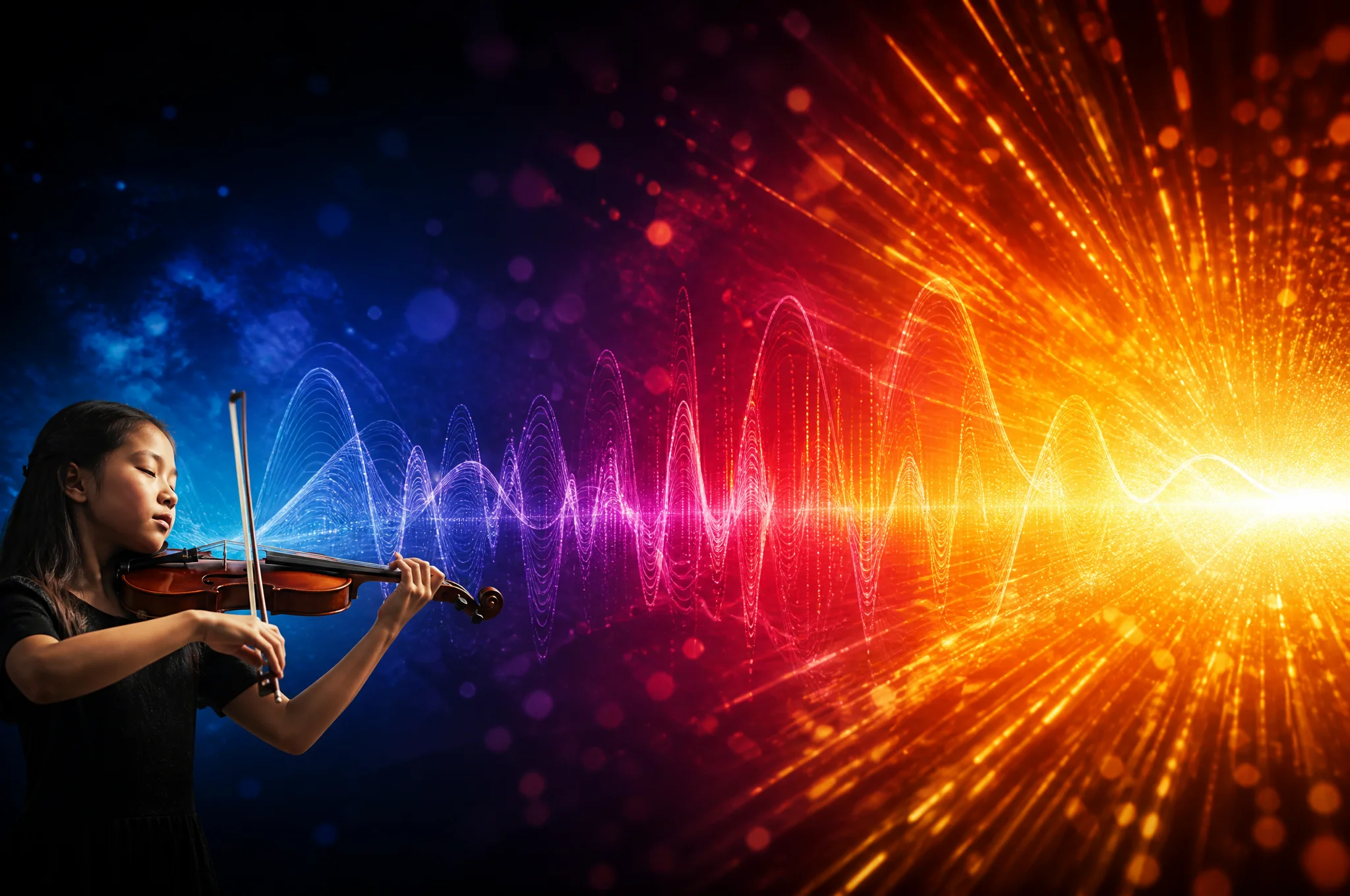
Music Dynamics: A Complete Guide to AI Music Creation
Master the core concepts of dynamics and AI prompt techniques to create professional music with MusicMake.ai.
What Are Music Dynamics?
Dynamics refers to changes in loudness in music — from whisper-soft to explosively powerful. Dynamics are the emotional regulator of music, giving it drama, tension, and depth.
A song that stays at the same volume throughout is monotonous. It is the rise and fall of dynamics that takes listeners on an emotional journey of "anticipation — release — calm." In AI music creation, mastering dynamics means mastering the emotional steering wheel of music.
Dynamics are not simply about switching between "loud" and "soft." They are the breathing rhythm of music — much like pauses and emphasis in a speech, dynamics give music breath and life. Music without dynamic variation is like text without punctuation: exhausting.
Core Components of Dynamics
Basic Dynamic Markings
Dynamics are typically expressed using Italian terms:
| Marking | Meaning | Description |
|---|---|---|
| ppp | Pianississimo | Almost inaudible, whisper level |
| pp | Pianissimo | Very soft |
| p | Piano | Soft, intimate |
| mp | Mezzo-piano | Moderately soft |
| mf | Mezzo-forte | Moderate, natural volume |
| f | Forte | Strong, present |
| ff | Fortissimo | Very powerful |
| fff | Fortississimo | Maximum volume, explosive |
Dynamic Techniques
- Crescendo: Gradually increasing volume, building tension and anticipation
- Decrescendo/Diminuendo: Gradually decreasing volume, creating a sense of fading and calm
- Sforzando: A sudden accent for a startling effect
- Morendo: Music gradually dying away, often used at endings
- Subito piano: Sudden shift from loud to soft, creating dramatic contrast
- Build and drop: A classic dynamic technique in electronic music
Dynamics and Emotion Mapping
| Emotion | Dynamic Characteristics | Typical Use Cases |
|---|---|---|
| Tension | Crescendo to explosion | Film score climaxes |
| Tenderness | Sustained soft playing | Lyrical ballad verses |
| Sadness | Soft to diminishing | Farewell scenes |
| Exhilaration | Powerful sudden accents | Rock chorus explosions |
| Mystery | Pianissimo to mezzo-piano | Suspense atmosphere |
| Joy | Mezzo-forte to forte | Upbeat pop songs |
AI Prompts: Complete Guide to Dynamic Descriptions
| Description | English AI Prompt | Effect |
|---|---|---|
| Soft | soft, gentle | Low volume, intimate feel |
| Loud and powerful | loud and powerful | High volume, impactful |
| Crescendo | crescendo, building up | Gradually increasing volume |
| Diminuendo | decrescendo, fading out | Gradually decreasing volume |
| Sudden explosion | sudden explosion | Abrupt shift from quiet to intense |
| Whispery | whispery, intimate | Extremely soft, private feel |
| Heavy accents | heavy accents | Prominent accented beats |
| Dynamic contrast | dynamic contrast | Alternating loud and soft |
| Gradually intensifying | gradually intensifying | Sustained energy buildup |
| Calm | calm, serene | Steady low volume |
| Intense | intense, fierce | High energy, aggressive |
| Dying away | morendo, dying away | Music gradually fading |
| Suddenly quiet | subito piano, suddenly quiet | Unexpected volume drop |
| Sustained forte | sustained forte | Maintaining high volume |
Controlling Dynamics in MusicMake.ai
Using the Generate Page
Describe dynamic changes on the Generate page, such as "soft verse, explosive chorus" or "gradually building from quiet to a climax." The AI will arrange dynamic layers based on your description.
Using Music Agent
Share your dynamic needs with Music Agent:
- "Make the chorus more powerful"
- "Add a crescendo from the verse to the chorus"
- "Fade out slowly at the end"
- "Lower the overall volume a bit"
- "Add more dynamic contrast"
Music Agent will understand your emotional intent and adjust the dynamic arrangement accordingly.
Using AI Style Generator
AI Style Generator can turn emotional descriptions into dynamic instructions. For example, "I want an emotional arc from tender to explosive" will automatically generate a complete prompt incorporating dynamic changes.
Best Practices
- Use dynamics to tell a story: Build intimacy with soft verses, create anticipation with a crescendo in the pre-chorus, release energy with a powerful chorus, and surprise with contrast in the bridge
- Avoid maximum volume throughout: If every moment is fff, the music loses its dynamic range and listeners fatigue
- Leverage sudden contrast: Going quiet for two beats before the chorus then exploding is one of the most effective dynamic tricks in pop and rock
- Match the genre: Classical and film scores need rich dynamic variation; EDM can maintain a relatively steady forte
- Handle endings with care: Use
morendoordecrescendoto describe endings, avoiding abrupt stops
Dynamic Characteristics by Style
| Style | Dynamic Characteristics | Typical Techniques |
|---|---|---|
| Classical | Extremely wide dynamic range | Full ppp to fff variation |
| Pop | Soft verse, strong chorus | Verse-chorus dynamic contrast |
| EDM | Relatively steady forte | Build and drop |
| Film Score | Dramatic dynamic shifts | Crescendo to explosion, subito piano |
| Jazz | Subtle dynamic layers | Natural, breathing-like ebbs and flows |
| Metal | Sustained forte | High energy throughout, occasional contrast |
FAQ
Can AI understand crescendo and diminuendo?
Yes. Use words like crescendo, building up, and gradually louder in your prompt, and the AI model will arrange increasing dynamics in the generated music. Similarly, diminuendo, fading out, and gradually softer will trigger diminishing effects.
Why does the generated music sound "flat"?
If the music lacks dynamic variation, it may be because the prompt didn't clearly describe dynamic characteristics. Try adding dynamic contrast, with build-ups, or specific descriptions of each section's dynamics, such as "soft verse, explosive chorus."
What's the difference between dynamics and volume?
Volume is the physical measure of loudness; dynamics are the changes and contrasts in volume within music. Volume is a static value; dynamics are a dynamic artistic expression. In AI creation, describing dynamic changes is more effective than describing a fixed volume level.
No commercial risk: Music generated with MusicMake.ai paid plans can be used for commercial purposes in accordance with the current plan terms. Visit the pricing page for details.
