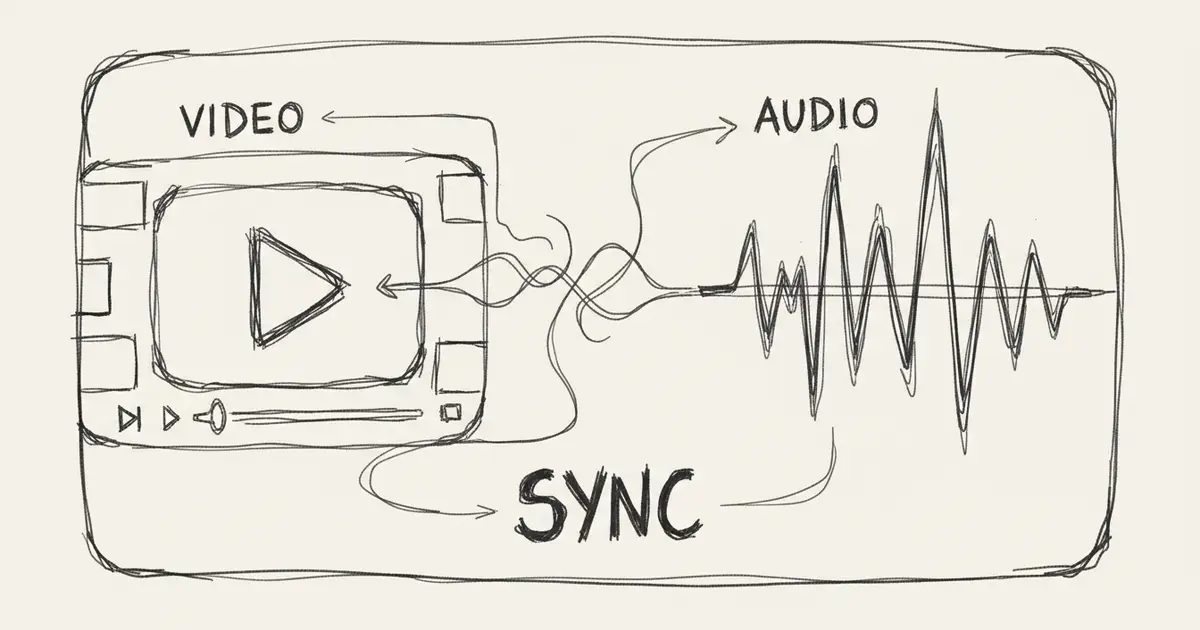
AI Background Music Generator 2026: Best Tools and Workflow for Videos
Compare AI background music generators for YouTube, podcasts, TikTok, games, and client videos, with prompts, license checks, and Music Agent workflows.
Quick Answer
The best AI background music generator is the one that helps you get a usable track for a specific video, not just a random good-sounding song.
For most creators, the workflow should be:
- Define the content type, mood, pace, and voiceover needs.
- Generate a first track.
- Give direct feedback such as "less beat," "more space for speech," or "only keep soft guitar."
- Refine, extend, or replace sections.
- Check the plan and license before publishing.
That is why MusicMake.ai is built around Music Agent, not only a prompt box. The agent helps turn messy creative feedback into better prompts and next actions.
Why MusicMake.ai Became a Music Agent Workflow
Most AI music generators solved the first step: turning a prompt into a song. MusicMake.ai started there too, with focused tools for AI music generation, lyrics, style tags, cover songs, song extension, add tracks, mashups, section replacement, and vocal removal.
The harder problem is what happens after the first result. For background music, the first version is often close but not usable. It may have a beat that fights the voiceover, a lead melody that pulls attention away from the video, a vocal texture you did not want, or an ending that cuts too abruptly.
Music Agent exists for that gap. You can say:
It is too busy for narration. Keep the warm tone, remove the lead melody, reduce percussion, and make it loop more naturally.The agent can help rewrite the instruction, choose a follow-up action, and show an approval card before using credits. For a deeper product story, read why we built Music Agent and the MusicMake.ai changelog.
What Good Background Music Needs
Background music is different from a song meant to be the main focus. It has to support another experience.
A good background track usually has:
- clear mood
- controlled tempo
- enough space for speech
- no distracting lead line during narration
- predictable dynamics
- a clean intro and ending
- a version that can loop or extend
- licensing records for the final use
If the track is for YouTube, TikTok, a podcast, a game, or a client video, the license matters as much as the sound.
Best AI Background Music Tools in 2026
1. MusicMake.ai
Best for creators who want a full workflow: generation, refinement, source-based editing, and agent guidance.
Use MusicMake.ai when you need to:
- generate a background track from a brief
- ask the agent to rewrite vague feedback into stricter musical constraints
- extend a track for longer videos
- create a cover or variation when you have proper source rights
- add accompaniment or vocals to a work in progress
- replace a weak section
- separate vocals from supported MusicMake.ai works
- keep improving after the first result instead of starting over every time
Recommended entry points:
- Music Agent for conversational creation and refinement
- Generate for direct prompt-to-music creation
- AI Lyrics Generator when the project needs lyrics
- AI Music Style Generator when you need better style tags
- Extend for longer videos
- Vocal Remover for supported separation workflows
Check the current pricing page for credits, plan limits, and commercial-use options.
2. Soundraw
Best for creators who like editor-style control over sections and structure.
Soundraw can be useful when you want to adjust a track inside a dedicated music editor. Before publishing, check its current pricing and license pages because plan details and use-case restrictions can change.
3. AIVA
Best for orchestral, cinematic, and classical-leaning background music.
AIVA can fit film, game, and dramatic projects. As with any AI music tool, verify plan terms before commercial release or client delivery.
4. Mubert
Best for streams, apps, and situations where generative background loops are more important than song-like structure.
Mubert can be useful for continuous or API-driven music needs. Check its current terms for commercial use, attribution, and product embedding.
5. Stock music libraries
Best when you need predictable licensing and do not need custom generation.
Stock libraries are less flexible than AI tools, but they can be easier for clients, agencies, and legal teams to approve.
Prompt Recipes by Content Type
YouTube tutorial
Minimal modern background music for a tutorial video, calm and focused, light synth pads, soft pulse, no vocals, no busy lead melody, leave space for voiceover.Useful feedback:
The melody is distracting. Make it more subtle and reduce movement in the high frequencies.Vlog
Warm acoustic background music for a friendly travel vlog, medium tempo, light percussion, gentle guitar, positive but not too energetic, no vocals.Useful feedback:
Keep the warm guitar tone, but make the drums softer and the intro shorter.Podcast intro
Short podcast intro music, 12 seconds, confident and memorable, modern synth and soft bass, clean ending, no vocals.Useful feedback:
Make the ending more decisive and remove the busy fill in the middle.Product demo
Clean background music for a SaaS product demo, modern and trustworthy, soft electronic pulse, minimal arrangement, no vocals, low intensity for narration.Useful feedback:
It feels too dramatic. Make it calmer, more precise, and less cinematic.Meditation or sleep video
Very slow ambient background music for meditation, soft pads, gentle texture, no drums, no beat, no vocals, long smooth transitions, peaceful atmosphere.Useful feedback:
There is still too much rhythmic motion. Remove the pulse and make it more floating.Game loop
Loopable background music for a cozy puzzle game, light marimba and soft synth, playful but relaxed, seamless loop, no vocals, no sudden ending.Useful feedback:
Make it loop more naturally and reduce the sharp attack on the main instrument.A Better Workflow Than Repeating the Same Prompt
Many creators waste credits because they keep retrying the same prompt. If the first result is wrong, do not only press generate again.
Use this structure:
Keep:
- warm acoustic tone
- slow tempo
- intimate room feeling

Change:
- remove percussion
- remove bass
- make melody less busy

Strict constraints:
- no vocals
- no drums
- no rhythm section
- no extra instruments
This is the kind of prompt transformation Music Agent is designed to help with. You can describe the problem in normal language, and the agent can turn it into a more precise musical instruction.
How to Mix Background Music Under Speech
Generation is only half the job. The final video usually needs basic mixing.
Use these practical checks:
- Lower the music until speech is clear on laptop speakers.
- Avoid strong lead melodies under important sentences.
- Fade music in and out instead of cutting abruptly.
- Use quieter sections during dense narration.
- Make a separate intro/outro version if the main loop is too long.
- Test on phone speakers, headphones, and a laptop.
If the music competes with the speaker, the track is not finished yet.
Licensing Checklist for YouTube, Podcasts, and Clients
Before publishing AI background music, save:
- tool and account used
- plan active at generation or download time
- generation record or track ID
- prompt or brief
- final exported audio
- any source audio ownership proof
- client approval if it is client work
- current license notes for the destination
For MusicMake.ai, use starter access for testing and choose the current paid plan that fits your commercial use. If you use uploaded or referenced audio, you still need rights to that source material.
Royalty-Free Does Not Mean Rule-Free
"Royalty-free" usually means you do not pay a royalty each time the track is used, as long as your use stays inside the license. It does not automatically mean:
- unlimited resale
- Content ID registration
- exclusive ownership
- stock-audio marketplace resale
- use of copyrighted source audio
- no attribution requirement
- no plan restrictions
Always read the current terms for the tool and the publishing platform.
When to Use Music Agent Instead of Direct Generate
Use Generate when you already know the exact prompt and just want a first result.
Use Music Agent when:
- you are not sure how to write the prompt
- you need to explain what is wrong with the result
- you want the agent to choose the next tool
- you want approval before spending credits
- you want follow-up suggestions after a result
- you are working from an existing MusicMake.ai song
In short: direct generation is good for the first draft. Music Agent is better for getting from "close" to "usable."
FAQ
Can AI background music be used on YouTube?
Yes, when your plan license covers YouTube use and you follow YouTube's policies. Keep records and do not use copyrighted source audio without permission.
Is AI background music royalty-free?
It can be royalty-free under the right license, but that does not mean every use is allowed. Check plan terms, attribution rules, Content ID rules, and resale restrictions.
What is the best prompt for background music?
Describe the content type, mood, pace, instruments, and what to avoid. For voiceover, add "leave space for speech," "no busy lead melody," and "no vocals."
What if the AI keeps adding drums or vocals?
Use stricter constraints and feedback. For example: "No drums, no percussion, no vocals, no rhythm section, only soft fingerpicked acoustic guitar." Music Agent can help rewrite that feedback into a stronger prompt.
Can I use the same track in multiple videos?
Often yes if your license allows it. Save the license record and check whether the plan has project, client, or distribution limits.
Conclusion
The best AI background music workflow is not just fast generation. It is fast correction.
MusicMake.ai's Music Agent helps creators move from vague feedback to a better prompt, a better follow-up action, and a more usable final track. That matters because background music usually fails in small ways: too busy, too rhythmic, too loud, too short, too generic, or not licensed for the real use case.
Start with a clear brief, refine with direct feedback, keep your license records, and use the right tool for the next step.
Create and refine your first background track
작성자

더 많은 글

MusicMake.ai Mobile Update: Create Music From Your Phone Like an App
MusicMake.ai now gives creators a complete mobile flow for listening, generating, refining with Music Agent, opening tools, and managing songs from a phone.

AI Songwriting Guide: How to Write Songs with AI in 2026
Learn how to use AI songwriting tools to write better songs faster. Step-by-step guide covering lyrics, melody, arrangement, and production with AI assistance.

how to become a music producer with ai tools - MusicMake.ai Guide
Learn about how to become a music producer with ai tools with this comprehensive guide from MusicMake.ai.
