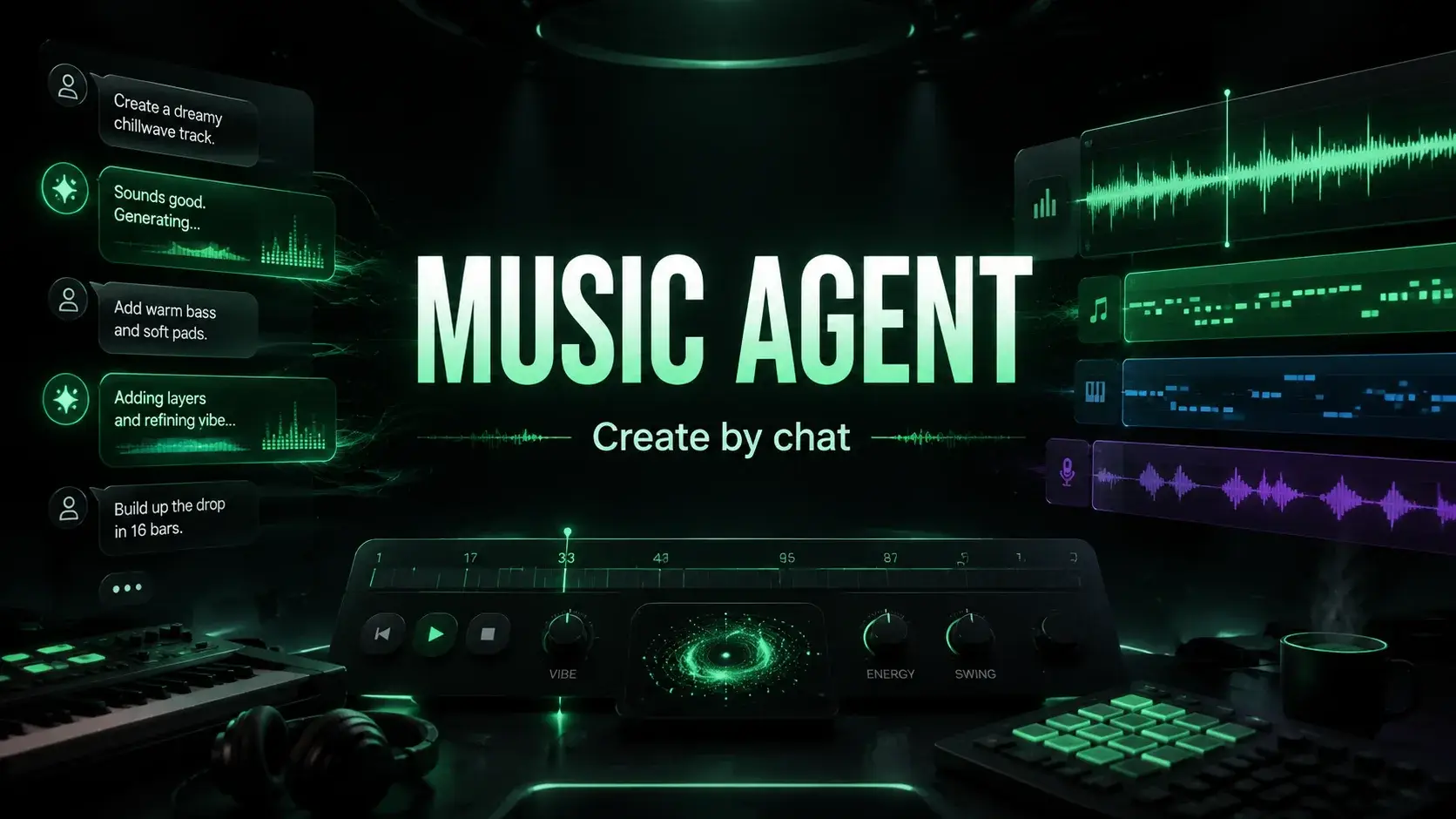
AI Music Agent vs AI Music Generator: What Is the Difference?
See how AI music agents differ from generators across prompt repair, tool routing, approval steps, revisions, source workflows, and records.
Quick Answer
An AI music generator turns a prompt, lyrics, or style direction into a music output.
An AI music agent helps decide what should happen before, during, and after that generation: rewrite the prompt, choose the right tool, ask for approval before credit-spending actions, track the result, and guide the next step when the first draft is not enough.
Use a generator when you know exactly what to make.
Use a music agent when you know the goal or the problem, but you do not know the best next music action.
The Simple Difference
| Question | AI music generator | AI music agent |
|---|---|---|
| Main job | Create a first draft | Guide the workflow |
| Input | Prompt, lyrics, style, settings | Goal, feedback, source audio, project context |
| Best moment | You know the exact task | You know what is wrong, but not how to fix it |
| Typical output | A song, instrumental, or draft | A better prompt, tool choice, approval card, task, or next action |
| User burden | User must choose the right form and rewrite prompts | Agent helps translate feedback into a plan |
| Risk control | Depends on the form and user memory | Can surface source rights, credit use, and confirmation before action |
The difference is not "chat vs no chat." A music agent is only useful when the chat is connected to real music actions.
What an AI Music Generator Does Well
AI music generators are still essential. They are the fastest way to move from idea to audio.
Use a generator for:
- first song drafts
- lyric-to-song experiments
- quick instrumental ideas
- background music sketches
- style exploration
- testing different moods or genres
MusicMake.ai still has direct tools for this reason:
- Generate
- AI Lyrics Generator
- AI Music Style Generator
- Cover
- Extend
- Add Tracks
- Mashup
- Replace Section
- Vocal Remover
Direct tools are efficient when the user already knows the job.
What an AI Music Agent Adds
An AI music agent adds the decision layer.
Instead of asking the user to pick the exact form and rewrite the prompt manually, a music agent can help with:
- understanding the creative goal
- rewriting vague feedback into clearer constraints
- choosing whether to generate, extend, cover, add tracks, replace a section, or remove vocals
- showing an approval card before a credit-spending action
- making the request inspectable and editable before execution
- tracking music tasks beyond submission
- suggesting practical next actions
- keeping the workflow connected to the project history
For current MusicMake.ai product evidence, see the changelog: Music Agent 2.5 tracks music tasks until a final state, handles recoverable failures, Smart Next Actions suggest follow-up prompts, approval cards can be edited before confirmation, and Agent Pro supports deeper reasoning for complex creative requests.
Example: Generator vs Agent
Imagine the user wants a quiet acoustic guitar instrumental with no beat.
With a generator, the user might write:
Gentle acoustic guitar, calm morning mood, no vocals, no beat.If the result still has rhythmic drums or extra layers, the user must decide what to do next.
With a music agent, the user can say:
It still has a beat. Make it simpler. Only keep soft fingerpicked guitar.The agent can help turn that feedback into stricter instructions:
Slow instrumental acoustic folk music. Soft fingerpicked acoustic guitar as the only instrument.
No drums, no percussion, no bass, no rhythm section, no vocals, no additional layers.
Keep the performance sparse, free-flowing, and calm.
The valuable part is not the chat bubble. The valuable part is converting a normal human complaint into a music-generation plan.
When to Use Each One
| Situation | Use |
|---|---|
| You know the exact song prompt | AI music generator |
| You already have lyrics and style tags | AI music generator |
| You want a quick first draft | AI music generator |
| You do not know which tool to open | AI music agent |
| The result is close but one part is wrong | AI music agent |
| You need to extend, cover, add tracks, replace a section, or remove vocals | AI music agent or the direct tool |
| You need confirmation before spending credits | AI music agent |
| You are preparing client or commercial work | AI music agent plus records and plan checks |
Why This Matters for Credits
AI music creation costs more than the published subscription price. The real cost includes retries.
A generator can be cheap per attempt, but expensive if the user keeps repeating the same flawed prompt.
A music agent can be valuable when it reduces blind retries by helping the user:
- identify the actual problem
- rewrite the instruction
- choose a better tool
- review the task before credits are spent
- continue from the existing track instead of starting over
This does not mean every result will be perfect. It makes the workflow less random.
Why This Matters for Source Audio
Music workflows often involve source material:
- uploaded vocals
- stems
- client audio
- samples
- cover references
- previous song drafts
- lyrics written by someone else
A generator form may let the user upload or reference audio. But the rights question remains with the user: do you own or license the source?
A useful music agent should help keep that question visible before source-based actions such as covers, extensions, mashups, add-tracks workflows, section replacement, or vocal removal.
Why This Matters for Commercial Work
For monetized YouTube videos, client ads, games, podcasts, streaming releases, or marketplace assets, the output file is not enough.
Keep:
- plan and receipt records
- prompt and lyrics
- source-audio permissions
- generation or task date
- final export
- revision notes
- client approval or publishing context
Use the current pricing page before commercial work. Terms, credits, exports, and member entitlements can change.
Music Agent, Song Agent, Music GPT, and Music Chat
People use different names for this category:
- Music Agent
- Song Agent
- AI Song Agent
- Music GPT
- Music Chat
The label matters less than the capability.
A useful agent should connect conversation to real music actions. If it can only talk about music but cannot help generate, revise, route tools, confirm tasks, or continue the workflow, it is closer to a general chatbot than a music-making agent.
How MusicMake.ai Fits
MusicMake.ai combines direct generation tools with Music Agent.
Start with direct tools when the job is clear:
- Generate for new tracks
- AI Lyrics Generator for lyrics
- AI Music Style Generator for style direction
- Extend for continuations
- Cover for source-based cover workflows
- Add Tracks for extra musical layers
- Mashup for combining ideas
- Replace Section for targeted changes
- Vocal Remover for supported vocal and instrumental separation
Start with Music Agent when the problem is unclear, when the feedback is easier to say than to rewrite, or when you need help deciding the next action.
FAQ
Is an AI music agent the same as an AI music generator?
No. A generator creates audio from a prompt or settings. A music agent helps manage the workflow around that generation: prompt rewriting, tool routing, approval, revision, task tracking, and next actions.
Is Music Agent just a chatbot?
No. The chat interface is only useful because it connects to real music tools and workflow steps. A music chatbot that cannot take action is not the same thing as a music agent.
Do I still need a generator if I use a music agent?
Yes. The agent helps choose and guide actions, but audio still comes from generation and editing tools.
Is a music agent always better?
No. AI music is still probabilistic. A music agent improves the workflow by reducing blind retries and making the next action clearer.
Which should beginners use first?
Use Music Agent if you do not know what to do. Use Generate if you already have a clear prompt and just want a first draft.
Conclusion
An AI music generator helps you create the first draft.
An AI music agent helps you decide what happens next.
That difference matters because most serious music projects do not end at the first output. They need revision, source checks, approvals, records, and better next actions.
Autor

Categorías
Más publicaciones

MusicMake.ai Mobile Update: Create Music From Your Phone Like an App
MusicMake.ai now gives creators a complete mobile flow for listening, generating, refining with Music Agent, opening tools, and managing songs from a phone.

AI Songwriting Guide: How to Write Songs with AI in 2026
Learn how to use AI songwriting tools to write better songs faster. Step-by-step guide covering lyrics, melody, arrangement, and production with AI assistance.

how to become a music producer with ai tools - MusicMake.ai Guide
Learn about how to become a music producer with ai tools with this comprehensive guide from MusicMake.ai.
