AI Music Production Tools 2026: Practical Studio Workflow Guide
Plan an AI music production workflow from draft and Music Agent revision to stems, cleanup, mix, master, DAW handoff, rights, and records.
AI Production Is A Workflow, Not A Plugin List
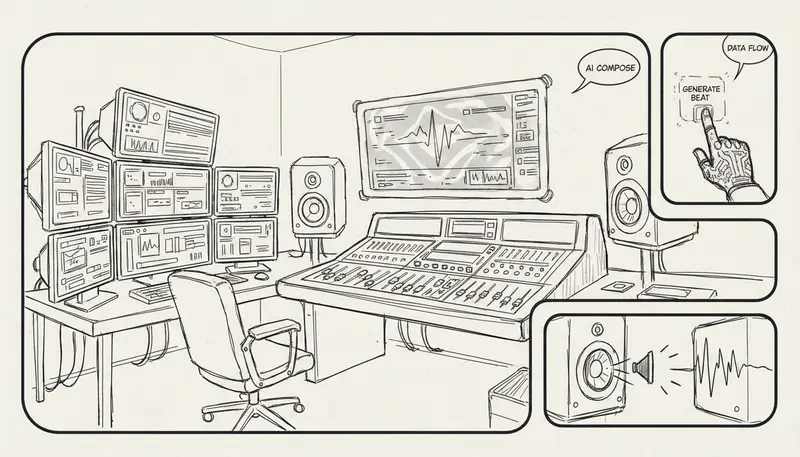
AI music production in 2026 is not about buying the longest plugin stack. The real question is how quickly you can move from a rough musical idea to a usable, documented, editable track.
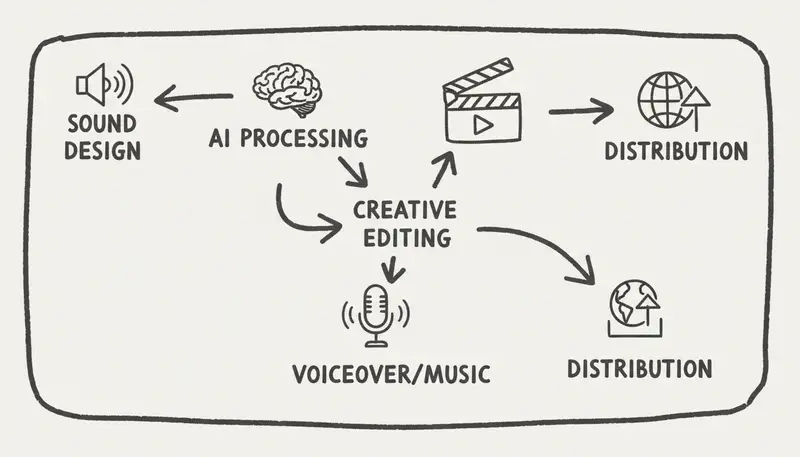
A practical production workflow looks like this:
Idea -> Draft -> Revision -> Stems -> Edit -> Mix -> Master -> Export -> RecordsEach step can use AI, but each step also needs human judgment, source rights, and project records.
Where MusicMake.ai Fits In Production
MusicMake.ai sits at the front and middle of the workflow. It helps creators generate and revise musical material before the final DAW or mastering stage.
Useful production paths:
- Generate a first song draft.
- Use AI Lyrics and AI Style Generator to improve direction.
- Use Music Agent when you know the problem but not the next tool.
- Use Extend to continue a strong section.
- Use Replace Section to fix a weak part.
- Use Add Tracks to explore accompaniment.
- Use Cover when you control the source and want a cover workflow.
- Use Vocal Remover for supported stem workflows.
- Use Mashup only with source material you own or are allowed to transform.
This is why MusicMake.ai is now more than a prompt-to-song generator. It is moving toward a Music Agent, Song Agent, Music GPT, or Music Chat style production workflow, where plain feedback can become the next concrete production action.
Track shipped product changes in the changelog.
Production Tool Categories
| Stage | Tool Type | What To Evaluate |
|---|---|---|
| Draft | AI song and music generators | Prompt alignment, vocals, arrangement, language fit |
| Revision | Music Agent and editing tools | Can it fix the specific problem without restarting? |
| Stems | Vocal remover and stem separation | Source rights, separation quality, artifacts |
| Cleanup | Noise, click, breath, and room tools | Does cleanup preserve musical tone? |
| Mixing | EQ, balance, masking, dynamics helpers | Does it improve clarity in context? |
| Mastering | Loudness and tonal balance tools | Does it meet the target platform without damage? |
| DAW handoff | Export and project management | WAV, stems, version naming, records |
Avoid fixed "best tool" lists. Production tools change often, and the best choice depends on the source file and the destination.
Stem And Vocal Workflows
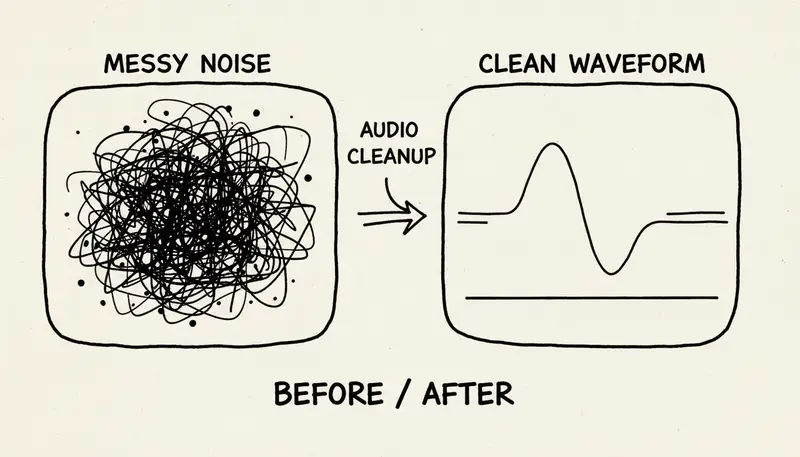
Stem tools are powerful, but source rights matter.
Use cases:
- remove vocal for an instrumental version
- isolate vocal for remix planning
- create a karaoke-style draft
- prepare a reference for arrangement
- clean a demo before production
Risks:
- artifacts around vocals or cymbals
- incomplete separation
- source audio you do not control
- unclear rights for transformed material
Rule: if you would not be allowed to use the source audio directly, do not assume AI stem separation makes it safe.
Mixing With AI
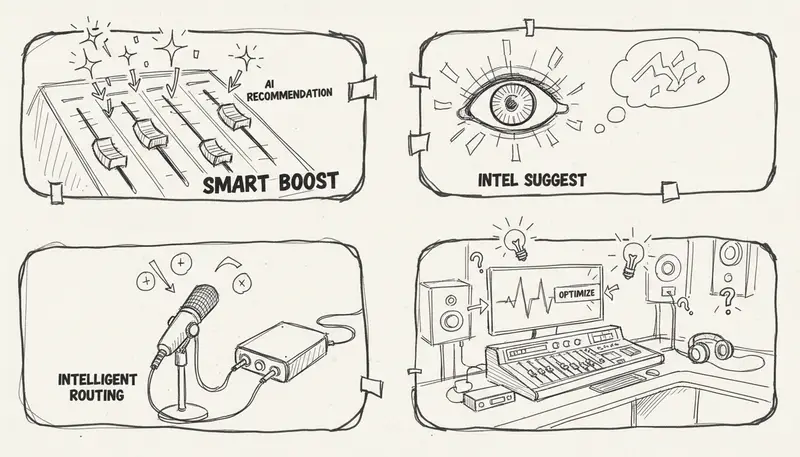
AI mixing helpers can suggest EQ, compression, masking fixes, vocal levels, and stereo changes. Use them as assistants, not final authority.
Check:
- vocal intelligibility
- low-end balance
- harsh high frequencies
- stereo width
- translation to phone speakers
- whether the mix supports the content
For background music under voiceover, the "best" mix is often less impressive alone and more useful in context.
Vocal Processing
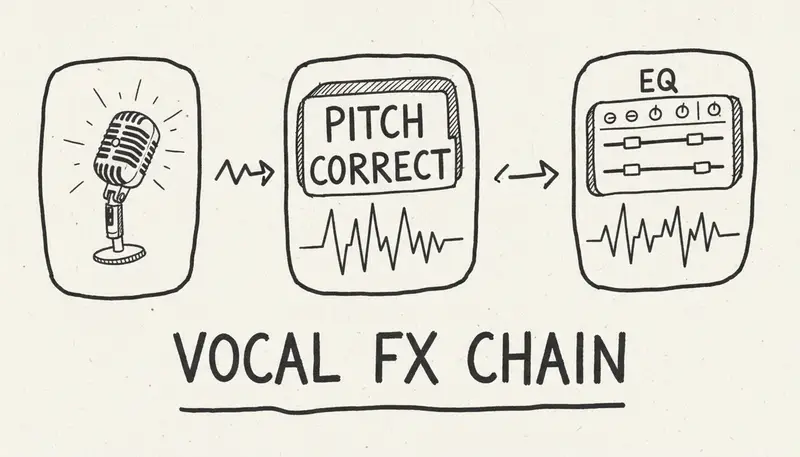
Vocal tools can help with clarity, pitch, noise, breath, de-essing, and tone shaping. But over-processing can make AI vocals sound less natural.
Practical checks:
- Can you understand every word?
- Is the emotion believable?
- Is the voice too bright or too compressed?
- Does the vocal sit inside the arrangement?
- Does the language pronunciation still feel natural?
If the vocal itself is wrong, production processing may not fix it. Go back to prompt, lyrics, style, or cover workflow.
Mastering
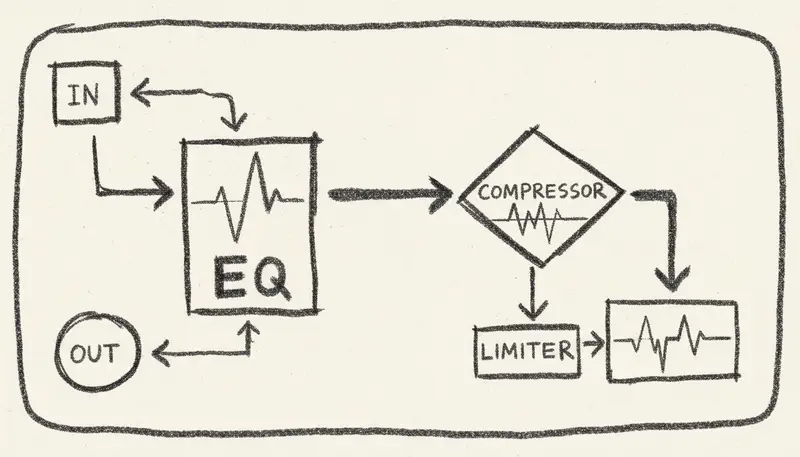
Mastering prepares the final file for a destination. The target differs by platform and use case:
- YouTube video background
- podcast intro
- game loop
- social ad
- streaming release
- client presentation
Do not master blindly. Test:
- loudness in context
- distortion on small speakers
- bass behavior
- high-frequency fatigue
- start and end fades
- loop points when needed
AI mastering is useful for drafts and many creator workflows, but important releases still benefit from human review.
DAW Handoff
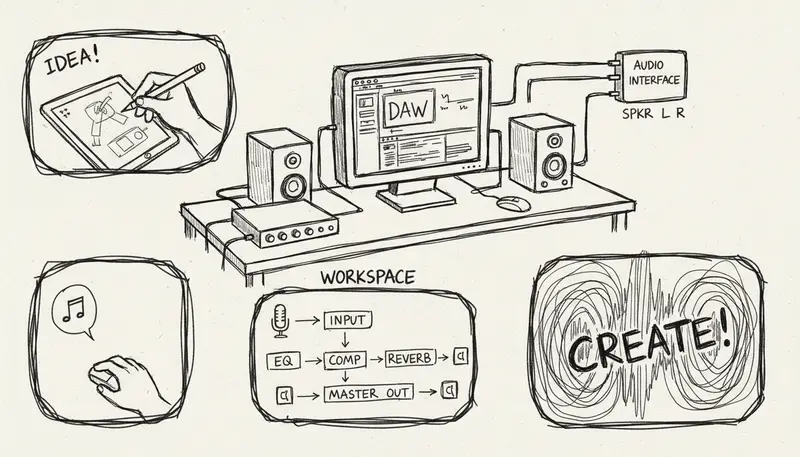
When moving from AI tools into a DAW, keep the project organized:
project-name/
  source/
  prompts/
  exports/
  stems/
  mix/
  master/
  license-records/
Use clear filenames:
morning-guitar_v03_no-drums_2026-06-07.wav
morning-guitar_stem-vocal-removed_v01.wav
This matters for clients, revisions, and future reuse.
Commercial Production Checklist
Before delivering a track:
- Confirm current plan terms.
- Confirm source-audio rights.
- Save prompt, lyrics, generation records, and exports.
- Save client brief and approvals.
- Keep version history.
- Check destination policies.
- Avoid promising exclusivity unless supported.
- Include license notes with deliverables.
Professional AI production is not only about sound. It is also about being able to explain the workflow.
FAQ
What are the best AI music production tools?
The best stack depends on the task. Use generators and Music Agent workflows for creation and revision, stem tools for source-controlled audio, cleanup tools for repair, mixing helpers for clarity, and mastering tools for destination preparation.
Can MusicMake.ai replace a DAW?
No. MusicMake.ai is strongest for generating, revising, extending, covering, replacing sections, and preparing material. A DAW is still useful for detailed editing, arrangement, mixing, and final production.
Is AI mastering enough?
It can be enough for many creator workflows, but important releases should be checked by a human and tested on the target platform.
Can I separate vocals from any song?
Technically maybe, legally not always. Use source audio you own or are allowed to transform.
Conclusion
AI production tools are most useful when they shorten the path from rough idea to usable version. MusicMake.ai contributes by helping creators generate, revise, and prepare material through Music Agent and focused editing tools.
The best production stack is not the most expensive one. It is the one that helps you make better decisions, keep clean records, and deliver music that works in context.
Tác giả

Danh mục
Bài viết khác

MusicMake.ai Mobile Update: Create Music From Your Phone Like an App
MusicMake.ai now gives creators a complete mobile flow for listening, generating, refining with Music Agent, opening tools, and managing songs from a phone.

AI Songwriting Guide: How to Write Songs with AI in 2026
Learn how to use AI songwriting tools to write better songs faster. Step-by-step guide covering lyrics, melody, arrangement, and production with AI assistance.

how to become a music producer with ai tools - MusicMake.ai Guide
Learn about how to become a music producer with ai tools with this comprehensive guide from MusicMake.ai.
