Suno AI Free Tier Credits 2026: How to Use Free Generations Wisely
A current guide to Suno AI free credits in 2026, including official credit checks, non-commercial limits, prompt planning, and when to compare MusicMake.ai Music Agent.
Quick Answer
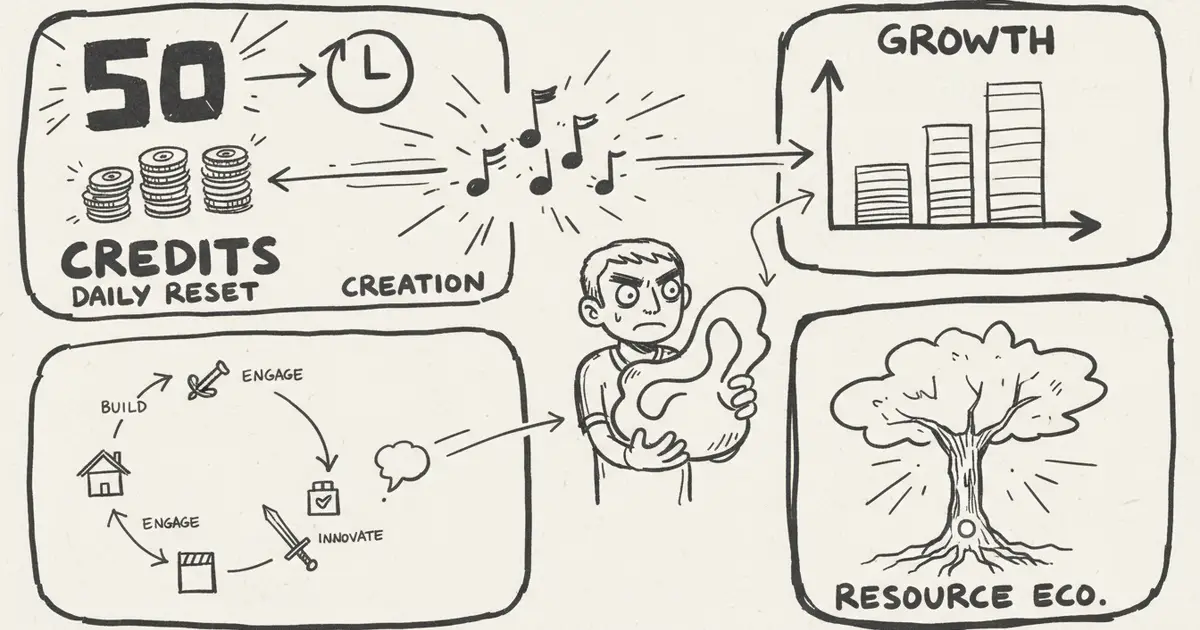
Checked on June 14 and refreshed in Chrome on June 15, 2026, Suno's official pricing page lists the Free plan with 50 credits renewed daily, up to 10 songs daily, shared queue, no add-on credit purchases, and no commercial use.
That makes Suno free credits useful for learning the product, testing prompts, and comparing creative directions. They should not be treated as a commercial publishing plan.
Use the 50 daily credits to learn. Use the correct paid plan before generating music you plan to monetize.
This page is about using the daily credits well. For plan prices and paid-plan comparisons, read Suno AI Pricing Plans 2026. For a stricter list of free-tier boundaries, read Suno AI Free Tier Limits 2026.
The job of this article is budgeting, not a full plan review. The useful question is: how many decisions can 50 daily credits buy before you need a paid plan or a better revision workflow?
What Free Credits Are Best For
Free credits are best used for:
- learning Suno's model style
- testing prompts and genre directions
- comparing vocal ideas
- deciding whether to upgrade
- building a prompt library
They are not ideal for:
- client music
- paid ads
- monetized video background music
- streaming distribution
- Content ID workflows
- source material you cannot clear
If the output may become commercial, generate it under the plan that covers that use instead of relying on a later upgrade.
Current Free-Credit Rules
Checked from Suno pricing on June 14 and refreshed in Chrome on June 15, 2026:
- Free users get 50 credits renewed daily.
- Suno describes that as up to 10 songs daily.
- Free users get standard features and access to v4.5-all.
- Free users can upload up to 8 minutes of audio.
- Free users use a shared creation queue.
- Free users cannot buy add-on credits.
- Free-plan songs are not for commercial use.
The exact credit cost of each action can still change by feature or model. Use this article for planning your free session, not as a permanent pricing table.
How to Avoid Wasting Free Credits
1. Write the prompt before opening the generator
Do not spend the daily credits discovering what you mean. Write the brief first:
Genre: acoustic folk
Mood: calm, intimate, quiet morning
Instruments: soft fingerpicked acoustic guitar only
Avoid: drums, percussion, beat, bass, vocals, extra layers
Use: background track under a peaceful video
2. Change the prompt after a failed result
If the first track is wrong, do not retry the same prompt. Convert the problem into constraints.
Weak feedback:
Make it better.Useful feedback:
It still has a beat. Remove drums, percussion, bass, rhythm section, vocals, and extra instruments. Keep only soft fingerpicked acoustic guitar.This is the same gap MusicMake.ai Music Agent is designed to solve: users know what is wrong, but need help rewriting the prompt.
3. Stop after the same failure repeats
If two or three generations fail in the same way, the problem is probably the instruction, not luck.
At that point, stop spending free credits and rewrite the brief:
- name the unwanted element;
- say what to keep;
- remove vague words like "better";
- shorten the request;
- test one change at a time.
4. Save good prompt patterns
When a prompt works, save:
- the prompt
- the style tags
- the generation date
- what you liked
- what you would change next time
This makes your next free-credit session more efficient.
5. Spend credits on decisions, not tiny variations
The Free plan is most useful when every generation answers a question:
| Question | Good credit use | Weak credit use |
|---|---|---|
| Does this genre fit my lyrics? | Test one clear genre direction | Regenerate the same vague prompt |
| Does the vocal mood work? | Compare two mood words | Add five unrelated style tags |
| Can Suno follow a negative constraint? | Test one "no drums" or "instrumental only" constraint | Keep hoping the same prompt behaves differently |
| Is this worth finishing? | Save the best draft and decide next steps | Spend all credits chasing a perfect final master |
If a draft is close but wrong, the next step is usually a better instruction or workflow decision, not just another random generation.
A Simple 50-Credit Session Plan
Use free credits like a test budget:
| Step | Credit goal | Decision you should get |
|---|---|---|
| 1. Baseline prompt | Spend the first generation on a clean prompt. | Does Suno understand the genre, language, and vocal direction? |
| 2. Constraint test | Change only one important constraint. | Can it follow "no drums," "instrumental only," or a similar boundary? |
| 3. Direction comparison | Try one alternate mood or arrangement. | Which direction is worth finishing? |
| 4. Stop or upgrade | Do not keep regenerating the same failure. | Is the issue prompt quality, rights, credits, or workflow? |
If the fourth answer is "workflow," more free credits are not the real fix. You either need Suno Pro for more volume inside Suno, or a tool like Music Agent to turn feedback into a better next action.
When to Compare MusicMake.ai
Suno free credits are good for learning Suno. MusicMake.ai is worth comparing when the problem is iteration.
Use Music Agent when:
- you know what is wrong but cannot write the fix
- you need a stricter prompt
- you want to use the right follow-up tool
- you want approval before spending credits
- you need to continue from saved MusicMake.ai music
MusicMake.ai also includes Generate, AI Lyrics, AI Style Generator, Cover, Extend, Add Tracks, Mashup, Replace Section, and Vocal Remover.
Check the current MusicMake.ai pricing page for credits and commercial-use options.
Free Plan vs Paid Plan: Upgrade Signals
Consider upgrading only after you know what you need.
Upgrade signals:
- you need commercial-use terms
- you need more monthly credits
- you need private generations or export options
- you need more reliable volume
- you are doing client or monetized work
- you want to generate the final asset under the correct license
- you already know the prompt direction and need enough credits to finish, not just explore
Stay free if you are still learning prompt behavior and comparing rough directions.
FAQ
How many free credits does Suno give?
Checked on June 14 and refreshed in Chrome on June 15, 2026, Suno's official pricing page lists 50 credits renewed daily on the Free plan.
Do Suno free credits roll over?
Suno's pricing page says subscription credits do not carry over day to day or month to month. Treat Free credits as daily testing credits, not a saved balance.
Can I use free-credit songs commercially after upgrading?
Do not assume that. Suno's help says paid subscriptions do not automatically grant commercial-use licensing for songs created before subscribing, and free-plan songs can only be used for non-commercial purposes by default.
What should I do when free credits run out?
Review what worked, improve your prompts, and decide whether you need a paid plan. Do not buy credits only to repeat the same failed prompt.
Is MusicMake.ai free?
MusicMake.ai may provide starter access for testing, but credits and commercial-use rights depend on the current plan. Check pricing.
Conclusion
Free credits are for learning, not guessing.
Use them to understand the model, build prompt patterns, and test directions. If you need commercial use or repeated revision, compare Suno with MusicMake.ai Music Agent, where the workflow focuses on turning feedback into better next actions.
Open Music Agent on MusicMake.ai
Autor

Kategorie
Więcej postów

MusicMake.ai Mobile Update: Create Music From Your Phone Like an App
MusicMake.ai now gives creators a complete mobile flow for listening, generating, refining with Music Agent, opening tools, and managing songs from a phone.

AI Songwriting Guide: How to Write Songs with AI in 2026
Learn how to use AI songwriting tools to write better songs faster. Step-by-step guide covering lyrics, melody, arrangement, and production with AI assistance.

how to become a music producer with ai tools - MusicMake.ai Guide
Learn about how to become a music producer with ai tools with this comprehensive guide from MusicMake.ai.
