AI Music Generation Apps 2026: Mobile, Web, Desktop, and Agent Workflows
Compare AI music apps across browser workspaces, mobile tools, DAW handoff, Music Agent workflows, exports, and commercial-use records.
Apps Are Now Workflows, Not Just Downloads
In 2026, "AI music app" does not only mean a native iOS or Android download. Many of the strongest music creation products are browser-first workspaces that run across phone, tablet, and desktop.
That matters because music creation is multi-step:
- Generate a first draft.
- Rewrite lyrics or style.
- Fix what went wrong.
- Extend, cover, add tracks, replace a section, or remove vocals.
- Export and document the project.
The best app is the one that supports your whole workflow on the devices you actually use.
MusicMake.ai: Web App Plus Music Agent
MusicMake.ai is best understood as a web creation workspace. It includes dedicated tools for AI music generation, AI lyrics, AI style generation, cover songs, extend, add tracks, mashup, replace section, and vocal remover.
The newer layer is Music Agent. Instead of making users decide which form to open first, Music Agent lets them describe the goal and then routes the task toward the right next action.
This is also the search intent behind Song Agent, AI Song Agent, Music GPT, and Music Chat. The valuable app is not just a chat interface. It is a chat-connected music workflow that can generate, revise, confirm credit-spending actions, track results, and suggest the next step.
For current shipped features, use the changelog. Recent updates include Music Agent result responsibility, Smart Next Actions, editable approval cards, style analysis from uploaded audio, and Agent Pro.
App Categories
| Category | Best For | What To Check |
|---|---|---|
| Browser-first workspaces | Cross-device creation, library access, revision workflows | Mobile layout, upload support, exports, account sync |
| Native mobile apps | Quick ideas, casual creation, on-the-go drafts | File access, sharing, credits, export quality |
| Desktop apps | Larger projects, file management, production work | Local workflow, keyboard shortcuts, exports, DAW handoff |
| DAW plugins | Producers already working in a DAW | Compatibility, latency, licensing, offline behavior |
| Background-music apps | Creator videos, podcasts, streams, ambience | Loopability, voiceover fit, usage terms |
Do not choose only by platform. Choose by task.
Browser-First AI Music Apps
Browser-first apps are often the most practical default because they work on phones and desktop without requiring separate installs.
Good browser-first criteria:
- responsive interface on mobile
- reliable upload flow
- saved project library
- easy export and download
- clear pricing and plan state
- revision tools after the first draft
- generation history and records
MusicMake.ai fits this category. It is useful when you want one workspace for first drafts and follow-up actions, especially if you switch between phone and desktop.
Mobile AI Music Apps
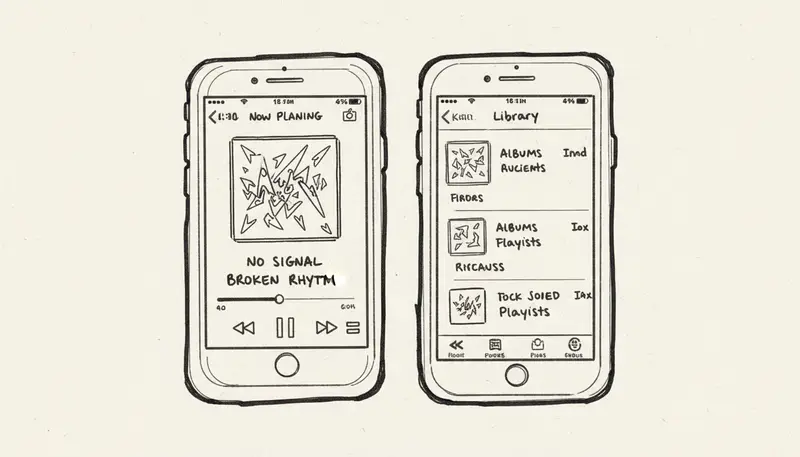
Mobile apps are strongest for quick capture:
- write a lyric idea
- test a melody direction
- create a short draft
- share a quick concept
- review generated versions
But mobile can be weaker for:
- file organization
- long editing sessions
- precise export management
- rights documentation
- large uploads
If you use a native mobile app, check whether the same account and project history are available on desktop. A song idea often starts on phone but finishes elsewhere.
Desktop And DAW Workflows
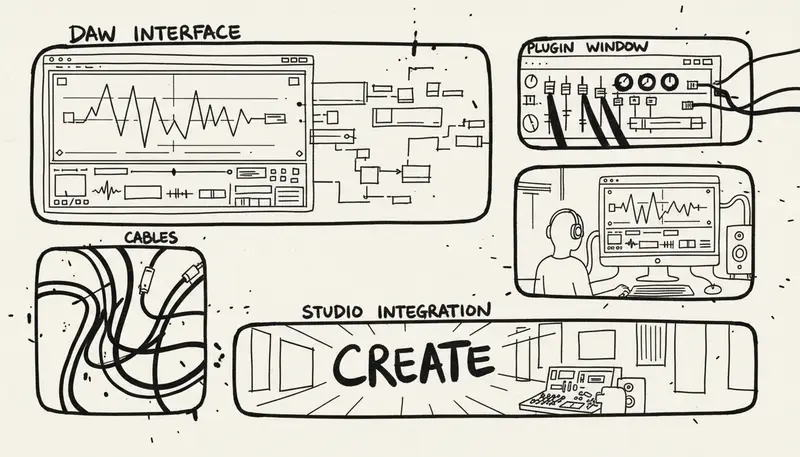
Desktop workflows matter when the project becomes serious:
- you need file management
- you need stems or WAV exports
- you want to compare versions
- you are editing video or podcast audio
- you are preparing client deliverables
- you are moving into a DAW
DAW plugins can be useful for producers, but they are not always the best first tool for beginners. Many users are better served by generating and revising in a web workspace, then exporting the useful version into a DAW.
Export And Rights Checklist
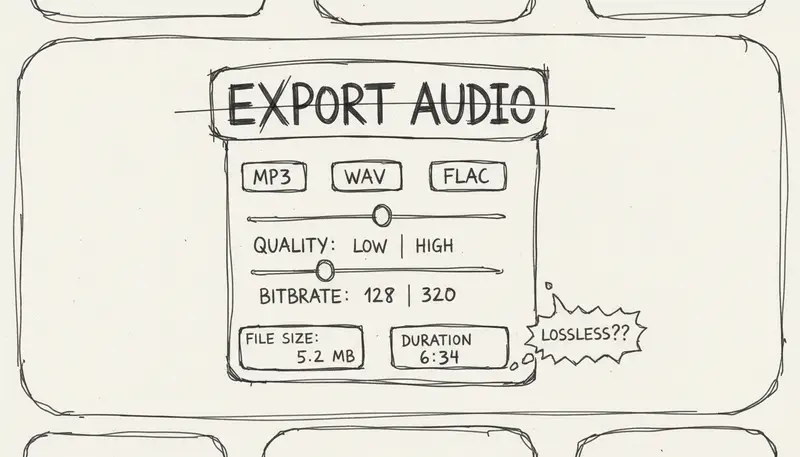
Before choosing an app, verify:
- MP3, WAV, stems, MIDI, or preview-only export
- download limits
- commercial-use terms
- source-audio responsibilities
- attribution or disclosure rules
- generation records
- plan receipt and project history
- whether rights change after cancellation
For client work, the app that gives you better records may be more valuable than the app with a flashier first result.
Device-Based Recommendations
If You Mostly Work On Phone
Choose an app or web workspace that makes idea capture easy, but confirm that exports and project records are accessible later on desktop.
Best workflow:
- Draft on phone.
- Save in library.
- Use Music Agent or tools to revise.
- Export on desktop when needed.
If You Mostly Work On Desktop
Choose tools with better file handling, stable uploads, and clear export options. Desktop is better for comparing versions, organizing rights records, and preparing deliverables.
If You Work Across Devices
Prioritize account sync and browser-first access. The fewer separate apps you need, the less likely you are to lose prompts, files, or versions.
User Journey
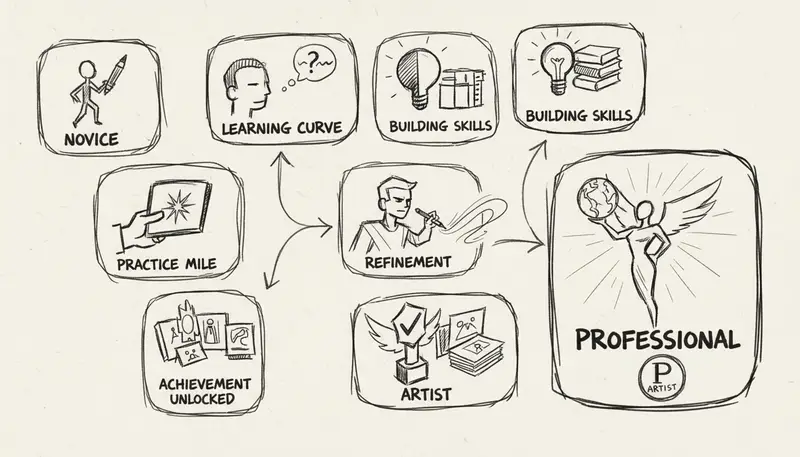
A practical AI music app workflow looks like this:
- Capture the goal.
- Generate a first version.
- Listen in context.
- Give specific feedback.
- Route to the next action: lyrics, style, extend, cover, add tracks, replace section, or vocal remover.
- Confirm any credit-spending action.
- Export and save records.
This is why Music Agent matters. It reduces the gap between "I know what sounds wrong" and "I know what to do next."
Decision Tree
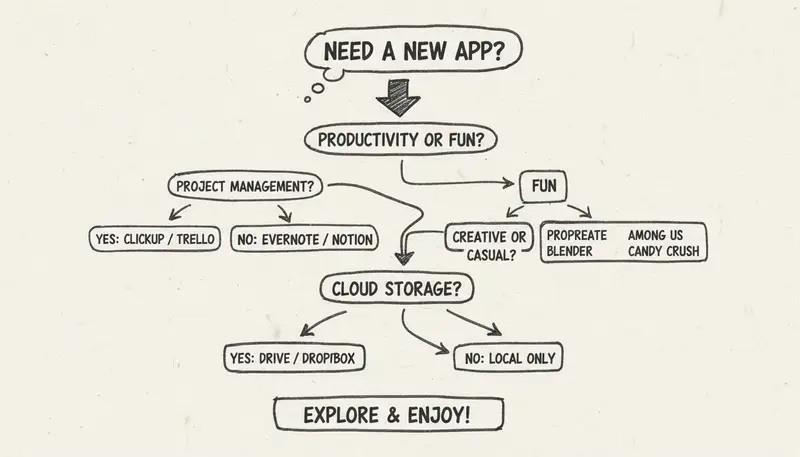
Ask:
- Do I need a song, background bed, score, stem edit, cover, or revised version?
- Am I starting on phone, desktop, or both?
- Do I need to upload source audio?
- Do I need commercial use?
- Do I need records for a client or release?
- If the first output is wrong, can the app help me continue?
If the answer to the last question is "no," you may not need a better generator. You may need a better workflow.
FAQ
What is the best AI music app in 2026?
It depends on workflow. Browser-first workspaces are often best for cross-device creation. Native mobile apps are good for quick ideas. Desktop and DAW tools are better for production and file management.
Does MusicMake.ai have a native mobile app?
MusicMake.ai is browser-first, so it can be used across devices without a separate native install. Check the current product and changelog for shipped changes.
What is a Music Agent app?
A Music Agent app connects conversation to real music actions: generate, revise, choose tools, ask for approval, track results, and continue from previous songs.
Is Music GPT the same as Music Agent?
Not exactly. "Music GPT" is a search phrase for conversational music creation. A useful Music Agent should do more than answer questions; it should connect to actual tools.
Should I use mobile or desktop for AI music?
Use mobile for capture and review. Use desktop when exports, client work, source files, or rights records matter.
Conclusion
The best AI music generation app is the one that supports your full path from idea to usable result. In 2026, that usually means cross-device access, clear exports, revision tools, and records.
MusicMake.ai's browser-first Music Agent workflow is designed for that path: create, revise, approve, export, and continue.
Auteur

Categorieën
Meer berichten

MusicMake.ai Mobile Update: Create Music From Your Phone Like an App
MusicMake.ai now gives creators a complete mobile flow for listening, generating, refining with Music Agent, opening tools, and managing songs from a phone.

AI Songwriting Guide: How to Write Songs with AI in 2026
Learn how to use AI songwriting tools to write better songs faster. Step-by-step guide covering lyrics, melody, arrangement, and production with AI assistance.

how to become a music producer with ai tools - MusicMake.ai Guide
Learn about how to become a music producer with ai tools with this comprehensive guide from MusicMake.ai.
