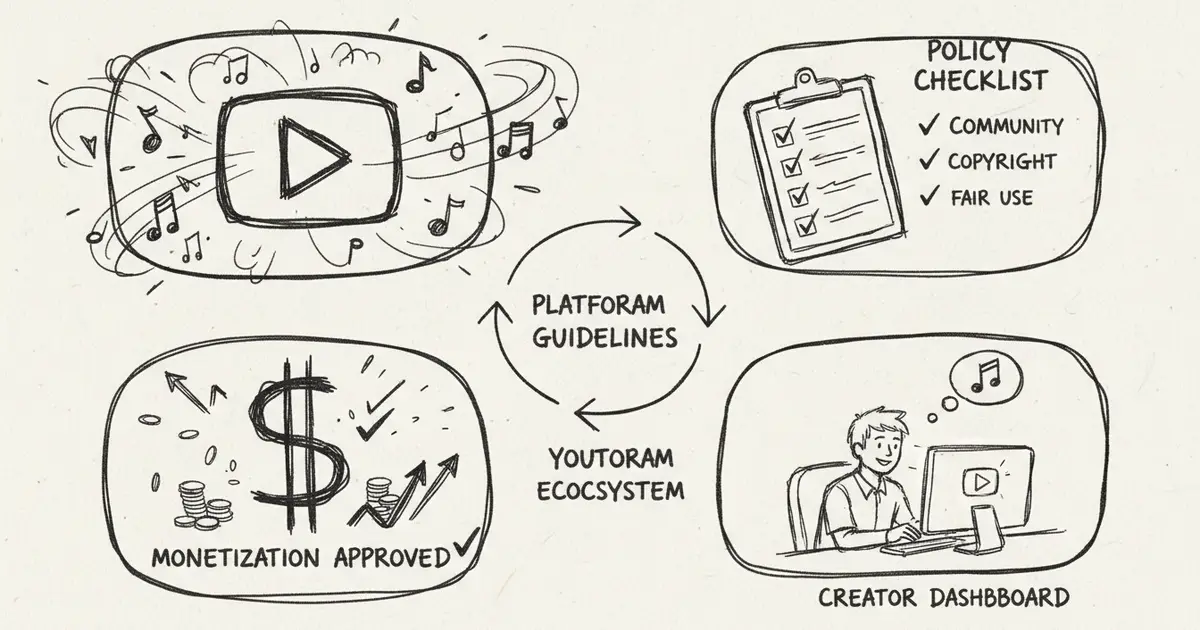
YouTube AI-Generated Music Policy 2026: Creator Checklist
A practical checklist for YouTube creators using AI-generated music: covering copyright ownership, disclosure requirements, Content ID risks, monetization review, and MusicMake.ai workflow documentation
Introduction: YouTube's Stance on AI Music
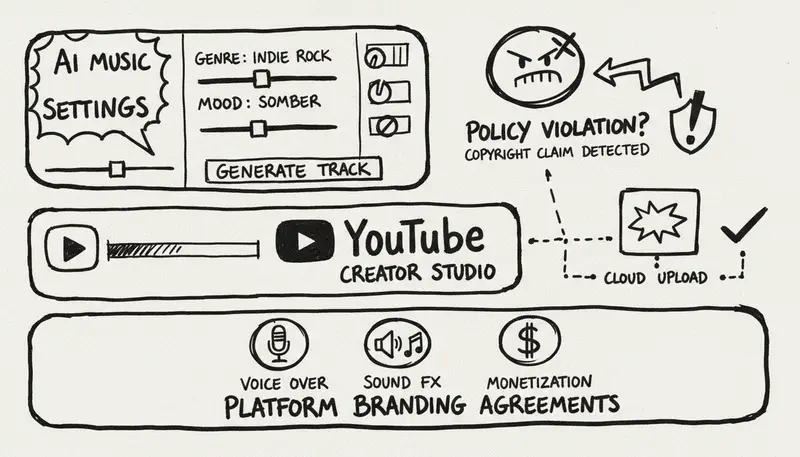
As AI-generated music becomes more prevalent, YouTube's policies are shifting toward disclosure requirements, rights documentation, and stricter anti-impersonation rules. For content creators using AI music tools like Suno, Udio, or MusicMake.ai, the key is not memorizing a fixed set of rules, but ensuring your work rights, disclosures, and upload records are compliant and clear.
This guide covers the practical compliance points you need to check before uploading AI-generated or AI-assisted music to YouTube.
MusicMake.ai Workflow for YouTube Creators
For YouTube creators, the challenge is often not just "generate a song." Creators may need a shorter intro, a longer outro, a lower-volume background version, an alternate cover-style version, or to replace a section that didn't work well. MusicMake.ai supports these workflows through: Generate, AI Lyrics Generator, AI Music Style Generator, Cover tool, Extend, Add Tracks, Mashup tool, Replace Section, Vocal Remover, and Music Agent.
The compliance habit is simple: only use source audio you own or have authorization to use, retain generation records and plan receipts, and check the Changelog when new workflows or model updates become available.
YouTube AI Music Policy Overview
Current Policy Points to Verify
| Check Dimension | What to Confirm |
|---|---|
| AI Music Usage | Your content complies with YouTube community guidelines and upload disclosure requirements |
| Monetization | Your video meets YouTube Partner Program, reused content, and music copyright requirements |
| Content ID | You have sufficient exclusive rights to use the reference audio file |
| Disclosure Requirements | Your audio has been substantially modified or AI-synthesized and requires disclosure |
| Artist Impersonation | Your prompt, vocals, or song title do not imply a real artist without authorization |
| Commercial Rights | Your AI platform subscription plan allows music use for specific YouTube scenarios |
Core Principles
Creator Responsibilities:
- Use music you have legal rights to
- Disclose synthetic or modified content when YouTube requires it
- Avoid impersonating real artists, unauthorized voice cloning, or misleading labels
- Retain generation records, plan receipts, and source material authorization files
- Check the latest YouTube Help Center pages before publishing high-value content
Monetization Rules
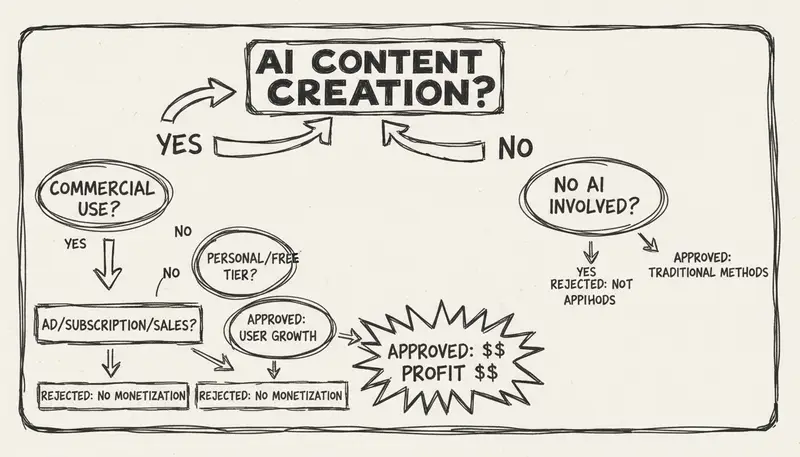
Can You Monetize AI Music Content?
In some cases yes, but always check current requirements:
- Commercial License — you must have commercial rights from the AI platform
- Originality — it must be content you generated yourself
- No Impersonation — you must not imitate specific artists
- Content Labeling — AI-generated content must be properly labeled
Monetization Eligibility
| Content Type | Monetizable? | Requirements |
|---|---|---|
| Original AI songs | Generally yes | Requires commercial usage rights and YPP compliance |
| AI background music | Generally yes | Requires commercial usage rights and YPP compliance |
| AI cover songs | Case by case | Requires composition rights, no artist impersonation, and platform compliance |
| AI voice cloning | ⚠️ Restricted | Requires authorized consent |
| Artist likeness impersonation | ❌ Not monetizable | Strictly prohibited by platform |
Disclosure Requirements
When Disclosure Is Needed
Disclosure may be required in the following situations:
- Substantially modified or synthetically generated realistic content
- AI voice synthesis or cloning content
- Music or audio that may mislead viewers about the performer, speaker, or creator's identity
- Content elements involving AI-assisted creation when YouTube's upload process requires disclosure
Official reference: YouTube Help Center: Disclosure for Modified or Synthetic Content.
How to Disclose
YouTube's disclosure options:
- Video description disclosure
"Music in this video was created using AI music generation tools."- On-screen label (for synthetic voice content)
- YouTube automatically provides labeling functionality
- Creators can add custom disclosure content
- Creator Studio settings
- Use YouTube's modified/synthetic content disclosure controls when applicable
- Select the appropriate disclosure type
Where to Disclose
Where to disclose when needed:
- YouTube upload page disclosure settings
- Video description
- Pinned comment
- On-screen text (for synthetic voice)
- End credits (optional)
Content ID & Copyright
Registering AI Music with Content ID
Can AI music be registered with Content ID?
- In some cases, if you hold sufficient copyright interest
- Requires a distribution partner or multi-channel network (MCN)
- Must comply with YouTube's review process
Registration Requirements:
- Commercial authorization from the AI platform
- Original generation (not copied)
- Sufficient exclusive copyright over reference material
- Meets Content ID quality standards
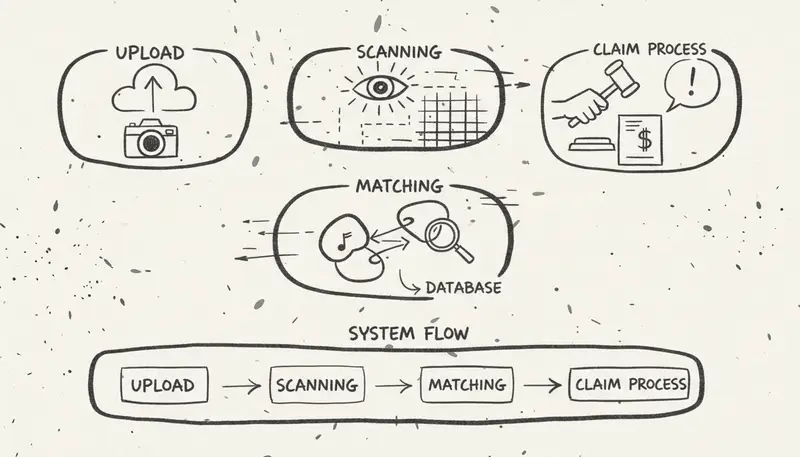
Copyright Claims for AI Music
Possible scenarios:
| Scenario | Likely Outcome |
|---|---|
| Using authorized AI music | Lower risk, but not zero risk |
| Similar to copyrighted songs | May trigger copyright claims |
| Imitating artist voice | Higher claim risk |
| Generic style prompts | Lower risk than mentioning specific artists, but still review output |
Prohibited Content
What Is Not Allowed
Explicitly prohibited behaviors:
- Artist Identity Impersonation
- Creating music that sounds like a specific artist without authorization
- Using AI to replicate an artist's voice
- Misleading viewers about the music's source
- Deepfake Audio
- Synthetic real-person voices without consent
- False claims or songs published under a real artist's name
- Misleading manipulated content
- Copyright Infringement
- AI-generated content of copyrighted songs
- Remixes without legal authorization
- Using copyrighted training prompts
- Misinformation
- Claiming AI-generated music is human-created
- Concealing AI involvement in creation
- Deceiving viewers about content origin
Violation Consequences
| Violation Type | Potential Consequence |
|---|---|
| First violation | Warning / video removal |
| Multiple violations | Channel strike |
| Serious impersonation | Immediate account ban |
| Copyright infringement | DMCA takedown |
Creator Best Practices
Compliance Checklist
Before uploading:
- Confirm AI platform's commercial use terms
- Add creation disclosure in video description
- Check Content ID via YouTube Studio tools
- Don't use artist names in prompts
- Use generic style description terms
After uploading:
- Monitor copyright claim notifications
- Respond to all claims with documentation
- Retain generation records
- Update disclosure information if needed
Safe Prompt Practices
Do:
"Upbeat pop song, happy summer vibes, acoustic guitar"
"Electronic dance music, 128 BPM, energetic"
"Calm piano ballad, emotional, cinematic"
Don't:
"Song that sounds like [specific living artist]"
"Make it sound like [famous rapper]"
"Copy [specific hit song]'s style exactly"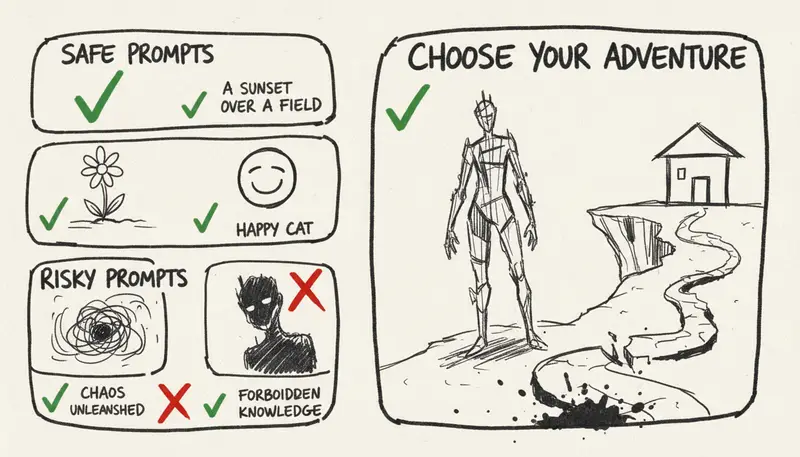
Platform-Specific Requirements
YouTube Shorts
AI music in Shorts:
- Same copyright and policy principles apply
- Use YouTube's disclosure controls when applicable
- Commonly used for AI music showcases
- Matching systems may still apply
YouTube Music
Distribution considerations:
- AI music can be distributed
- Must meet quality standards
- Requires proper authorization
- Disclosure in metadata is recommended
Live Streaming
Using AI music in live streams:
- Same copyright rules apply
- Real-time Content ID is active
- Prepare AI music in advance
- Retain written commercial terms records
Monetization Optimization
Maximizing Revenue
Strategies for AI music creators:
- Diversify content types
- Music videos
- Tutorials
- Behind-the-scenes
- Comparison videos
- Build an engaged audience
- Reply to comments
- Post community updates
- Collaborate with other creators
- Expand revenue streams
- Ad revenue
- Channel memberships
- Super Chat
- Merchandise
Revenue Expectations
Do not plan your revenue based on generic subscriber-to-income charts. YouTube's actual revenue depends on niche, region, watch time, ad demand, account policy status, music copyright, and audience behavior. Base your planning on your own account's data analysis.
Handling Copyright Claims
When You Receive a Claim
Step-by-step guide:
- Review the claim
- Check the flagged content
- Identify the claimant
- Understand the claim type
- Evaluate options
- Accept the claim (if valid)
- Dispute (if you hold relevant rights)
- Edit/replace the audio
- Respond appropriately
- Document your commercial use terms
- File a dispute if necessary
- Wait for resolution (typically 30 days)
Dispute Template
This video contains AI-generated music created using [Platform Name].
I hold commercial-use terms dated [Date] under [Plan Name].

The music was generated from original prompts and does not contain
any copyrighted material. I am the rightful owner of commercial
usage rights for this content.

[Attach license documentation if possible]
Future Policy Outlook
Key Policy Directions to Watch
Areas that may see changes:
- Enhanced AI content detection
- Stricter impersonation rules
- Improved disclosure tools
- Clearer creator guidelines
How to Prepare
Stay ahead by:
- Following the YouTube Creator Blog
- Joining creator communities
- Keeping documentation up to date
- Building an authentic content brand
FAQ
Can I monetize AI covers of popular songs?
Answer: Only if you hold the relevant composition rights, don't use the original recording, and avoid impersonating real artists. AI generation does not exempt cover songs from licensing requirements.
Do I need to disclose all AI elements?
Answer: Follow YouTube's current upload process and help guidelines. If synthetic audio may mislead viewers, disclose it.
What if someone accuses my original AI music of infringement?
Answer: Dispute with your commercial license documentation. False claims can be countered through YouTube's dispute process.
Can my channel get banned for AI content?
Answer: Serious violations like impersonation, fraud, or repeated copyright infringement can result in channel bans. Compliant AI-assisted content still requires proper rights documentation and honest disclosure.
Conclusion: Growing on YouTube with AI Music
YouTube can provide growth opportunities for AI music creators as long as you follow the rules:
Key Takeaways:
- ✅ AI music that meets YPP requirements, has proper rights, and follows disclosure rules can be monetized
- ✅ Disclosure is straightforward if you're honest in the upload process
- ❌ Artist impersonation is strictly prohibited
- ⚠️ Content ID registration depends on the rights you hold
- ✅ Documentation is as important as generation itself
Keys to Success:
- Get commercial use authorization terms from your AI creation platform
- Always disclose AI involvement publicly
- Use generic style prompts (never use specific artist names)
- Keep your license and permission documentation organized
- Build a genuine and engaged fan community
Use MusicMake.ai to create YouTube-ready music with documentation →
Music generated on MusicMake.ai carries no commercial risk — you can confidently use it for all types of commercial projects. Daily check-ins also earn free credits to get started easily.
Disclaimer: This guide is for informational purposes only and does not constitute legal advice. YouTube policies may change at any time — always refer to YouTube's official help pages for the latest requirements.
Penulis

Kategori
Postingan Lainnya

MusicMake.ai Mobile Update: Create Music From Your Phone Like an App
MusicMake.ai now gives creators a complete mobile flow for listening, generating, refining with Music Agent, opening tools, and managing songs from a phone.

AI Songwriting Guide: How to Write Songs with AI in 2026
Learn how to use AI songwriting tools to write better songs faster. Step-by-step guide covering lyrics, melody, arrangement, and production with AI assistance.

how to become a music producer with ai tools - MusicMake.ai Guide
Learn about how to become a music producer with ai tools with this comprehensive guide from MusicMake.ai.
