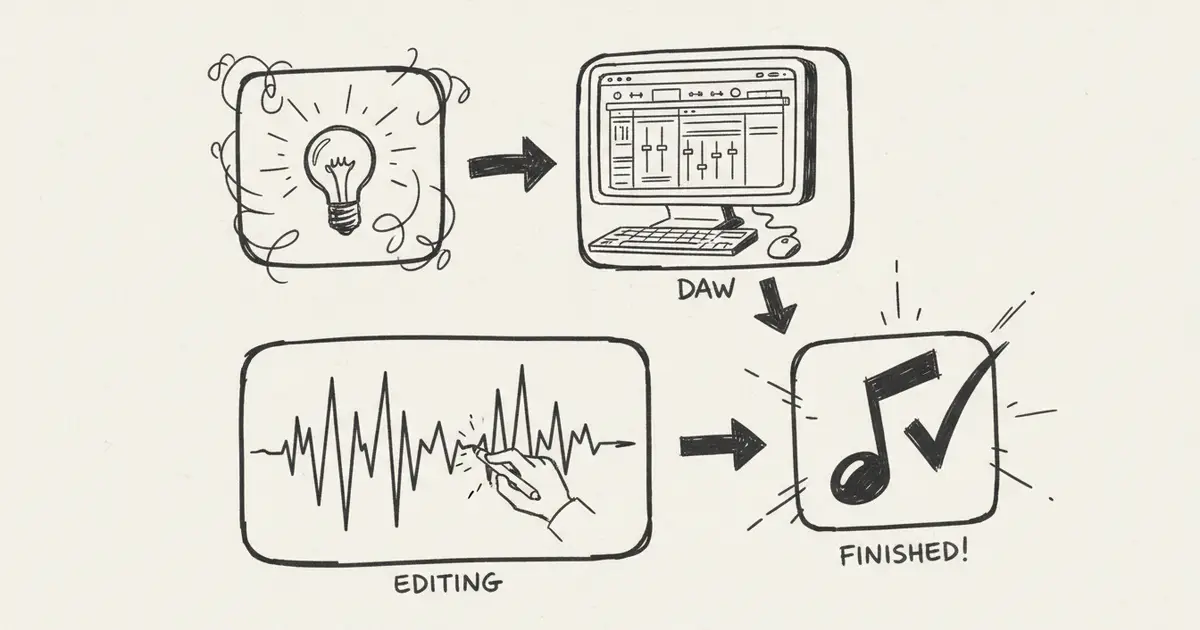
AI Music Creation Tools 2026: Lyrics, Generation, Editing, and Records
Build an AI music workflow from idea, lyrics, and style to generation, Music Agent revisions, edits, stems, exports, and commercial-use records.
The Creator's Workflow
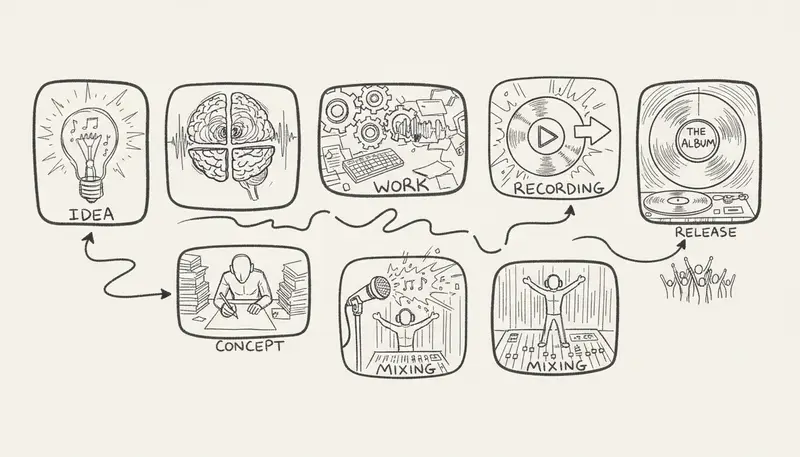
AI music creation is no longer one prompt and one output. A realistic creator workflow looks like this:
Idea -> Lyrics -> Style -> First Draft -> Feedback -> Revision -> Versions -> Export -> RecordsThis guide organizes tools by workflow stage instead of listing fragile prices or temporary rankings.
The Modern Music Creation Pipeline
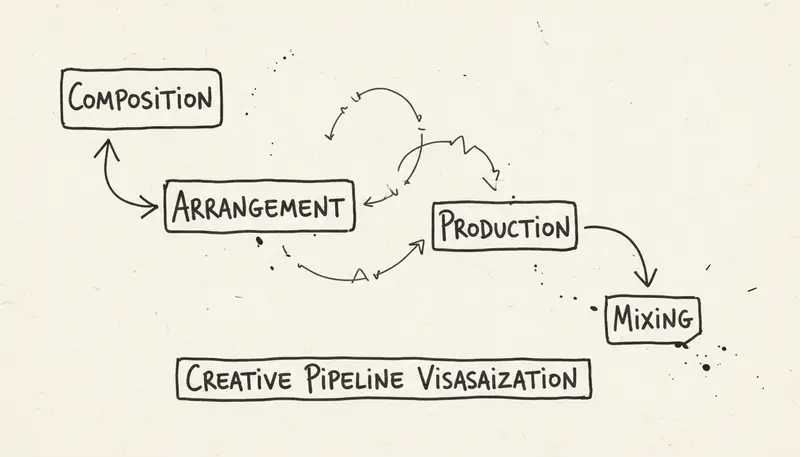
| Stage | Goal | Useful Tool Type |
|---|---|---|
| Ideation | Define concept, audience, mood, and constraints | Chat, notes, style helpers |
| Lyrics | Create or improve words | AI lyrics tools |
| Style | Turn vague mood into musical direction | Style generators and prompt helpers |
| Generation | Create first draft | AI music or song generator |
| Revision | Fix what is wrong | Music Agent, replace, extend, cover, add tracks |
| Production | Prepare files and stems | Vocal remover, DAW, cleanup, mixing |
| Export | Deliver usable files | MP3, WAV, stems, records |
| Rights | Prepare commercial use | Plan terms, source rights, project documentation |
MusicMake.ai As The Workflow Layer
MusicMake.ai is not only a text-to-song form. It combines focused tools:
- Generate for a first full-song draft.
- AI Lyrics Generator for lyric direction.
- AI Style Generator for prompt and genre language.
- Cover for source-controlled cover workflows.
- Extend for continuing a strong result.
- Add Tracks for accompaniment exploration.
- Mashup when you control the source material.
- Replace Section for targeted fixes.
- Vocal Remover for supported stem workflows.
- Music Agent when the goal is clear but the next tool choice is not.
This is the product story: MusicMake.ai took ordinary AI music generation as far as a prompt box can reasonably go, then added Music Agent so creators can move through the whole process instead of stopping at the first output.
This is also the search intent behind Song Agent, AI Song Agent, Music GPT, and Music Chat. The useful version is a workflow assistant connected to real music tools.
Track current product updates in the changelog.
Stage 1: Ideation
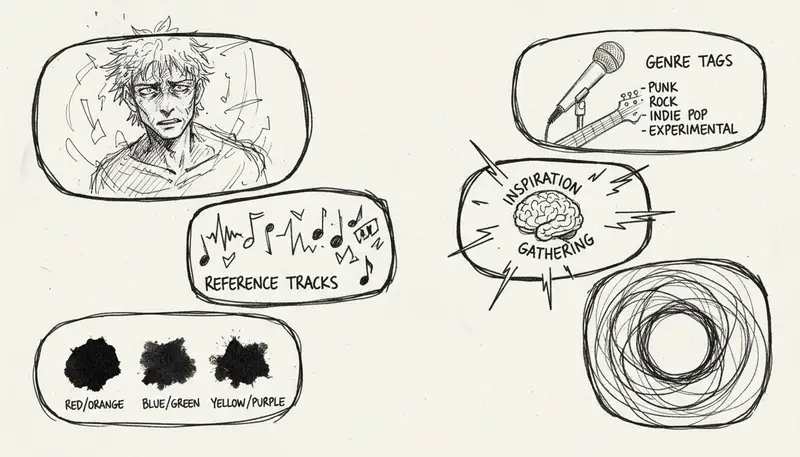
Before generating, define:
- audience
- purpose
- language
- vocal or instrumental
- mood
- tempo range
- instrument list
- excluded elements
- target length
- commercial destination
Example:
Use case: product demo with voiceover.
Mood: calm, modern, confident.
Avoid: vocals, heavy drums, busy lead melodies.
Need: 45-75 seconds, loopable, low-volume-friendly.
Stage 2: Lyrics And Style
Good lyrics are not just rhymes. They need structure, language fit, and emotional direction.
Use AI lyrics tools to create:
- verse/chorus structure
- alternate hooks
- simpler language
- stronger title concepts
- clean versions for brand work
Use style tools to convert vague words into musical instructions:
Vague: emotional pop.
Better: mid-tempo indie pop, warm male vocal, clean electric guitar, soft drums, hopeful chorus, no EDM drop.
Stage 3: Generate The First Draft
The first draft should answer:
- Does the song follow the style?
- Are vocals understandable?
- Is the structure usable?
- Is the arrangement too dense?
- Is the ending usable?
- Does it fit the target scene?
Do not judge only the first 15 seconds. Listen to the whole track.
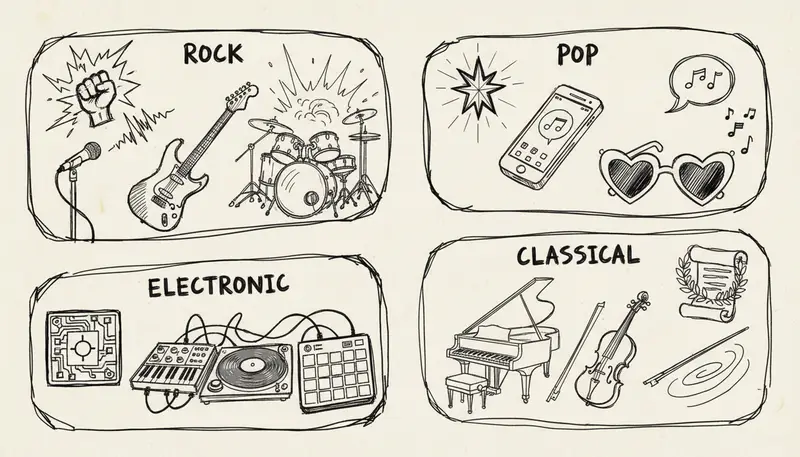
Stage 4: Revise Instead Of Starting Over
Most low-quality AI music workflows fail here. The user hears the problem but does not know how to fix it.
Examples:
| Feedback | Better Next Action |
|---|---|
| "It still has a beat" | Rewrite prompt with strict no-drums/no-percussion/no-bass constraints |
| "The chorus is too busy" | Replace or regenerate that section with fewer layers |
| "The ending cuts off" | Extend the track |
| "I like the melody but need a different voice" | Use a cover workflow if source rights allow |
| "I need an instrumental" | Use vocal removal or generate an instrumental version |
Music Agent is built for this step: turn feedback into the next tool action.
Stage 5: Arrangement And Instrumentation
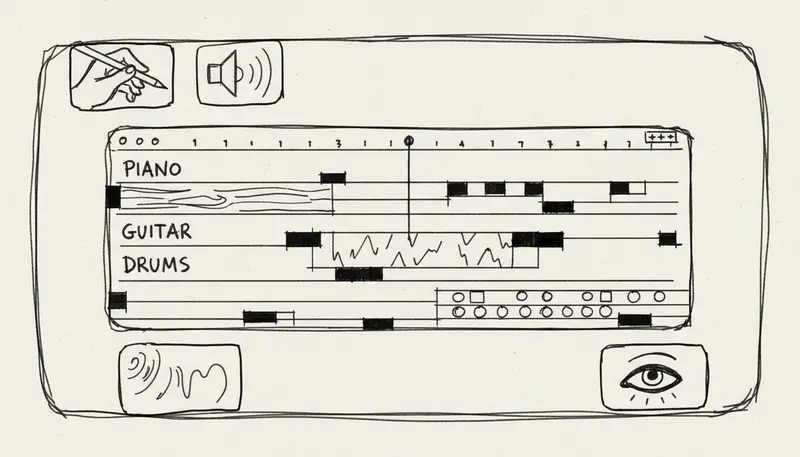
Arrangement questions:
- Does the song need more space?
- Are drums too dominant?
- Does the bass support the vocal?
- Is the melody too repetitive?
- Is the intro too long?
- Does the chorus lift?
- Does the track need a short version?
Use Add Tracks, Replace Section, Extend, or DAW editing depending on the issue.
Stage 6: Production And Effects
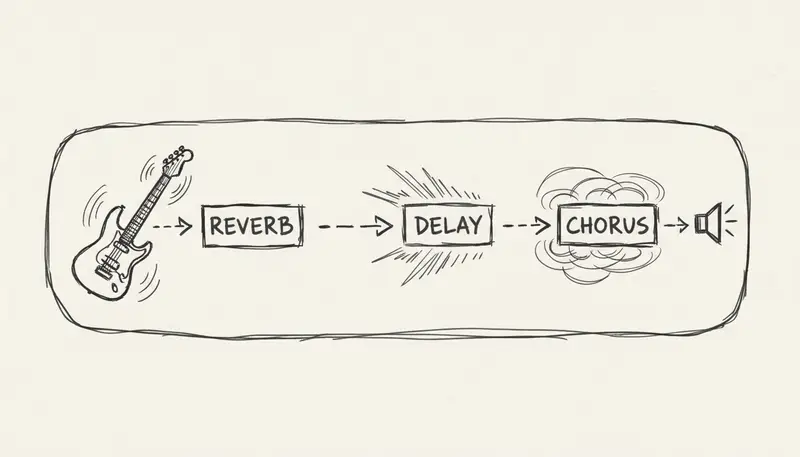
Production tools can help with:
- cleanup
- noise reduction
- vocal clarity
- EQ
- compression
- stereo width
- mastering
- stems
But production cannot fix a wrong song. If the composition, vocal direction, or prompt alignment is wrong, go back to the creation or revision stage.
Stage 7: Export, Records, And Commercial Use
Before publishing or delivering:
- Confirm current plan terms.
- Confirm source-audio rights.
- Save prompts, lyrics, source files, and generation records.
- Export the required format.
- Save version history.
- Check platform or client policy.
- Include license notes when delivering to clients.
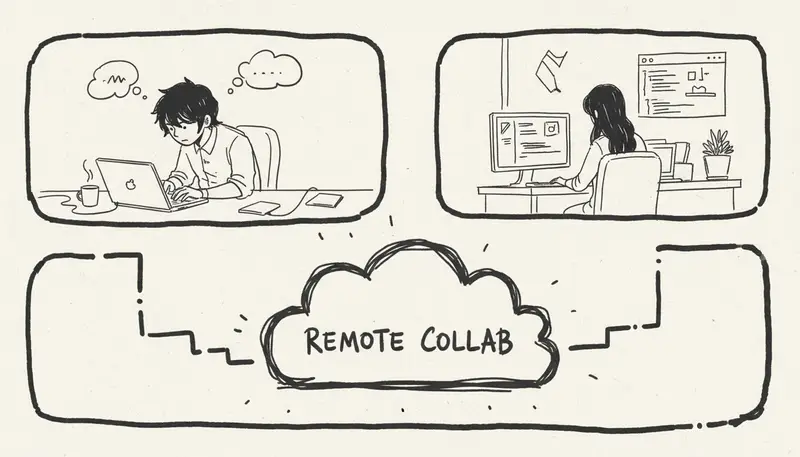
Mobile And Desktop Workflow
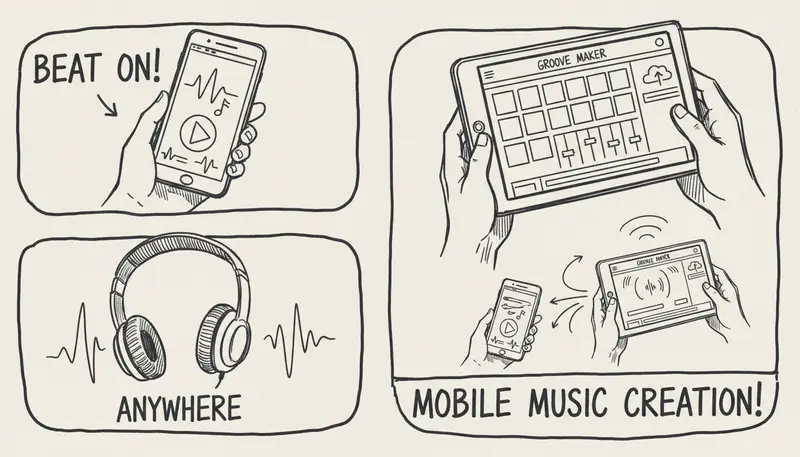
Use mobile for:
- capturing ideas
- reviewing drafts
- quick feedback
- saving references
Use desktop for:
- exports
- source-file management
- DAW handoff
- client delivery
- rights records
Browser-first tools like MusicMake.ai can bridge both.
FAQ
What are the best AI music creation tools?
The best tools depend on stage. Use lyrics tools for words, style tools for direction, generators for first drafts, Music Agent for revision routing, and production tools for final preparation.
What is the difference between AI music generator and Music Agent?
A generator creates a first draft. Music Agent helps interpret feedback and choose the next tool.
Can AI create a complete song?
Yes, but a complete first draft is not always a finished song. Revision, arrangement, production, and rights records still matter.
What should beginners start with?
Start with a clear use case and simple constraints. Use Music Agent if you are unsure which tool to use after the first result.
Conclusion
AI music creation is becoming a workflow, not a single button. The strongest tools help you move through idea, lyrics, style, generation, revision, production, export, and documentation.
MusicMake.ai is built around that full path, with Music Agent connecting plain-language feedback to real creation tools.
लेखक

श्रेणियाँ
और पोस्ट

MusicMake.ai Mobile Update: Create Music From Your Phone Like an App
MusicMake.ai now gives creators a complete mobile flow for listening, generating, refining with Music Agent, opening tools, and managing songs from a phone.

AI Songwriting Guide: How to Write Songs with AI in 2026
Learn how to use AI songwriting tools to write better songs faster. Step-by-step guide covering lyrics, melody, arrangement, and production with AI assistance.

how to become a music producer with ai tools - MusicMake.ai Guide
Learn about how to become a music producer with ai tools with this comprehensive guide from MusicMake.ai.
