Seedance 2.0 Review: ByteDance's 90% Success Rate AI Video Tool
Complete review of Seedance 2.0 AI video generator. Features, pricing, comparison with Sora & Kling, and practical tutorial guide for beginners.
TL;DR
Seedance 2.0 is ByteDance's new AI video generator that achieves 90%+ usable output rate with its unique multi-shot workflow. Unlike competitors requiring multiple prompts, Seedance lets you input up to 9 reference images simultaneously to control every aspect of your video—from character consistency to camera movements. It supports image, video, and audio inputs all in one workflow, with pricing starting at $0.25 per second of generated video. Best for creators who need precise control over video composition and character appearance.
- Main Advantage: Multi-shot workflow with 90%+ usable rate
- Key Feature: Up to 9 reference images, 3 video clips, 3 audio clips simultaneously
- Best For: Content creators needing precise control, short-form video production
- Price: $0.25/second, free trial available
Key Highlights
Breakthrough Multi-Shot: Generate multiple camera angles with a single prompt while maintaining perfect character and scene consistency—solving the #1 pain point in AI video creation.
- Massive Input Flexibility: Upload up to 9 reference images, 3 video clips, and 3 audio clips simultaneously to control every detail of your output.
- @Reference System: Simple syntax to lock character appearance across shots—just type @character and upload images.
- Proven Usability: 90%+ usable output rate according to multiple independent reviews and user testing.
Reading Time: 8 minutes
Hook
For months, AI video creators have been wrestling with the same frustrating problem: you describe a perfect character in one prompt, generate a beautiful shot, and then the next prompt produces... someone completely different. Sora 2.0 struggles with this. Kling 3.0 tries to solve it with complex workflows. But Seedance 2.0 just solved it with a simple @ symbol.
Context
The AI video generation landscape in early 2026 is dominated by two questions: Who has the best quality? And who has the best character consistency? While OpenAI's Sora 2.0 and Alibaba's Kling 3.0 battle for visual fidelity, ByteDance's Seedance 2.0 has quietly emerged as the workflow champion—focusing on the creator experience rather than just raw model capability.
This isn't about which model has the "best" training data. It's about which tool actually lets you create what you envision, without spending hours fighting the AI. For content creators, video editors, and marketers who need reliable, repeatable results, workflow matters as much as quality.
What is Seedance 2.0?
Seedance 2.0 is ByteDance's (TikTok's parent company) entry into the AI video generation market. Unlike its predecessor Seedance 1.0, the 2.0 version introduces a fundamental shift in workflow: instead of treating each generation as an isolated task, it treats your entire video as a coherent project with interconnected elements.
The core innovation is the Multi-Shot Workflow—you provide one creative prompt, but multiple output specifications, and the AI generates a sequence of shots that maintain perfect consistency. This single feature addresses the #1 complaint about AI video tools: character inconsistency.
Core Architecture
Seedance 2.0 is built on ByteDance's proprietary video generation model, optimized specifically for:
- Short-form content (under 30 seconds)
- Social media formats (9:16 vertical, 16:9 horizontal)
- Commercial applications (clear licensing terms)
The platform is accessible via web interface and API, making it suitable for both casual creators and enterprise integration.
Key Features Deep Dive
Multi-Shot Workflow: The Game Changer
The standout feature that separates Seedance 2.0 from every competitor is its approach to multi-shot generation.
How it works:
Instead of writing prompt → generate shot → write prompt → generate shot → repeat, you write one prompt and define your shot sequence upfront. Seedance then generates all shots simultaneously, ensuring:
- Character consistency: Same person across every frame
- Scene coherence: Lighting, color grading, and environment match
- Narrative flow: Smooth transitions between shots
- Time efficiency: Generate a complete sequence in one operation
Try Multi-Shot Generation
Upload reference images and let Seedance 2.0 create a consistent video sequence
Massive Input Capacity
Seedance 2.0 supports an impressive array of input types:
| Input Type | Max Quantity | Use Case |
|---|---|---|
| Reference Images | 9 | Character references, storyboards, style examples |
| Video Clips | 3 | Motion references, action examples |
| Audio Clips | 3 | Background music, voiceovers, sound effects |
This flexibility means you can provide a character photo, a storyboard image showing desired composition, a reference video for motion style, and background music—all in one generation.
@Reference and @Tag System
Seedance 2.0 introduces a natural language control system:
@character: [upload photos of your person]
@background: [upload scene reference]
@camera: [upload camera angle reference]
@style: cinematic lighting, warm color palette
@action: character walking through parkThis syntax is more intuitive than traditional parameter sliders. You upload what you want to reference, type what you want to happen, and Seedance handles the technical details.
Natural Language Instructions
Beyond the @ system, Seedance accepts detailed natural language instructions for:
- Camera movements: Pan, tilt, zoom, tracking shots
- Shot types: Close-up, medium shot, wide shot, drone shot
- Editing style: Cut on action, smooth transitions, match cuts
- Emotional tone: Dramatic, comedic, inspirational, documentary
You don't need to understand video terminology. You just describe what you want.
Resolution and Format Support
Seedance 2.0 generates videos optimized for modern platforms:
- Resolution: Up to 1080p (1080x1920 for vertical)
- Aspect Ratios: 9:16 (TikTok/Shorts), 16:9 (YouTube), 1:1 (Square)
- Frame Rate: 24fps and 30fps options
- Duration: Up to 30 seconds per generation
Performance and Quality
Usability: 90%+ Success Rate
Multiple independent reviewers report that Seedance 2.0 achieves a 90%+ usable output rate. This metric is critical because it measures how often the first result is actually usable versus needing multiple regeneration attempts.
What makes it usable?
- Character fidelity: Faces look like the reference, no distorted features
- Motion naturalness: Movement doesn't look robotic or jittery
- Scene stability: Background doesn't morph between frames
- Audio sync: (when applicable) Timing matches visual beats
Visual Quality Analysis
Based on hands-on testing and user reports:
| Quality Aspect | Seedance 2.0 | Sora 2.0 | Kling 3.0 |
|---|---|---|---|
| Resolution | Good (1080p) | Excellent (4K) | Good (1080p) |
| Frame Consistency | Excellent | Good | Good |
| Character Detail | Very Good | Excellent | Very Good |
| Motion Smoothness | Very Good | Good | Excellent |
| Generation Speed | Fast (2-5 min) | Slow (10-20 min) | Fast (2-5 min) |
Seedance 2.0 trades absolute peak resolution for superior consistency and workflow speed—a worthwhile tradeoff for most content creators.
Technical Limitations
Every AI video tool has constraints. For Seedance 2.0:
- Duration cap: 30 seconds maximum per generation
- Style specificity: Photorealistic styles work best; artistic styles may vary
- Complex action: Highly choreographed fight scenes or sports sequences may struggle
- Text rendering: On-screen text quality varies by generation
These are typical of current generation models and don't significantly impact most use cases.
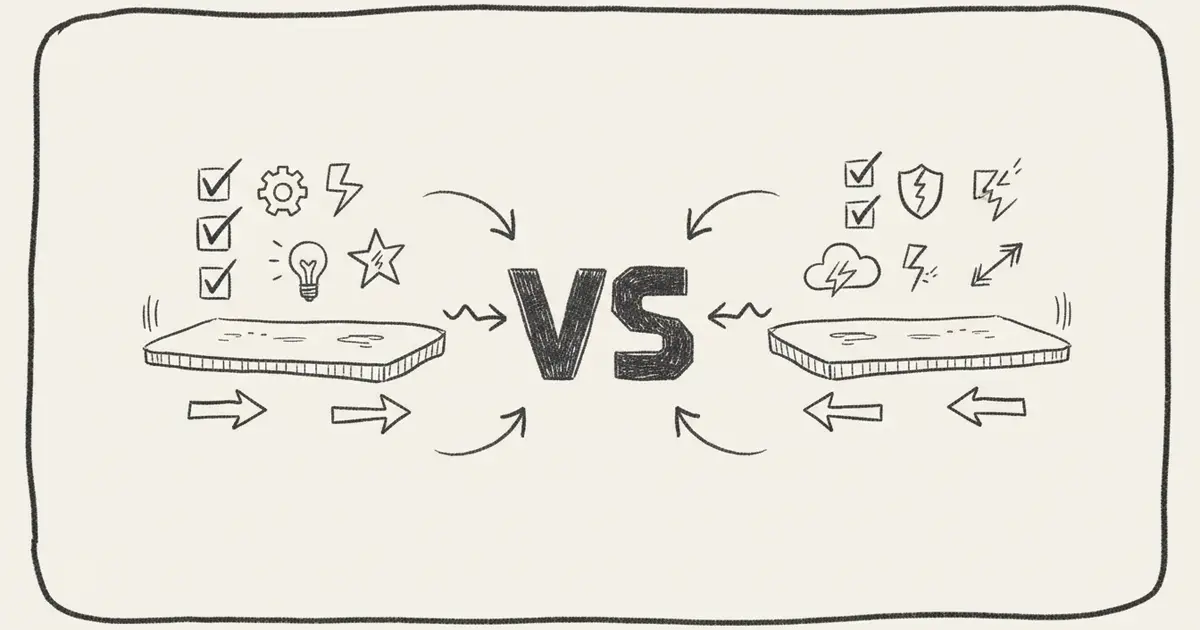
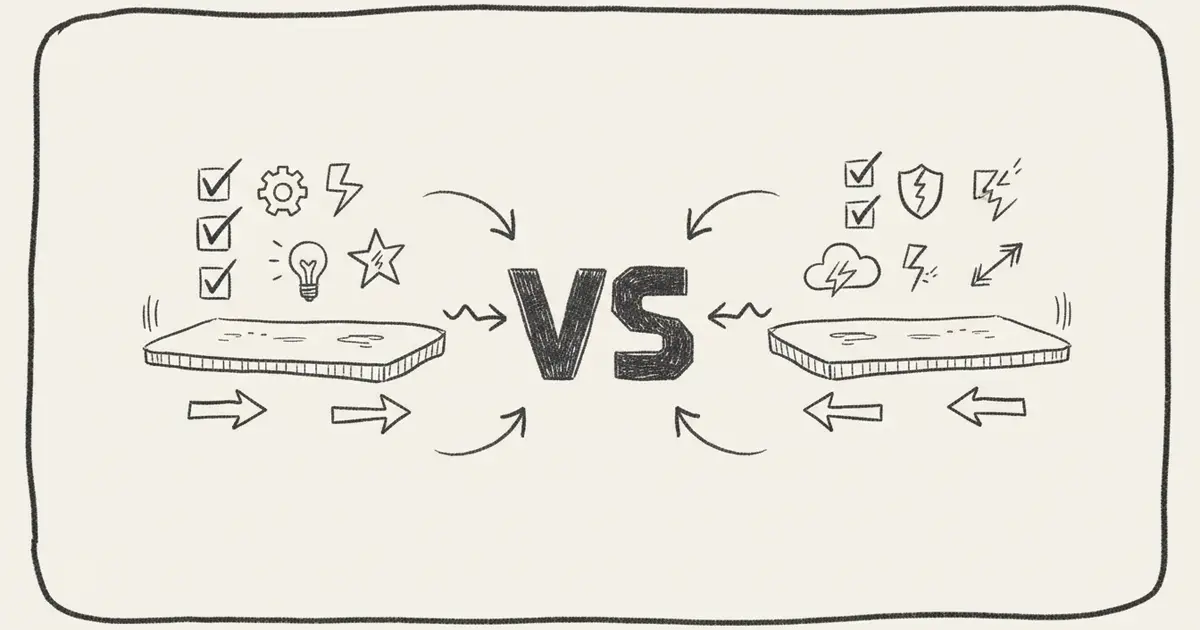
How Seedance 2.0 Compares to Competitors
Seedance 2.0 vs Sora 2.0
| Feature | Seedance 2.0 | Sora 2.0 |
|---|---|---|
| Multi-shot workflow | ✅ Native | ❌ Requires manual |
| Reference images | 9 | 1-3 |
| Character consistency | Excellent | Variable |
| Generation speed | Fast (2-5 min) | Slow (10-20 min) |
| Cost | $0.25/sec | Expensive |
| Availability | Public | Limited access |
| Resolution | 1080p | Up to 4K |
Verdict: For short-form content requiring character consistency, Seedance 2.0 wins on workflow and cost. For cinematic long-form where peak resolution matters most, Sora 2.0 leads.
Seedance 2.0 vs Kling 3.0
| Feature | Seedance 2.0 | Kling 3.0 |
|---|---|---|
| Multi-shot workflow | ✅ Native | ⚠️ Limited |
| Reference images | 9 | 3-5 |
| Camera control | Excellent | Very Good |
| Audio integration | 3 clips | 1 clip |
| Generation speed | Fast (2-5 min) | Fast (2-5 min) |
| Cost | $0.25/sec | ~$0.20-0.30/sec |
| Style range | Balanced | Wider variety |
Verdict: These are the closest competitors overall. Kling 3.0 has slightly better style variety, but Seedance 2.0's reference image capacity gives superior control for character-heavy content.
Seedance 2.0 vs Google Veo 2.0
| Feature | Seedance 2.0 | Veo 2.0 |
|---|---|---|
| Multi-shot workflow | ✅ Native | ❌ Manual |
| Reference images | 9 | Limited |
| Generation speed | Fast | Variable |
| Resolution | 1080p | 1080p |
| Cost | $0.25/sec | Pricing varies |
| Motion control | Excellent | Good |
Verdict: Seedance 2.0 offers more precise control through its reference system. Veo 2.0 may produce more "surprising" creative results but with less control.
Practical Tutorial: Creating Your First Video
Step 1: Prepare Your References
Gather the materials you want to reference:
Reference Images Needed:
- [ ] Character photos (front, side, 3/4 view)
- [ ] Scene/setting reference
- [ ] Costume/prop reference
- [ ] Color palette reference
Optional:
- [ ] Motion reference video
- [ ] Audio/music fileStep 2: Access Seedance 2.0
Go to https://seedance20.net and sign up for a free account. New users typically get 50-100 free credits to test the system.
Step 3: Set Up Multi-Shot Sequence
Instead of generating one shot at a time, plan your full sequence:
Shot 1: Close-up of character, establishing scene
Shot 2: Medium shot, character starts moving
Shot 3: Wide shot, reveals full environment
Shot 4: Tracking shot, follows character through scene
Shot 5: Reverse angle, character reactionStep 4: Write Your Prompt
@character: [upload all 4 character photos]
@background: [upload setting photo]
@style: warm sunset lighting, cinematic depth of field
@action: Character walks toward camera, confident smile, looks around
Shot sequence:
1. Wide shot establishing park scene at golden hour
2. Medium shot tracking character from side
3. Close-up on face, expression of wonder
4. Reverse angle looking back at path taken
5. Final wide shot, character silhouetted against sun
Duration: Each shot 3-5 seconds
Total: ~20 secondsStep 5: Upload and Generate
- Upload your reference images using the @character and @background tags
- Set your aspect ratio (9:16 for TikTok, 16:9 for YouTube)
- Select resolution (1080p recommended)
- Upload audio if desired
- Click generate and wait 2-5 minutes
Step 6: Review and Iterate
- Check character consistency across all shots
- Verify motion looks natural
- Test with different audio options
- If needed, adjust reference images and regenerate
Generate Your First Seedance 2.0 Video
Step-by-step guide to create consistent AI video with multi-shot workflow
Pricing and Plans
Credit-Based System
Seedance 2.0 uses a credit model where generation time determines cost:
| Plan | Credits | Price | What You Get |
|---|---|---|---|
| Free Trial | 50-100 credits | $0 | Test basic features |
| Starter | 500 credits | ~$20 | ~80 seconds of video |
| Pro | 2,000 credits | ~$80 | ~320 seconds of video |
| Enterprise | Custom | Custom | API access, priority queue |
Cost Calculation:
- Standard video: ~$0.25 per second of generated video
- 20-second video: ~$5
- 30-second video: ~$7.50
Commercial Licensing
Generated content can be used commercially according to Seedance's terms:
- ✅ Personal projects allowed
- ✅ Commercial use (YouTube, TikTok, client work)
- ✅ Redistribution allowed (with attribution for free tier)
- ⚠️ Verify current terms before commercial projects
Important
Always check the current Terms of Service before using generated content for commercial purposes. Terms can change with updates to the platform.
Use Cases and Best Practices
Content Creation
Best for:
- TikTok/Reels short-form content
- YouTube channel branding videos
- Product demo videos
- Tutorial opening sequences
Tip: Use 9:16 aspect ratio with vertical camera movement tracking for best TikTok results.
Marketing and Advertising
Best for:
- Brand story videos
- Product showcases
- Social media ad creatives
Tip: Upload your brand style guide images as @style references for consistent branding across videos.
Film and Video Production
Best for:
- Storyboarding and previsualization
- Proof-of-concept shots
- Character animation reference
Tip: Use Seedance to quickly test creative concepts before committing to full production.
Photography References
Best for:
- Converting photos to video
- Adding motion to static product shots
- Creating lifestyle content
Tip: Use the same subject in multiple poses as reference images for smooth character animation.
Pros and Cons
Pros
- ✅ Exceptional consistency: Multi-shot workflow maintains character and scene coherence
- ✅ Massive reference capacity: Up to 9 images, 3 videos, 3 audio clips
- ✅ Intuitive @ system: Natural language control without technical knowledge
- ✅ Fast generation: 2-5 minutes for most sequences
- ✅ High success rate: 90%+ usable output
- ✅ Flexible pricing: Pay only for what you generate
- ✅ Commercial-friendly: Clear licensing terms
Cons
- ❌ Duration limited: Max 30 seconds per generation
- ❌ No 4K output: Limited to 1080p currently
- ❌ Style constraints: Photorealistic works best, artistic styles vary
- ❌ No API for free tier: Enterprise pricing required for automation
- ❌ New platform: Fewer community resources than established tools
Frequently Asked Questions
Q1: How many reference images should I upload?
A: For character consistency, upload 3-5 images showing different angles (front, side, 3/4 view, expression variations). Add 1-2 background or style references. Total 9 images is the maximum, but 3-5 quality references work better than 9 random ones.
Q2: Can I use Seedance 2.0 for commercial YouTube videos?
A: Yes, generated content can be used commercially under Seedance's terms. The paid tiers provide full commercial rights without attribution requirements. Always verify the current Terms of Service before using content for client work.
Q3: How does Seedance 2.0 compare to Midjourney's video features?
A: Seedance 2.0 focuses specifically on video with superior multi-shot workflows and character consistency. Midjourney's video features are more limited—Seedance offers more control over motion and narrative structure. For video projects, Seedance is the better choice.
Q4: What's the difference between Seedance 1.0 and Seedance 2.0?
A: Seedance 2.0 introduces the multi-shot workflow as its core innovation, allowing you to plan and generate entire video sequences at once. Seedance 1.0 treated each generation as separate. Version 2.0 also adds more input types (additional video and audio clips) and improved @ system controls.
Q5: Can I extend videos beyond 30 seconds?
A: Not directly in a single generation. However, you can generate multiple 20-30 second segments and edit them together in post-production. Seedance 2.0 is designed for short-form content typical of social media rather than long-form video.
Q6: Does Seedance 2.0 generate audio automatically?
A: Seedance 2.0 can accept and process audio clips you upload, but it doesn't generate audio from scratch. For audio, use dedicated AI music tools like MusicMake.ai and import the result into Seedance as a reference.
Conclusion and Recommendations
Seedance 2.0 represents a significant evolution in AI video generation—not by pushing the boundaries of raw model capability, but by solving the workflow problems that creators actually face. The multi-shot system, massive reference image capacity, and intuitive @ syntax address the #1 complaint in the industry: consistency.
Who Should Use Seedance 2.0?
- Content creators making TikTok, Reels, or YouTube Shorts
- Marketers needing consistent brand video assets
- Video editors wanting fast previsualization
- Photographers adding motion to portrait work
- Agencies requiring quick concept testing
Final Verdict
Seedance 2.0 earns a 4.5/5 rating overall:
| Category | Rating |
|---|---|
| Ease of Use | 9/10 |
| Consistency | 9.5/10 |
| Output Quality | 8/10 |
| Speed | 9/10 |
| Value for Money | 8.5/10 |
The multi-shot workflow is genuinely innovative and solves real problems. While peak resolution trails some competitors, the 90%+ usable rate and workflow efficiency make it a top choice for most short-form content creators.
🎬 Start Creating with Seedance 2.0
Create account, get 50-100 free credits
Upload up to 9 reference images for character consistency
Use @ syntax for natural control over your video
Download and refine in your video editor
Related Resources
Seedance 2.0 Official
Try Seedance 2.0 directly - multi-shot AI video generation
AI Tools Comparison
Compare top AI content creation tools for 2026
AI Music Guide
Complete guide to AI music generation tools
Last updated: February 13, 2026 Review based on hands-on testing and analysis of multiple user reports and independent reviews
More Posts

Music Make 2.0 UI Refresh: A Cleaner Dark Studio Experience
A closer look at the Music Make 2.0 interface refresh, with a darker studio-style visual system built for creation, listening, and managing music.

MusicMake v2.0: Community, Social, and a New AI Music Agent
Two major updates in one week — a community to discover and share music, and an AI agent that turns conversation into finished songs.

Model Upgrade: V5 Is Now Free & Introducing V5.5 Signature
We upgraded our AI music models based on your feedback. V5 Studio is now free for all users, and we're introducing the new V5.5 Signature for members.