
Soundraw vs MusicMake.ai
Soundraw focuses on background music with parametric editing for technical users. MusicMake.ai's form generator handles both background music and songs, plus Music Agent for natural language tweaks—both cover a wider range.
Background music is more than just "having sound"
Soundraw focuses on generating background music for YouTube videos, podcasts, and commercial ads. Its training data comes from its own R&D team, and the generated music can be used in various projects.
But Soundraw only produces instrumental background music. It doesn't support lyrics, vocals, or full song generation.
A Vlogger's Dilemma
A vlogger made a video visiting a coffee shop. He selected the "Lo-Fi" style in Soundraw and generated a 3-minute background track. The overall vibe worked, but the piano section in the middle was too dominant, and the ending was too abrupt.
In Soundraw, he had to tweak parameters: find the middle section, lower the piano intensity, and set a fade-out at the end. This is easy for someone with audio editing experience, but for most vloggers, "adjusting instrument intensity per bar" is a barrier.
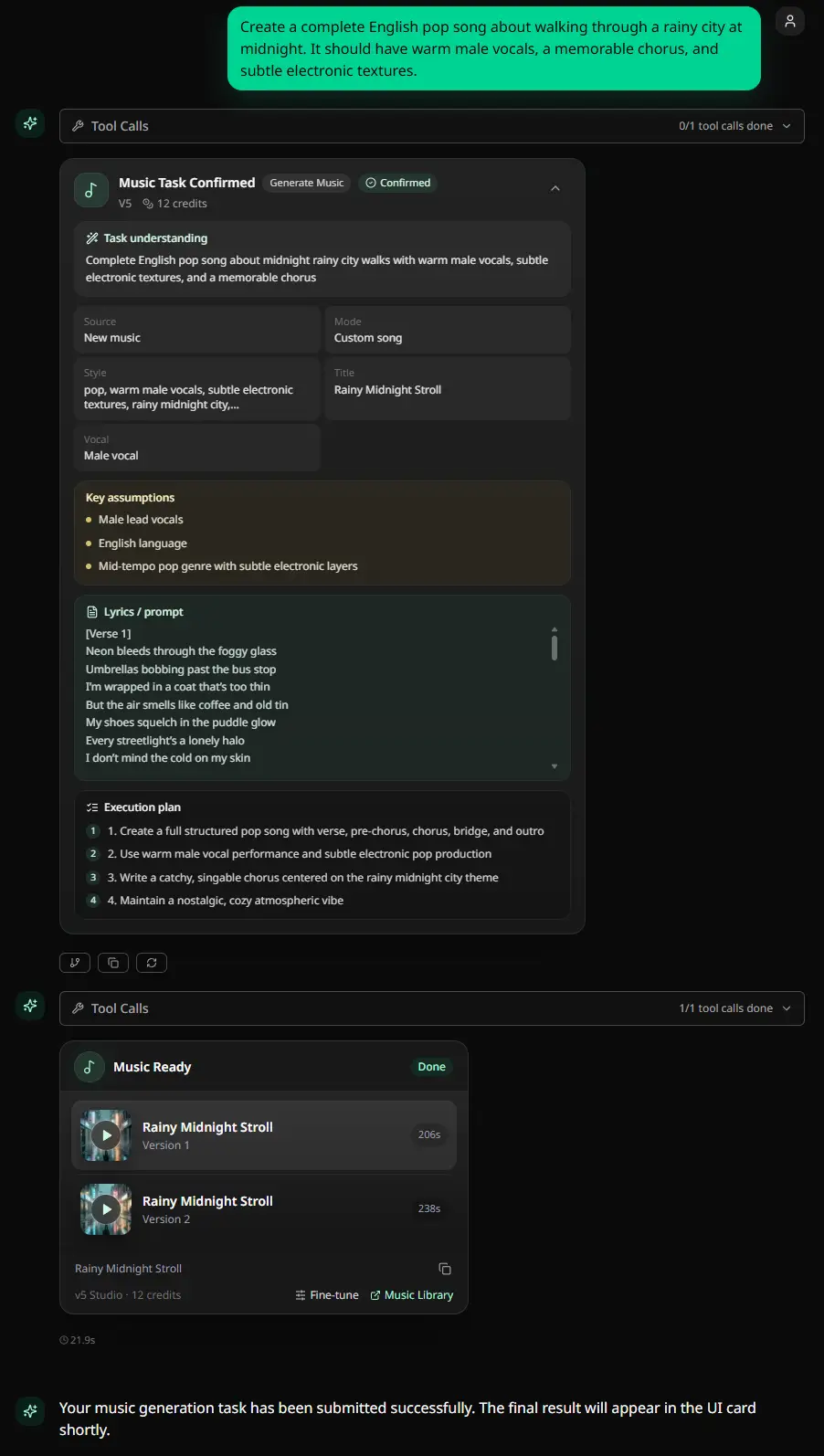
Then he tried MusicMake.ai. He told Music Agent: "The piano in the middle is too loud, make it softer. Add a fade-out at the end." Two steps done.
MusicMake.ai: A Broader Generator Coverage
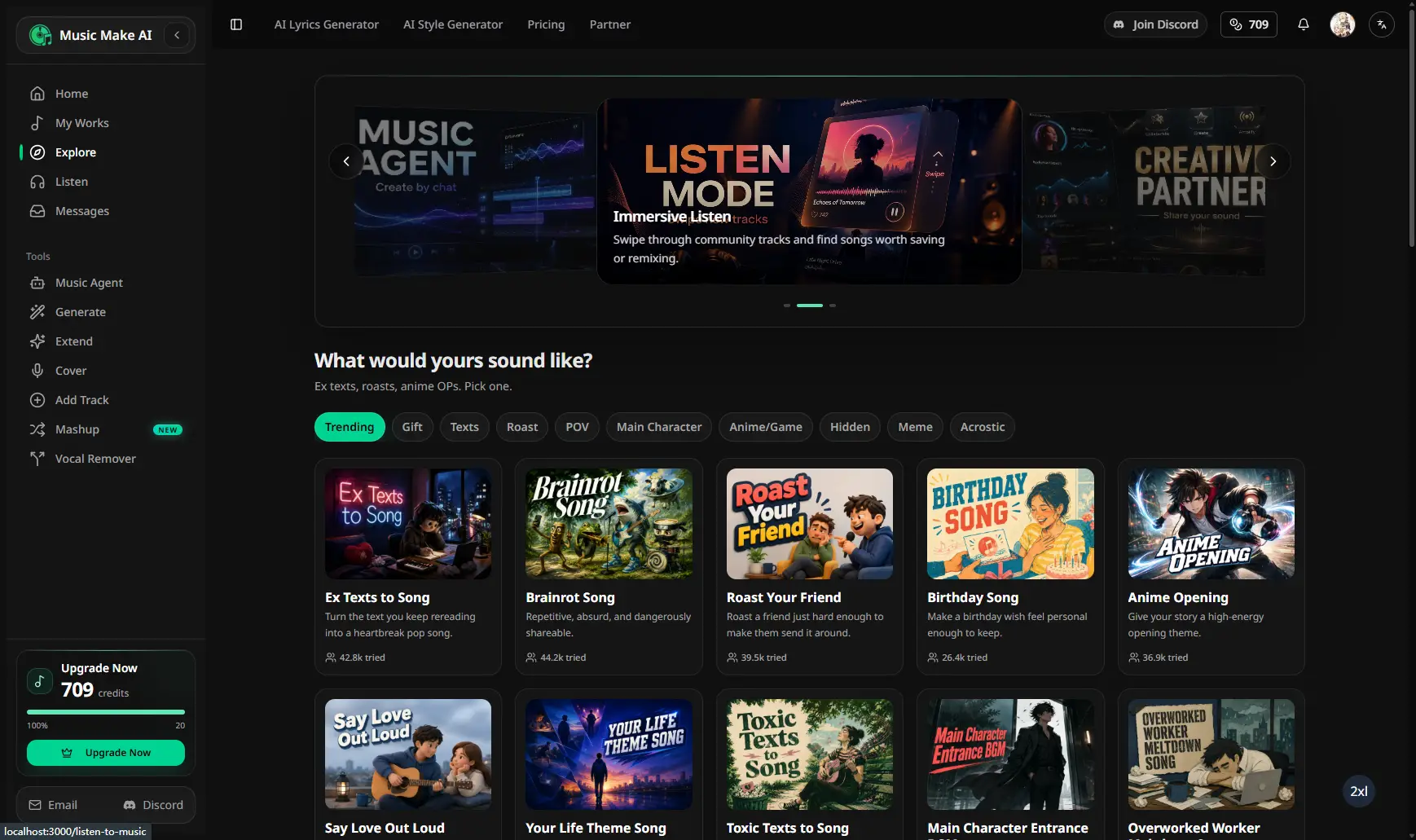
MusicMake.ai's Generate doesn't just create instrumental background music—it also produces full songs with vocals. The same tool covers:
- Instrumental BGM → Generate
- Opening theme with vocals → AI Lyrics Generator + Generate
- Podcast theme song → AI Style Generator + Generate
Soundraw can only do the first one.
Agent Adjusts Background Music via Natural Language
Soundraw's editing method is parameter-based. MusicMake.ai's Music Agent uses natural language:
- "Middle section is too noisy, tone it down"
- "Intro is too long, get straight to the point"
- "No piano, just strings"
- "End with a natural fade-out"
You don't need to know which slider controls "piano intensity."
Upload Audio, Analyze and Reverse-Engineer Prompts
MusicMake.ai's Music To Prompt allows you to directly upload audio. The AI analyzes style, mood, and instruments, then automatically generates corresponding prompts. Hear a background track you like? Upload it, analyze it, and generate a similar original version.
What Soundraw Can't Do
| Feature | Soundraw | MusicMake.ai |
|---|---|---|
| Instrumental background music | ✅ | ✅ |
| Songs with vocals | ❌ | ✅ |
| Built-in lyric generation | ❌ | ✅ AI Lyrics Generator |
| Built-in style generation | ❌ | ✅ AI Style Generator |
| Upload audio analysis | ❌ | ✅ Music To Prompt |
| Natural language editing | ❌ | ✅ Music Agent |
| Cover | ❌ | ✅ AI Cover |
| Add accompaniment/Add vocals | ❌ | ✅ Add Tracks |
| Extend | ❌ | ✅ Extend |
| Remix | ❌ | ✅ Mashup |
| Vocal separation | ❌ | ✅ Vocal Remover |
Complete workflow for creators
A content creator may need: background music, intro music, theme song, cover. Soundraw can do the first, MusicMake.ai can do all.
When is Soundraw more suitable?
- Only need pure instrumental background music.
- Have audio editing experience and are comfortable with parameter-based controls.
When is MusicMake.ai more suitable?
- You need songs in addition to background music.
- Describe edits in natural language.
- Cover, add accompaniment, add vocals, extend, remix.
- Generated music has no commercial risk.
- Daily free trial
Listen to creations before deciding.
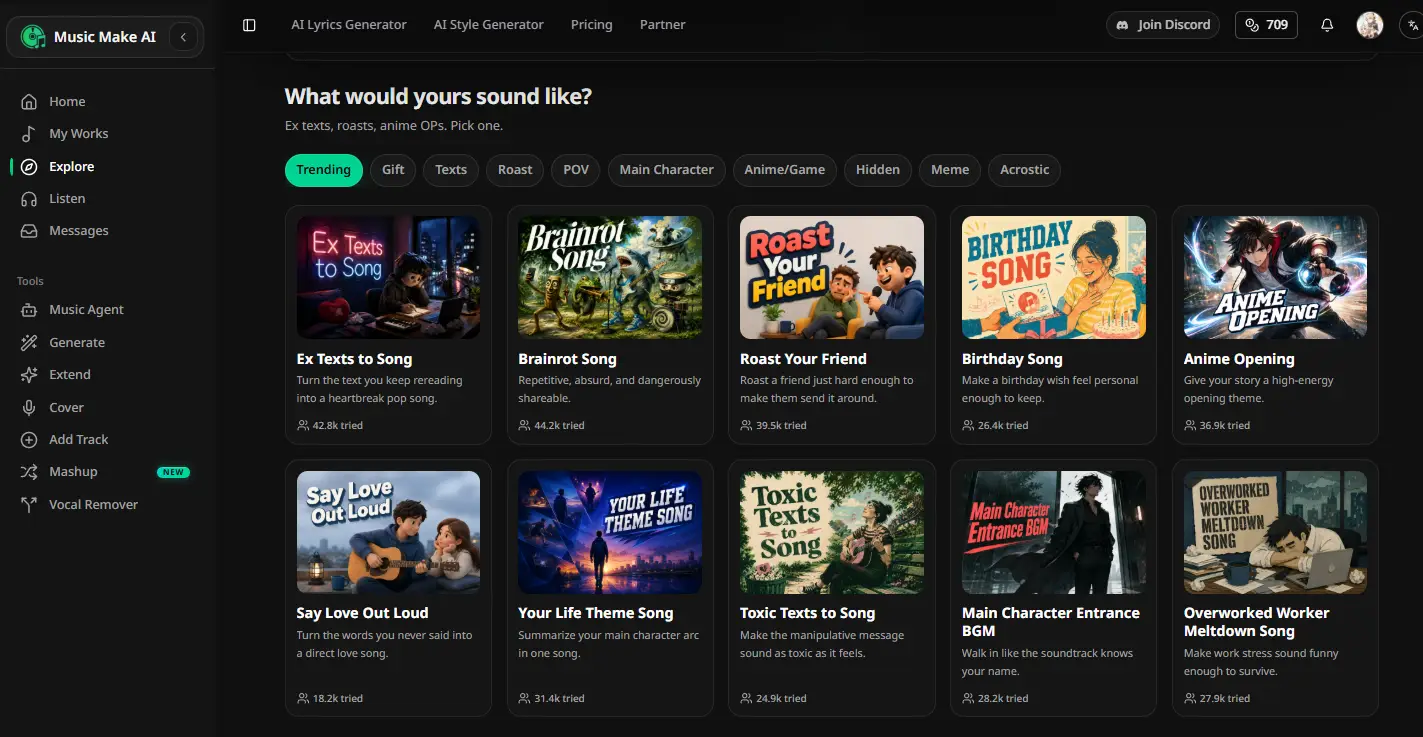
Before deciding, open Listen to Music to hear real tracks created by MusicMake.ai users.
MusicMake.ai offers daily login check-ins to earn points and free credits.
FAQ
Can Music Agent help me adjust background music?
Yes. Say to Music Agent "the middle section is too loud" or "remove the piano," and the AI will understand the feedback and generate a better version.
What makes MusicMake.ai's form generator superior to Soundraw?
Soundraw only produces pure instrumental music. Generate can create both background music and songs, with built-in AI Lyrics Generator and AI Style Generator.
Can the generated music be used commercially?
Music generated by MusicMake.ai carries no commercial risk and can be used directly in any project.
Autor

Más publicaciones
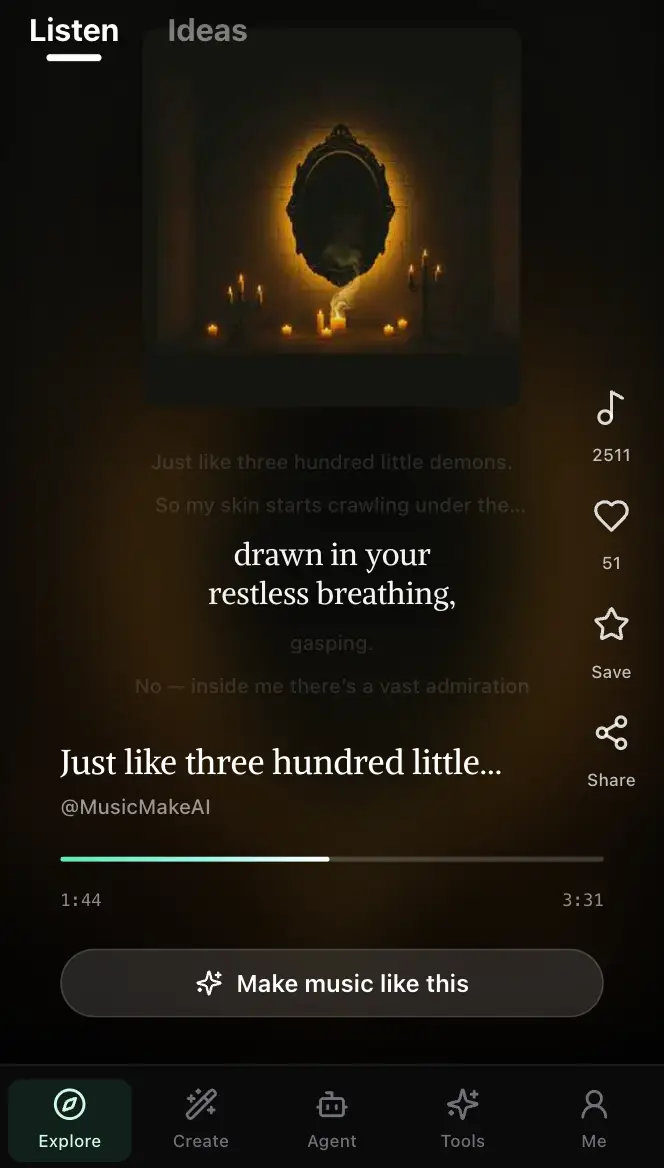
MusicMake.ai Mobile Update: Create Music From Your Phone Like an App
MusicMake.ai now gives creators a complete mobile flow for listening, generating, refining with Music Agent, opening tools, and managing songs from a phone.
AI Songwriting Guide: How to Write Songs with AI in 2026
Learn how to use AI songwriting tools to write better songs faster. Step-by-step guide covering lyrics, melody, arrangement, and production with AI assistance.
how to become a music producer with ai tools - MusicMake.ai Guide
Learn about how to become a music producer with ai tools with this comprehensive guide from MusicMake.ai.
