MusicMake.ai v2.0:Community, Social Features & New Music Agent
MusicMake.ai May 2026 Update: New Community Discovery Page, Music Agent Conversational Creation, AI Music Generator Upgrade. Describe your needs in natural language, and the Agent automatically calls tools to generate a complete song.
Two weeks ago we rolled out a model upgrade. This week, we’re bringing an even bigger update.
MusicMake.ai v2.0 adds a community section and Music Agent—two features that will completely change the way you create, discover, and share music on the platform.
Community & Social (v2.0.0)
Before now, MusicMake.ai has been a solo creative experience: you generate a track, download it, and you’re done. The full community section in v2.0 changes that completely.
Discover Page
The new Discover page shows music created by the community. You can browse the latest releases, explore curated playlists from other users, and follow creators you like. You can also search by song title or artist name.
Playlists
You can create playlists to organize songs by mood, project, or theme. Open any playlist to play tracks in sequence without having to skip manually.
My Works
Your own works, saved songs, and bookmarked tracks are now all in one place. No more digging through different pages to find something you saved last week.
Notifications
You’ll get a notification when someone likes your music, adds it to their bookmarks, or follows you. It’s a small feature, but it makes the platform feel more connected.
Music Agent (v2.0.1)
This is the feature we’ve been most excited to launch.
What We Discovered
We noticed a pattern in our data: some users were generating the exact same track with the identical prompt 20, 30, even 50 times. They were hoping that if they tried enough times, the model would eventually give them something they liked.
The problem wasn’t luck. It was that the prompt itself couldn’t fully capture what they really wanted.
We tested it manually: we took one user’s prompt, polished it, and regenerated. On the first try, we got exactly what the user was hoping for.
That’s when it clicked: if you let a user express their needs through conversation, the AI could handle the prompt tweaks for them. No more guessing, no more pulling the slot-machine lever over and over.
How It Works
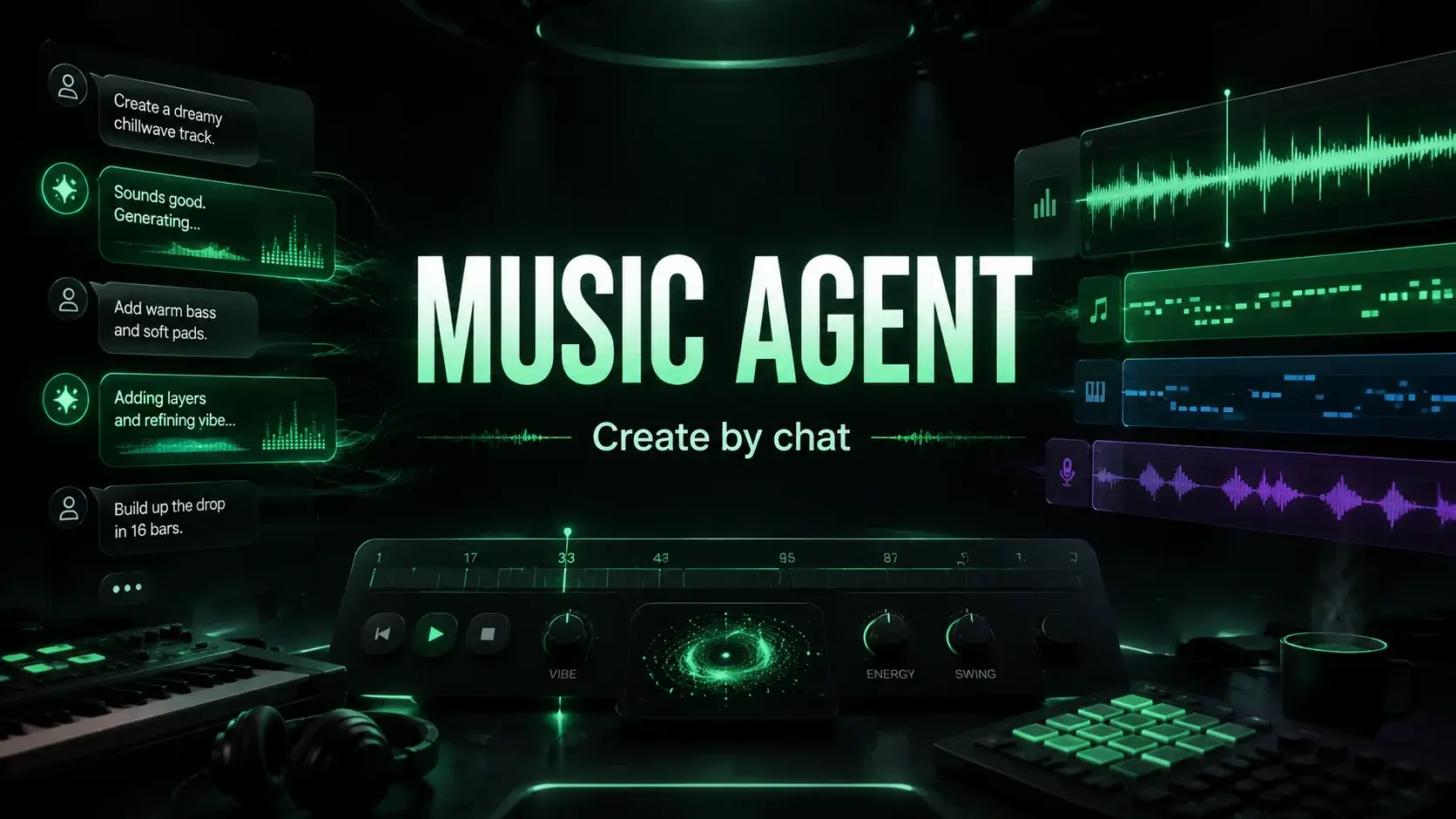
Music Agent is a conversational interface. You describe what you want—even if it’s vague—and the agent turns it into a finished track. If the result isn’t right, you tell it what needs to change, and it edits and retries. The whole creative process happens inside one chat thread.
Start with a rough description. Something like “a chill lo-fi beat with a female humming vocal” and the agent generates a track. You don’t need to know model parameters or any technical jargon.
Iterate naturally. If the tempo feels off, say “slow it down.” If the vocal style isn’t right, say “use a deeper voice.” The agent remembers the conversation context, and every change builds on the last one.
Reference your existing work. Use the @ symbol to pull up a song you’ve already made and keep editing it—picking up right where you left off.
Compare multiple versions. Generate several takes of the same idea with Generate, listen side by side, and pick the one that fits best.
Why This Feature Matters
Most AI music tools treat generation as a one-off event: you write a prompt, hit generate, and hope for the best. If the result doesn’t match your vision, you start from scratch.
The agent approach turns music creation into a conversation—because that’s how most people think about music anyway. You know the mood you’re after, even if you can’t describe it in technical terms. The agent bridges that gap.
MusicMake.ai v2.0 Feature Comparison
| Feature | Old Version | v2.0 New Version |
|---|---|---|
| Music Generation | ✅ | ✅ |
| Music Agent Conversational Creation | ❌ | ✅ |
| Community Discovery Page | ❌ | ✅ |
| Playlist Management | ❌ | ✅ |
| Portfolio Management | ❌ | ✅ |
| Interactive Notifications | ❌ | ✅ |
| @ Reference Existing Songs | ❌ | ✅ |
| Multi-Version Comparison | ❌ | ✅ |
Upcoming Updates
These two updates are just the beginning of v2. Over the next few weeks, we have much more planned, including optimizing the music assistant's understanding of music styles and arrangements, and launching new community features.
Go to /app/chat to experience the music assistant, or head to /explore to explore the community.
Music generated by MusicMake.ai is free from commercial risks, so you can use it with confidence in various commercial projects. Sign in daily to receive free credits and start creating easily.
FAQ
What is Music Agent and how does it work?
Music Agent is a conversational interface where you can describe the desired music effect in natural language, and even if the description is vague, it will turn it into a finished song. If the result doesn't meet expectations, you can tell it what needs to be adjusted, and it will modify and retry accordingly. The entire creation process is completed within the same chat thread.
What features does the community section offer?
The community section includes a discovery page (browse the latest songs and curated playlists), playlists (organize songs by theme and play continuously), My Works (centralized management of personal works, collections, and bookmarks), and a notification system (likes, favorites, and follow alerts). These features transform MusicMake.ai from a solo creation experience into a social music creation platform.
Will there be more updates after v2.0?
Yes. v2.0 is just the beginning of the new version. Future updates will include optimizing Music Agent's understanding of music styles and arrangements, as well as launching more community features. Follow the changelog for the latest updates.
ผู้เขียน

หมวดหมู่
โพสต์เพิ่มเติม

MusicMake.ai Mobile Update: Create Music From Your Phone Like an App
MusicMake.ai now gives creators a complete mobile flow for listening, generating, refining with Music Agent, opening tools, and managing songs from a phone.

AI Songwriting Guide: How to Write Songs with AI in 2026
Learn how to use AI songwriting tools to write better songs faster. Step-by-step guide covering lyrics, melody, arrangement, and production with AI assistance.

how to become a music producer with ai tools - MusicMake.ai Guide
Learn about how to become a music producer with ai tools with this comprehensive guide from MusicMake.ai.
