
Model Upgrade: V5 Is Now Free, New V5.5 Signature Officially Launched
We upgraded the AI music model based on user feedback. Now all users can use V5 Studio for free, and we've also brought a brand new V5.5 Signature version to members.
Why We Upgraded
Over the past few weeks, we’ve received consistent feedback from users pointing out that pronunciation accuracy needed improvement—especially for non-English lyrics. We take this feedback seriously.
Rather than applying quick fixes, we used this as an opportunity to roll out a comprehensive upgrade across all platform models. Here’s what’s included in this update.
What’s New
V5 Studio Now Free for All Users
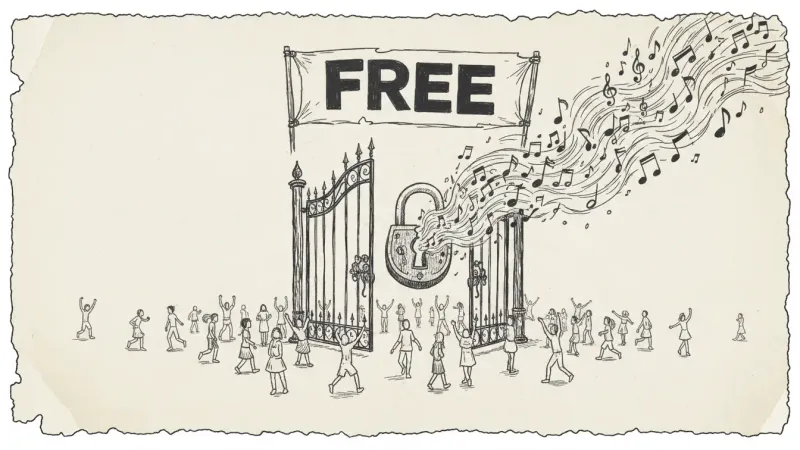
The V5 Studio model was previously available only to paid subscribers. Starting today, it’s free for all users.
The V5 model delivers more natural vocals, clearer separation between vocals and instruments, and better adherence to style details. If you were on the free tier, you’ll notice the difference immediately.
Introducing V5.5 Signature (Members Only)
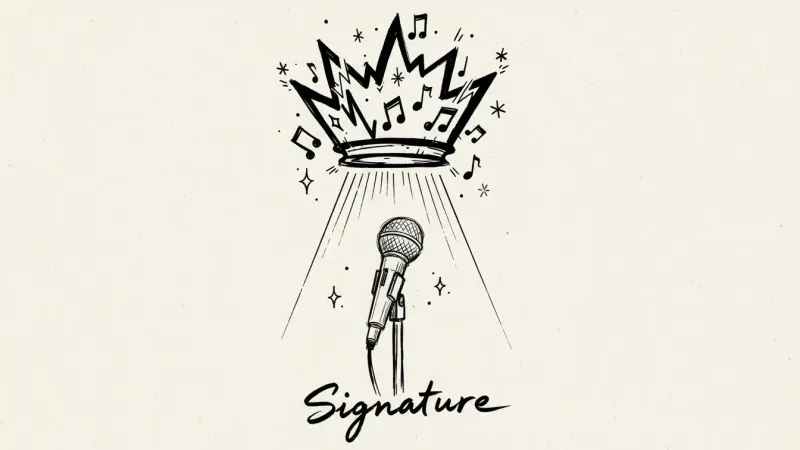
V5.5 Signature is our new flagship model, built for users who demand the highest output quality.
Key improvements over V5 include:
- Character support — Customize vocal traits and style to match your creative vision
- More precise pronunciation — Improved accuracy for English, Japanese, Chinese, and more languages
- Richer timbre — Better dynamic range and harmonic detail in full arrangements
V5.5 Signature is a members-only model, available only in eligible paid plans.
Base Models Retired
The original Prime and Core models have been retired. They served as our foundation models at launch, but V5 now far exceeds their quality.
If your saved presets reference these models, they will automatically fall back to the V5 model.
MusicMake.ai Model version comparison
| Feature | V5 Studio (Free) | V5.5 Signature (Members) |
|---|---|---|
| Vocal Naturalness | ✅ High | ✅ Very High |
| Multilingual Pronunciation | ✅ Supported | ✅ Enhanced Precision |
| Character Customization | ❌ | ✅ |
| Arrangement Dynamic Range | ✅ Good | ✅ Excellent |
| Harmonic Detail | ✅ Good | ✅ Excellent |
| Cost | Free | Paid Plans |
Current Accuracy Note
This article covers the April 2026 model update. Before starting production, please check the current model availability, default model behavior, and member-only access in the online generator.
Try Now
Open the music generator and select your desired model from the dropdown menu. V5 is now the default model, so you can start using it without any extra steps.
If you have a paid subscription, you can now try V5.5 Signature.
No commercial risk: Music generated with a MusicMake.ai paid plan can be used for commercial purposes, subject to the terms of your plan. For details, check the pricing page.
Daily check-in: Be sure to sign in to MusicMake.ai daily to check in, spark inspiration, and level up your AI music creation skills.
FAQ
What's the difference between V5 and V5.5 Signature?
V5 Studio is now free for all users, offering natural vocals, clear vocal and instrument separation, and better style adaptation. V5.5 Signature is an exclusive flagship model for members, adding character presets, improved multilingual pronunciation accuracy, and a richer tonal dynamic range—ideal for users seeking top-tier output quality.
Which models are available to free users?
Starting with this update, all users can use the V5 Studio model for free. If you were on the free plan before, you can now experience the upgraded audio quality immediately. Paid subscribers also get access to the V5.5 Signature flagship model.
Can I still use the previous Prime and Core models?
Prime and Core models have been officially retired. If your saved presets reference these models, the system will automatically fall back to V5. The quality of V5 far exceeds the performance of these two basic models.
Autor

Kategorie
Więcej postów

MusicMake.ai Mobile Update: Create Music From Your Phone Like an App
MusicMake.ai now gives creators a complete mobile flow for listening, generating, refining with Music Agent, opening tools, and managing songs from a phone.

AI Songwriting Guide: How to Write Songs with AI in 2026
Learn how to use AI songwriting tools to write better songs faster. Step-by-step guide covering lyrics, melody, arrangement, and production with AI assistance.

how to become a music producer with ai tools - MusicMake.ai Guide
Learn about how to become a music producer with ai tools with this comprehensive guide from MusicMake.ai.
