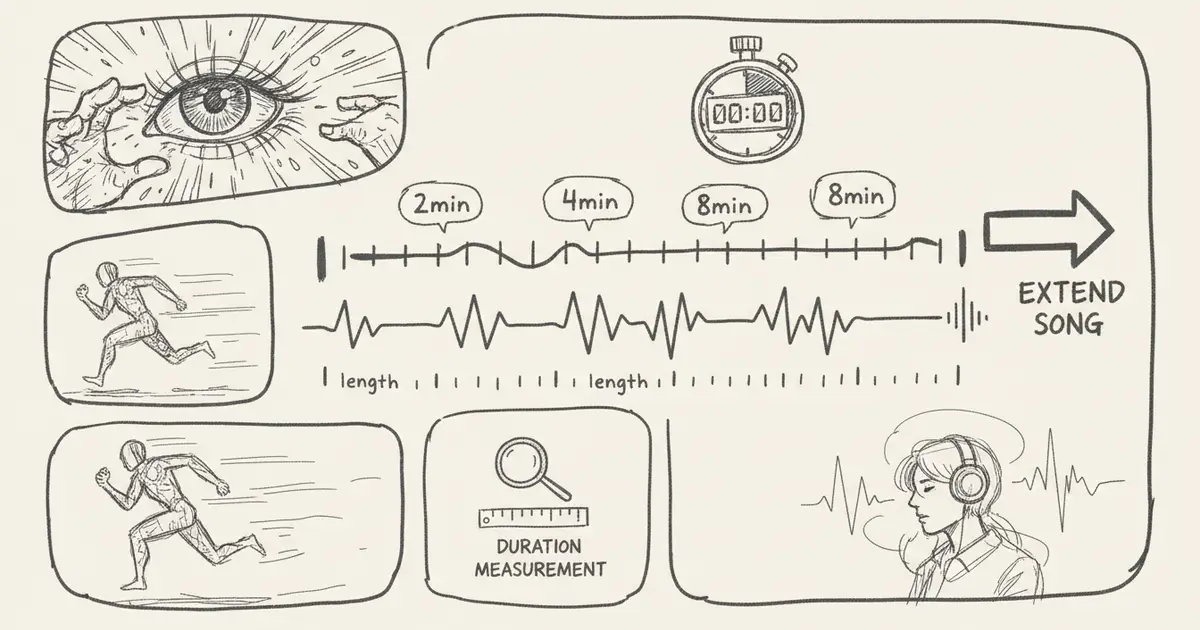
Suno AI 2026 Song Length Limits: How to Safely Plan Your Creation Time
Plan around Suno AI song duration limits by checking current rules, extension options, legacy reference tables, and MusicMake.ai alternative creation workflows to stay on track.
Quick Answer
Suno's song length limits depend on the current model, plan, extension workflow, and account interface. Don't rely on outdated tables that claim fixed minute durations for Free, Pro, or Premier plans.
Before planning to create long songs, check the following:
- Current Suno creation interface
- Suno Pricing Plans
- Suno help article on plan and model limits
- Whether extension, remix, or export features have separate length limits
- Whether the final output is subject to commercial usage terms
Why do length limits change?
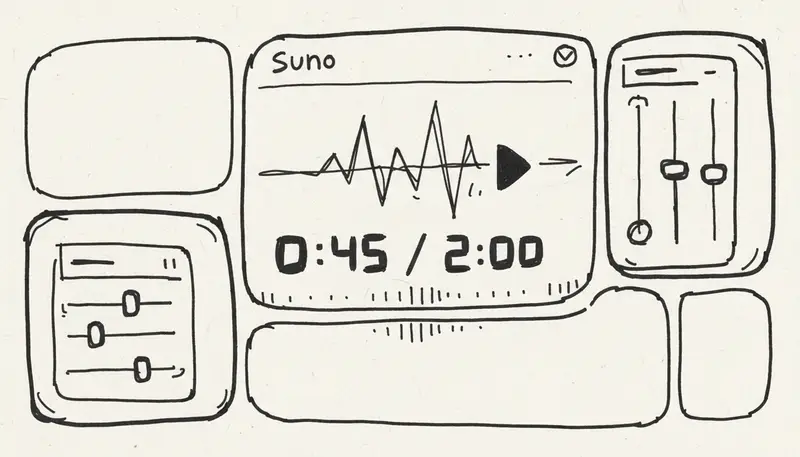
AI music platforms update models quickly. When the platform introduces the following, length limits may change:
- New music generation models
- New paid plans
- New extension features
- New export formats
- Queue or credit adjustments
- Account rules for specific regions
That's why fixed "max song length by plan" tables become unreliable.
Plan your song structure first
Even if the platform supports generating long songs, planning section divisions in advance makes AI-generated long songs more manageable.
Example structure:
Intro: calm texture
Verse 1: main theme
Chorus: stronger hook
Verse 2: variation
Bridge: contrast
Final chorus: fuller arrangement
Outro: clean ending
For background music, a different structure can be used:
Intro: short fade-in
Loop A: main bed
Loop B: lighter version for narration
Lift: higher-energy section for montage
Outro: fade-friendly ending
Extending existing tracks vs. creating from scratch
Scenarios for using the extend feature:
- Base track style matches requirements
- Rhythm and arrangement fit usage needs
- Only need to lengthen the song
- Seamless transitions at connection points
Scenarios for creating from scratch:
- Music style doesn't match requirements
- Incorrect vocal style
- Beat or instrumentation doesn't match your specifications
- The first track already sounds messy
Continuing generation from a substandard base segment usually wastes credits.
MusicMake.ai How to Handle Duration Issues
If your actual need is "I need to keep this idea going," MusicMake.ai offers several creative workflow options:
- Continue Generating to extend existing content
- Replace Section for targeted modifications
- Add Tracks when the arrangement needs new parts
- Not sure which option to choose? Try Music Agent
When you can describe the problem but aren't sure which tool to use, Music Agent comes in handy:
The first minute works, but the ending feels abrupt. Extend it with a softer outro and do not add vocals or drums.This smart assistant can help you turn your needs into more precise next steps, and shows a confirmation card for you to review before consuming any credits.
Tips for Long-Form Music Creation Workflow
1. Keep your requirements consistent throughout
When extending a generation, restate your key constraints:
Same tempo, same acoustic guitar tone, no drums, no vocals, gentle outro, natural continuation.2. Avoid feeding too much redundant information to prompt
Overly long prompt instructions can contradict themselves. Put hard constraints first, then style and atmosphere, and finally optional details.
3. Export segments as needed and splice them yourself
For extremely long tracks, using an external editor may still be the safest approach. After exporting segments, splice them in a digital audio workstation (DAW) and manually add crossfades.
4. Save the license records for each segment
If your final track uses multiple generated or extended segments, save the license records for all parts.
Long-Form Music Creation: Comparing Suno and MusicMake.ai
| Requirement Scenario | More Suitable Tool |
|---|---|
| Quickly generate Suno-style long vocal ideas | Suno |
| Extend or fix MusicMake.ai's generated results | MusicMake.ai |
| Unsure whether to extend, replace, or regenerate | Both MusicMake.ai and Music Agent |
| Create long ambient or background tracks | Both work, but careful splicing needed |
| Deliver works to commercial clients | Choose a tool that fits your current plan, has material licensing, and full records |
FAQ
What is the maximum song length for Suno generated songs?
Please check the current Suno interface and the official pricing/help pages. Model and plan limits are subject to change.
Can I make a longer song by repeatedly extending and concatenating segments?
Usually yes, but the quality and coherence of the song depend on the base track, transition points, the model's processing logic, and current feature limitations.
Should I extend an existing segment or regenerate a new one for better results?
If the base segment has good quality, extend it; if there are fundamental errors in style, tempo, vocals, or instrument arrangement, regenerate it.
Does MusicMake.ai support extending songs?
Yes. You can use Extend, and if you need help planning your next steps, you can use Music Agent.
Does creating longer songs change the licensing terms?
Licensing terms depend on the platform's terms of service, the plan you choose, the original material, and your intended use. Make sure to save records of each generated or extended track.
Summary
The best answer to "What is the maximum song duration for Suno generated songs?" is not a fixed number — it's a verification workflow.
First, check the current Suno limits, plan your song structure, only extend high-quality base segments, and keep proper records. If your main challenge is not knowing how to continue or fix results, consider comparing Suno with MusicMake.ai Music Agent and Extend.
Extend music with MusicMake.ai
Music generated with MusicMake.ai is free of commercial risk — you can confidently use it in all kinds of commercial projects. Check in daily to earn free credits and start creating effortlessly.
Penulis

Postingan Lainnya

MusicMake.ai Mobile Update: Create Music From Your Phone Like an App
MusicMake.ai now gives creators a complete mobile flow for listening, generating, refining with Music Agent, opening tools, and managing songs from a phone.

AI Songwriting Guide: How to Write Songs with AI in 2026
Learn how to use AI songwriting tools to write better songs faster. Step-by-step guide covering lyrics, melody, arrangement, and production with AI assistance.

how to become a music producer with ai tools - MusicMake.ai Guide
Learn about how to become a music producer with ai tools with this comprehensive guide from MusicMake.ai.
